

Warp AI
Terminal emulator with built-in AI assistant for developers, written in Rust.
Overview
Warp AI
Description of Warp AI
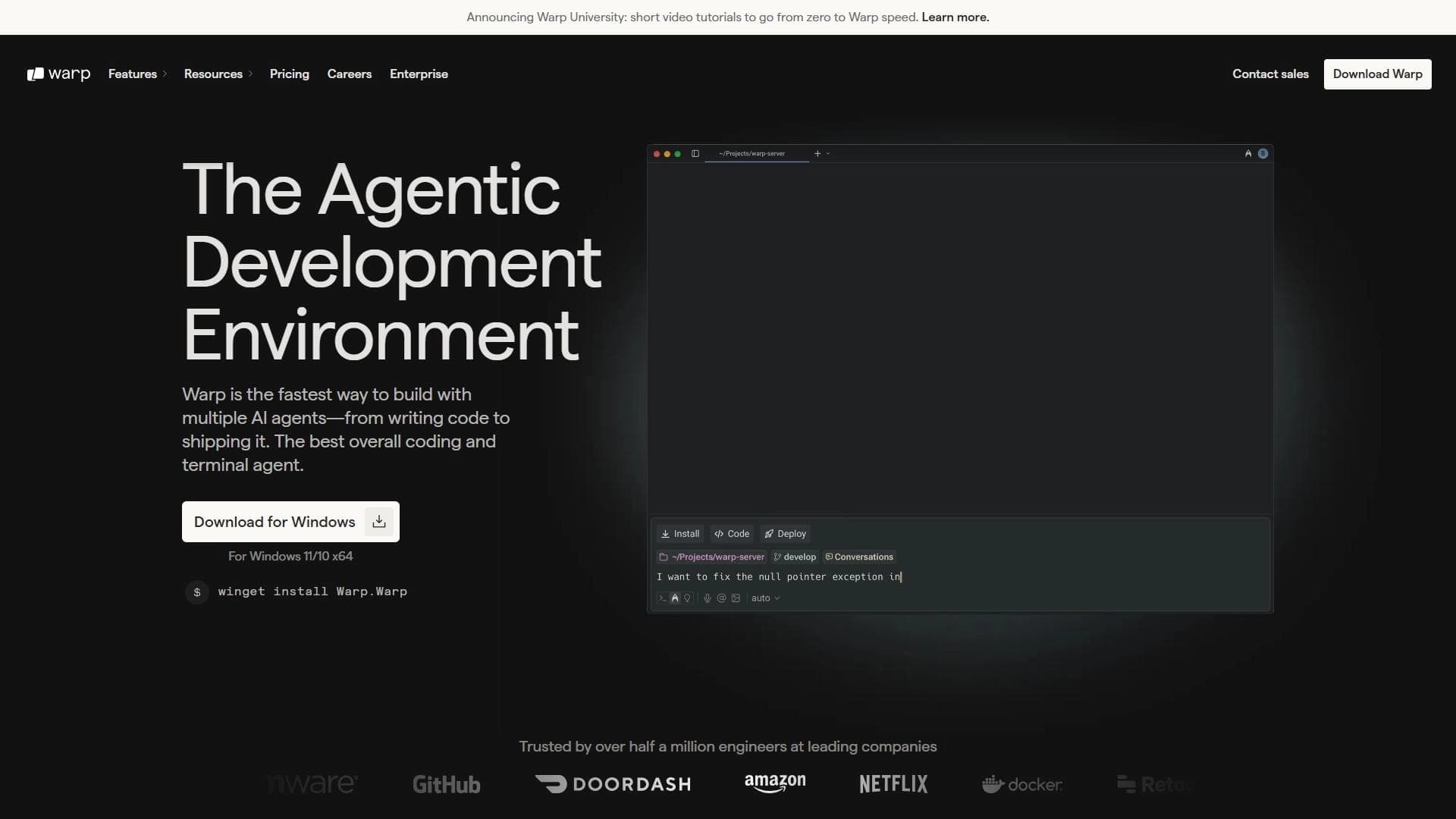
Warp AI is a terminal emulator with a built-in AI assistant for developers, written in Rust. The tool combines the command line with artificial intelligence, allowing you to get command suggestions, explain errors, write code, and automate routine tasks without switching between applications. Warp AI supports multiple AI agents working simultaneously, understands natural language requests, and takes project context into account. In version 2.0, the tool transforms from a simple terminal into an intelligent development environment.
Warp AI Specifications
| Characteristic | Value |
|---|---|
| Type | Terminal emulator with AI assistant / Platform for managing cloud AI agents |
| Development language | Rust |
| Categories | Code assistants, AI assistants, For developers, Automation |
| Platforms | macOS, Linux |
| Windows | Invitation only |
| Distribution model | Freemium |
| Free plan | Yes (150 AI requests per month, indexing of up to 3 repositories) |
| Date added to catalogs | May 2024 — July 2025 |
Who is Warp AI suitable for?
Developers and programmers
The tool is aimed at developers who work in the terminal — from beginners to experienced engineers. Warp AI helps speed up everyday tasks: writing code, debugging, deploying applications, and interacting with the command line.
DevOps engineers and system administrators
Specialists in continuous integration and deployment (CI/CD), server management, and error tracking can use Warp AI to automate routine operations through AI agents.
Development teams
Warp AI offers collaboration tools: multiple AI agents running in parallel that can perform tasks simultaneously, as well as team interaction features directly from the terminal.
How to use Warp AI?
Installation and initial setup
Download Warp from the official website warp.dev, install the application, and complete the initial setup. After that, you will need to register through the website. Step-by-step documentation is available for new users.
Enabling AI mode and working through the terminal
After launching the terminal, you need to activate AI mode, after which you can enter commands or questions in natural language. The system suggests command options, explains errors, and automates routine actions. Voice input is also available.
Launching AI agents via the web interface and Slack
In addition to working in the terminal, Warp AI lets you launch agents through the web interface, phone, or Slack. For automation, you can configure predefined Skills — instruction files that are triggered on a schedule, via webhooks, or via API triggers.
Key features of Warp AI
AI integration and command suggestions
Artificial intelligence is built directly into the terminal. Developers can describe their tasks in natural language, and the system will suggest or execute the command itself. Command suggestions, error explanations, and functional code writing are available.
Parallel work of multiple AI agents
Warp AI supports multiple AI agents working simultaneously, making it possible to run complex workflows: development, debugging, and application deployment in parallel. Each agent can work with different language models (Claude Sonnet 4, OpenAI o3, Gemini 2.5 Pro, and others).
Automation with Skills and triggers
The Oz platform integrated with Warp allows you to configure Skills files — instructions for AI agents that run on a schedule, via webhooks, or via API triggers. This makes it possible to automate pull request reviews, error monitoring, data collection, and other routine tasks.
Team collaboration tools and offline functionality
The terminal supports offline mode and offers tools for team collaboration. A unified dashboard is available for monitoring all agents and tracking their sessions in real time.
Benefits of Warp AI
Deep AI integration in the terminal
Unlike many alternatives where AI is a separate module, Warp AI has AI built directly into the terminal. This ensures deep integration into the development environment and work without switching between applications.
High performance and support for multiple models
Thanks to being built in Rust and supporting parallel execution of multiple AI agents, Warp AI demonstrates high efficiency. The tool supports popular language models and ranks high in the Terminal-Bench and SWE-bench Verified benchmarks.
Privacy and security
User data is not stored or shared with third parties. Warp AI provides configurable agent autonomy, and data is not used for external training. Users can work on their own infrastructure or in the Oz cloud.
Disadvantages of Warp AI
Limited availability on Windows
For the Windows operating system, Warp AI is available by invitation only. Full Windows support is not yet available, which limits the pool of potential users.
Free version limitations
The free plan includes only 150 AI requests per month and indexing of up to 3 repositories. This may not be enough for active development, especially in large projects.
No open source code
Warp AI is not an open source project, which limits transparency and the possibility of community contribution to the tool's development. There is also no mobile app in Google Play or the App Store.
What problems does Warp AI solve?
Speeding up everyday developer tasks
Warp AI helps you perform routine terminal operations faster: it suggests commands, explains syntax, and automates repetitive actions. Developers spend less time searching for the right commands and working with documentation.
Finding and fixing errors
AI agents can find errors in code and commands, explain their causes, and suggest fixes. The tool takes into account the context of the project, repositories, and command line, which improves the accuracy of recommendations.
Automating CI/CD and server management
Warp AI makes it possible to automate continuous integration and deployment processes, error monitoring (for example, via Sentry), data collection from BigQuery, and sending reports to Slack. Agents can make changes to several repositories at once.
Warp AI pricing
Free plan
The free version includes up to 150 AI requests per month, indexing of up to 3 repositories, and basic terminal features. No credit card is required for registration. Previously, the limit was stated as 40 requests, but the current pages show a limit of 150 requests.
Pro version
The paid Pro plan costs 15 USD per month. It includes up to 2,500 AI requests and indexing of up to 40 repositories. An annual subscription with a discount is available.
Turbo and Enterprise
The Turbo plan costs 40 USD per month and includes up to 10,000 AI requests. For large teams, an Enterprise plan with custom pricing is available. Specific details of Enterprise plans and limitations are not disclosed.
Pricing
Frequently asked questions
See also
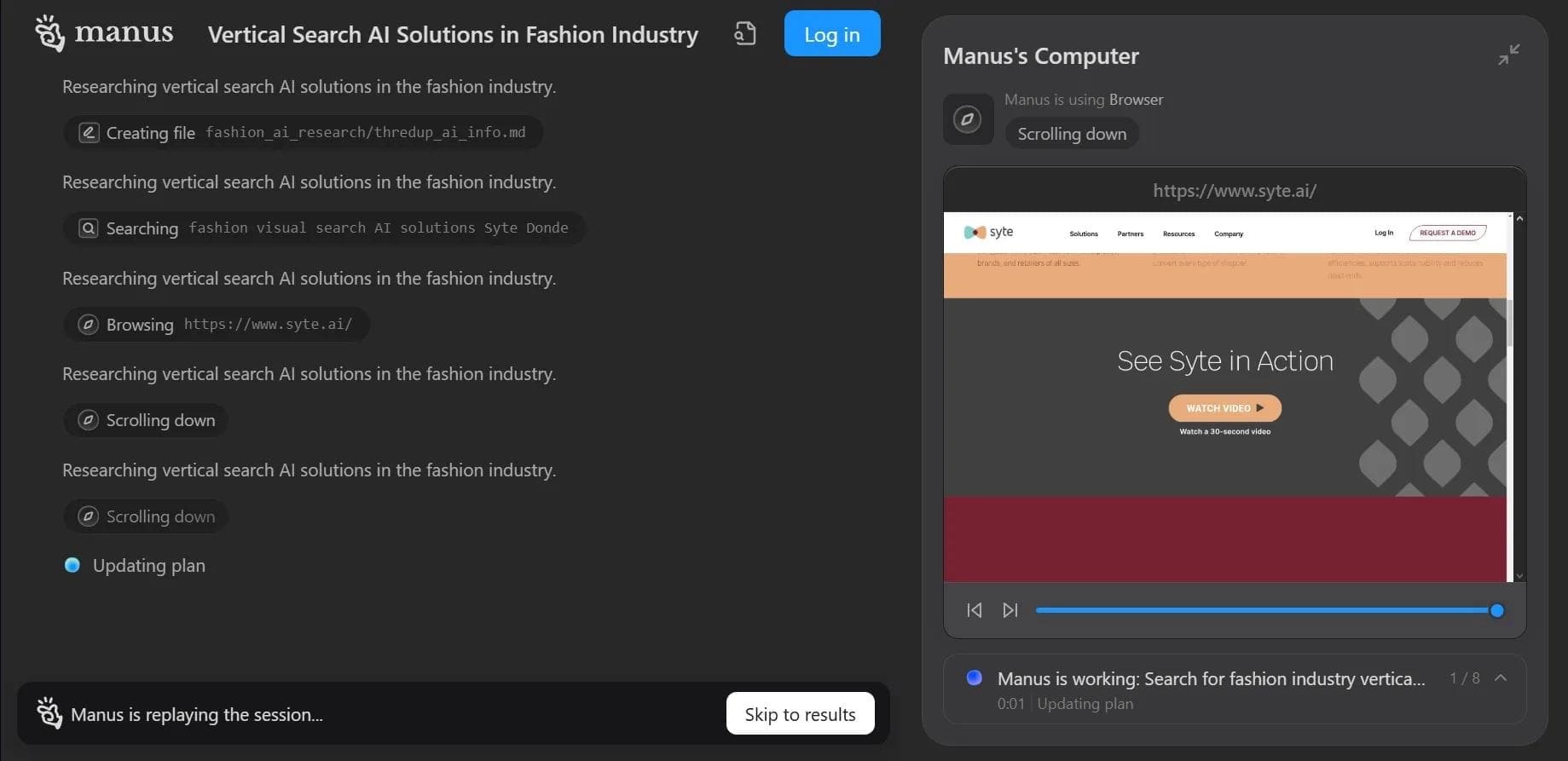

Autonomous cloud-based AI agent that independently plans and executes complex multi-step tasks based on a textual description of the goal.
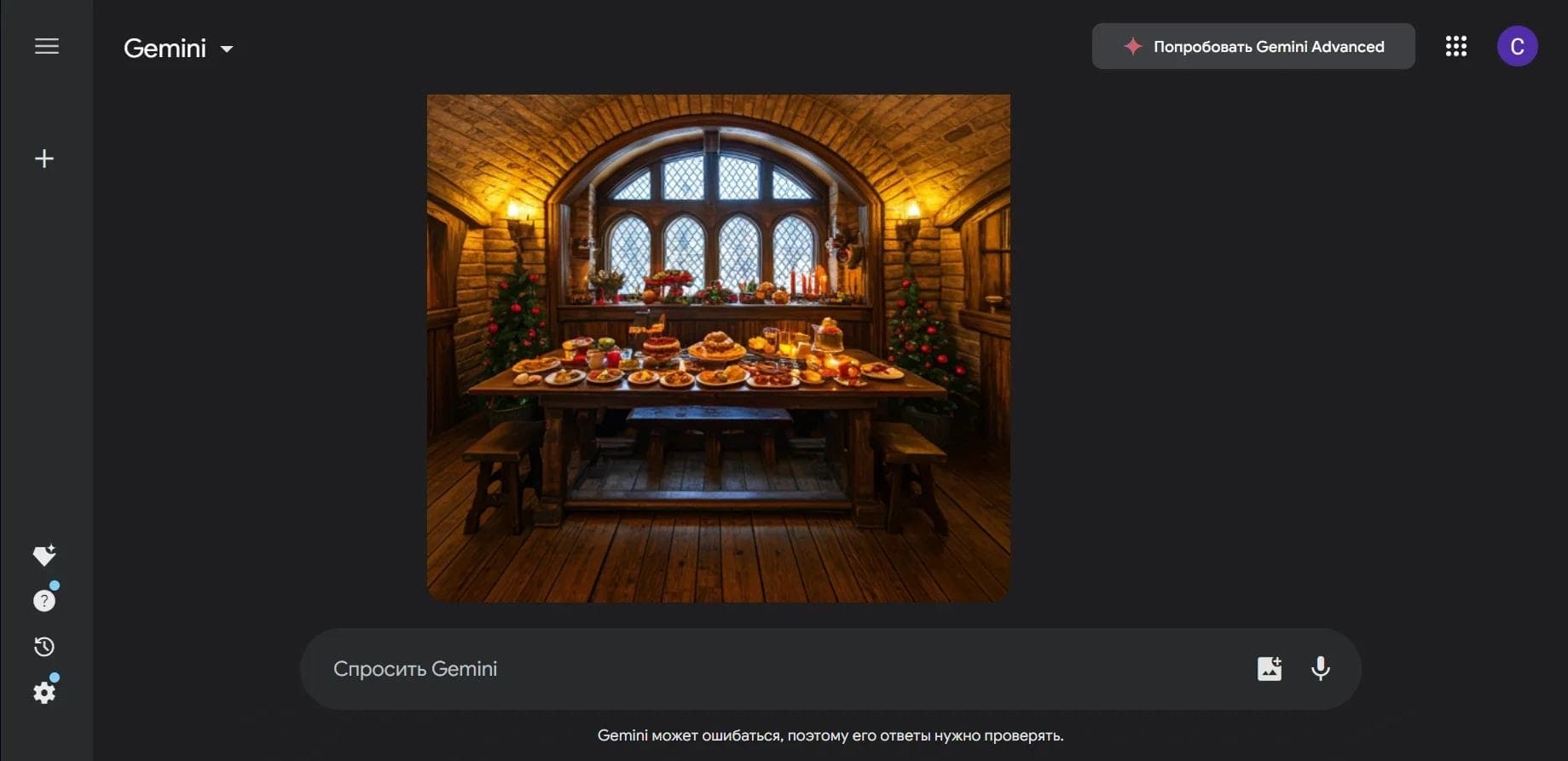

Multimodal neural network from Google that processes text, images, code, and audio in a conversational format.
An open-source desktop AI agent that stores conversation history in a local knowledge base and automatically pulls relevant context into new discussions.

A set of built-in AI features in the Figma editor for automating routine designer tasks.
A service that translates legal documents from professional legal language into plain, easy-to-understand text.
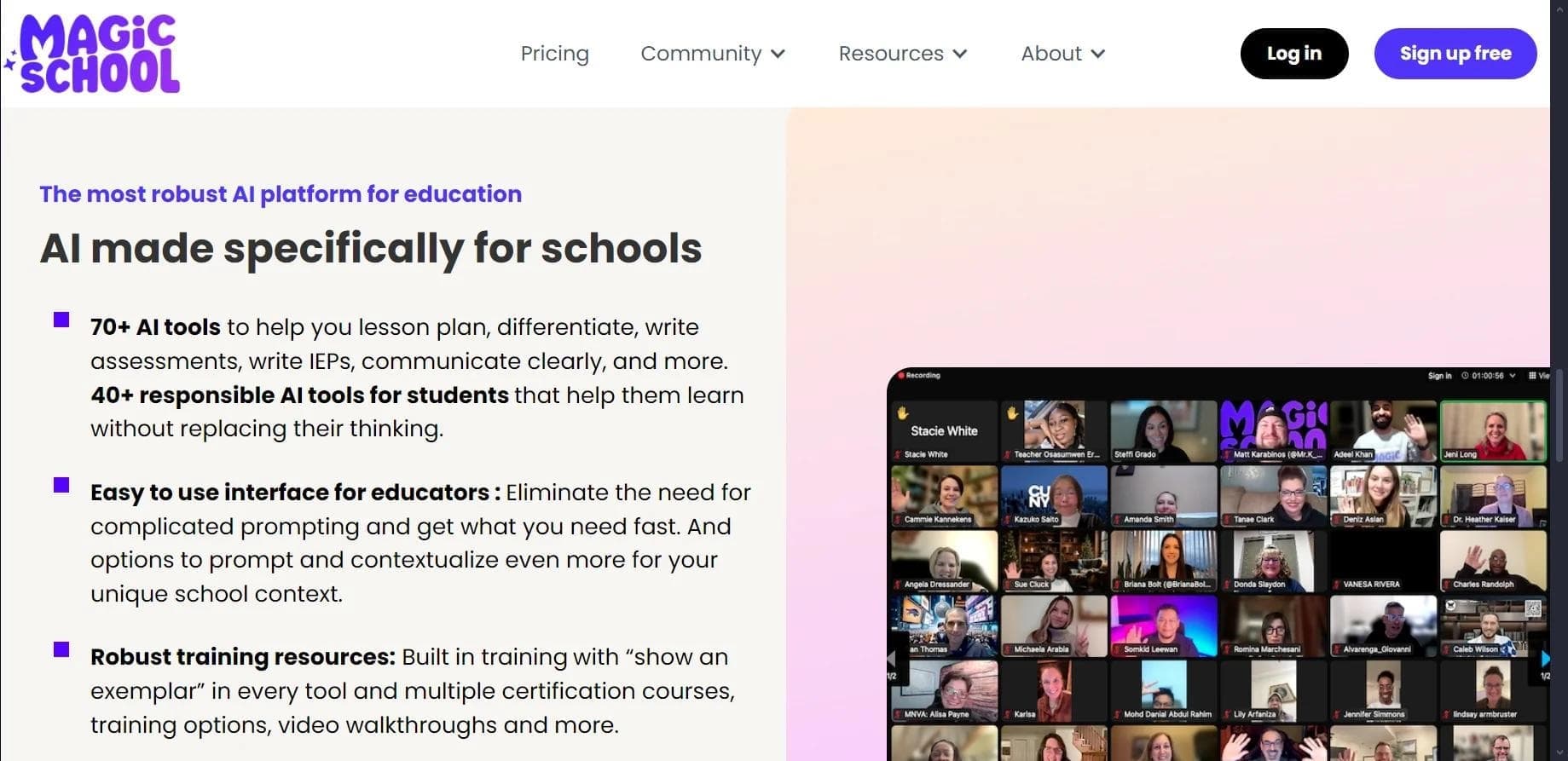

AI platform for automating educational tasks for teachers and students.

A community for daily discovery and discussion of new technology products.
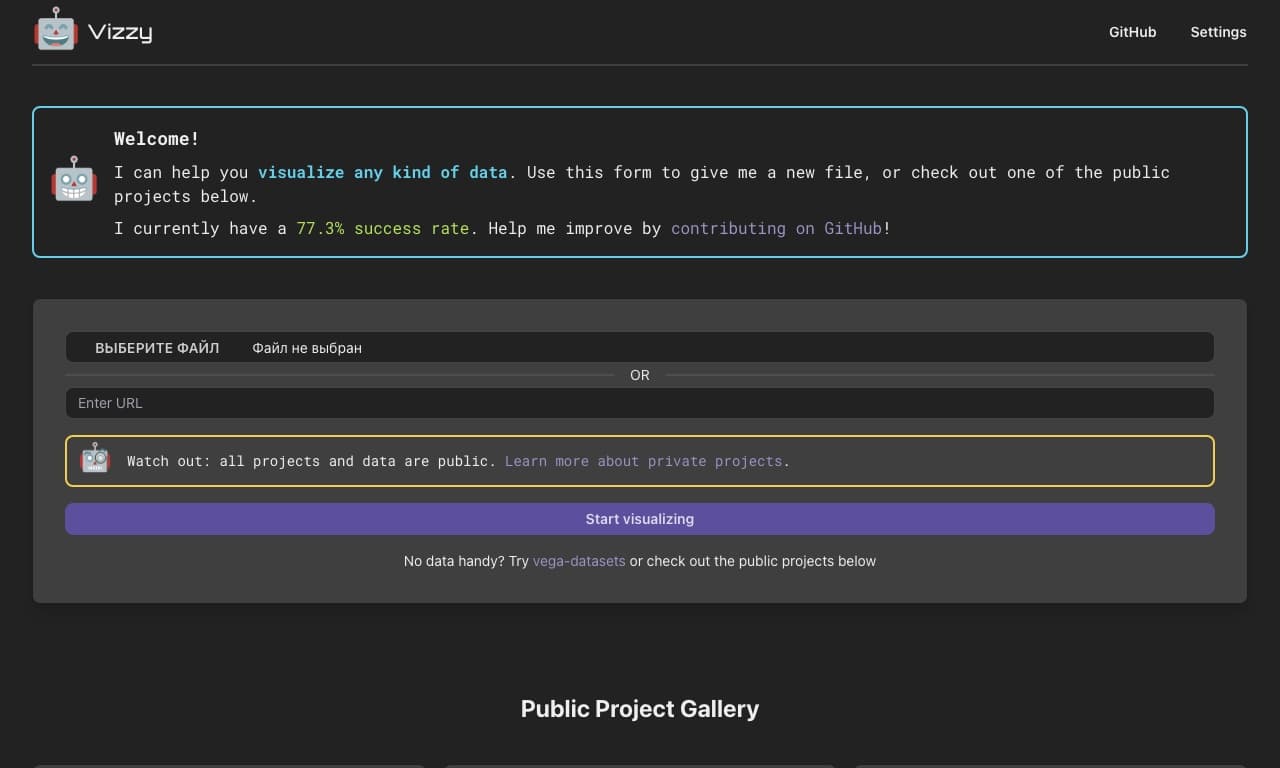
AI tool for rapid data visualization via OpenAI API, transforming heterogeneous datasets into detailed graphical representations.