

Vizard
AI-powered web service that automatically turns long videos into short clips for social media.
Overview
Vizard
Description of the Vizard AI
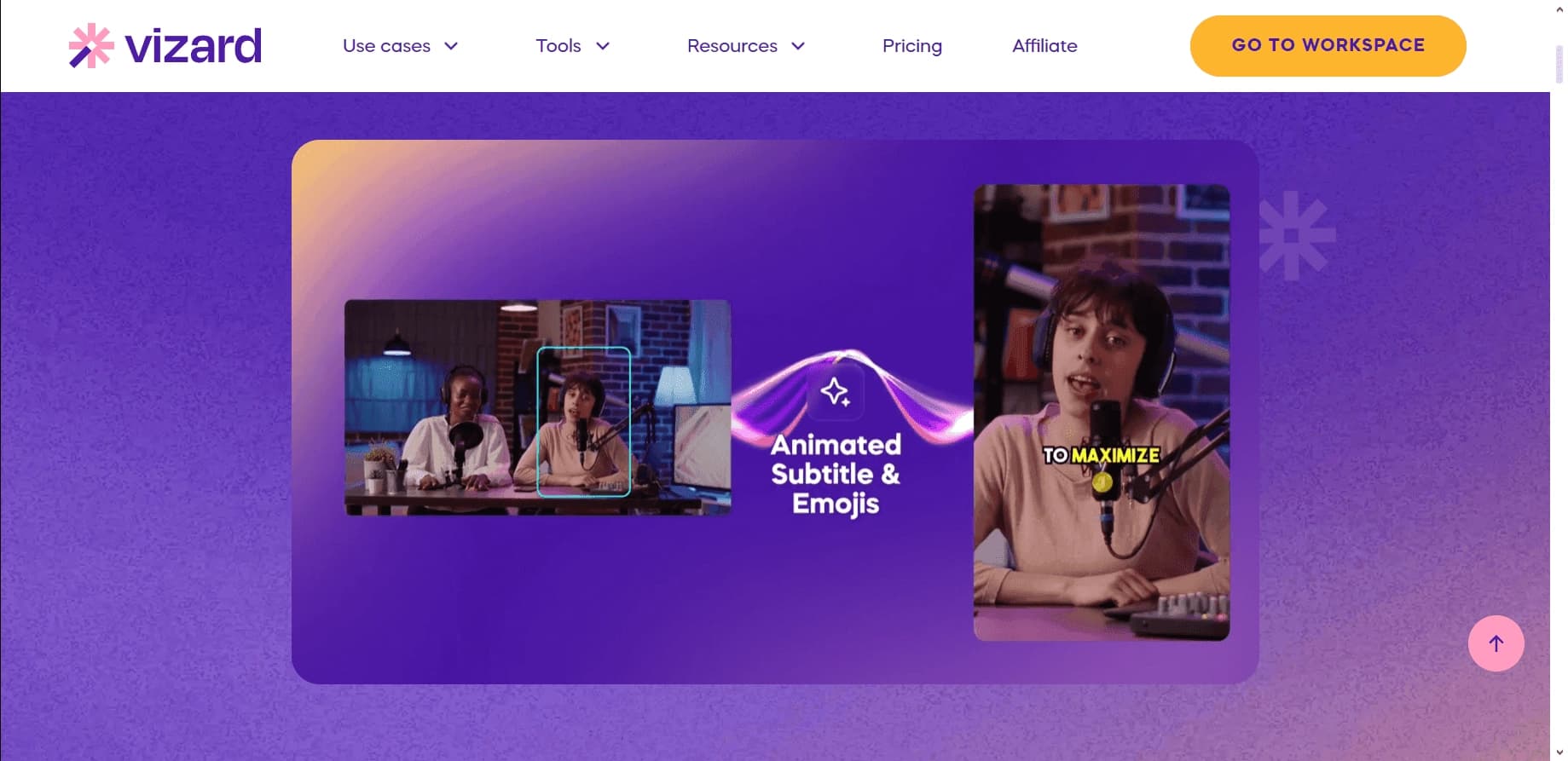
Vizard is a web service powered by artificial intelligence that automatically turns long videos into short clips ready for publication on social networks. The service independently analyzes the source video, identifies key and most interesting fragments, and assembles them into compact videos for platforms such as TikTok, Instagram Reels, and YouTube Shorts.
Everything is managed through the browser, so no app installation on your computer is required. Vizard can add subtitles in many languages and pick suitable music for finished clips. The free plan includes up to 300 minutes of processed video per month. The AI understands Russian-language queries and content, although the service interface is not available in Russian.
Vizard Features
| Feature | Value |
|---|---|
| Type | AI service for creating short videos, video processing |
| Category | Short videos and clips, editing and post-production |
| Platforms | Web version |
| Interface languages | Russian not available |
| Understanding of Russian content | Yes, the AI understands Russian-language queries and content |
| Language support for subtitles | More than 100 languages |
| Free plan availability | Yes: up to 300 minutes of video per month |
| VPN required | No |
| Availability | WEB |
Who is Vizard AI suitable for?
Bloggers and content creators
The service suits authors who run YouTube, TikTok, or Instagram channels and want to quickly repurpose long videos into short vertical clips without manual editing.
Marketers and SMM specialists
The tool is convenient for teams that regularly publish content on social networks and need a large number of short clips from already existing materials.
Educators and authors of training materials
Thanks to the screen recording feature, Vizard is suitable for creating video lessons and training materials that can then be supplemented with subtitles and adapted for different platforms.
How to use Vizard AI?
Registration and material preparation
To get started, you need to register on the vizard.ai website. After that, you can upload a video from your device or provide a link to a video.
Setting generation parameters
Next, you need to choose the parameters for future clips: desired length, music accompaniment, and effects. The AI will automatically analyze the source video and generate ready-made short clips.
Editing and publishing
If necessary, finished clips can be fine-tuned manually. After that, you can download them to your device or publish them directly on the chosen platform.
Key Features of Vizard
Automatic editing and cutting
The service performs automatic video editing and creates short clips from long videos. From an hour-long video, the system can extract more than ten fragments ready for publication.
Subtitles, transcription, and translation
Vizard automatically converts speech into text when uploading a video and lets you edit the video through the transcript. Subtitles can be added in 16 languages, and translation is available in 30 languages using patented speech recognition technology.
Additional tools
The feature set includes video format conversion, screen recording, customizable templates, adding music and effects, and optimizing videos for different platforms. The social caption feature deserves special mention: it automatically generates descriptions and hashtags for publications.
Vizard Advantages
Time savings and simplicity
The service significantly reduces time spent on manual cutting and editing of videos. Editing through the transcript requires no video-editing experience and is accessible to any user.
Broad language support
Support for more than 100 languages for subtitles ensures high speech recognition accuracy across different languages. The platform is adapted to work with Russian-language content.
Ease of use
The web version requires no installation on a computer, and the free plan of up to 300 minutes of video per month lets you test the service without any financial investment.
Vizard Disadvantages
The main drawback of the service is the lack of a Russian-language interface. Even though the AI understands Russian-language queries and content, Russian-speaking users will have to work with the interface in another language.
What tasks does Vizard solve?
Creating short videos for social networks
The service allows you to create short videos for TikTok, Instagram Reels, and YouTube Shorts, as well as adapt videos for different social platforms.
Automating content processing
Vizard automatically generates clips from long videos, adds subtitles, and translates content, completely eliminating the need for manual processing.
Preparing publications
The tool generates descriptions and hashtags for posts, simplifying content preparation for publication. The screen recording feature lets you create video lessons.
Vizard Pricing
The service's free plan includes up to 300 minutes of processed video per month, allowing you to explore the tool's capabilities without paying. Detailed terms of paid plans are not specified in the source data.
Vizard Terms of Use
The service requires mandatory registration on the vizard.ai website. After creating an account, you get access to uploading videos, generating clips, and publishing finished videos.
Vizard Availability
The service is available only as a web version and works through a browser without installing an app. No VPN is required. There is no Russian-language interface, but the platform is adapted to work with Russian-language content.
How Vizard differs from alternatives
Vizard stands out among similar tools through a combination of several key features. First of all, it is the automatic creation of clips from long videos by intelligently identifying the most significant fragments, along with the Smart Cut and autofocus functions, which make it possible to detect speakers and turn landscape video into vertical video.
Transcript-based editing is also worth highlighting — users can adjust a video by working with the automatically generated text, which makes editing accessible even for those without experience. Proprietary speech recognition technology provides translation into 30 languages and automatic subtitles. Finally, the free plan with a limit of up to 300 minutes of video per month and no need for a VPN make the service convenient for a wide range of users.
Conclusion
Vizard AI is a web service powered by artificial intelligence that automates turning long videos into short formats for social networks. The tool independently identifies key fragments, adds subtitles in more than 100 languages, and picks music, while transcript-based editing makes editing accessible without special skills. The free plan of up to 300 minutes of video per month and browser-based operation without a VPN make the service a practical choice for bloggers and content creators, although the lack of a Russian-language interface remains a noticeable limitation.
Pricing
Frequently asked questions


See also

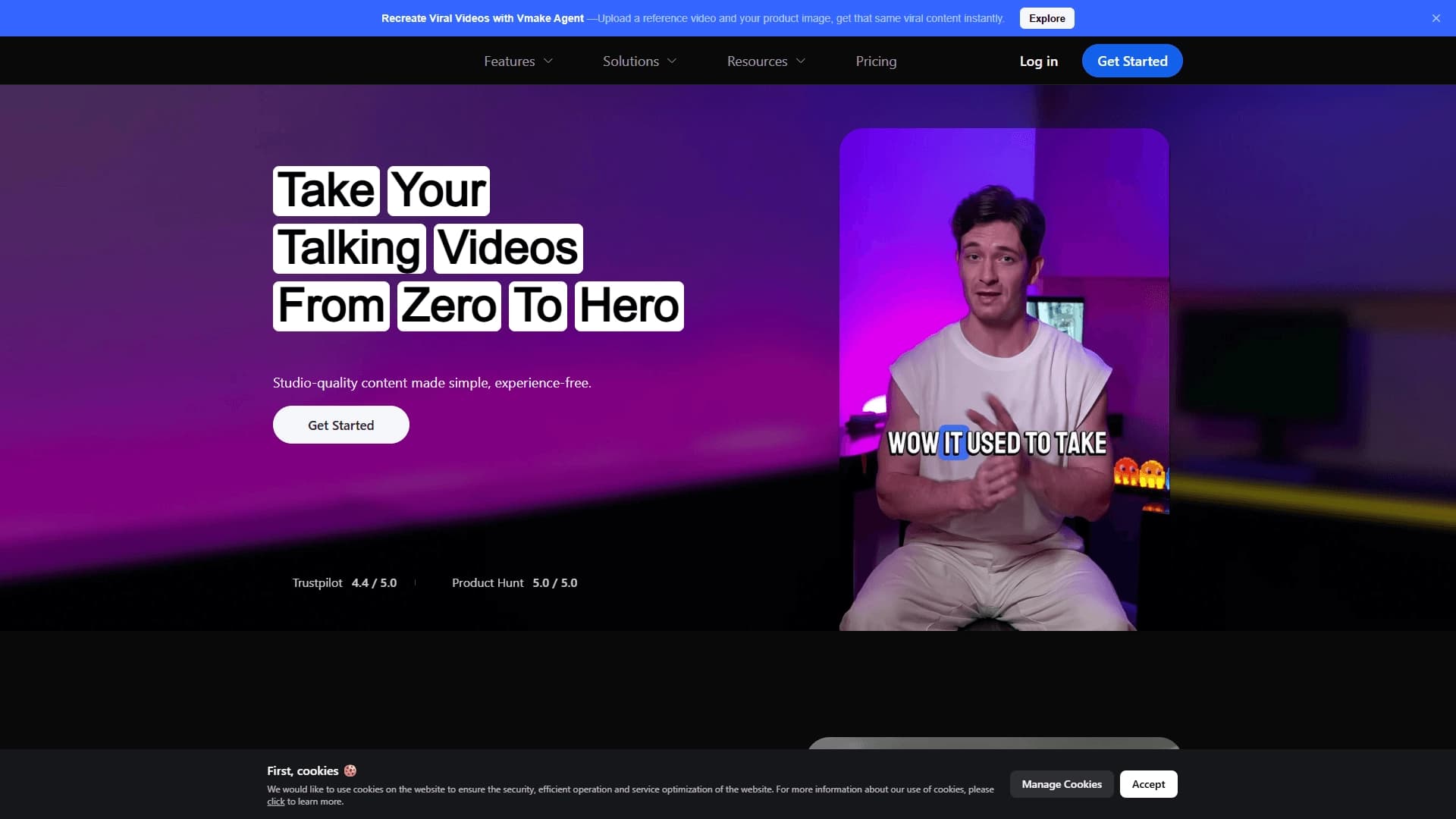
A platform for creating talking videos with a teleprompter, AI-generated scripts, subtitles, and avatars.
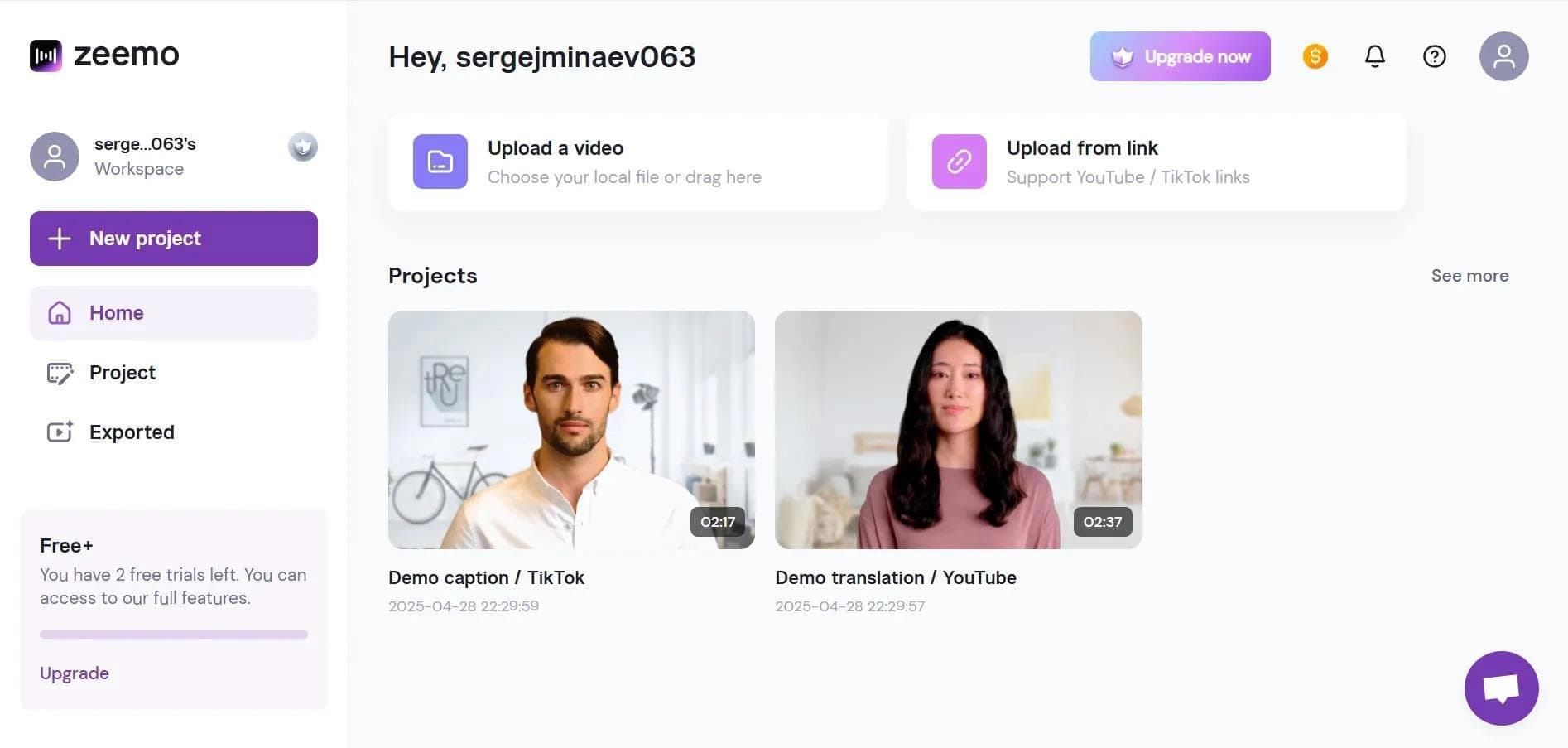

Neural network-based web service for automatic video subtitling and transcription.
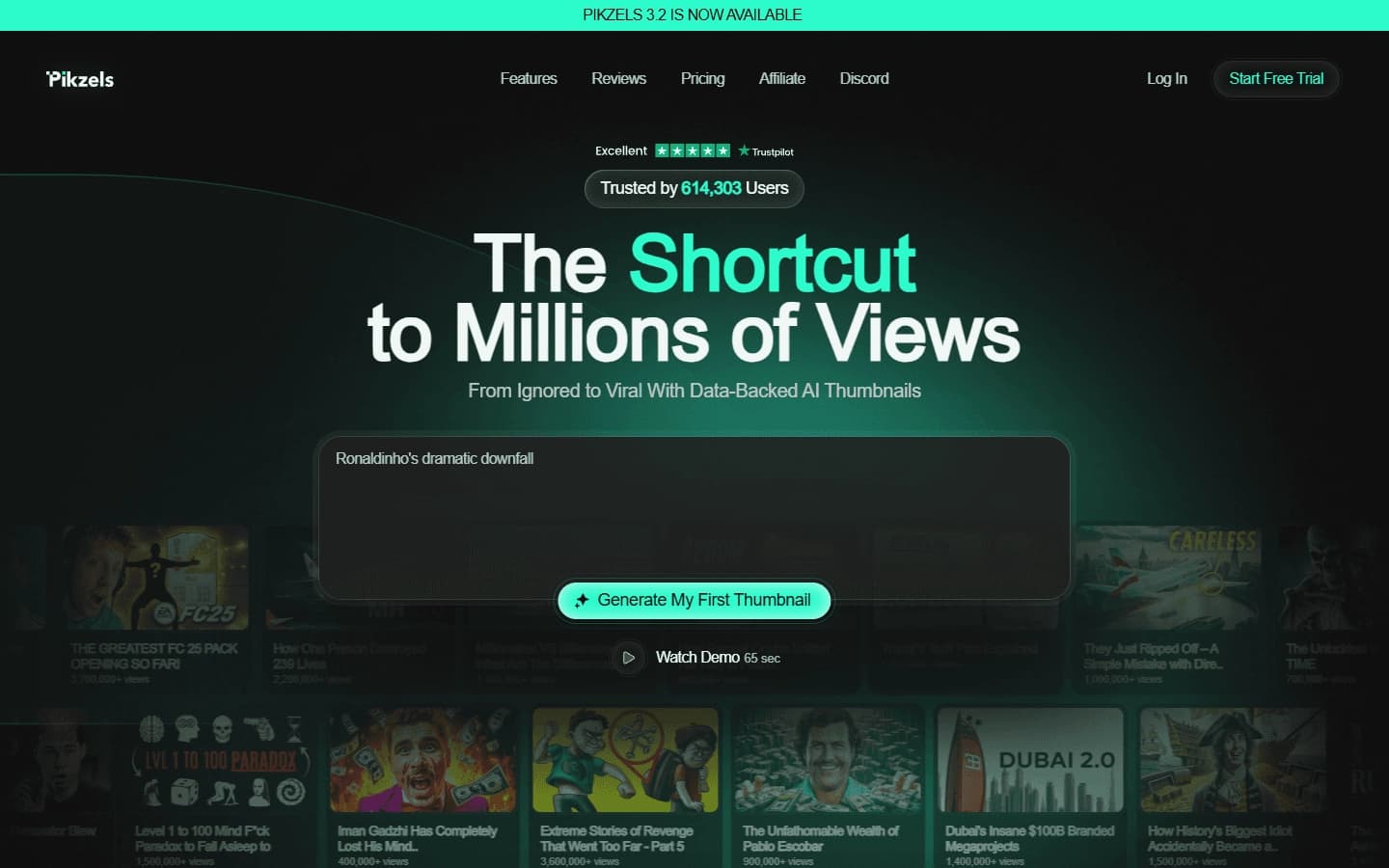

AI service for creating covers and titles for YouTube channels.

A platform that combines several video creation tools in a single chat interface, from script generation to editing and voiceover.

Mobile app for photo and video editing using AI and an extensive library of filters.
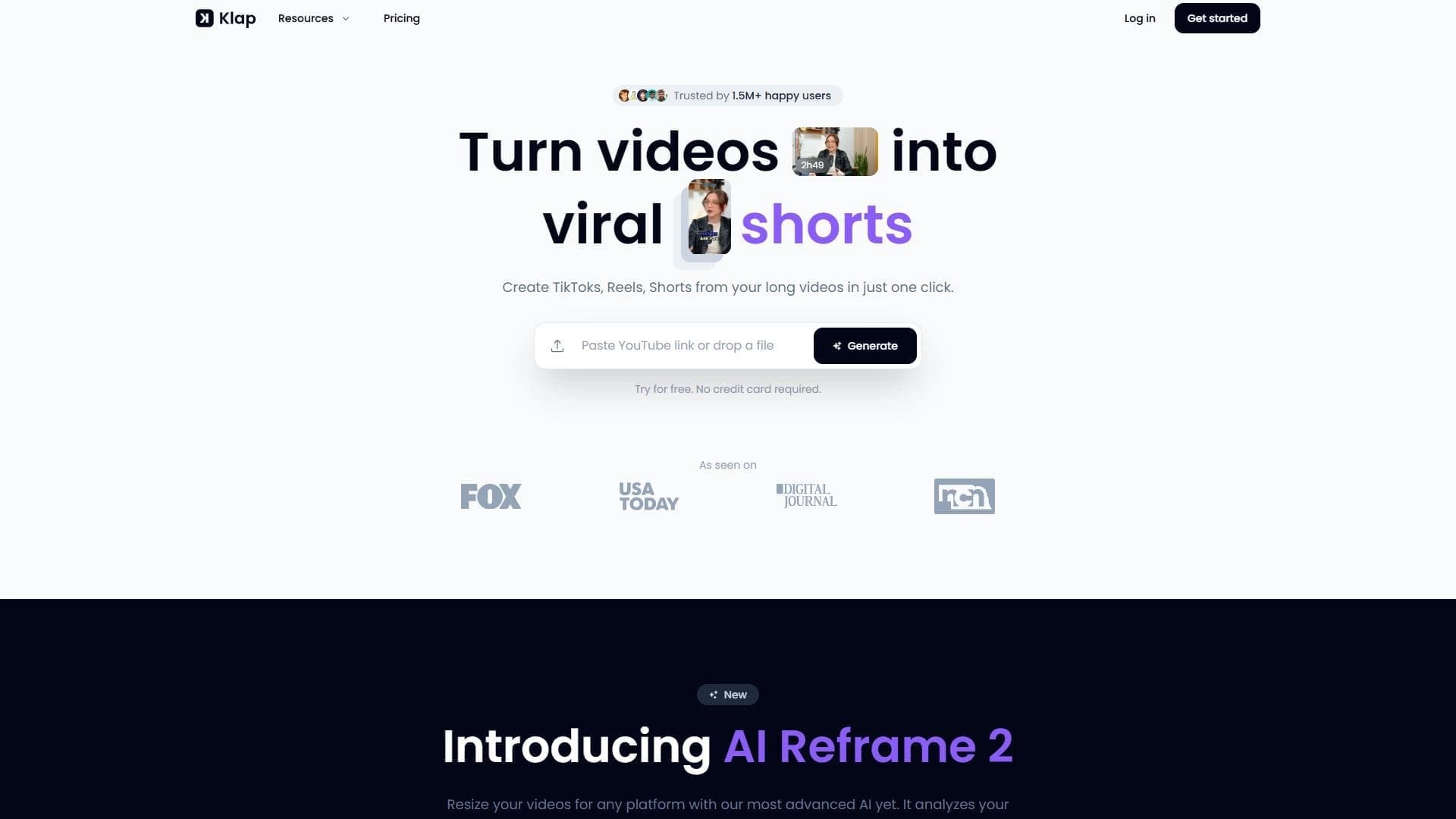

AI tool for automatically cutting long videos into short clips for TikTok, Reels, and YouTube Shorts.
Multifunctional AI platform for content creation: generation of texts, images, videos, and presentations.
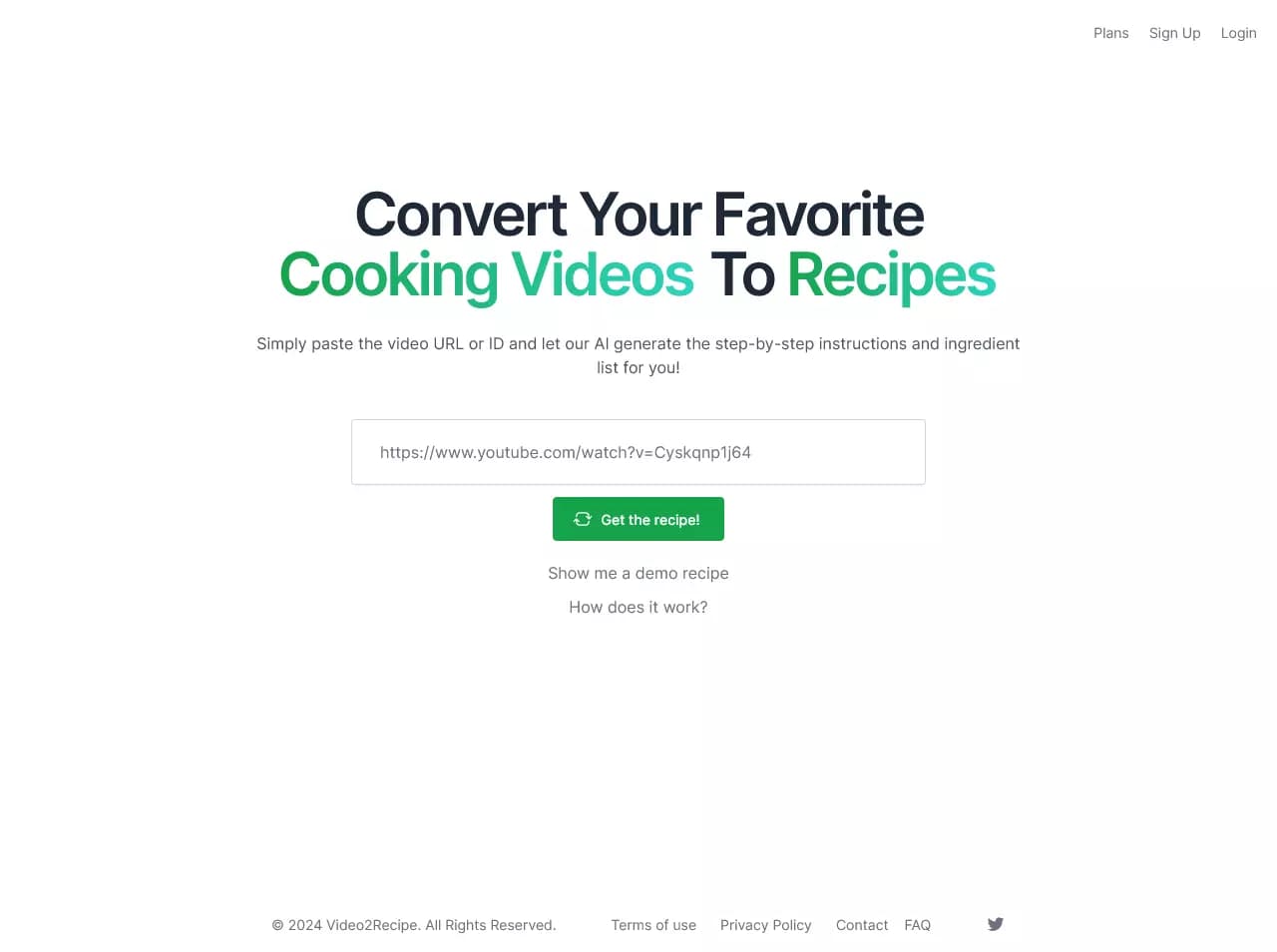

AI-powered service that converts cooking videos into step-by-step text recipes with ingredient lists.