
Upscayl
Free open-source tool for upscaling image resolution using neural network algorithms.
Overview
Upscayl
Upscayl neural network description
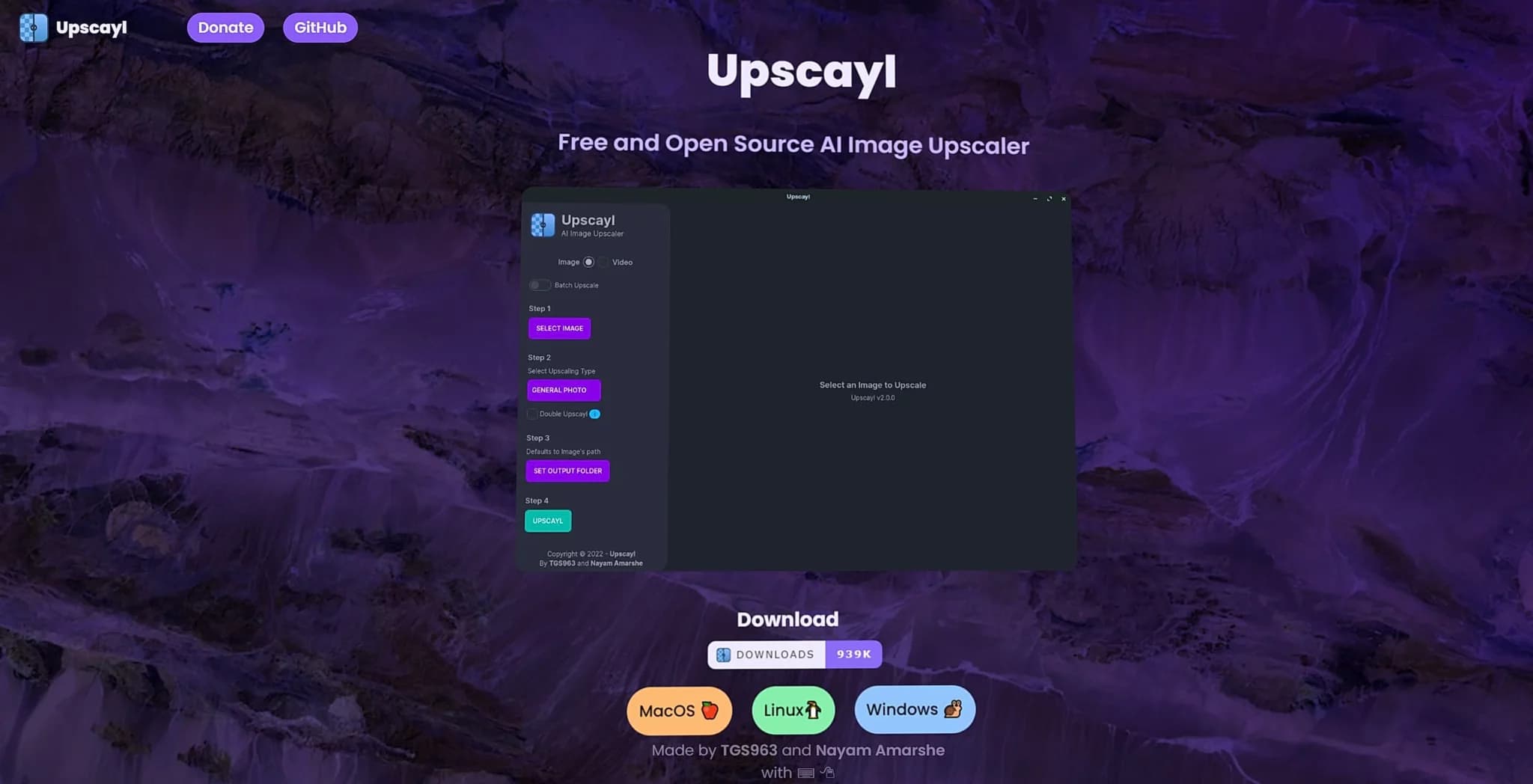
Upscayl is a free open-source tool designed to upscale image resolution using deep learning algorithms. The program runs locally on the user's computer, which ensures data processing privacy: files never leave the device.
The tool turns blurry and pixelated photos into clear and detailed images. Thanks to neural network models, Upscayl does not simply stretch the picture — it restores missing details and creates new pixels based on existing ones. No special skills are required from the user: just upload an image and choose the appropriate processing mode.
Upscayl characteristics
| Characteristic | Value |
|---|---|
| Type | Desktop application and cloud service |
| Category | Quality enhancement (upscaling), photo processing, image editing |
| Platforms | Linux, macOS, Windows (desktop application) |
| Open source | Yes |
| Maximum upscaling | Up to 16x |
| Local processing | Yes, all computations are performed on the user's device |
| Business model | Free (desktop application); separate product Upscayl Cloud (terms not disclosed) |
| Distribution model | Free |
Who is the Upscayl neural network suitable for?
Photographers and designers
Upscayl is suitable for professionals who value high image quality. Photographers, designers, and graphic editors can use the tool to prepare materials for publication or to work with large volumes of images without losing detail.
Creators and artists
Content creators, illustrators, and artists will find in Upscayl a convenient way to improve the quality of their work. The ability to batch process and choose models for different tasks makes the tool useful in creative workflows.
Regular users
The tool is also designed for those who work with personal archives or want to restore old photos, screenshots, and images from the internet. The simple interface makes Upscayl accessible even to people without experience in photo editors.
How to use the Upscayl neural network?
Download and installation
To start using Upscayl, simply download the desktop application to your computer. The program supports Linux, macOS, and Windows operating systems. No subscriptions or complex setup are required.
Processing workflow
The interface is as simple as possible: upload an image, select the desired processing mode, and wait for the result. No experience in photo retouching or knowledge of complex graphic editors is needed — everything comes down to a few clicks.
Main features of Upscayl
Resolution upscaling
The tool allows increasing image resolution by up to 16 times. The user can choose the desired scaling factor depending on the task.
Processing models and batch processing
Upscayl offers several processing models for different types of images. In addition, batch processing of multiple files is supported, which is convenient when working with large volumes of images.
Detail restoration and double upscaling mode
Neural network algorithms not only increase resolution but also restore missing details and smooth out artifacts. A double upscaling mode is provided for maximum quality.
Additional features
There is a separate cloud version, Upscayl Cloud, which, according to the developers, works several times faster, supports mobile devices, and offers cloud file storage.
Advantages of Upscayl
Free and open source
Upscayl is completely free and built on open source code. This sets the tool apart from commercial alternatives and allows users to study and modify the program.
Privacy of local processing
All computations are performed on the user's device, and files are not transferred to third-party servers. This makes Upscayl an attractive choice for those who care about the confidentiality of their data.
Simplicity and cross-platform compatibility
The tool requires no special skills: just upload an image and choose a processing mode. The application is available simultaneously on Windows, macOS, and Linux, ensuring wide accessibility for different users.
Batch processing support
The ability to process several files at once saves time when working with large numbers of images, which is especially useful for professional tasks.
Disadvantages of Upscayl
Since the main processing is performed locally, the tool's performance depends on the power of the user's computer — on weak devices, processing large files can take a noticeable amount of time. It is also worth noting that the terms of use of the separate cloud product Upscayl Cloud are not disclosed on the official page, so there is not enough information about its cost and limitations. Like most neural network upscalers, the result depends on the original image quality and the chosen model, so in some cases detail restoration may not be ideal.
What tasks does Upscayl solve
Improving image quality
The main task of the tool is to increase resolution and improve image quality without losing detail. Blurry and pixelated photos become clear and detailed images.
Restoring old and damaged photos
Upscayl is suitable for restoring old photographs, screenshots, and low-resolution images from the internet. Neural network algorithms help restore sharpness to such files.
Working with large volumes of images
Thanks to batch processing, the tool improves a large number of files in one operation, reducing work time on large projects.
Upscayl pricing
The basic desktop application Upscayl is distributed completely free of charge. No subscriptions or fees are required to use the main version. The developers also support the project through user donations.
There is a separate product, Upscayl Cloud — a cloud version of the service. Its cost and terms of use are not disclosed on the official page, so exact data on cloud plan pricing is unavailable.
Terms of use of Upscayl
Upscayl is distributed as free open-source software — any user can download and use the application without restrictions. The project is built on open libraries, which distinguishes it from commercial alternatives with proprietary licenses. The development of the program is supported by user donations, and the cloud service Upscayl Cloud is provided as a separate product, the terms of which are not detailed on the official page.
Availability of Upscayl
Upscayl is available as a desktop application for Linux, macOS, and Windows operating systems. This cross-platform compatibility makes the tool accessible to most desktop computer users.
In addition, a separate product, Upscayl Cloud, runs in the cloud and is accessible from any device — phone, tablet, or computer, expanding the possibilities of using the service beyond the desktop version.
How Upscayl differs from alternatives
The main difference of Upscayl is the combination of a free distribution model and open source code with local data processing. Unlike many commercial upscalers that run on cloud servers and require a subscription, Upscayl performs all computations on the user's device, ensuring file privacy and no usage fees.
Another distinctive feature is maximum resolution upscaling of up to 16 times, which exceeds the capabilities of many similar tools limited to 8x. At the same time, the interface remains as simple as possible and does not require the user to have special knowledge in the field of image processing.
Conclusion
Upscayl is a free cross-platform open-source AI tool for upscaling and improving image quality. Thanks to local processing, it ensures data privacy, and the simplicity of the interface makes it accessible to both regular users and professionals. The ability to increase resolution by up to 16 times, batch processing, and support for several models allow solving a wide range of tasks — from restoring old photographs to preparing materials for design and content. The tool is suitable for any user who wants to get a high-quality image without extra costs and complex editing.
Frequently asked questions


See also
Multilingual AI assistant for checking grammar, spelling, and text style.

Open-source model for generating video synchronized with audio from text or image prompts.

Open-source platform for integrating data from various sources into data warehouses and analytics systems.

Open platform for local deployment and management of large language models (LLM) on your own computer.
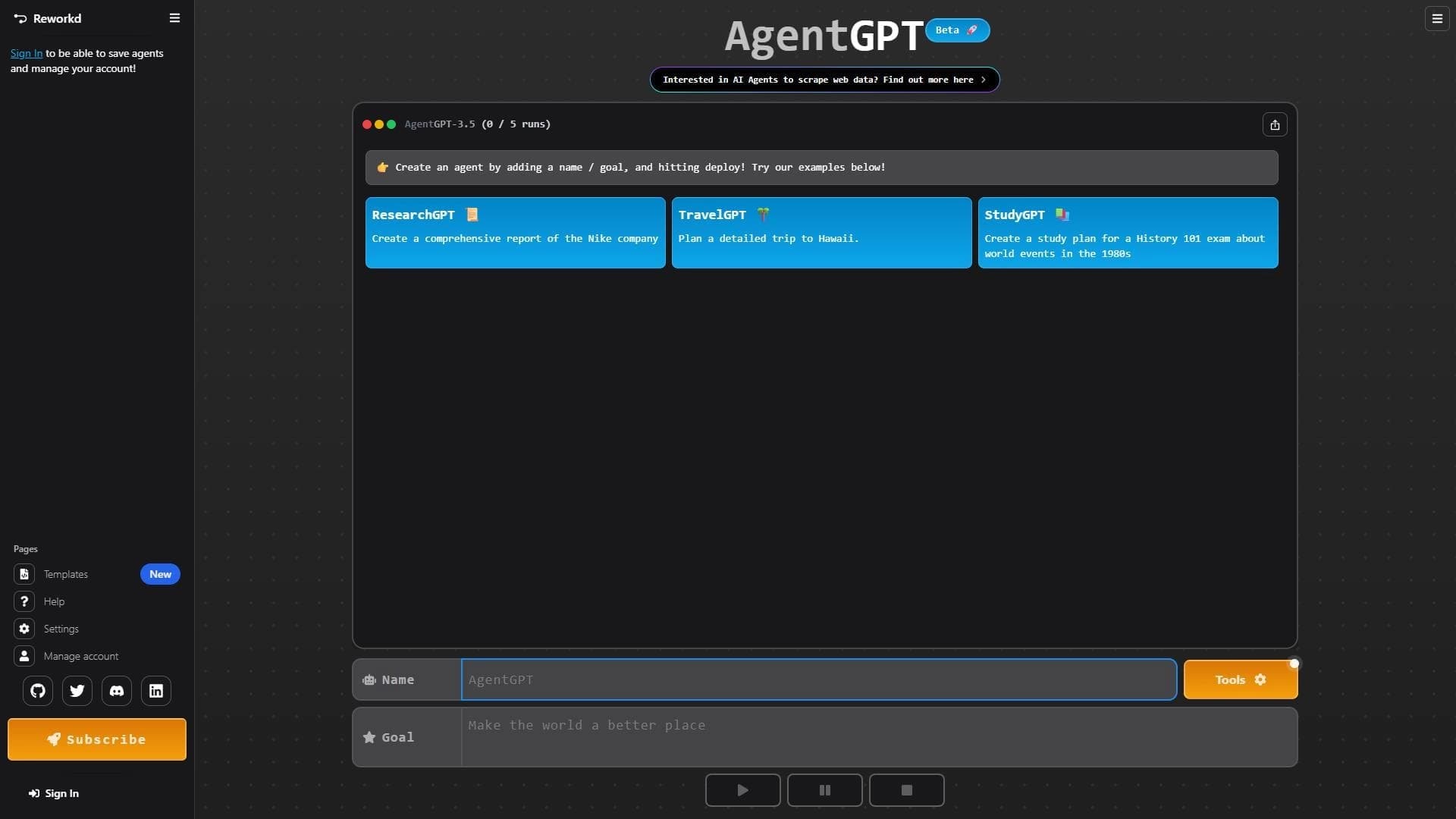

Platform for creating and launching autonomous AI agents that independently complete tasks on the internet.

The largest open language model from Meta with 405 billion parameters, available for commercial use and independent fine-tuning.
Terminal AI assistant for pair programming, integrating with git repositories.

Mobile app and citizen science project for identifying plants from photos using machine learning.