
Trinka
Online service for checking grammar and style, tailored for academic and technical writing.
Overview
Trinka
About Trinka
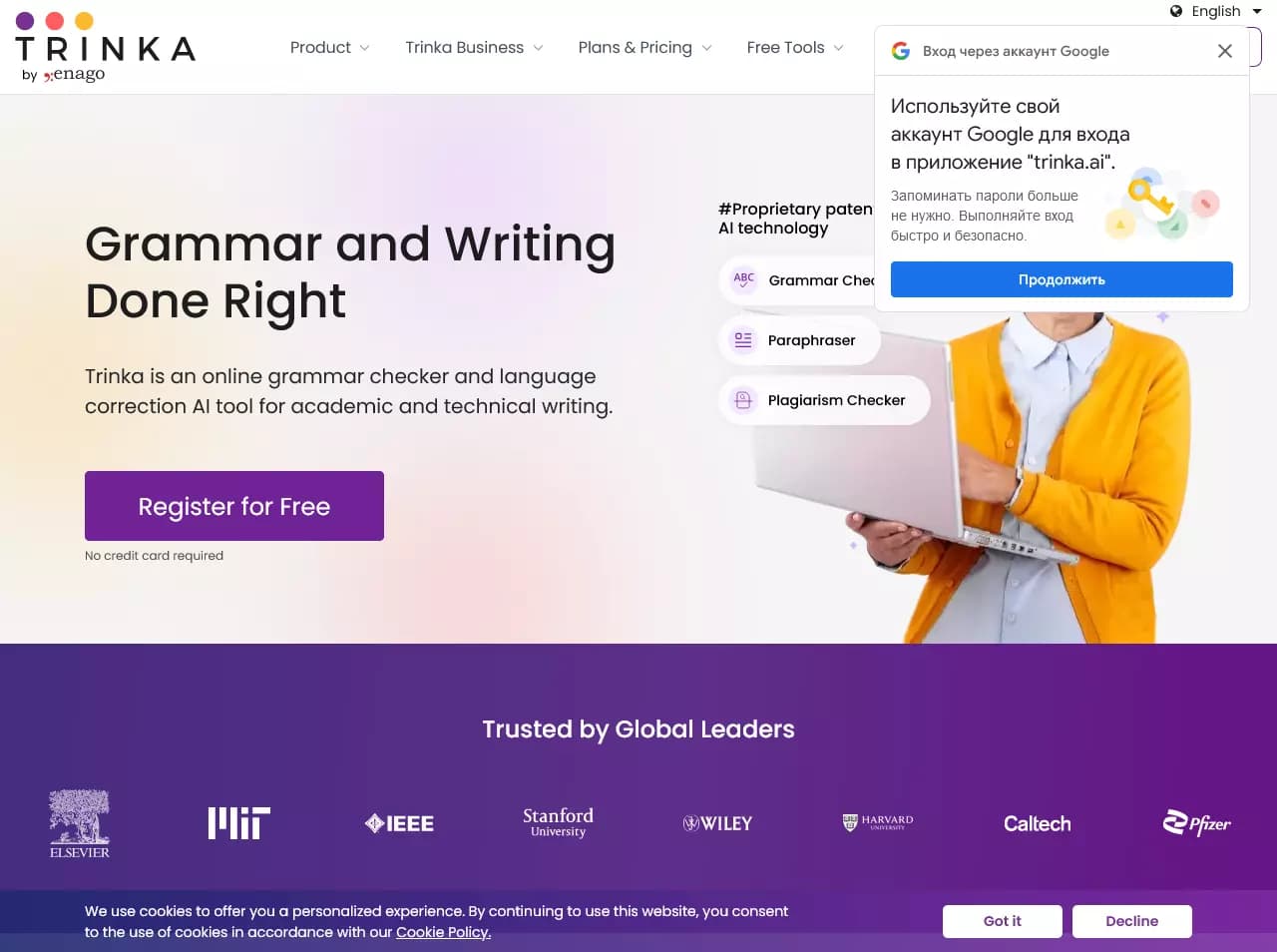
Trinka is an online grammar and style checking service primarily designed for academic and technical writing. Unlike universal spelling checkers, the tool can identify complex errors typical of scientific and technical materials and provide recommendations for improving language.
The service works with MS Word and LaTeX documents, preserving original formatting, which is especially important when working with scientific articles and technical documentation. In addition to error correction, Trinka offers plagiarism checking and paraphrasing functionality that preserves the original meaning of the text. For companies, a corporate version is available that can be customized to meet internal organizational requirements.
Trinka features
| Characteristic | Value |
|---|---|
| Type | Online tool for grammar checking and language improvement |
| Category | Grammar checking, plagiarism checking, text paraphrasing |
| Platforms | Web |
| Document support | MS Word, LaTeX |
| Business model | Freemium |
| Editor's rating | 8.5 out of 10 according to NeuroFolder criteria |
Who is Trinka suitable for?
Researchers and scientists
Trinka is designed for those who regularly prepare academic texts. The tool helps maintain scientific tone and style, identify errors specific to scientific writing, and work with documents in MS Word and LaTeX formats.
Students
For students, the service is useful when preparing term papers, theses, and research papers. Grammar checking, paraphrasing, and plagiarism detection help bring texts up to academic standards.
Technical writers and professionals
The tool is suitable for anyone working with technical documentation and English. Trinka supports both American and British English styles, helping maintain a consistent style in corporate materials.
How to use Trinka?
Getting started
To get started, simply go to the tool's website and register. The web interface allows you to begin checking text right away without installing additional software.
Working with MS Word and LaTeX documents
Trinka can process entire MS Word documents while preserving their original formatting. When working with LaTeX files, the service corrects grammar without affecting the source code, which is important for scientific publications.
Corporate use
Organizations are offered a corporate version with custom configuration and integration into workflows. It can be adapted to company requirements, including a customizable style guide.
Key features of Trinka
Grammar and style checking
The tool corrects serious grammar errors and provides writing suggestions. It is focused on academic and technical writing, detecting complex errors that universal checkers miss.
Document processing
Trinka supports spelling and grammar checking in MS Word documents while preserving formatting
Frequently asked questions
See also
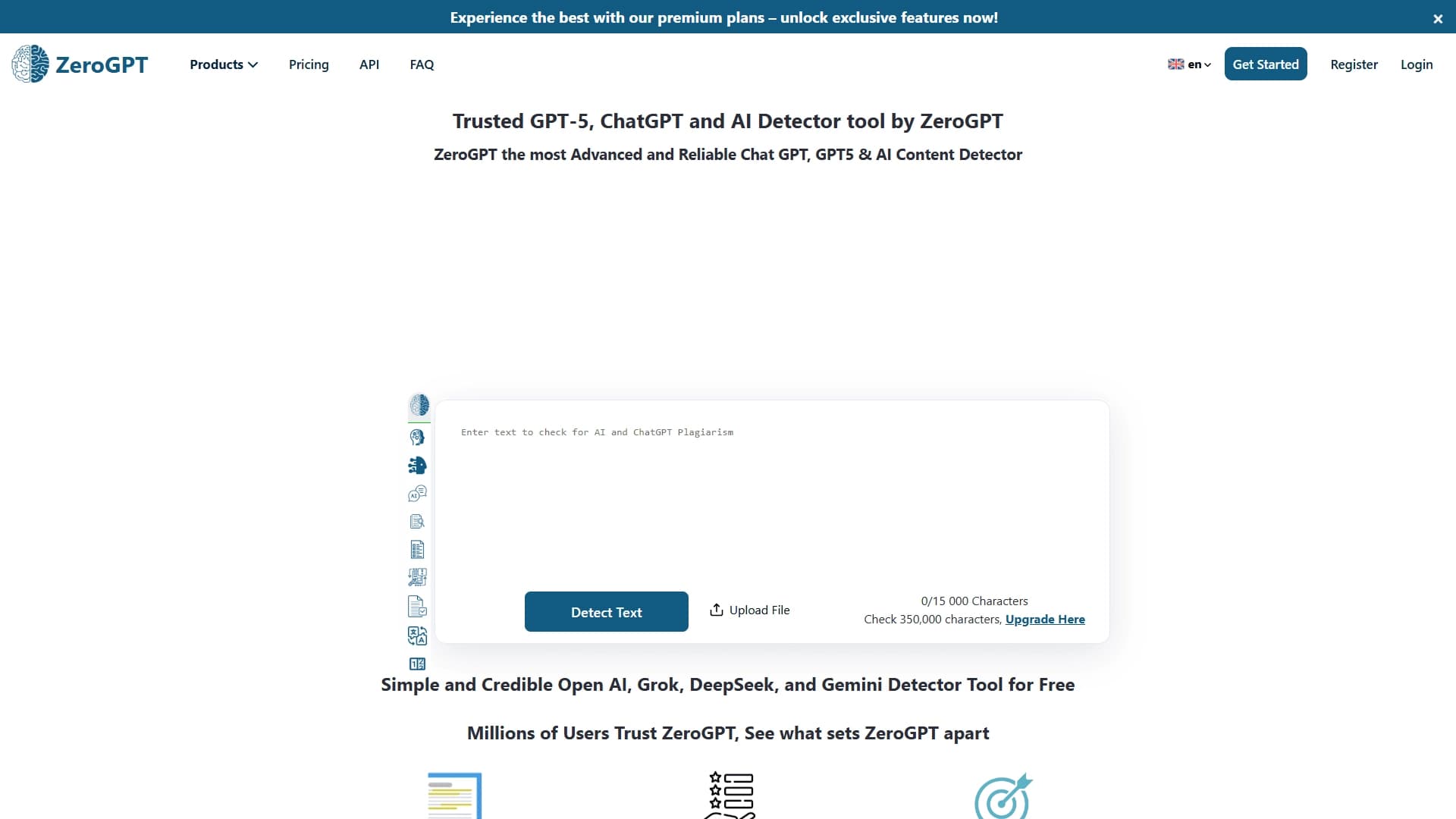

An online detector that determines whether text was created by a human or generated by neural networks.


AI assistant for checking grammar, spelling, and style of English text, available as a browser extension and web editor.
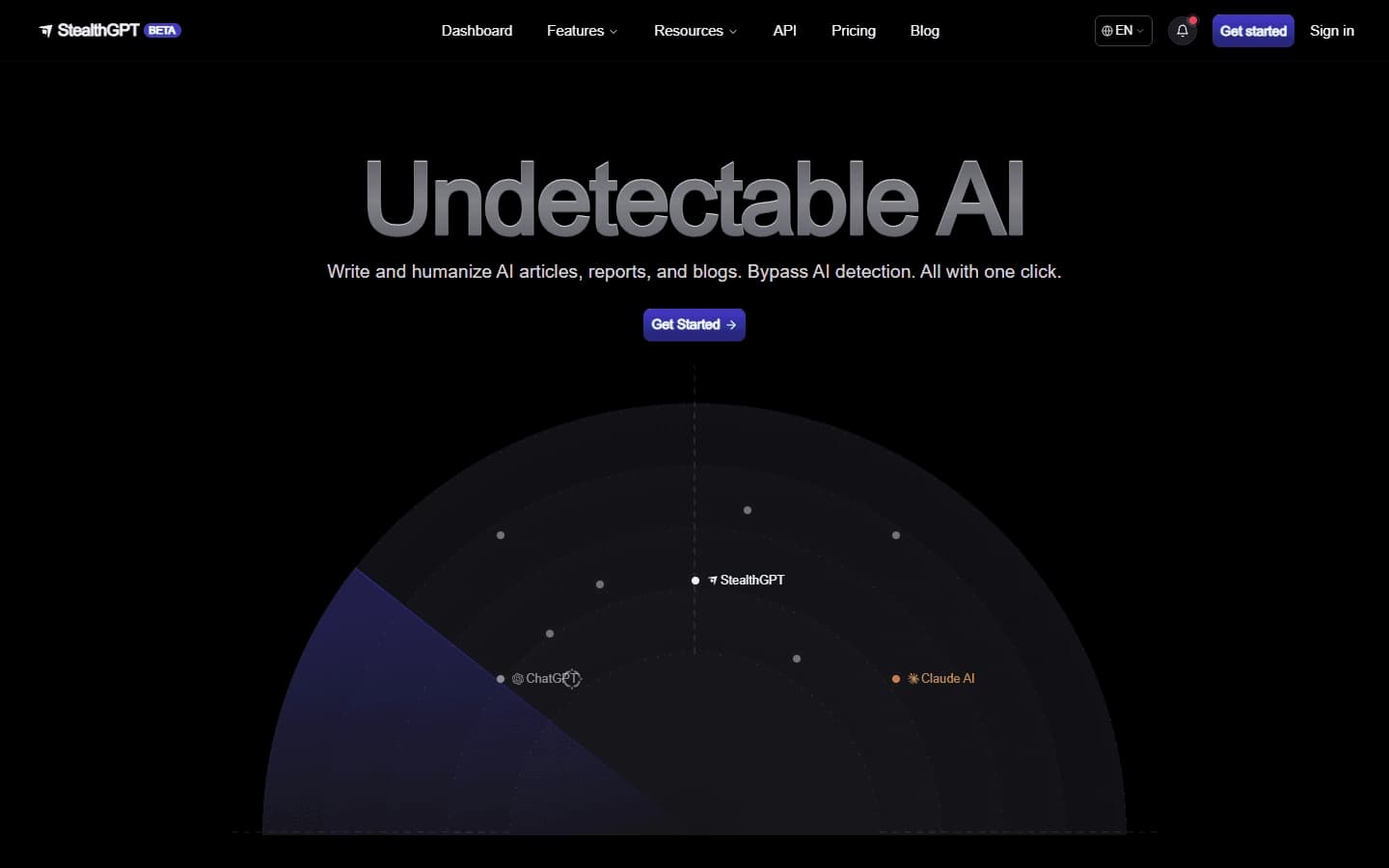

A service that generates and rewrites texts so that they are not recognized by AI detectors.
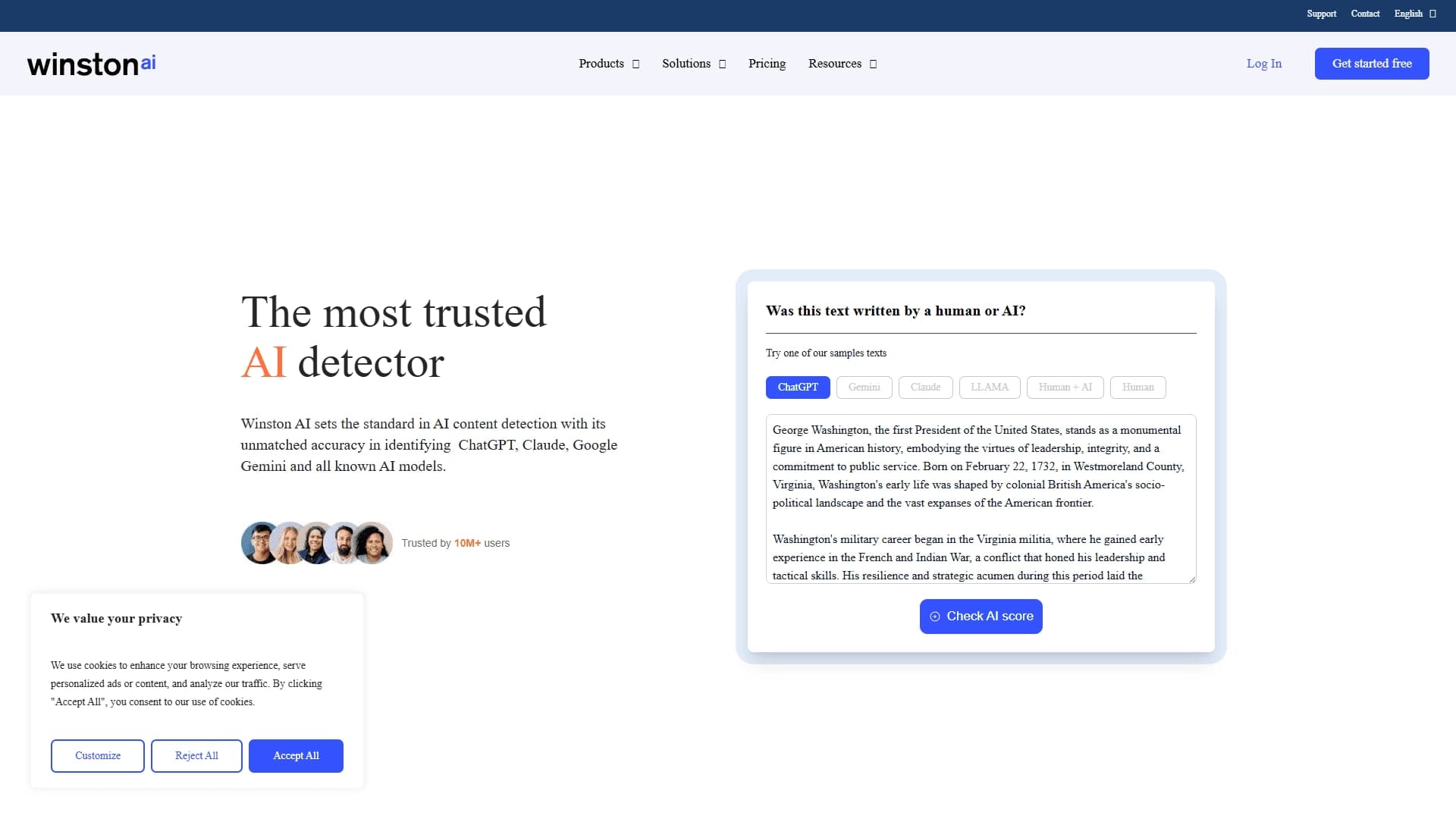

A service for detecting AI-generated content and checking texts for plagiarism.
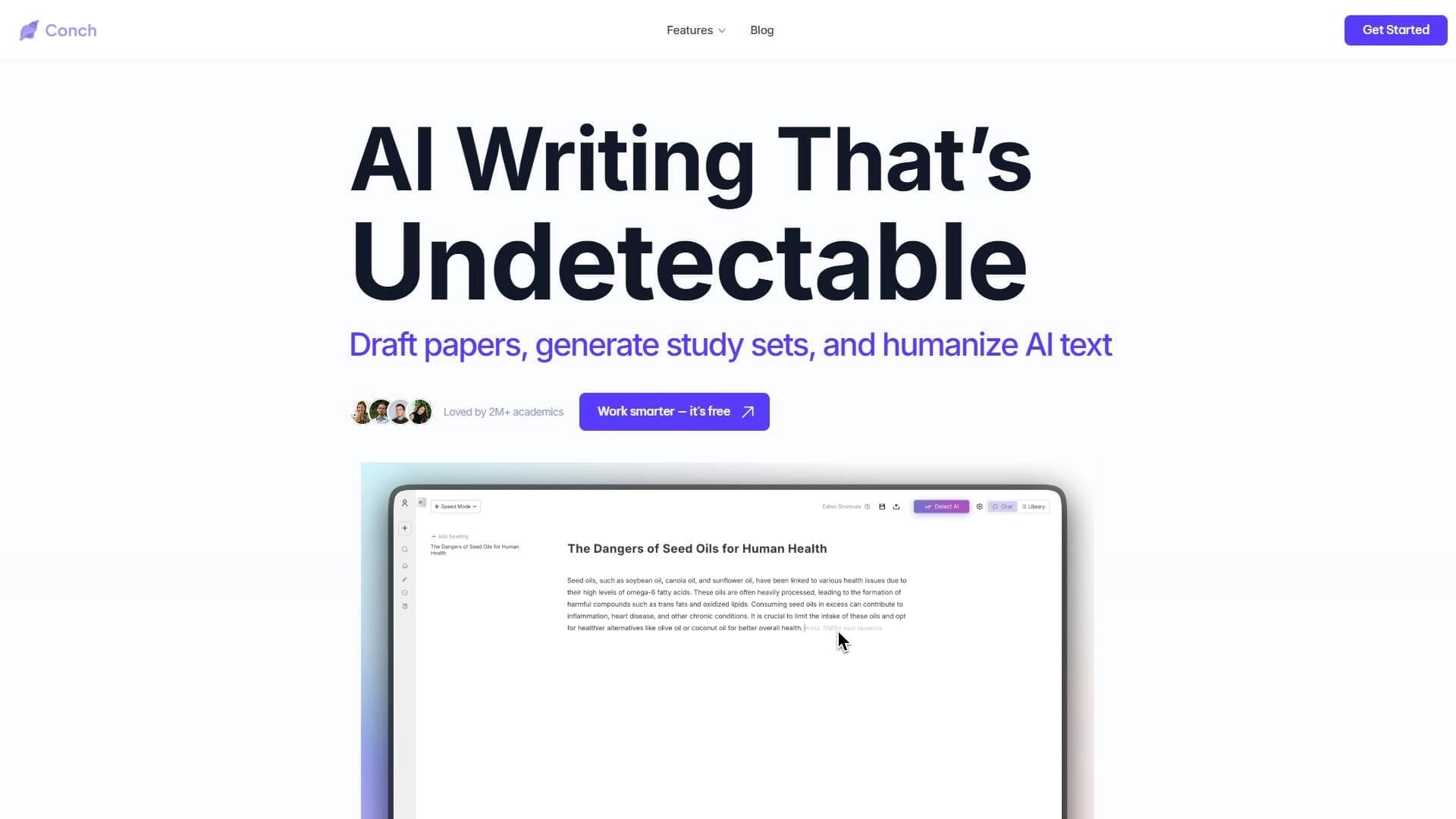

Conch is a suite of AI tools for writing, learning, and research that helps you quickly create high-quality original content.

AI writing assistant that helps generate, rewrite, and edit texts.
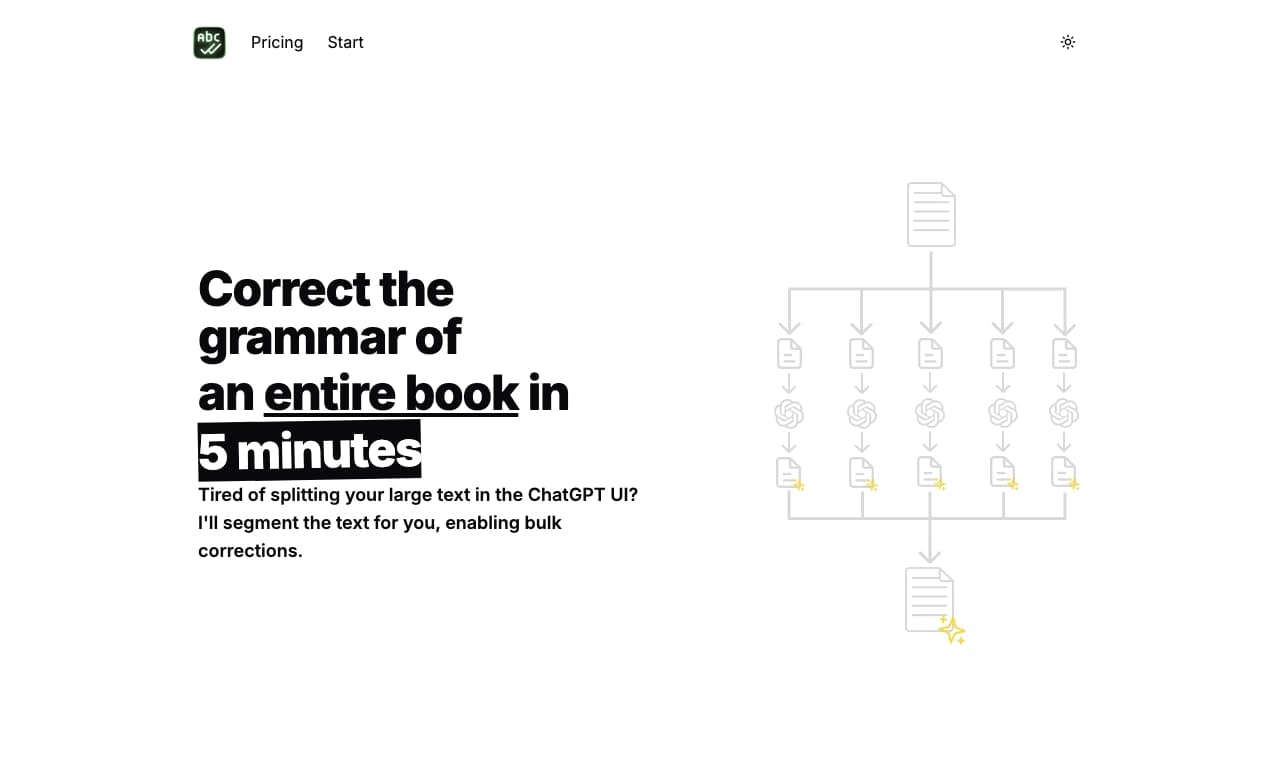

Online service for automatic spelling and grammar checking of large volumes of text.
Multilingual AI assistant for checking grammar, spelling, and text style.