
ChatOn
Mobile AI assistant for working with text, images, video, and code, including grammar checking and speech synthesis.
Overview
ChatOn
Description of ChatOn AI
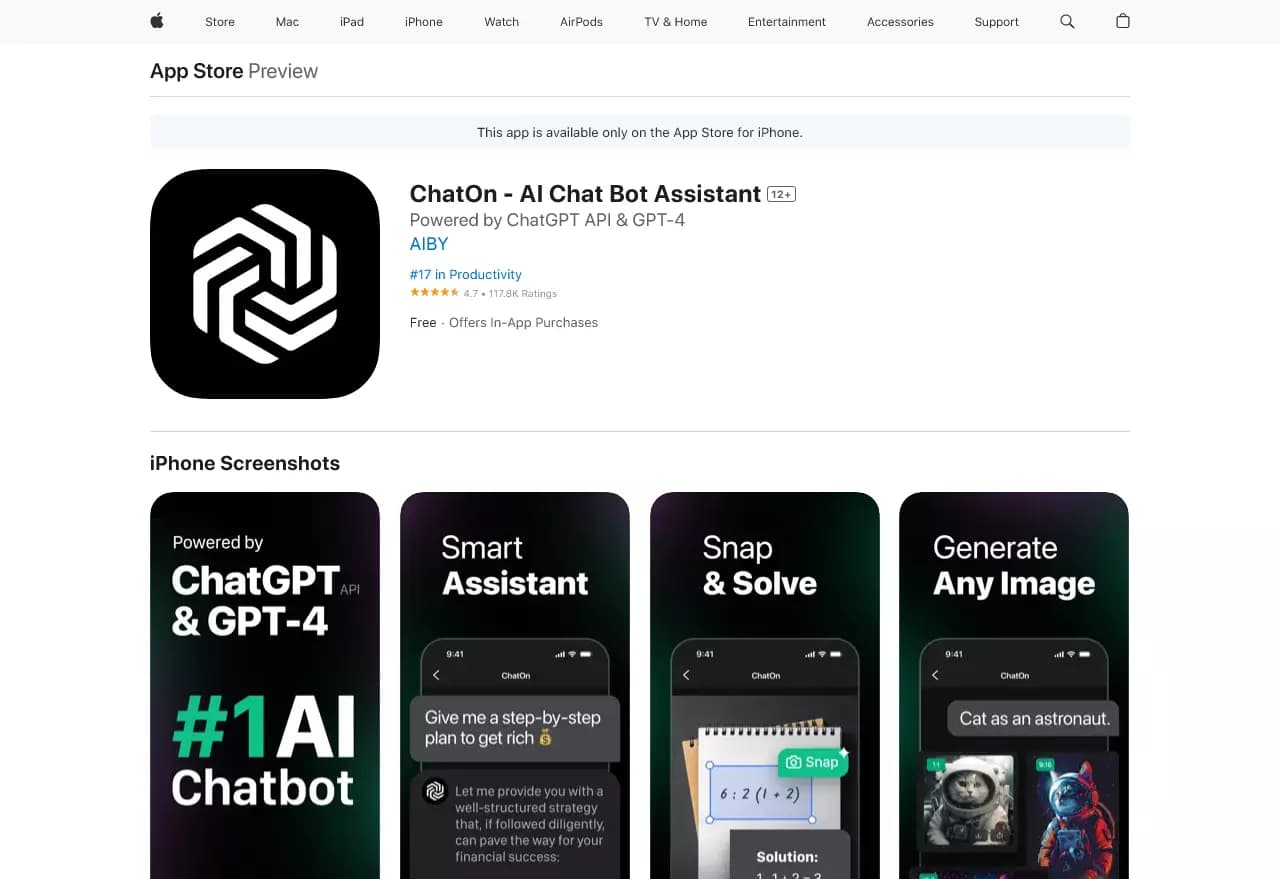
ChatOn is a versatile mobile application powered by artificial intelligence that combines a chatbot, image generator, text tool, and speech synthesis. The app positions itself as a full-featured AI assistant capable of handling a wide range of everyday tasks — from writing emails and posts to working with PDF documents and analyzing videos.
One of the service's key features is its multitasking: instead of installing several separate apps for different scenarios, users get one tool that can work with text, images, videos, documents, and even code. Input can be made by voice, which makes working with the assistant even more convenient.
The core idea of the service
ChatOn is designed as a hub of useful features in a single app. It combines the capabilities of a chatbot and a text-to-image generator, adding grammar checking, style improvement, and speech synthesis. This approach covers several use cases at once without the need to switch between different services.
How the app works
Users can submit requests either by text or by voice. Based on these requests, the assistant generates texts, creates images, extracts information from documents and videos, and helps improve existing written material. The full feature set without restrictions is available via subscription.
ChatOn Features
| Characteristic | Value |
|---|---|
| Type | Content creation tool |
| Categories | Chatbots, AI assistants, image generation, grammar checking, mobile AI apps |
| Business model | Freemium (free with subscription) |
| Platforms | iOS (App Store), Web |
| Rating | 4.4 / 5.0 |
| Editorial rating | 8.5 out of 10 |
| Input methods | Text, voice input |
Who is ChatOn AI for?
ChatOn is useful for a wide range of users who regularly work with content and want to simplify everyday tasks. The app is designed for those who value having many functions in a single tool.
Users who work with texts
The assistant suits those who often write letters, speeches, social media posts, and professional emails. Built-in grammar checking and style improvement help those who want to make their texts more correct and persuasive.
Those who need a universal assistant
The app is useful for people who want to solve different tasks — from generating images and working with PDFs to checking code and explaining math concepts — in one place. This is especially convenient for mobile users who value saving time.
How to use ChatOn AI?
Working with ChatOn is based on a simple principle: the user sets a task, and the assistant completes it. Input can be made from the keyboard or by voice, which makes usage convenient in different situations.
Getting started
To start, simply install the app on iOS or open the web version. After that, you can immediately set tasks — for example, ask it to write a text, create an image from a description, or check the grammar of an existing piece.
How to make requests
Requests are phrased as natural commands or questions. The assistant understands a variety of tasks, from “write an email” and “create an image” to “summarize a PDF document” or “extract key ideas from a YouTube video.” Voice input lets you quickly speak a request instead of typing it.
Core ChatOn features
ChatOn offers a wide range of features covering different content types.
Text tools
The app helps create texts — letters, speeches, social media posts, and professional emails. Grammar checking and style improvement are also available, helping you polish materials to a high quality.
Image generation and recognition
ChatOn can turn text into images and perform the reverse task — extracting text from photos. This is useful when you need to quickly digitize information from a picture or a document photo.
Working with documents and videos
The assistant supports working with PDF files: summarizing, translating, and rewriting documents. It also analyzes YouTube videos and extracts key ideas from them, saving you from having to watch the entire video.
Code, math, and voice features
The app helps write and check code and explains complex mathematical concepts. It also includes speech synthesis and voice input, expanding the ways users can interact with the assistant.
ChatOn advantages
The main advantage of ChatOn is the combination of many functions in one app. Users don't need to install separate services for text, images, PDFs, and videos — everything is available in a single tool.
This approach saves time and simplifies work. Instead of switching between multiple apps and learning different interfaces, you only need to master one assistant that covers most typical content creation and processing tasks.
ChatOn disadvantages
The main limitation is that the full functionality is only available with a paid subscription. The free version offers limited capabilities, which may not suit those expecting full-fledged use without an investment.
What tasks does ChatOn solve
The service covers a wide range of tasks related to content creation and processing.
Writing and editing text
The app helps write texts of various kinds — from letters and speeches to social media posts and professional emails. Grammar checking and style improvement for existing material are also available.
Working with images and documents
ChatOn handles text-to-image generation, extracting text from photos, as well as summarizing, translating, and rewriting PDF documents. The assistant also extracts key ideas from YouTube videos.
Technical and routine tasks
The app helps write and check code, explains mathematical concepts, and automates routine tasks — creating resumes, letters, and other standard documents.
ChatOn pricing
The app uses a freemium model: basic functions are available for free, while the full feature set without restrictions is unlocked with a paid subscription. The subscription provides access to all app features without limits. Specific prices and plans are not disclosed in the available source data.
ChatOn terms of use
The app uses user data to improve the service and personalize the experience. Users can choose whether to link their data to an account or remain anonymous. This flexibility lets each person decide how open their interaction with the service will be.
ChatOn availability
The app is available on iOS in the App Store and on the web platform.
How ChatOn differs from alternatives
The key difference between ChatOn and many alternatives is the combination of the broadest possible set of functions in a single mobile app. While individual services specialize in image generation, writing texts, or grammar checking, ChatOn combines these capabilities with PDF, video, code, and speech synthesis features.
Similar services include Minecraft Skin Generator, TattooGPT, Chad AI, and Qwen, as well as solutions like Designs.ai, AiWriteArt, 24AI, Online GPT, and NeiroHolst. However, the combination of a mobile format, voice input, and versatility makes ChatOn a notable player in the AI assistant segment.
Conclusion
ChatOn is a multifunctional AI tool that combines work with text, images, videos, PDF documents, and code in one mobile app. With grammar checking, speech synthesis, voice input, and image generation, it covers a wide range of everyday tasks and helps save time. However, the full functionality is only available with a paid subscription.
Frequently asked questions

See also

AI assistant for business that helps manage tasks and automate routine through dialogue.

AI agent for automating customer communications and support.


AI chatbot for automating customer communication and lead qualification.
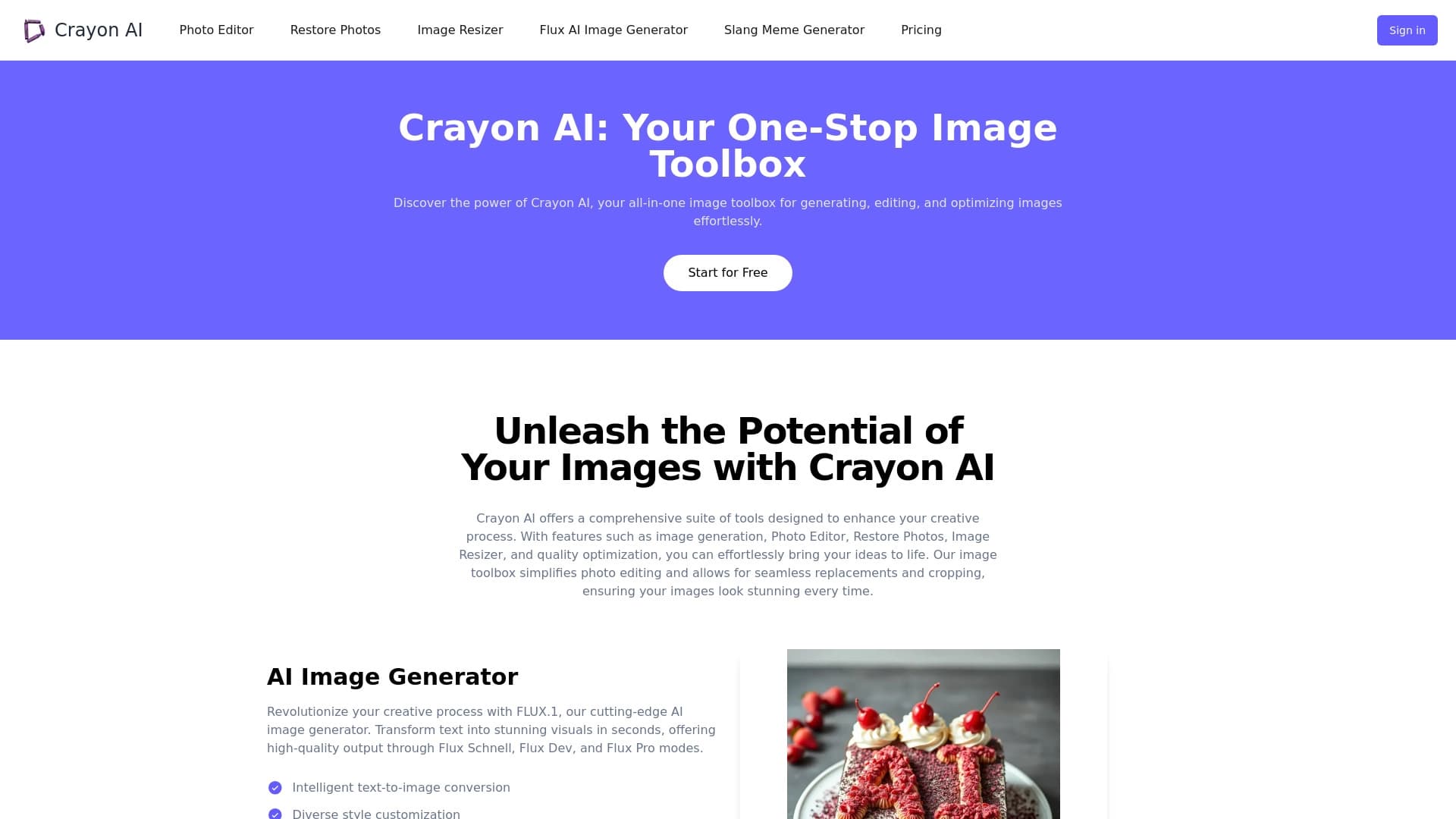
AI-powered online photo editor for creating, editing, and enhancing images directly in your browser.


Google's neural network for generating and editing images from text descriptions, based on Gemini models.

Cloud platform for launching AI applications directly in the browser without installation.


AI platform for fast website creation and small business process management.
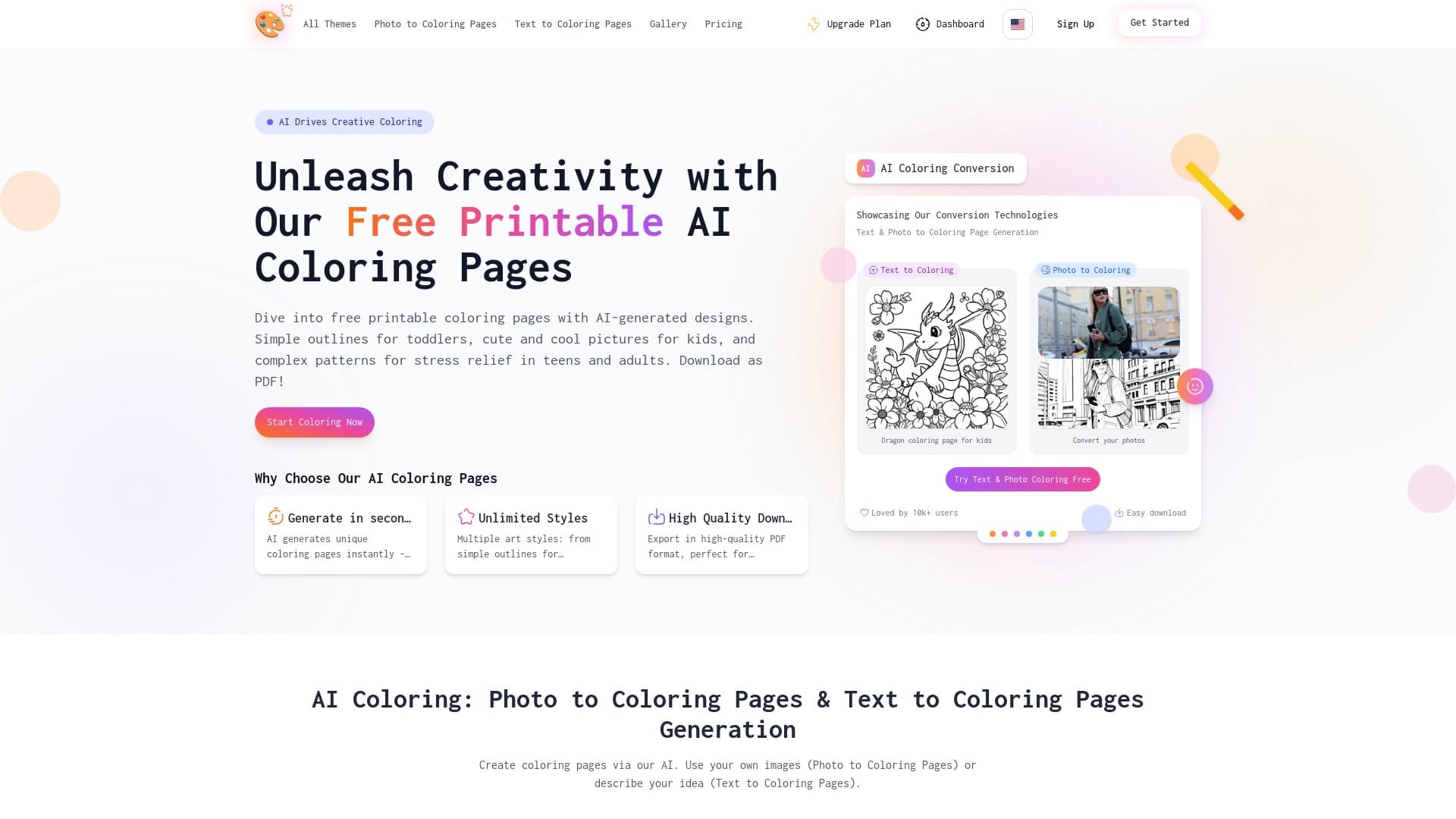

AI-powered coloring book generator that creates pages from text descriptions or uploaded images.