Speechnotes
Online service for voice text input and automatic transcription of audio and video recordings.
Overview
Speechnotes
Speechnotes AI Description
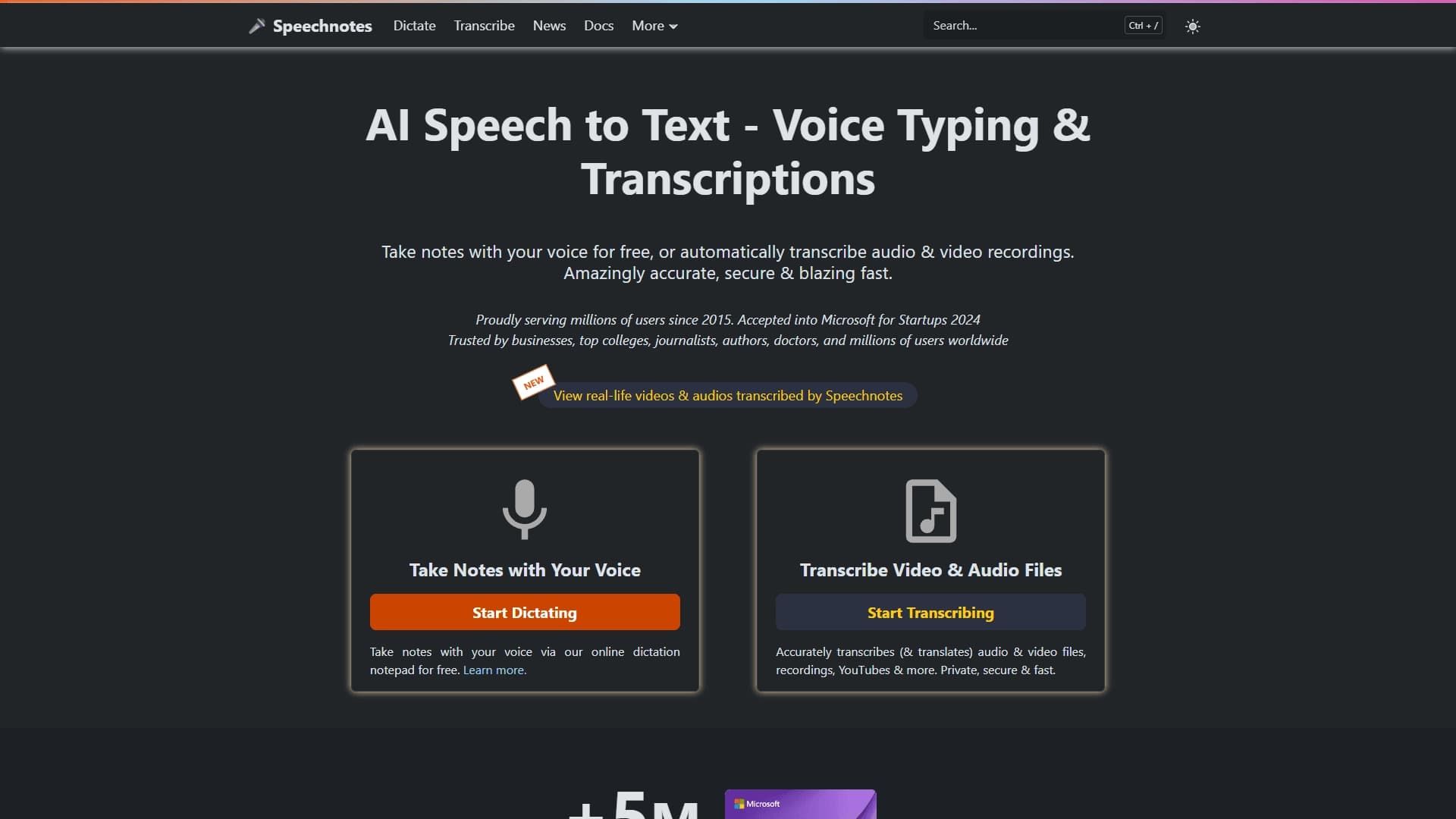
Speechnotes is an online speech recognition service that lets you convert voice to text directly in your browser. The tool offers two main modes of operation: real-time voice input in an interactive notepad and automatic transcription of uploaded audio and video files. The service requires no additional software installation and is accessible from any device with an internet connection and a browser.
The solution runs on automatic speech recognition technology and is designed for creating text notes, interview transcripts, and transcriptions of meetings, podcasts, and webinars. Speechnotes has been serving millions of users worldwide since 2015, helping reduce time spent on manual typing.
Speechnotes Specifications
| Characteristic | Value |
|---|---|
| Type | Online voice input and transcription service |
| Categories | Speech recognition, Audio transcription |
| Website | speechnotes.co |
| Publication date on page | December 31, 2025 |
| Free plan availability | Not specified |
| Distribution model | Freemium |
Who is Speechnotes AI for?
Journalists and content creators
Journalists can use Speechnotes to quickly transcribe interviews and record reports. Authors and bloggers can dictate drafts of articles, scripts, and texts without being distracted by typing.
Students and educators
The service helps students create lecture notes and transcribe educational audio recordings. Universities and educators can use the tool to prepare learning materials and transcribe seminars.
Medical and business users
Medical professionals use voice input for keeping patient records. Business users can transcribe meetings, negotiations, and business discussions, as well as create work notes without manual typing.
How to use Speechnotes AI?
Real-time voice input
To dictate text, simply open the online notepad in your browser, press the record button, and start speaking. The system recognizes speech and converts it to text in real time. The resulting text can be edited, copied, or saved immediately.
Transcription of uploaded files
Speechnotes supports uploading existing audio and video recordings for automatic transcription. The user uploads a file, the service processes it, and returns a ready text transcript. This is convenient for processing podcasts, interview recordings, webinars, and lectures.
Key features of Speechnotes
Real-time voice text input
The service's key feature is the ability to dictate text by voice in an online notepad. Speech is recognized instantly, allowing users to create texts without using a keyboard.
Automatic transcription of audio and video
Users can upload audio files and video recordings for automatic transcription. The service processes the content on its own and produces ready text.
High speech recognition accuracy
Speechnotes delivers high-quality voice-to-text conversion, minimizing the need for subsequent editing.
Advantages of Speechnotes
Time savings
The tool saves hours of manual work when transcribing audio and video recordings. Instead of manually retyping long interviews or lectures, the user gets ready text in just minutes.
Focus on content
With voice input, users can focus on the content of their speech rather than mechanical typing. This speeds up the process of creating notes, articles, and documents.
Works in the browser
Speechnotes works directly in the browser without installing additional software. The service is available from any device — computer, laptop, or tablet — as long as there's an internet connection.
Disadvantages of Speechnotes
Since Speechnotes is an online service, a stable internet connection is required to use it. Speech recognition quality may decrease under weak signal conditions. In addition, the free plan's functionality may be limited, with the full set of options available in the paid version. The exact limitations of the free plan and the cost of paid access are not specified based on available data.
What tasks Speechnotes solves
Converting voice to text in real time
The service's main task is converting spoken speech into written text directly during dictation. This solves the problem of manually typing notes, summaries, and drafts.
Automatic transcription of podcasts, interviews, meetings, and webinars
Speechnotes processes pre-recorded audio and video material, relieving users from the need to manually transcribe long recordings. This is especially relevant for journalists, researchers, and business users.
Creating text notes by dictation
The service lets you quickly capture thoughts and ideas in text form just by speaking them aloud. This is convenient when working on documents, articles, or scripts.
Speechnotes Pricing
Speechnotes operates on a freemium model, which means both free and paid plans are available. The specific cost of paid access, the list of features available in the free version, and subscription terms are not disclosed in the provided data. For up-to-date information, we recommend visiting the service's official website.
Speechnotes Terms of Use
Speechnotes is an online service accessible through a web browser. No additional software installation is required. Detailed terms of use, including rules for processing uploaded content, privacy policy, and limits on the volume of processed files, are not described based on available data. We recommend reviewing them directly on the service's website.
Speechnotes Availability
Speechnotes is an online service available through any modern browser. The tool doesn't require installation on a device and can be used on computers, laptops, and tablets. The only requirement is an internet connection. The service is available globally; no regional availability restrictions are specified in the source data.
How Speechnotes differs from alternatives
Speechnotes stands out among alternatives for combining two modes of operation: real-time voice input and automatic transcription of uploaded files. The service's direct competitors include NeatScribe, Voice Gecko, Willow Voice, Fish Audio, Turbo AI, and Wispr Flow. Unlike some of them, Speechnotes doesn't require app installation and works entirely through the browser. The service targets a broad audience — from students to business users — and has been on the market since 2015, serving millions of users worldwide. Specific differences in functionality, recognition accuracy, and pricing are difficult to pinpoint without a detailed comparative analysis.
Conclusion
Speechnotes is an online speech recognition service with voice input and audio/video transcription features that has been serving millions of users worldwide since 2015. The tool helps create texts faster by automatically converting speech into written text, working directly in the browser without installing additional software. Speechnotes is suitable for journalists, students, medical professionals, business users, and anyone who regularly works with texts and wants to speed up the process of creating them.