
Smodin
Multifunctional AI assistant for working with text: generation, paraphrasing, plagiarism and AI-content checking, translation and summarization.
Overview
Smodin
Description of the Smodin neural network
Smodin is a multifunctional AI-based platform designed for working with text at every stage: from idea generation to final verification of finished material. The service combines an article and essay generator, paraphrasing tools, plagiarism checking, an AI content detector, a translator, and other functions in a single interface.
The platform is positioned as a universal assistant for students, copywriters, researchers, and developers. Smodin's distinguishing feature is its emphasis on multilingualism (support for dozens of languages), privacy, and flexibility: the service is available both online and as a local installation for offline work. Additionally, an API is provided for integrating functions into third-party applications.
Smodin characteristics
| Characteristic | Value |
|---|---|
| Type | Multifunctional AI service for writing, editing, and checking texts |
| Category | Text generation, paraphrasing, plagiarism checking, AI detectors, education |
| Transformation | Text to text |
| Distribution model | Freemium (free basic version + paid plans) |
| Free plan availability | Yes |
| Interface languages | More than 30–40 languages, including Russian, English, Chinese, German |
| Platforms | Web version, integration with Google Docs and Microsoft Word |
| API availability | Yes |
| Open source | Yes |
| Offline mode | Yes (local server installation possible) |
| Registration | Required |
| Availability | 180+ countries; VPN may be required in some regions |
Who is Smodin suitable for?
Students and researchers
Smodin is primarily designed for students and academic researchers. The service helps write abstracts, term papers, and research papers, check texts for plagiarism, format citations in APA and MLA styles, and summarize large amounts of material.
Copywriters and writers
Professional authors can use the platform to generate drafts, overcome writer's block, improve existing texts, and fix grammatical and stylistic errors.
Content managers and teachers
The tool is suitable for those who regularly work with large amounts of content: creating articles and blogs, checking originality, translating materials into different languages, and summarizing lengthy documents.
Developers
Thanks to its open source code and API, Smodin can be integrated into custom applications and services, making it popular among technical specialists.
How to use Smodin?
Getting started
Using the service requires registration on the official website. After creating an account, access to basic functions is opened, while paid subscriptions expand capabilities and limits.
Operating modes
Smodin is available as a web platform through the browser. For users who value privacy, it offers the ability to install a local server with offline mode. Additionally, the service integrates with Google Docs and Microsoft Word, allowing you to work with text directly in familiar editors.
Options for developers
Through the API, you can embed text generation, paraphrasing, and checking functions into third-party applications. The platform supports configuring generation rules and styles for specific tasks.
Key features of Smodin
Creating and improving texts
The platform includes an article, essay, and academic paper generator that can write texts from scratch based on a topic or thesis. Paraphrasing that preserves meaning and a grammar and style corrector are also available.
Checking and analyzing content
Smodin includes plagiarism checking with an extensive database, as well as an AI content detector to identify machine-generated text. A separate module helps remove AI traces from finished material.
Working with foreign and auxiliary content
The service offers a translator for more than 40 languages, automatic citation generation, summarization of texts and web pages, audio-to-text conversion, text recognition from images, and subtitle translation.
Additional capabilities
The platform can automatically grade essays and configure generation rules and styles for individual tasks. An API is provided for integration into custom products.
Advantages of Smodin
Accessibility and free plan
Basic functions, including the text generator, plagiarism check, and rewriting, are available for free. This allows you to evaluate the service before purchasing extended access. The platform is used in more than 180 countries.
Multilingualism
Unlike many competitors focused primarily on English, Smodin supports dozens of interface languages, including Russian, and the interface is fully translated into Russian.
Privacy and flexibility
The service offers a local server and offline mode, allowing you to work with data without transferring it to external resources. Open source code makes it possible to adapt the platform to your own needs, and the API simplifies integration into other applications.
Disadvantages of Smodin
Limitations of the free version
The free plan provides only basic functionality, and many advanced features — such as working with large texts and style analysis — are only available after purchasing a paid subscription.
Competition in English-language quality
Competing services, such as Grammarly, may offer more advanced tools specifically for working with English, which is worth considering when choosing a tool for English-language content.
Access in some regions
According to some sources, access to the service in certain regions may require a VPN, which creates additional inconvenience for some users.
What tasks does Smodin solve?
Academic and research tasks
The platform helps students write abstracts, term papers, and research papers, automatically format citations and references, and create concise summaries highlighting key points from large materials.
Professional content work
Copywriters and content managers use Smodin to generate articles and blog posts, rewrite existing texts to increase uniqueness, translate materials into other languages, and fix grammatical errors.
Text quality control
The service handles tasks such as checking texts for plagiarism, detecting AI-generated content, and removing traces of machine generation. The platform pre-grades essays and helps adapt finished texts to the required styles.
Technical tasks
Developers can integrate text generation, paraphrasing, and analysis functions into their own applications via the API, while configurable rules and styles make it possible to adapt the tool to specific projects.
Smodin pricing
Free plan
Smodin operates on a freemium model: the basic version is free and includes core features — text generation, plagiarism checking, rewriting, and basic grammar checks. The free functionality is limited, allowing users only to get acquainted with the service.
Paid subscriptions
Paid plans start at $10 per month and unlock access to all tools, increasing generation and checking limits. The premium version includes paraphrasing, style analysis, and work with large texts. The price depends on the selected billing period — monthly or yearly. Separate plans are available for teams with a shared vocabulary and style guide, as well as a 14-day refund.
Terms of use for Smodin
Registration on the website is required to use the service. Access to basic functions is provided free of charge, and advanced features become available after purchasing a paid subscription. Separate plans are available for teams with shared dictionary and style settings. Developers have access to an API for integrating functions into third-party applications, and the open source code allows the platform to be adapted for your own tasks. The premium subscription comes with a 14-day refund option.
Smodin availability
Smodin is available as a web platform and works through a browser. The service supports more than 30–40 interface languages, including Russian (fully translated), English, Chinese, and German, and the platform itself is used in more than 180 countries. For greater privacy, local server installation and offline mode are available. The service integrates with Google Docs and Microsoft Word. According to some sources, access in certain regions may require a VPN; no regional restrictions are mentioned in other materials.
How Smodin differs from alternatives
Broad language support
Compared with competitors such as Grammarly, Ginger, and ProWritingAid, Smodin offers significantly broader language support — more than 30 languages, whereas most alternatives focus on English.
Privacy and openness
Smodin places greater emphasis on confidentiality: data is not saved, and local solutions and offline mode are provided. The platform also features open source code, unlike the closed systems of competitors.
Pricing policy
Having a free plan with core features makes the service more accessible: Grammarly also has a free plan, but its premium subscription is more expensive. It is also noted that Smodin may require a VPN and payment with an international card in certain regions.
Conclusion
Smodin is a universal AI assistant for creating, processing, and checking texts that covers almost all stages of working with content: from generation and translation to uniqueness control and detection of machine-written text. The platform is especially valued for its multilingualism, open source code, local privacy solutions, and free version. Thanks to its flexible combination of tools for students, copywriters, and developers, as well as an accessible API, Smodin suits a wide audience — while keeping in mind the possible need for a VPN in some regions and the limitations of the free plan.
Pricing
Frequently asked questions
Similar AI tools









See also

An online tool for paraphrasing texts based on QuillBot with support for multiple languages, including Russian.


AI career assistant that analyzes your skills and helps with career choice, resume, and job search.

AI assistant for paraphrasing, grammar checking, and working with text in multiple languages.


A service for detecting texts created by artificial intelligence, with the ability to check for plagiarism and grammar.

Mobile app and citizen science project for identifying plants from photos using machine learning.
Free five-day intensive from Kaggle and Google on building AI agents using the vibe coding technique.
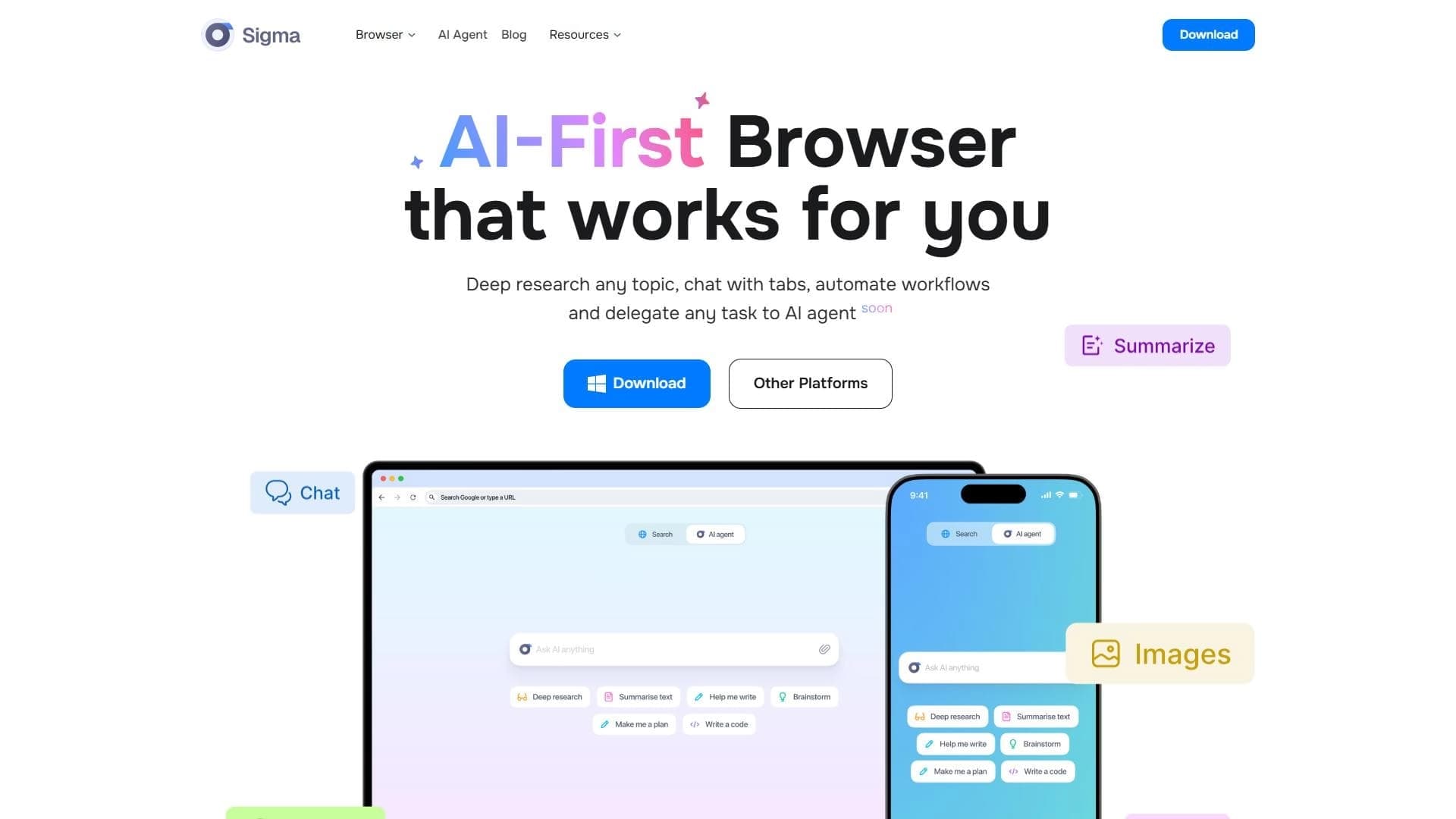

A browser with built-in AI tools for chatting with neural networks, generating texts and images, translating and summarizing pages.
AI calculator for step-by-step solving of math problems with graphing and support for various topics.