

Remove.bg
AI-powered web service for automatically removing backgrounds from images in seconds.
Overview
Remove.bg
Remove.bg Neural Network Description
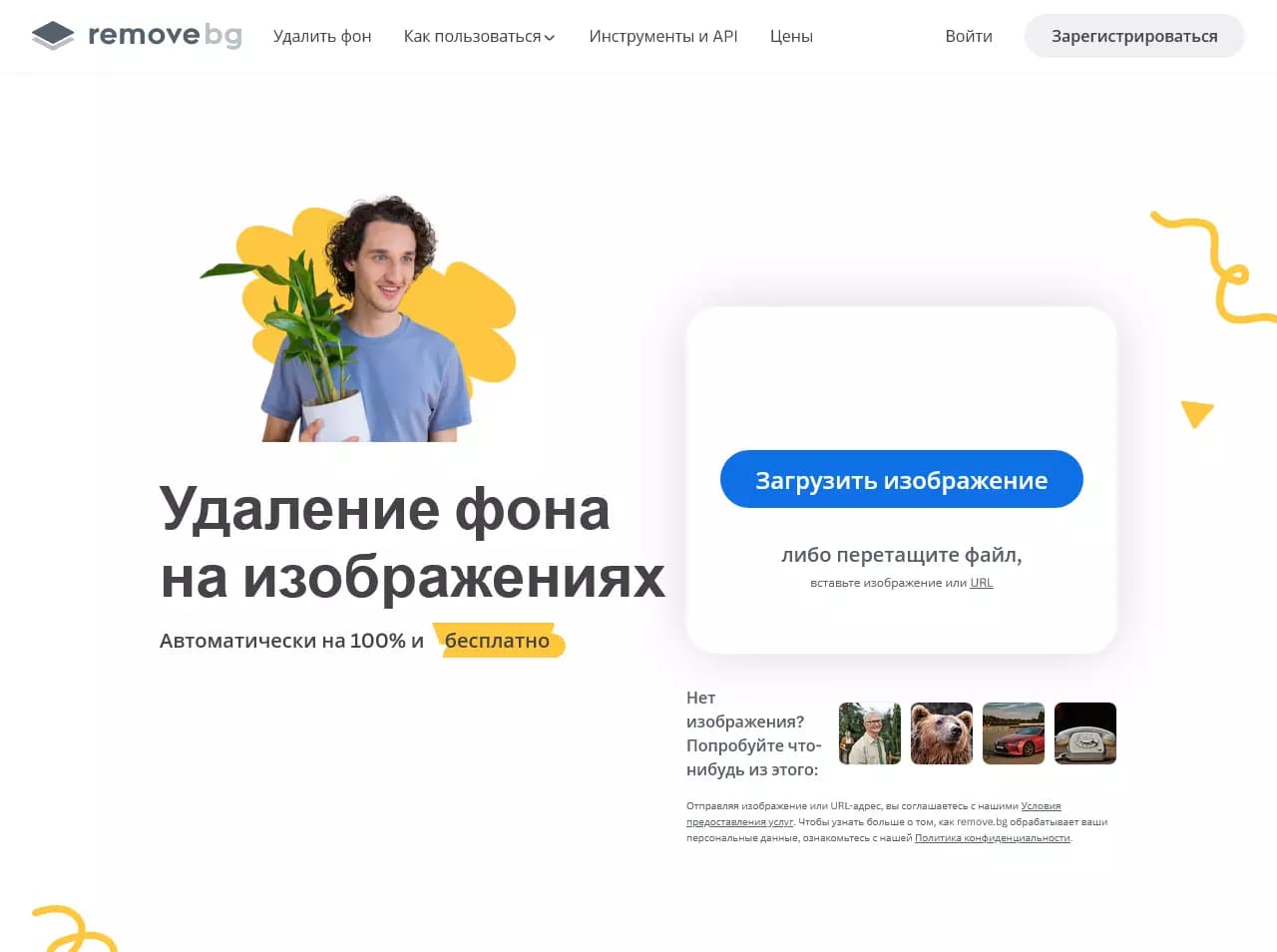
Remove.bg is an online service based on artificial intelligence and computer vision algorithms that automatically removes backgrounds from photos and images. The tool can recognize the main object in a photo even with complex contours such as hair, fur, or semi-transparent elements, and remove the background in seconds. The result can be saved as a PNG with a transparent background or on a colored background. The service is available via a web version, mobile apps, and an API for integration into third-party applications.
Remove.bg Features
| Feature | Value |
|---|---|
| Tool type | Neural network for background removal |
| Categories | Background removal, Image editing, Photography, E-commerce, Graphic design |
| Business model | Freemium |
| Platforms | Web (online service), Mobile apps, API |
| Image formats | JPEG, PNG, WebP |
| Result | PNG with transparent background or on a colored background |
| Free plan available | Yes |
| Interface languages | Russian |
| Regional restrictions | May apply |
| Editorial rating | 9.2 out of 10 |
| User rating | 4.8 out of 5 |
Who is Remove.bg suitable for?
Designers and photographers
Remove.bg is suitable for graphic designers, photographers, and photo editing specialists who need to quickly prepare images for work—cut out objects, create compositions, or replace backgrounds.
Marketers and content creators
The tool is useful for marketers and social media content creators who want to speed up image processing for advertising materials, presentations, and posts.
E-commerce specialists
Sellers and online store owners can use Remove.bg to prepare product photos—background removal helps make product cards neater and more attractive.
Developers
Through the API, the service is suitable for developers who want to integrate background removal functionality into their own applications and systems.
How to use Remove.bg?
Via the web interface
To use the service, simply upload an image to the upload field on the website or click the "Upload" button. The AI will automatically detect the main object and remove the background in seconds. After processing, you can preview the result and download the finished image. All you need is an internet connection—no software installation required.
Manual refinement
If necessary, you can manually refine the selection with a brush—this is useful if automatic detection fails on certain parts of the image.
Via mobile apps and API
The service is also available through mobile apps for smartphones and tablets. Developers can use the API to integrate background removal into their own products.
Key Features of Remove.bg
Automatic background removal
The main function of the service is automatic detection and removal of backgrounds from images using AI. The algorithm handles even complex objects: hair, fur, semi-transparent elements, and small details.
Manual selection editing
After automatic processing, you can manually refine the result with a brush—add or remove areas of the selection.
Support for various formats
The service supports JPEG, PNG, and WebP formats. The result can be downloaded as a PNG with a transparent background or on a colored background, including white.
Plugins and API
Remove.bg offers plugins for popular design software and e-commerce platforms, as well as an API for integration with other applications and systems.
Advantages of Remove.bg
High speed and quality
Image processing takes just a few seconds. The original quality is preserved, and HD-quality results are available. The service accurately recognizes objects even on complex backgrounds, saving time compared to manual processing in Photoshop, Adobe, or Canva.
Ease of use
The tool requires no software installation, account registration, or special skills—just upload an image and get the result. The interface is available in Russian.
High user ratings
Remove.bg has received a high editorial rating (9.2 out of 10) and a user rating (4.8 out of 5), reflecting the quality of the service.
Disadvantages of Remove.bg
Free plan limitations
The free plan offers a limited number of processing operations and standard image resolution. A paid subscription is required for high resolution and extended limits.
Regional restrictions
In some countries, regional restrictions may apply.
What tasks does Remove.bg solve?
Preparing images for design
With Remove.bg, you can quickly remove backgrounds for use in graphic design—creating collages, presentations, banners, and other visual materials.
Product photo processing
The tool is suitable for preparing product photos for online stores and marketplaces: background removal makes product cards cleaner and more professional.
Creating content for social media
The service lets you quickly process images for social media, advertisements, and other marketing materials.
Automating image processing
Through the API, Remove.bg can integrate background removal into automated image processing workflows, reducing manual effort.
Remove.bg Pricing
Remove.bg operates on a freemium model. A free plan is available with a limited number of processing operations and standard resolution. Paid subscriptions provide high resolution and extended limits. Exact prices and terms for paid plans are not specified on the source websites.
Terms of Use for Remove.bg
To use the service, images must be uploaded to the platform. The web version is available without account registration. Developers can use the API for integration. In some countries, regional access restrictions may apply.
Remove.bg Availability
Remove.bg is available via the web version (works in a browser), mobile apps for smartphones and tablets, and through the API. The interface supports Russian.
How Remove.bg Differs from Alternatives
Remove.bg stands out for its high processing speed (a few seconds) and accuracy in recognizing objects with complex contours, such as hair and semi-transparent elements. The service has high editorial and user ratings—9.2 out of 10 and 4.8 out of 5, respectively. The tool offers a free plan without registration, as well as API support and plugins for popular software. The main drawbacks compared to alternatives are regional restrictions and free plan limits.
Conclusion
Remove.bg is a fast and accurate online tool for removing backgrounds from images using artificial intelligence. It suits designers, marketers, sellers, and developers, allowing them to get high-quality results in seconds without installing software. The service operates on a freemium model: basic features are free, while paid subscriptions unlock high resolution and extended limits. The main limitations are related to regional availability and the number of free processing operations.
Frequently asked questions
Similar AI tools








See also


Neural network from Alibaba for processing and generating product images for online stores.


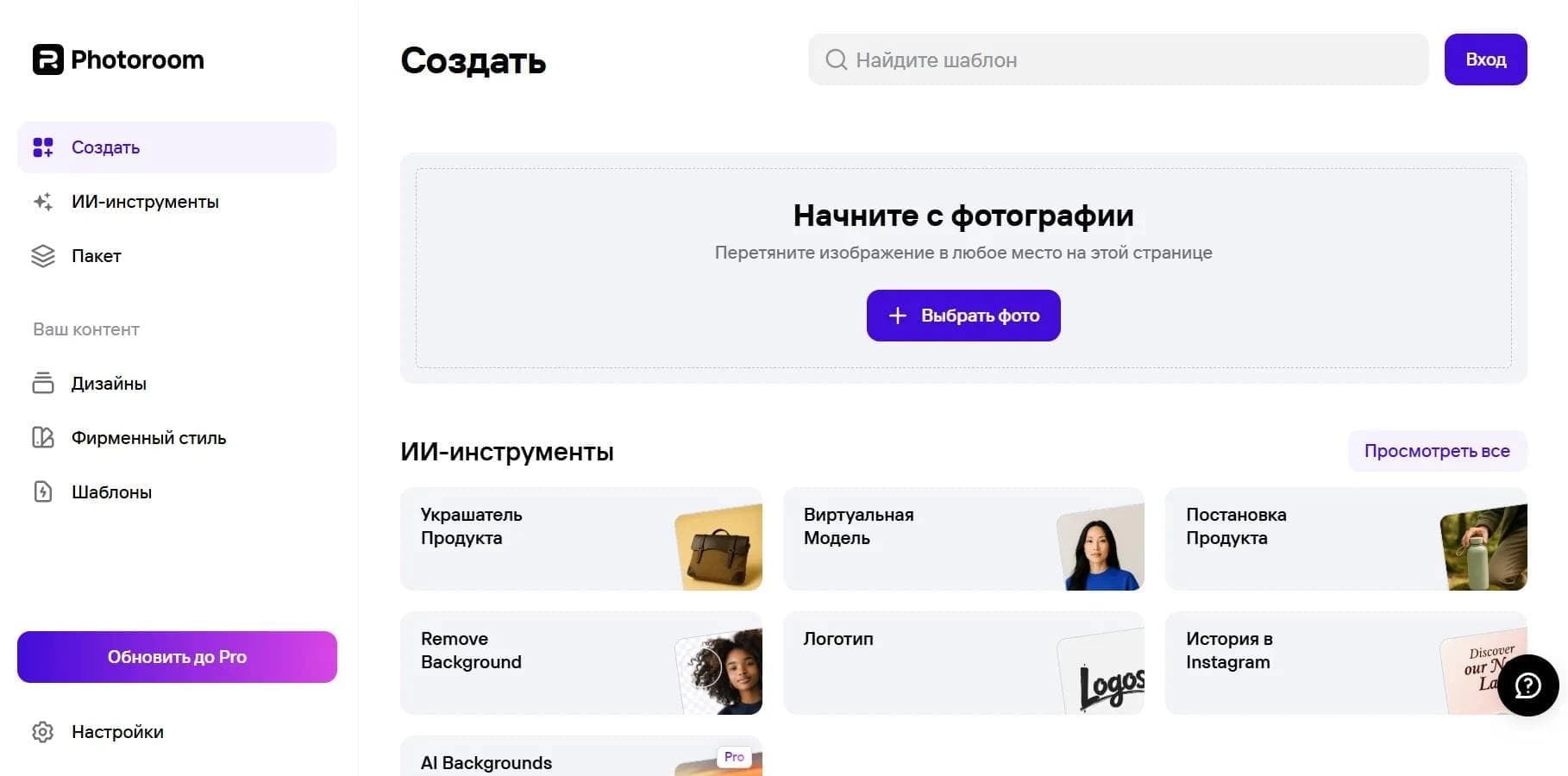
Online photo editor with AI-powered features.

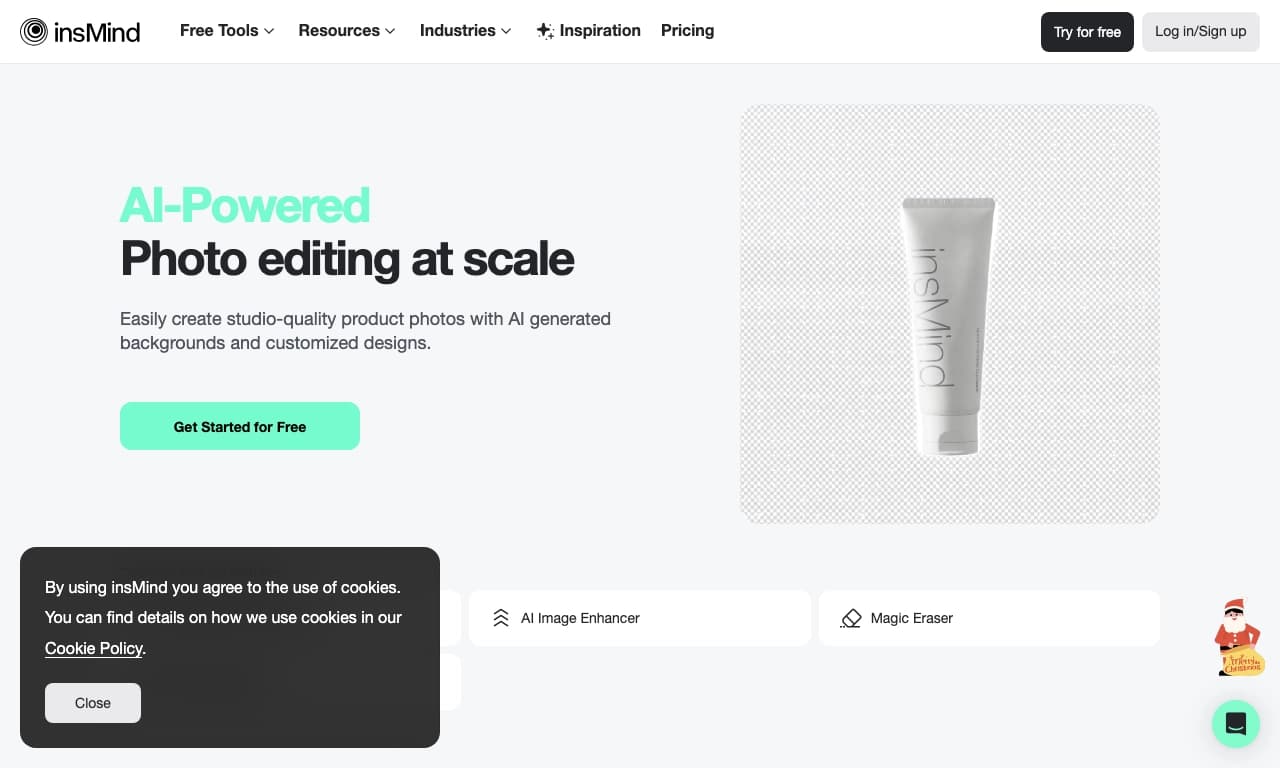
AI tool for automatic photo processing: background removal, quality enhancement, and image retouching.

Online platform for photo editing, collage creation, and graphic design using AI tools.

Cross-platform video editor with AI features for creating and editing videos.


AI photo editor for online stores that automatically changes backgrounds, generates realistic models for clothing try-on, and enhances product images.
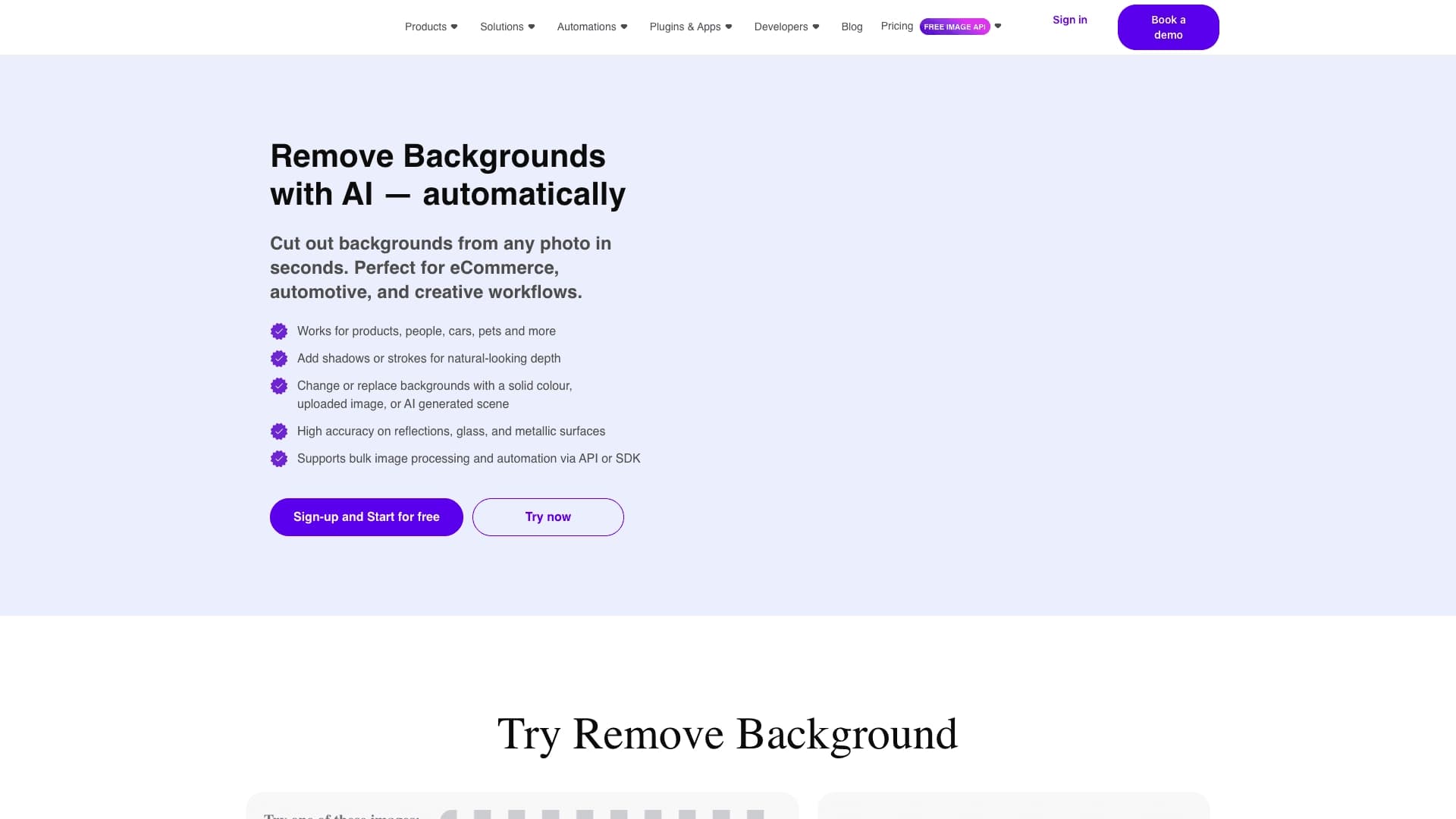
API for automatic photo background removal, tailored for e-commerce products.

Online video editor from Microsoft with AI-powered features for quick editing right in your browser.