
Remove Bg
Automatic background removal from images in one click.
Overview
Remove Bg
Description of the Remove Bg neural network
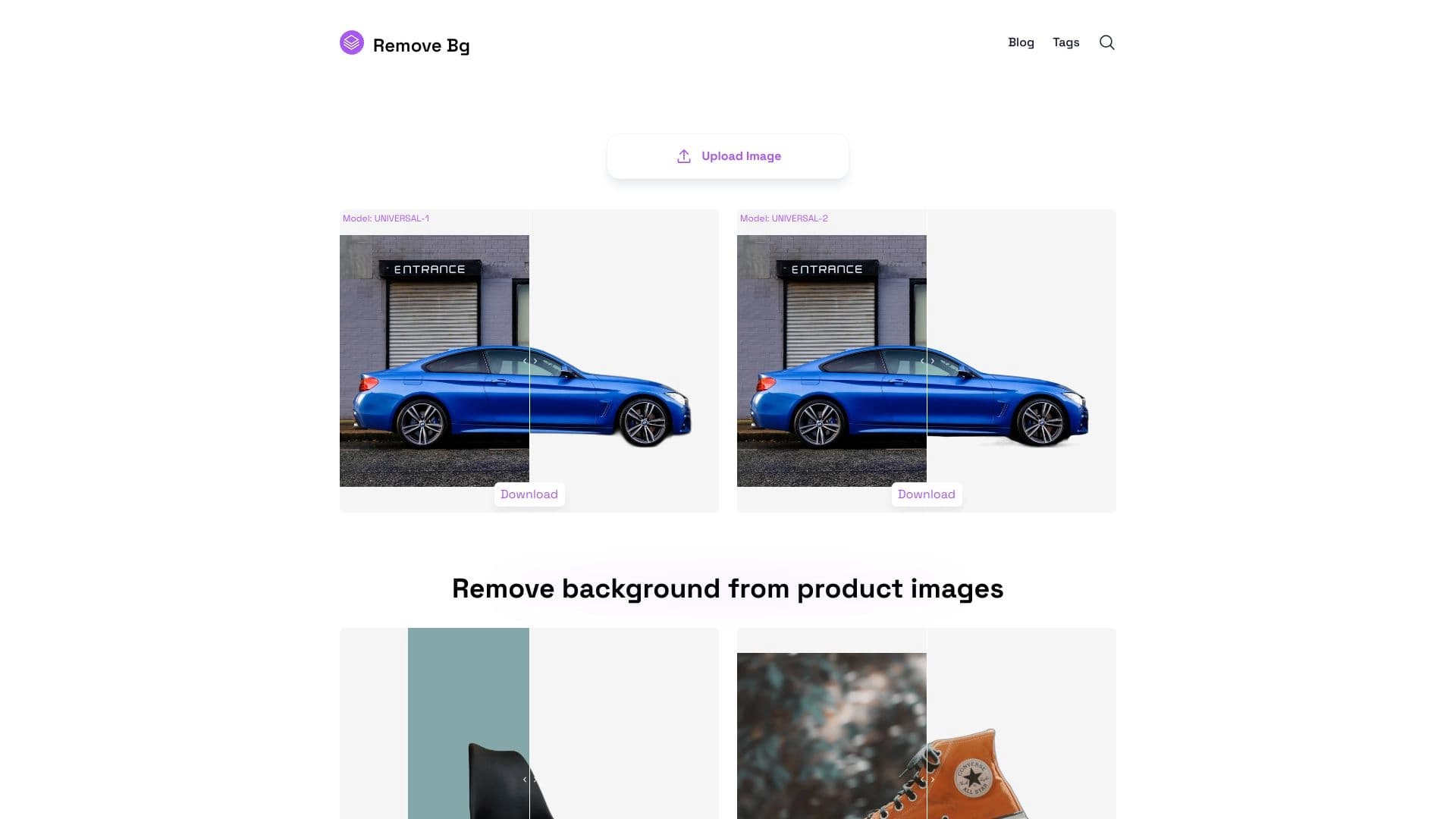
Remove Bg is a web service based on artificial intelligence technologies that lets you automatically remove the background from images in literally one click. The user does not need to manually select objects or work with masks — just upload a photo, and the neural network will independently identify the foreground and separate it from the background. The entire process takes just a few seconds, and the user gets an image with a transparent background, ready for further use.
The service is aimed at a wide audience: from designers and marketers to regular users who need to quickly clean up the background in personal photos. Remove Bg works entirely in the browser, requires no additional software installation, and supports most popular image formats.
Remove Bg features
| Feature | Value |
|---|---|
| Tool type | Web service for background removal |
| Categories | Background removal, Image editing, Photography |
| Distribution model | Freemium (free with limitations + paid plans) |
| API access | Not specified |
| Platforms | Web version (browser) |
| Input image formats | Popular raster formats |
| Output format | Image with transparent background (PNG) |
| Interface languages | To be confirmed |
Who is Remove Bg suitable for?
Designers and layout specialists
Remove Bg significantly speeds up the routine work of cutting out objects for collages, layouts, and presentations. Instead of spending a long time selecting in Photoshop, the designer gets a finished result in a couple of seconds.
Online store owners
Product photos often require a uniform white or transparent background. Remove Bg makes it possible to quickly process product catalogs, eliminating the need to hire a product photographer or edit each photo manually.
Bloggers and content creators
Social media content creators can easily change the background in their photos without learning complex graphic editors. This opens up room for creative experimentation without deep technical skills.
Regular users
Anyone may need to remove the background from a personal photo — for documents, avatars, or simply for aesthetic reasons. Remove Bg offers a simple and fast solution without having to learn professional software.
How to use Remove Bg?
Step 1. Go to the website
Open the Remove Bg website in any modern browser. Registration is usually not required for basic use.
Step 2. Upload an image
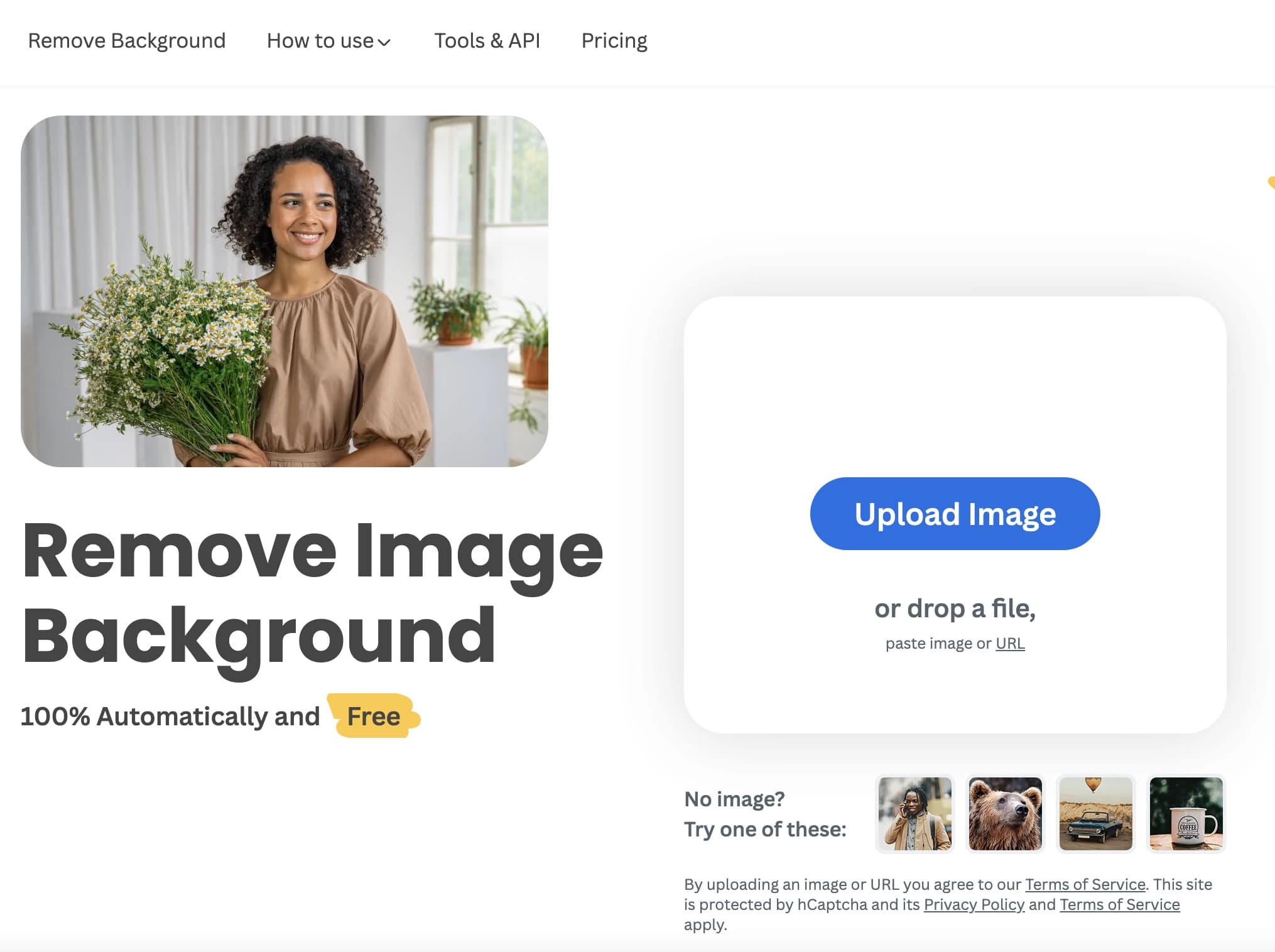
Click the upload button or drag and drop an image file into the designated area on the page. The service supports major image formats, including JPEG and PNG.
Step 3. Automatic processing
After uploading, the neural network instantly analyzes the photo: it identifies the main object in the foreground and calculates the background boundaries. The process takes from one to several seconds.
Step 4. Download the result
After processing is complete, you can immediately download the image with a transparent background. Depending on the version of the service, additional options may be available — for example, replacing the background with a solid color.
Main features of Remove Bg
Automatic object recognition
The neural network independently determines what the main object in the photo is (a person, animal, or object) and carefully separates it from the background. No manual selection is required.
Instant processing
Unlike traditional graphic editors, Remove Bg delivers results in seconds. This is especially valuable when batch-processing large numbers of photos.
Support for different image types
The tool works not only with portraits but also with product photos, images of animals, architectural objects, and other subjects where clean foreground extraction is needed.
Transparent background format
The user gets a PNG image with a transparent background, which can be immediately inserted into presentations, collages, web design, or printed materials.
Advantages of Remove Bg
- Ease of use — one-click background removal without the need to learn complex software.
- High speed — processing takes seconds, saving time when working with large volumes of images.
- Automation — the neural network independently determines object boundaries, eliminating human error and inaccuracies of manual selection.
- Accessibility — the service works through a browser and does not require a powerful computer or software installation.
- Freemium model — basic features are available for free, allowing you to evaluate the tool before purchasing.
Disadvantages of Remove Bg
- Free access limitations — like many freemium services, Remove Bg may limit the number of processed images or the quality of results in the free version.
- Complex images — when processing photos with complex backgrounds, blurry edges, or multiple objects, selection inaccuracies may occur.
- Internet connection required — the service is fully cloud-based, so it cannot be used without a stable internet connection.
- No fine-tuning — compared with professional editors, Remove Bg offers fewer options for manual adjustment of the result.
What tasks does Remove Bg solve?
- Preparing product photos for online stores and marketplaces where a white or transparent background is required.
- Creating avatars and document photos — quickly replacing the background with a neutral or solid-color one.
- Designing presentations and advertising layouts — cutting out objects for collages and compositions.
- Visual content for social media — replacing the background with a creative or themed one.
- Extracting logos and graphic elements — obtaining a clean object without a background for further use in layout or design.
Remove Bg pricing
The service operates on a freemium model. The basic background removal function is available for free, but the free version typically has limitations on the number of processed images or the available resolution. For active users and commercial use, paid plans are offered that remove these limitations. Exact prices and the contents of each plan need to be checked on the official website of the service, as they may change.
Terms of use for Remove Bg
Remove Bg allows users to upload and process images through its web interface. By using the service, the user agrees to the terms set by the developer. Uploaded images are processed on the service's servers and may then be deleted or stored in accordance with the privacy policy. Commercial use or mass image processing likely requires purchasing an appropriate plan. Detailed terms should be reviewed on the service's website.
Availability of Remove Bg
Remove Bg is available as a web service through any modern browser. An internet connection is required. The tool is independent of operating system and device — it works on a computer as well as a tablet or smartphone. The availability of a mobile app is not specified, but the responsive web version allows the service to be used from mobile devices as well.
How Remove Bg differs from alternatives
Remove Bg stands out among similar services due to its focus on maximum simplicity and speed. While many competitors offer advanced editing features, additional filters, or manual adjustment, Remove Bg is focused on a single task — the fastest and highest-quality background removal possible. This makes it a good choice for those who do not need complex tools and just want a clean result with minimal effort. Thanks to the freemium model, the service can be tested without an immediate financial commitment, which distinguishes it from some fully paid solutions.
Conclusion
Remove Bg is a practical and intuitive tool for automatically removing backgrounds from images. It solves a specific task without unnecessary features, making it convenient for a wide range of users — from professional designers to everyday people. The freemium model allows you to try the service for free and, if needed, purchase expanded capabilities for commercial use. If your main need is to quickly get a high-quality image without a background, Remove Bg is a worthy option to consider.
Frequently asked questions



See also


Online AI tool for creating deepfakes and editing images.


Online neural network service that transforms ordinary photos into stylized artistic portraits and avatars.

A multimedia AI toolkit for editing and enhancing photos, videos, and PDF documents.


Online editor for removing unwanted objects, text, and defects from photos using a neural network.

Service for creating personalized avatars and photo shoots using AI based on uploaded selfies.


An online service that recognizes text on manga and manhwa pages, translates it into different languages, and embeds it back into the image without damaging the original artwork.

Cloud platform for creating videos using AI avatars, synthesized speech, and automatic translation of clips into dozens of languages.


Google's neural network for generating and editing images from text descriptions, based on Gemini models.