

Quick Draw with Google
A free online game from Google in which a neural network tries to guess what the user is drawing within 20 seconds.
Overview
Quick Draw with Google
Description of the Quick Draw with Google neural network
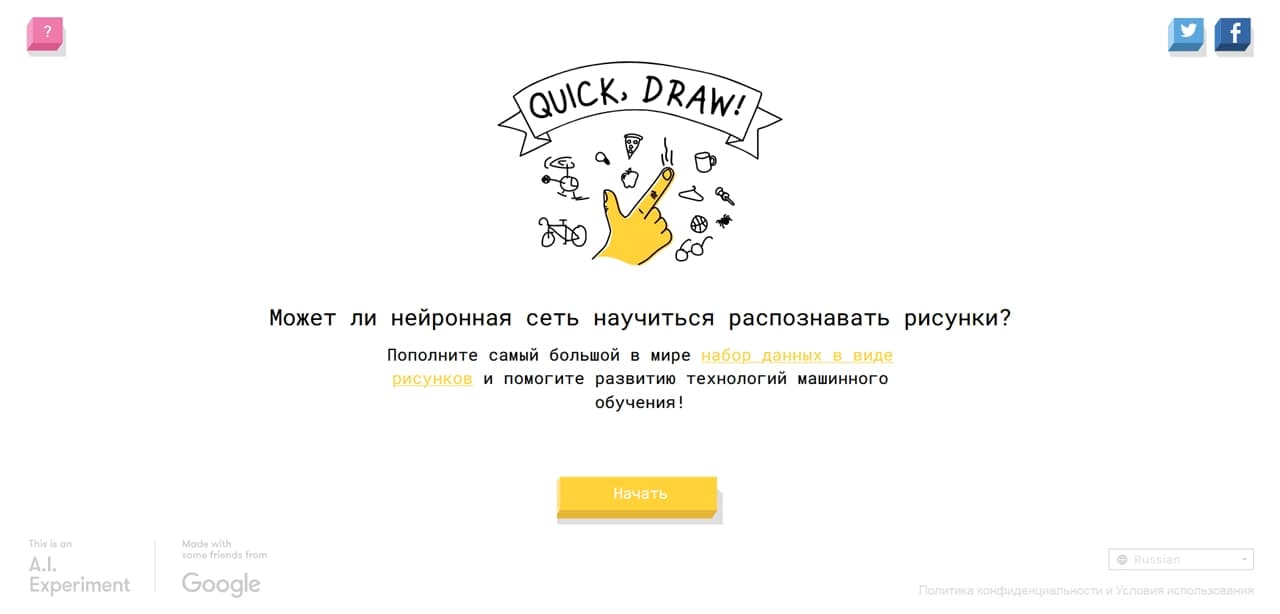
Quick Draw with Google is a free online game developed by Google. The project is based on a neural network that recognizes user drawings in real time. The player is asked to sketch a simple object in just 20 seconds, while the neural network tries to guess what they are drawing.
The project serves two important purposes at once: it entertains the user and collects data for training machine learning algorithms. Every drawing created during gameplay is used to improve image recognition models. The service runs directly in the browser and requires no additional software installation.
Quick Draw with Google features
| Characteristic | Value |
|---|---|
| Type | Neural network for drawing recognition |
| Category | Drawings and sketches, AI Games |
| Platforms | Web (browser) |
| Free plan | Yes |
| Availability | Web version, available in the browser |
| Registration | Not required |
Who is the Quick Draw with Google neural network suitable for?
Users interested in AI entertainment
Quick Draw with Google is a great fit for anyone who wants to explore the capabilities of artificial intelligence in a light and engaging way. The game requires no special knowledge or skills — you just need to be able to draw simple shapes. It is a nice way to spend time while seeing how a neural network learns to recognize patterns.
Machine learning specialists and enthusiasts
The project is also interesting for developers, researchers, and anyone interested in the development of machine learning technologies. By taking part in the game, users contribute to the collection of data used to train and improve image recognition algorithms.
Family audience
The game is suitable for children and adults. Its simple interface and intuitive rules allow users of any age to play. It is a great option for spending time together or introducing children to the basics of how artificial intelligence works.
How to use the Quick Draw with Google neural network?
Starting the game
To start playing, simply open the Quick Draw with Google website in any modern browser. No registration is required. You are given a task — to draw a specific object within the allotted time.
Drawing and recognition process
The name of the object to draw appears on the screen. You have 20 seconds to sketch it using a mouse or touch screen. The neural network analyzes your drawing in real time and tries to determine what it depicts. The more accurate and distinctive your drawing, the higher the chance the neural network will recognize it.
Completion and sharing results
After the round ends, the game shows whether the neural network managed to guess the intended object. You can evaluate recognition accuracy and, if you like, share your results on social media. The process repeats with new tasks, keeping the game dynamic and engaging.
Key features of Quick Draw with Google
Online game for drawing objects
You are prompted to draw various objects, each time new ones. Tasks are selected automatically, ensuring variety in gameplay.
Recognition of drawings by a neural network
The neural network analyzes your drawing in real time and tries to identify which object is depicted. The more data processed, the more accurate the algorithm’s predictions become.
Recognition accuracy assessment
After each round, the game shows how successfully the neural network completed the task. This lets you observe the quality of the algorithm’s performance.
Ability to share results
You can share your round results on social media, showing friends how well the neural network recognized your drawing.
Advantages of Quick Draw with Google
Free and unrestricted
Quick Draw with Google is completely free. You do not need to pay for access, buy a subscription, or spend in-game currency. There are no limits on the number of rounds or playtime.
Works directly in the browser
The service is available directly through the browser, making it convenient for users everywhere.
Contribution to machine learning development
Every object drawn in the game is used for training Google’s neural networks. By using Quick Draw, you are not just having fun — you are also helping improve image recognition technology.
Disadvantages of Quick Draw with Google
Quick Draw with Google is a simple entertainment tool with virtually no major drawbacks. Conditional limitations include the need to draw by hand with a mouse or touchscreen — on devices without a touchscreen, drawing accuracy may be lower. Also, the neural network does not recognize every drawing, especially if it is messy, though this is part of the game mechanics rather than a real flaw. You should also keep in mind that a weak internet connection may cause delays in drawing processing.
What tasks does Quick Draw with Google solve
Drawing recognition
The main task of the neural network is to recognize images drawn by hand. The algorithm analyzes the lines, shapes, and structure of the drawing to determine which object is depicted.
Collecting data for neural network training
Every drawing created in the game becomes part of a dataset used to train machine learning algorithms. This helps improve image recognition models and expand their capabilities.
Entertaining users
Quick Draw with Google is first of all a game. It offers an engaging and interactive way to pass the time while introducing users to the possibilities of artificial intelligence.
Quick Draw with Google pricing
Quick Draw with Google is a completely free service. You do not need to pay for usage, purchase paid subscriptions, or get premium access. All game features are available at no cost and without time limits.
Quick Draw with Google terms of use
No registration is required to use the service. There are no special conditions or restrictions on use. You can start playing immediately after loading the page in your browser. Data collected during gameplay is used by Google to train machine learning algorithms.
Quick Draw with Google availability
The service is available as a web version that works directly in the browser. Information about supported languages and specific regions is not listed on the source websites, but as a Google project, it is available in most countries worldwide.
How is Quick Draw with Google different from alternatives
Quick Draw with Google stands out primarily for its educational value. Unlike purely entertainment projects such as Instaplay, Vibe Game Dev, MiniCoder, Aleph Kids, Droodle, or Мия Life, Quick Draw also serves as a tool for collecting data and training neural networks for image recognition. Every user drawing contributes to the advancement of machine learning technology.
In addition, the service is completely free and requires no registration, making it more accessible than many alternatives. The simple interface and lack of complex rules let you start playing in seconds. Plus, Quick Draw with Google is a project directly from Google, which guarantees high-quality neural network implementation and stable service performance.
Conclusion
Quick Draw with Google is a free online service for recognizing drawings in a game format that also helps improve machine learning algorithms. The project nicely combines entertainment and educational functions, letting users have fun while contributing to the development of artificial intelligence technologies. Thanks to the lack of registration, free access, and browser-based operation, Quick Draw with Google remains one of the most accessible and engaging ways to explore the capabilities of neural networks.
Frequently asked questions
See also

Multiplayer open-world space simulator using AI for NPC control and event generation.

A tool for generating 3D models based on text descriptions, images, or sketches.
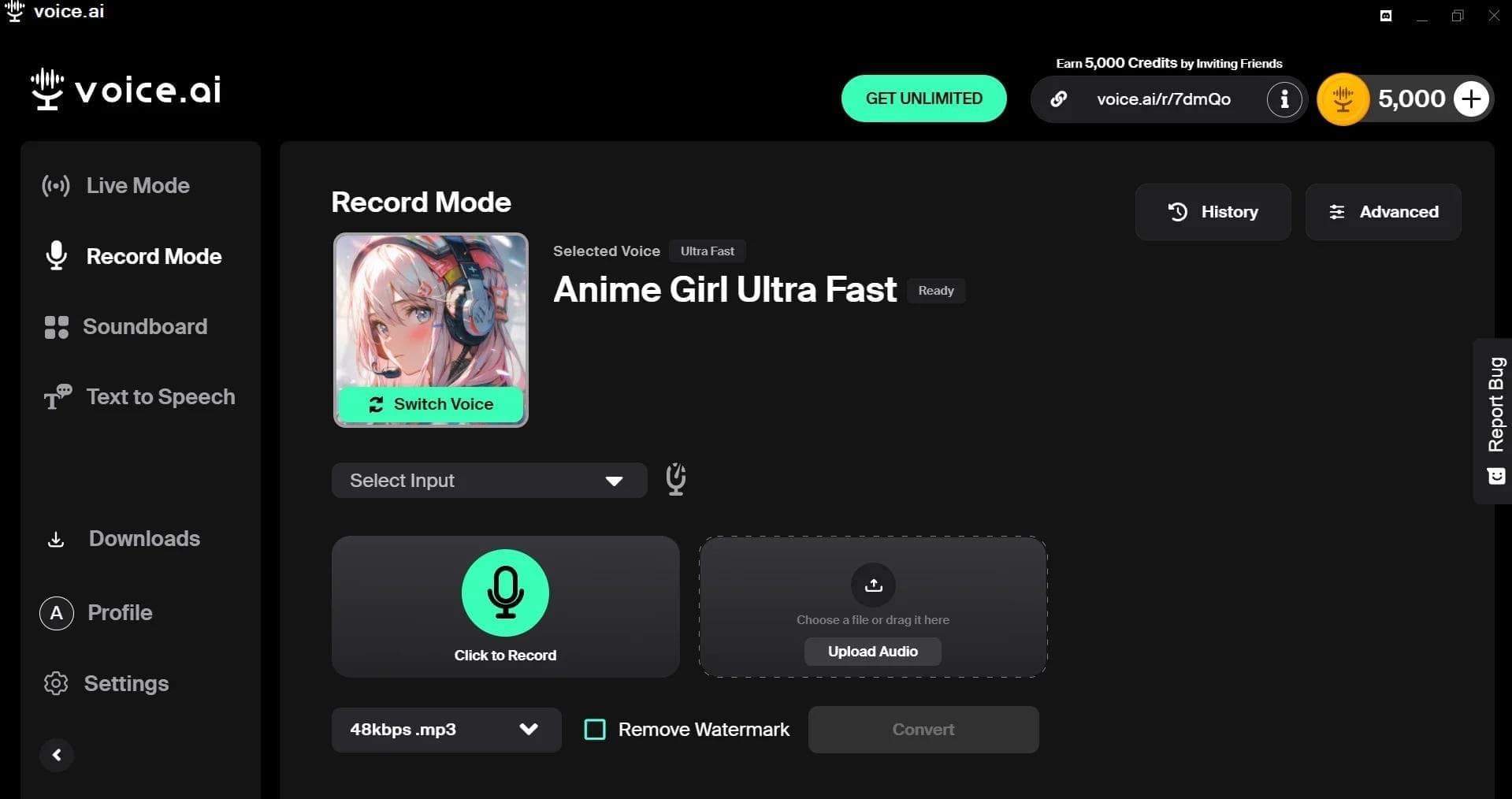

AI-powered platform for real-time voice changing and cloning.


A simulator game with a procedurally generated infinite universe to explore.
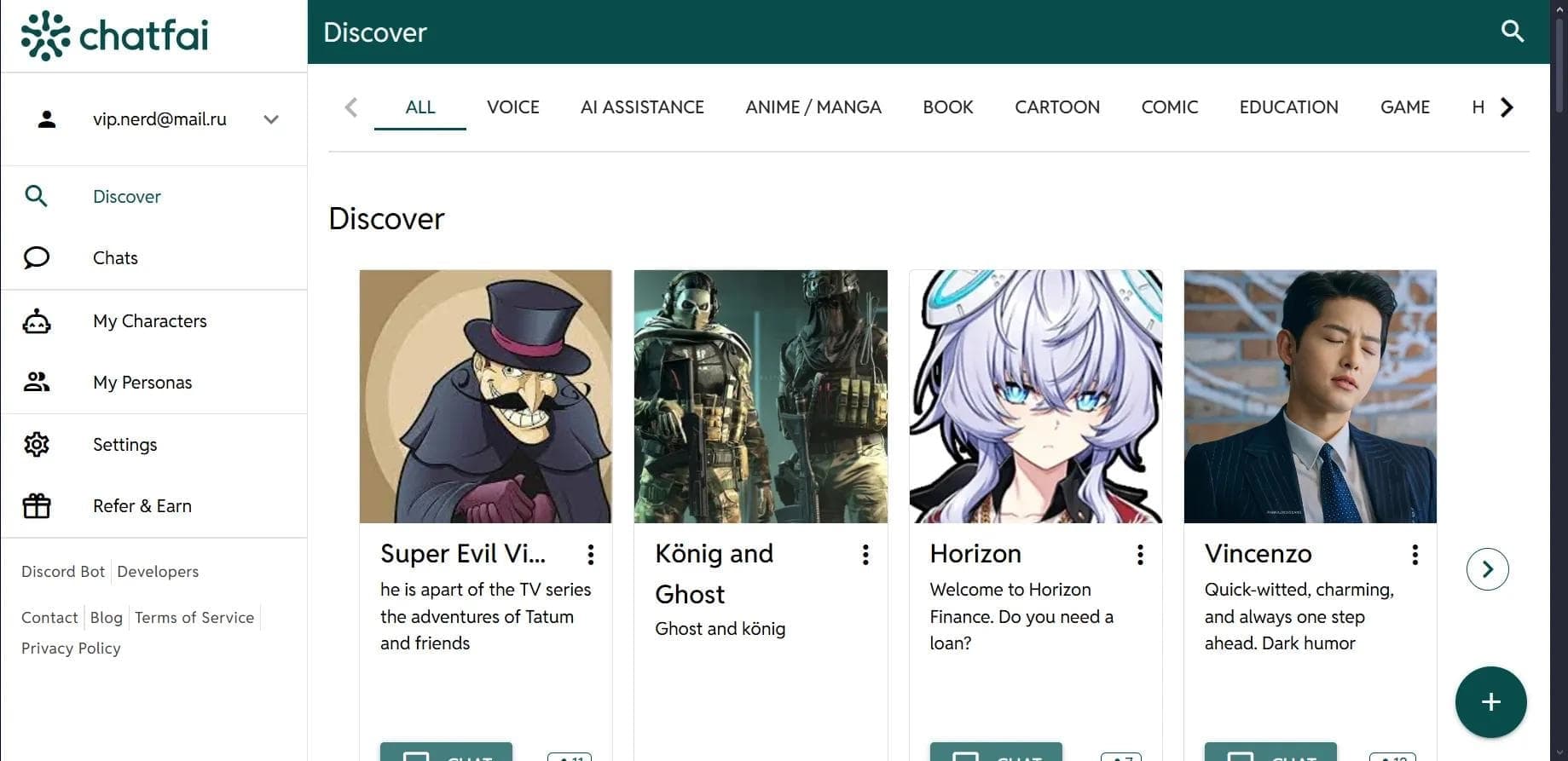

A platform for conversations with AI characters, including pre-made and user-created ones.
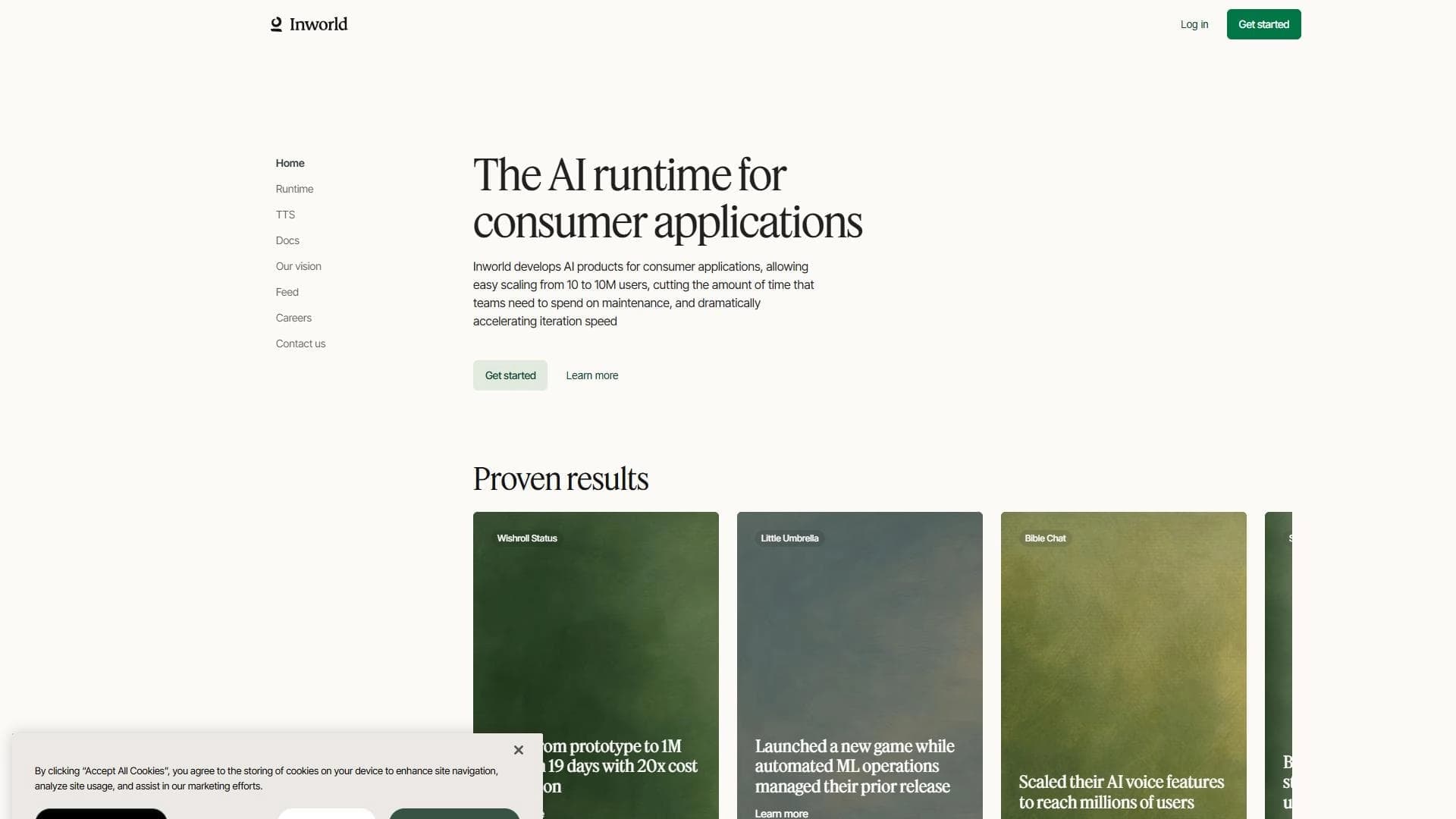

AI-based platform for creating intelligent NPCs and game worlds with speech synthesis support.
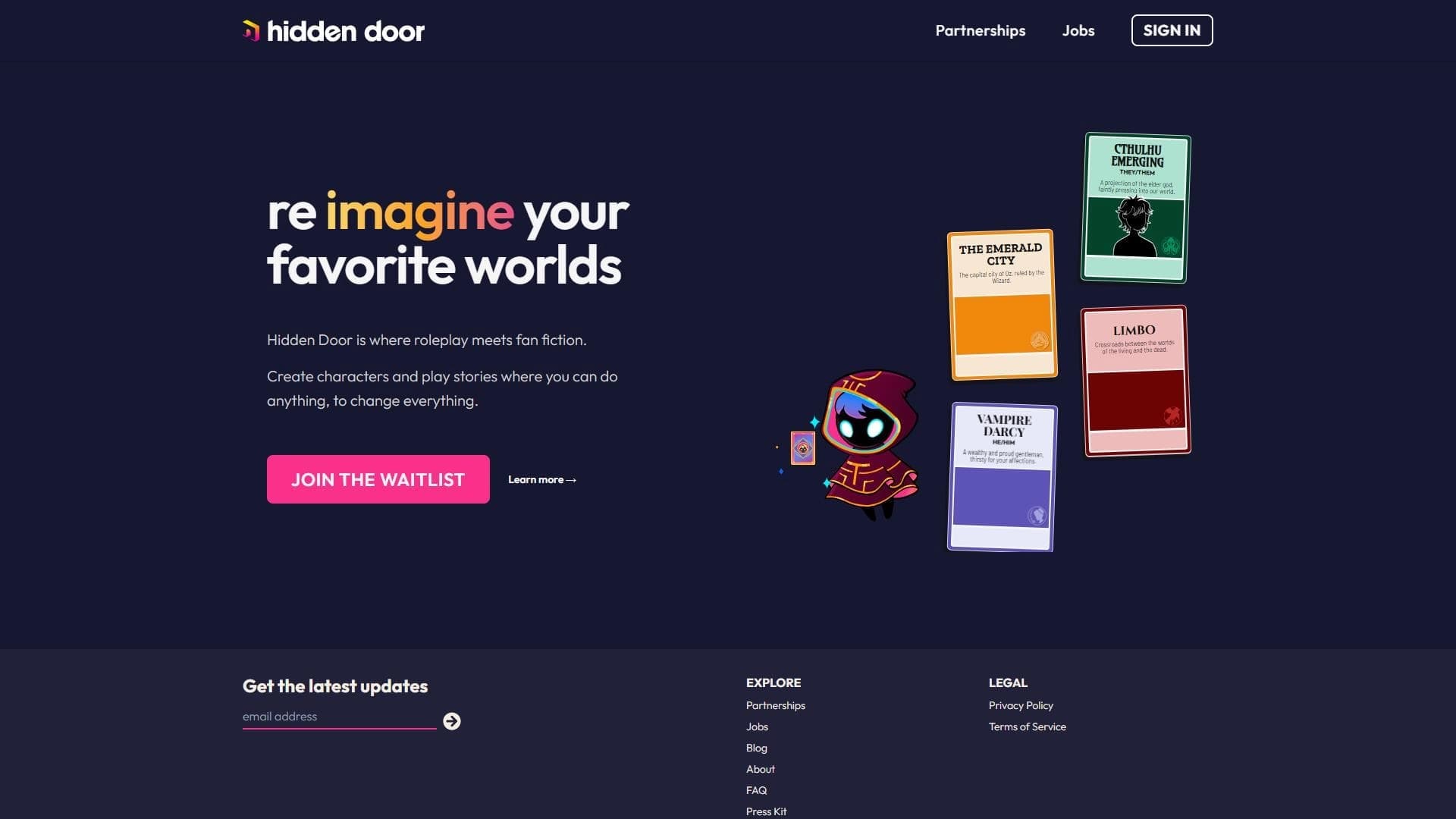

An interactive storytelling platform where AI acts as the narrator in adventures inspired by famous books, movies, and TV series.
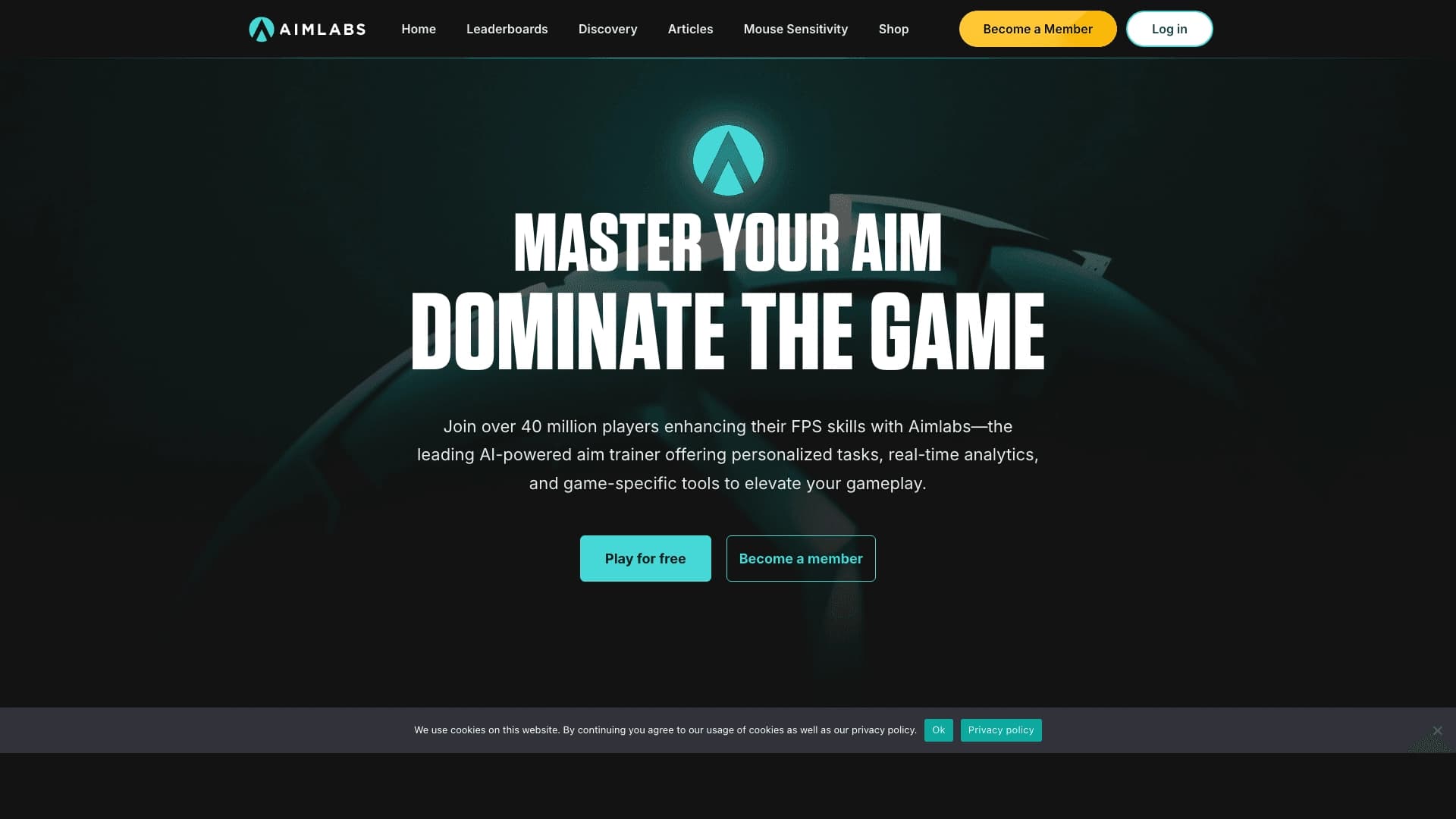
Platform for training gaming skills using AI.