
PowerMode AI
A tool for automatically creating professional presentations using AI based on user text prompts.
Overview
PowerMode AI
Description of the PowerMode AI neural network
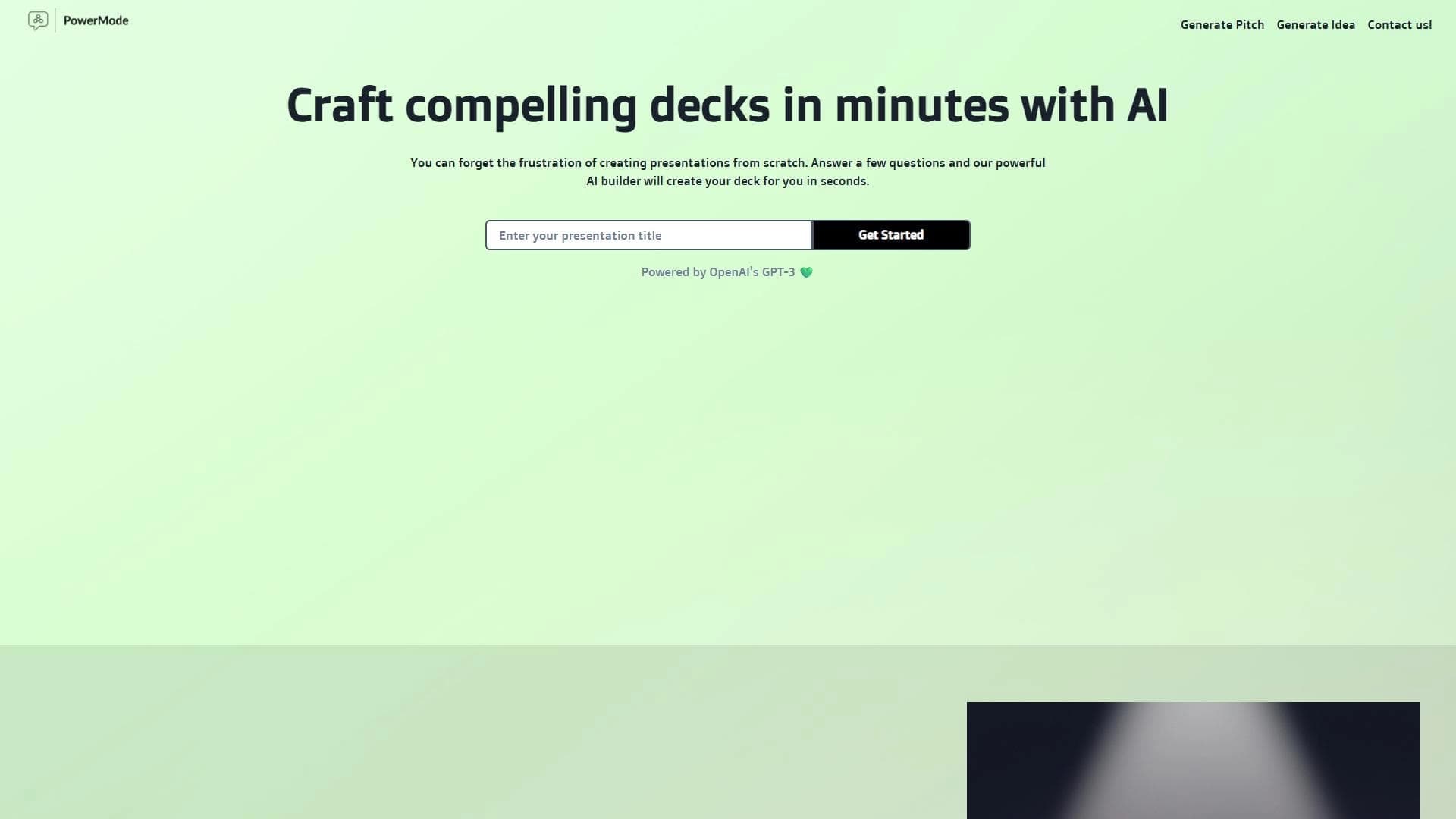
PowerMode AI is a service that uses artificial intelligence to automatically create professional presentations based on short text prompts from users. Instead of manually choosing templates, layouts, and design, you simply enter a topic, key points, or keywords, and the system handles all the material preparation itself.
How the service works
The neural network takes a textual description of an idea and independently breaks it into logical slides, building a sequence for presenting the information. The user only needs to provide a few prompts, and the system then creates a ready-made structure and visual concept for the presentation.
Primary purpose
The main goal of the tool is to significantly reduce the time and effort usually spent on creating slides. The service is designed for preparing pitches, learning materials, reports, and idea sharing, which makes it useful in education, marketing, and business environments. At the same time, the tool is primarily effective for standard tasks and may fall short when working on unique creative projects.
PowerMode AI Characteristics
| Characteristic | Value |
|---|---|
| Type | AI tool for creating presentations |
| Category | Presentations, startup tools |
| Distribution model | Contact the developers to clarify pricing |
| Free plan | Not specified |
| Date published in the catalog | 07-03-2023 |
| Website | powermodeai.com |
| Interface language | English |
Who is PowerMode AI suitable for?
Teachers and educators
The tool helps quickly prepare learning materials and visual presentations for classes. Instead of spending a long time on design, educators can focus on content while the neural network handles slide structuring.
Marketing and business professionals
The service is suitable for preparing pitches, business plans, and reports. It lets you quickly turn text ideas into neatly designed presentations with a logical flow, saving time on routine tasks and helping you communicate the idea to the audience.
Executives and managers
The tool is useful for anyone who regularly has to create presentations for internal and external communications. Its ease of use lets them handle tasks even without special design skills.
How to use PowerMode AI?
Step 1. Enter the initial data
The user enters a topic, key points, or individual words describing the idea of the future presentation. The more precisely the request is formulated, the more relevant the result the system produces.
Step 2. Automatic structuring
The neural network independently breaks the provided material into slides and logical blocks. It determines the order in which information is presented and forms the overall structure of the presentation.
Step 3. Get the finished presentation
The system selects the visual design, fonts, and color palette for each slide and then outputs the finished presentation. The user only needs to refine individual details if necessary.
Core Features of PowerMode AI
Generating a complete presentation
The service creates a full presentation based on the textual description of an idea. This is a key feature that lets you get a finished result in seconds instead of doing lengthy manual work.
Automatic content structuring
The neural network breaks the material into slides and logical blocks, arranging the sequence on its own. This may include step-by-step schemes, comparison tables, and diagrams.
Design tailored to the task
The system adapts the visual style to the type of presentation: a business plan gets a strict design with charts, while a creative project gets brighter visual solutions. Fonts and color palettes are selected for each slide.
Benefits of PowerMode AI
Time savings
Automation removes the need to manually choose templates and achieve visual harmony. The user gets a finished result much faster than with the traditional approach.
Professional look for standard tasks
For typical tasks—reports, plans, learning materials—the service creates neat, professional-looking slides without any special design skills.
Ease of use
The tool doesn’t require deep knowledge of AI or design. You just formulate a text prompt, and the system handles the rest on its own.
Limitations of PowerMode AI
Constraints for creative projects
The tool is not suitable for non-standard tasks that require a unique design approach. If the project involves an original creative concept, the service may not be flexible enough.
Doesn’t replace a professional designer
For special cases that require custom design and design expertise, PowerMode AI cannot fully replace the work of a specialist. The quality of the result is limited by the system’s template-based solutions.
What tasks does PowerMode AI solve?
Fast presentation creation
The tool solves the main task: turning a text description into a ready-made presentation without manually selecting layouts and design. This is convenient for pitches, reports, and idea sharing.
Information structuring
The neural network helps organize material into step-by-step schemes, comparison tables, and diagrams by building a logical sequence for presenting data.
Design adapted to the type of task
The service adjusts the visual style to a specific task: reports, project plans, business plans with charts, or learning materials—each type gets appropriate design.
PowerMode AI Pricing
The exact pricing information for the service is not disclosed in the source data. To clarify prices, it is recommended to contact the developers directly. The availability of a free plan is also not explicitly stated, so terms of use and cost should be confirmed with the official representatives of the tool.
PowerMode AI Terms of Use
As stated in the source data, the service works in English and is available at powermodeai.com. Detailed terms of use, user requirements, and options for free access are not described in the provided materials, so for accurate information you should refer to the official website or the service developers.
PowerMode AI Availability
The tool is available through the website powermodeai.com, whose interface is entirely in English. This means that using the service requires knowledge of English. Information about mobile apps, desktop versions, or support for other languages is not provided in the source data.
What makes PowerMode AI different from alternatives
PowerMode AI is focused on automatically creating ready-made presentations from text prompts, which sets it apart from tools that require a more manual approach. The key difference is full automation of the process: the system itself structures the material, selects the design, and builds a logical sequence of slides.
At the same time, as with many similar services, the tool’s strengths show in standard tasks—reports, plans, and learning materials. For unique creative projects, PowerMode AI may fall short of alternatives or professional design solutions where an individual approach to visual execution is required.
Conclusion
PowerMode AI is a tool for automatic presentation generation that lets you turn a text description of an idea into ready-made slides in a short time. It effectively handles standard tasks—reports, plans, learning materials, and pitches—by automatically structuring content and selecting design. At the same time, the service has limitations: it isn’t suitable for unique design projects and cannot fully replace the work of a professional designer. For routine tasks, this tool will be a convenient solution that significantly reduces the time spent on preparing presentations.
Frequently asked questions
Similar AI tools
See also
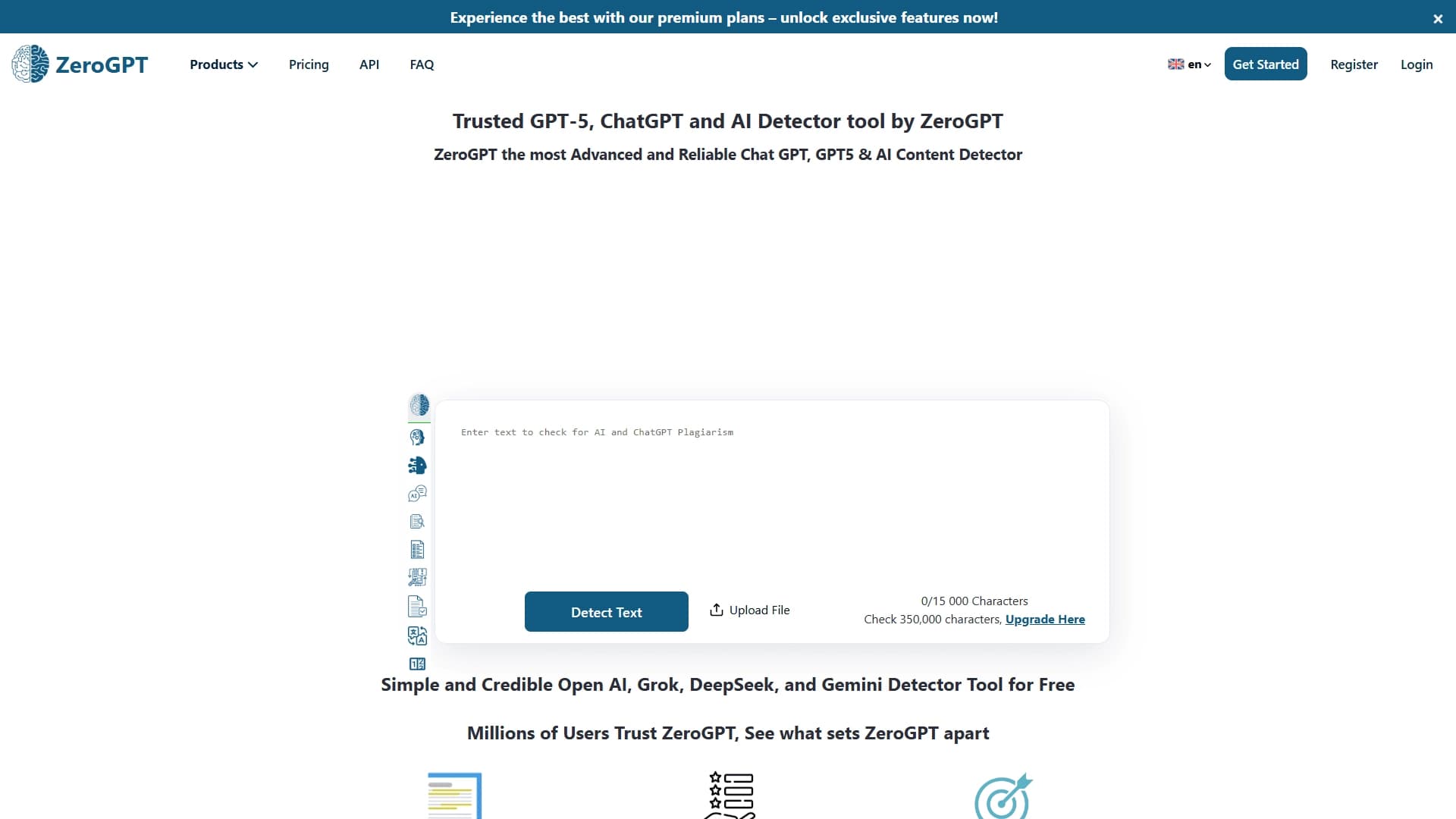

An online detector that determines whether text was created by a human or generated by neural networks.
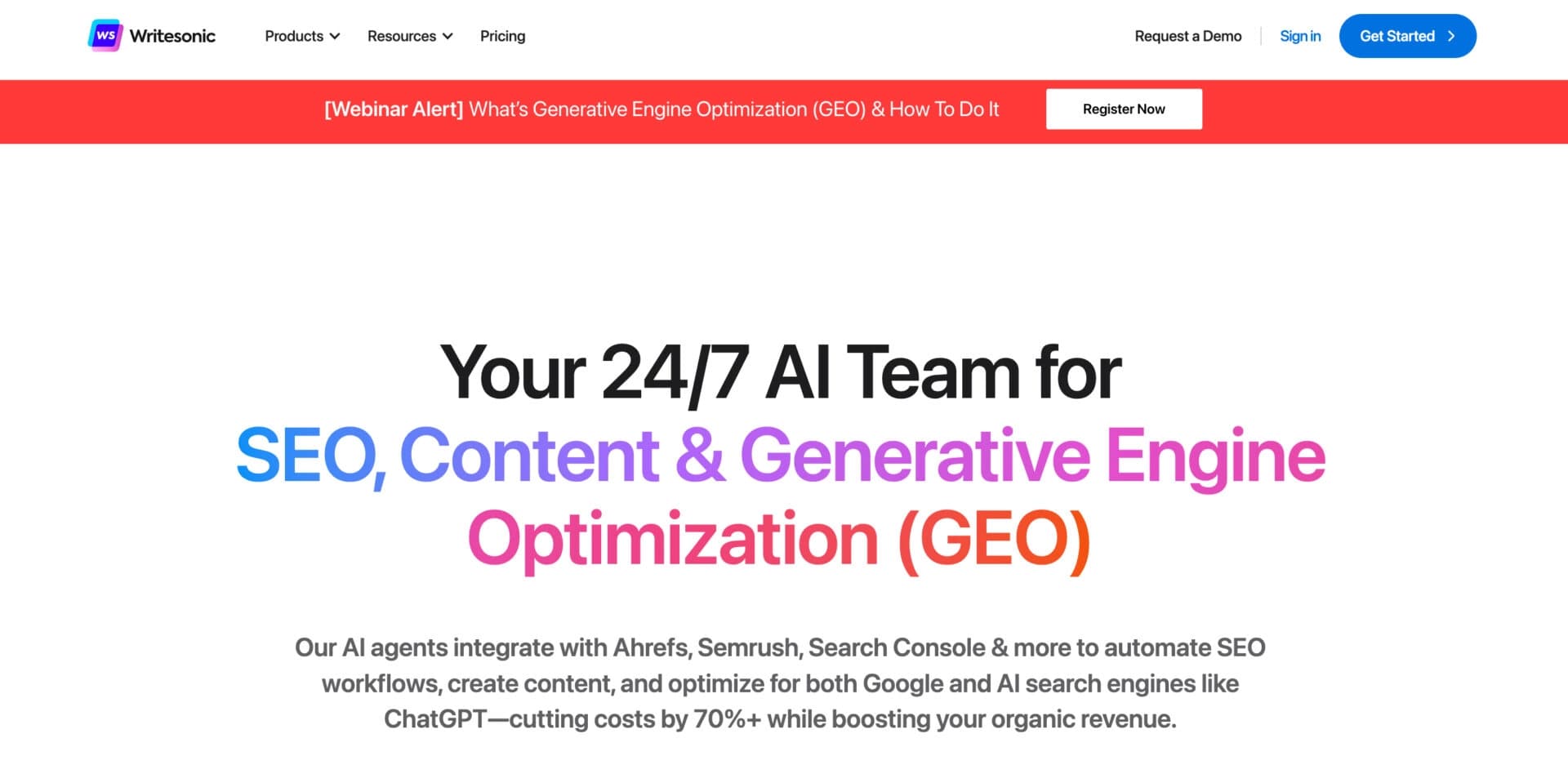

AI-based platform for generating text content: articles, advertisements, social media posts, and product descriptions.

Financial platform with an AI assistant for managing accounting, taxes, and budgets.

Platform for interview preparation with AI mock interviews and real-time support.

An app for solving math problems using a smartphone camera and step-by-step explanations.

AI-powered mobile app that helps with studying by analyzing text and photo queries.


AI assistant for creating short summaries of videos, PDF documents, and web pages.

A workflow automation platform that connects thousands of apps without requiring coding.