

Pixlr
Online photo editor with AI-powered features.
Overview
Pixlr
Pixlr AI description
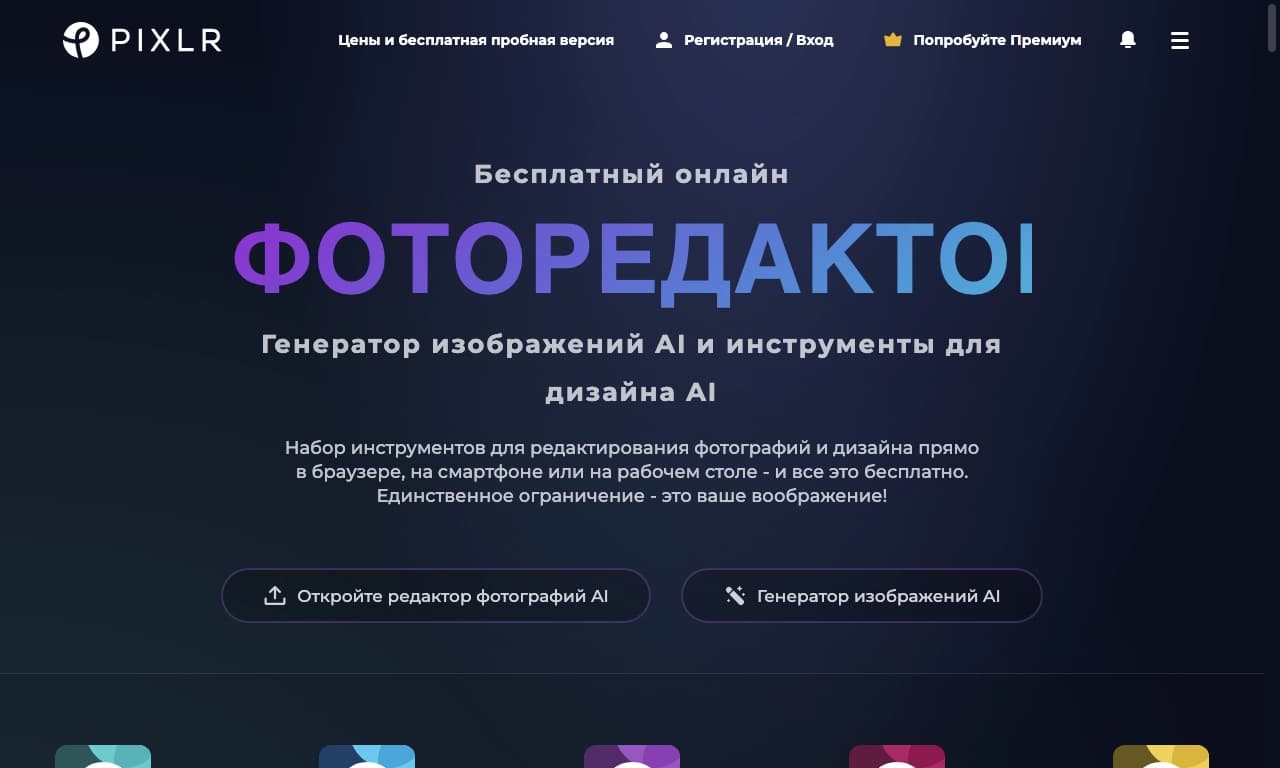
Pixlr is a cloud-based photo editor that works through a web browser and on mobile devices. The tool uses artificial intelligence to handle tasks related to editing and creating images. Its AI-powered capabilities include generating images from text prompts, replacing faces in photos, and intelligently filling in areas. Pixlr is aimed at users who need advanced editing features without having to install software on their computer. The platform supports various file formats and integrates with social networks for quickly sharing finished images.
Pixlr characteristics
| Characteristic | Value |
|---|---|
| Type | Cloud-based AI image editor |
| Categories | AI Platforms & Frameworks, Image Generation, Virtual & Augmented Reality, Web Tools |
| Platforms | Web, Android, iOS |
| Distribution model | Freemium |
| Free plan | Yes |
| Trial period for paid plans | 7 days |
| Minimum price | 1.49 USD/month (Plus plan) |
| Credit card required | No |
| Editorial rating | 8.5 out of 10 (by NeuroFolder criteria) |
| User rating | 4.5 (star rating) |
Who is Pixlr AI suitable for?
For photographers and designers
Pixlr is useful for photographers who need quick image editing without installing heavy software. Graphic designers can use the tool for routine tasks such as cropping, applying effects, and working with layers.
For marketers and social media managers
Marketers and social media managers will find in Pixlr a tool for preparing content: creating images for posts, editing photos, and preparing marketing materials.
For students and everyday users
The tool is suitable for educational projects and everyday photo editing. Thanks to its user-friendly interface, Pixlr is accessible to users of any skill level, from beginners to professionals.
How to use Pixlr AI?
Getting started
To start using Pixlr, visit the service website or download the app to a mobile device. Then create an account or log in to an existing one.
Basic editing steps
Upload the image you want to edit. Use the available tools: filters, overlays, text, layers, and AI features. After editing, review the result and make any necessary adjustments.
Saving and publishing
Save the finished image to your device or share it directly on social networks. Pixlr supports social media integration for convenient content sharing.
Key features of Pixlr
AI tools
Pixlr includes AI-based features: generating images with AI from text prompts, replacing faces in photos, and generative fill (intelligent area filling).
Basic editing tools
The editor offers advanced filters, overlays, text editing, layer support, and a set of design templates.
Format and device support
Pixlr supports various file formats and is available on Web, Android, and iOS, allowing you to edit images from any device.
Pixlr advantages
Available without installation
Pixlr works right in the web browser, eliminating the need to download and install software on your computer. This is especially convenient for users who need quick access to an editor.
Comprehensive toolset
The tool offers a wide range of photo editing features, including both basic capabilities and AI tools. This covers most image processing tasks.
User-friendly interface
Pixlr's interface is designed to be intuitive for users with different skill levels, from beginners to experienced designers.
Pixlr disadvantages
Internet connection required
Pixlr requires a constant internet connection to work. The editor does not support offline mode, which can be a limitation when no network is available.
Limited AI capabilities
Compared to professional software, Pixlr's AI features may not be advanced enough. Some sources note this as a drawback of the tool.
What tasks does Pixlr solve?
Photo editing
Pixlr is used for photo processing, from basic correction to applying complex filters and effects.
Graphic design
The tool is suitable for creating graphic elements, working with layers and overlays, and preparing layouts and templates.
Creating social media content
Pixlr helps prepare images for social media posts, including cropping, color correction, and adding text.
Image generation
With Pixlr's AI features, you can create images from text prompts, which is useful for generating unique content.
Preparing marketing materials
The tool is suitable for creating visuals for ads, banners, and other marketing needs.
Pixlr pricing
Free plan
Pixlr operates on a Freemium model. The free plan includes basic editing features, but with limitations and ads.
Paid plans
Three paid plans are available:
- Plus — 1.49 USD per month. Includes ad removal, unlimited saves, and 80 AI credits per month.
- Premium — 6.49 USD per month. Offers 1,000 AI credits, private mode, and a larger library of fonts and templates.
- Team — 11.99 USD per month. Includes 5 Premium seats and 1,000 AI credits per seat.
Discounts and trial period
Paid plans have discounts: 40% on Plus, 35% on Premium, 29% on Team. A 7-day free trial is available for Premium and Team. No credit card is required for the trial period.
Pixlr terms of use
Use of Pixlr requires registration — you need to create an account or log in to an existing one. The free terms include displaying ads, which are removed in paid plans.
Pixlr availability
Platforms
Pixlr is available on three platforms: web version (Web), a mobile app for Android, and an app for iOS.
Regions and languages
The tool's main audience is concentrated in the United States (26.19%), the United Kingdom, Russia, India, and Canada. Interface languages and regions are not specified in the source data.
How does Pixlr differ from alternatives?
The main difference between Pixlr and many alternatives is its cloud-based model, with no need to install software. Unlike professional editors such as Adobe Photoshop, Pixlr requires fewer resources and is easier to learn, although its AI features may be less advanced.
Other alternatives to Pixlr include Adobe Photoshop, GIMP, Canva, PicMonkey, Fotor, and SwaperFace. Unlike these services, Pixlr offers a combination of basic editing and AI tools in one cloud solution.
Conclusion
Pixlr is a cloud-based AI image editor available online and on mobile devices. It combines basic editing features with AI-powered tools, including text-to-image generation, face replacement, and intelligent filling. The tool suits a wide audience, from beginners to professional designers, photographers, and marketers. Pixlr operates on a Freemium model with an accessible free plan and several paid tiers. However, it requires an internet connection to work. Despite its convenience and accessibility, Pixlr's AI features may not be advanced enough compared to professional software.
Pricing
Frequently asked questions

See also
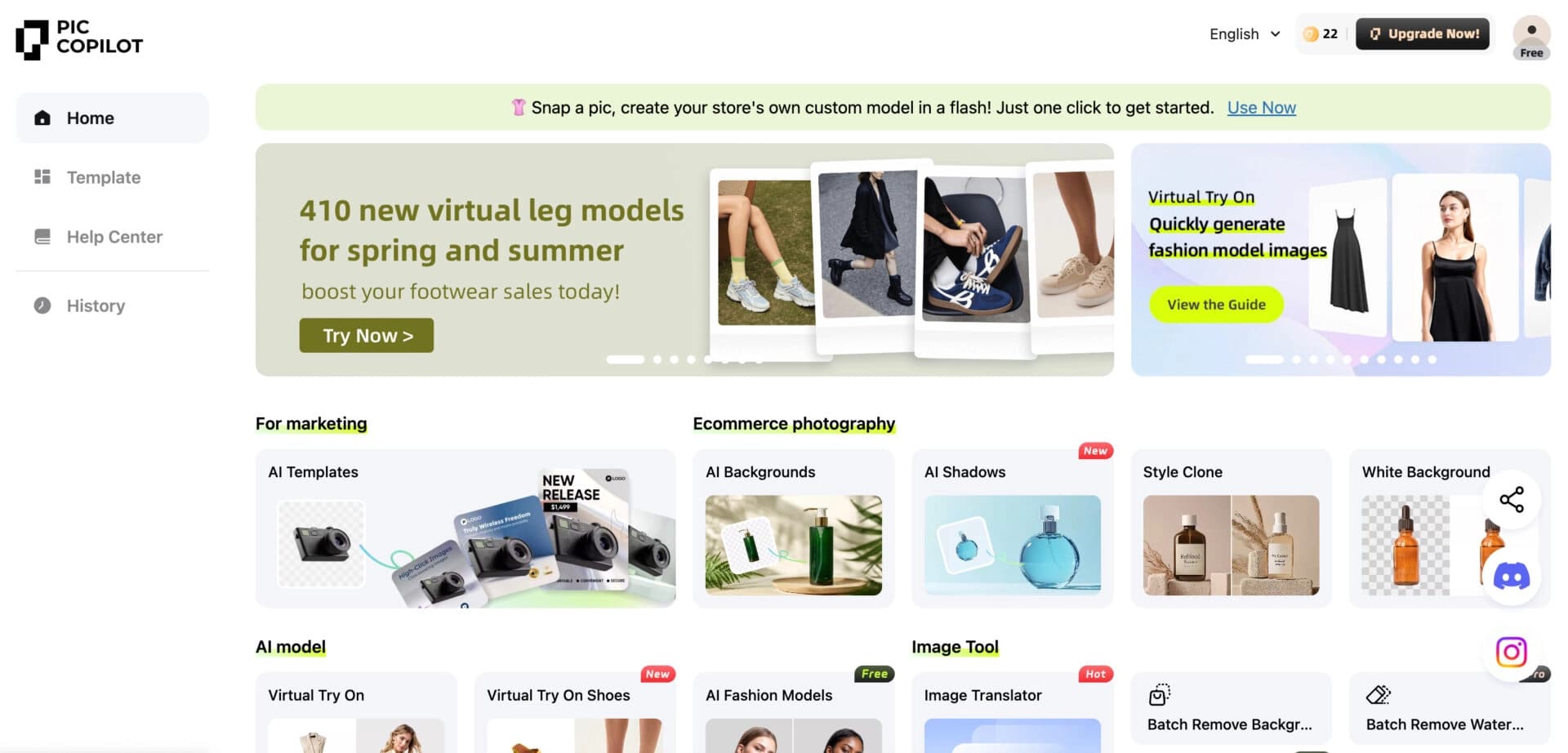

Neural network from Alibaba for processing and generating product images for online stores.
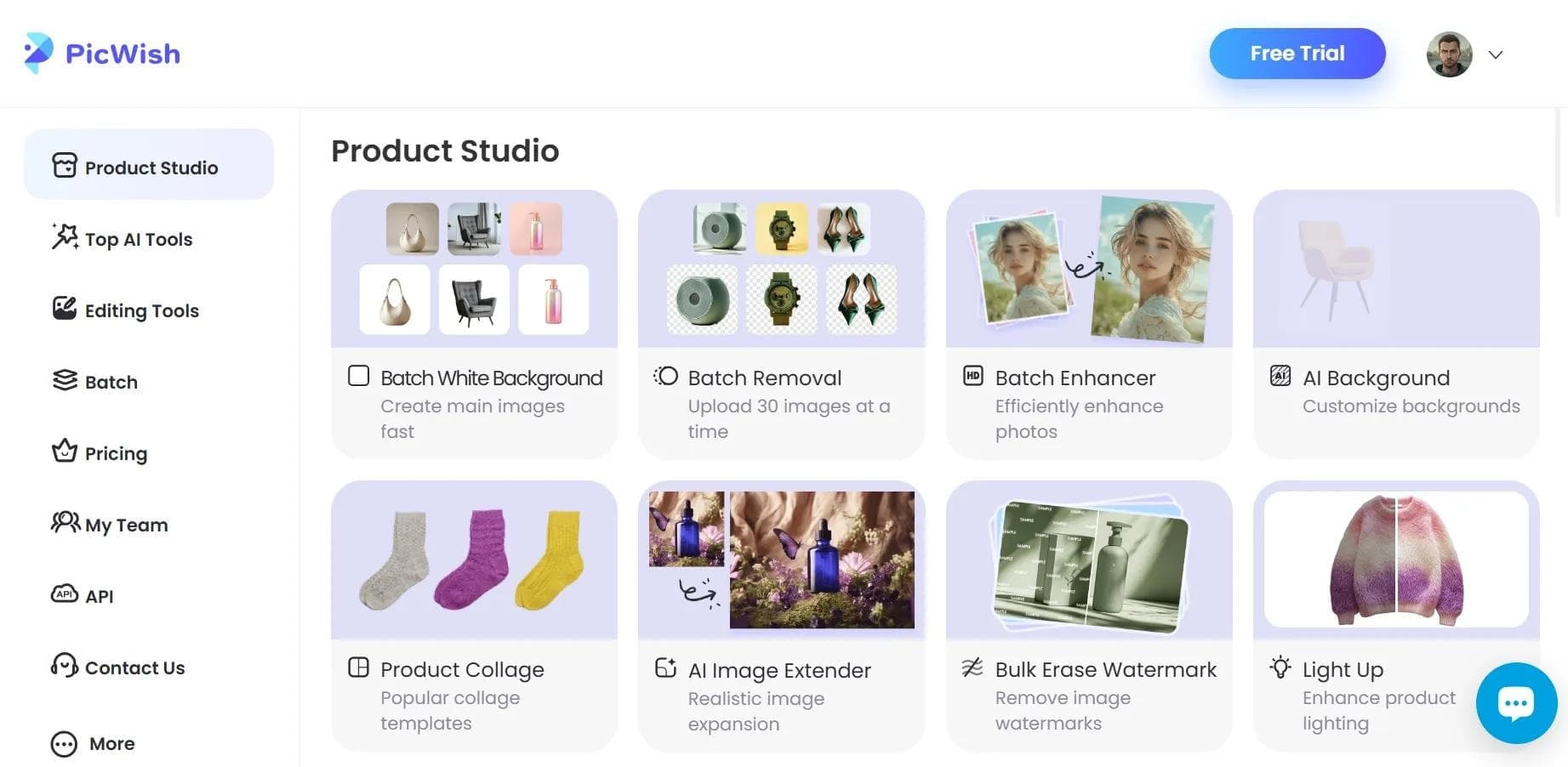

AI tool for automatic photo processing: background removal, quality enhancement, and image retouching.
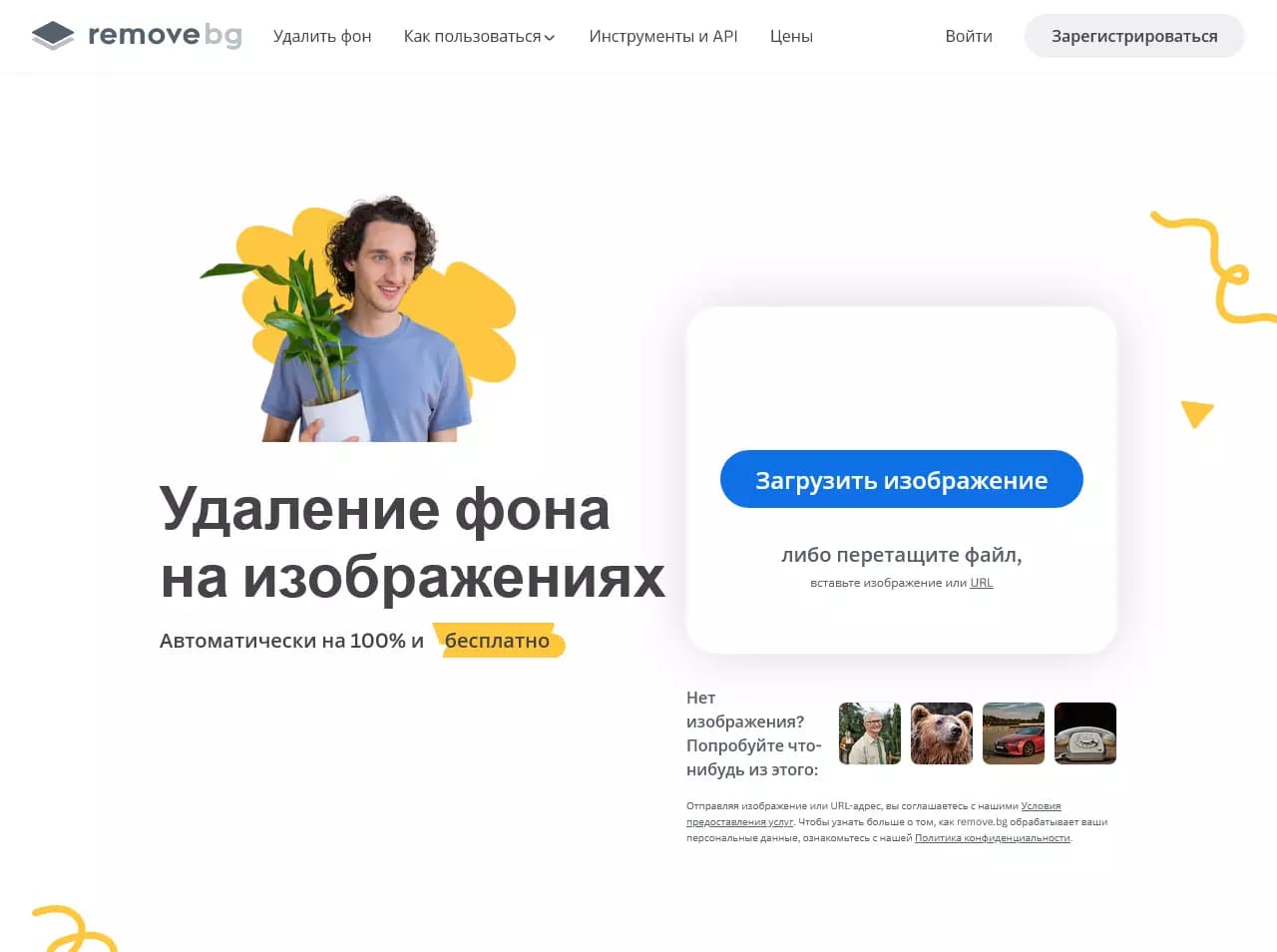

AI-powered web service for automatically removing backgrounds from images in seconds.

Online platform for photo editing, collage creation, and graphic design using AI tools.

Cross-platform video editor with AI features for creating and editing videos.

AI photo editor for online stores that automatically changes backgrounds, generates realistic models for clothing try-on, and enhances product images.
API for automatic photo background removal, tailored for e-commerce products.

Online video editor from Microsoft with AI-powered features for quick editing right in your browser.