

Nero Software
A set of AI tools for enhancing, restoring, and colorizing photos, as well as creating avatars and images.
Ranked in
Overview
Nero Software
Description of Nero Software neural network
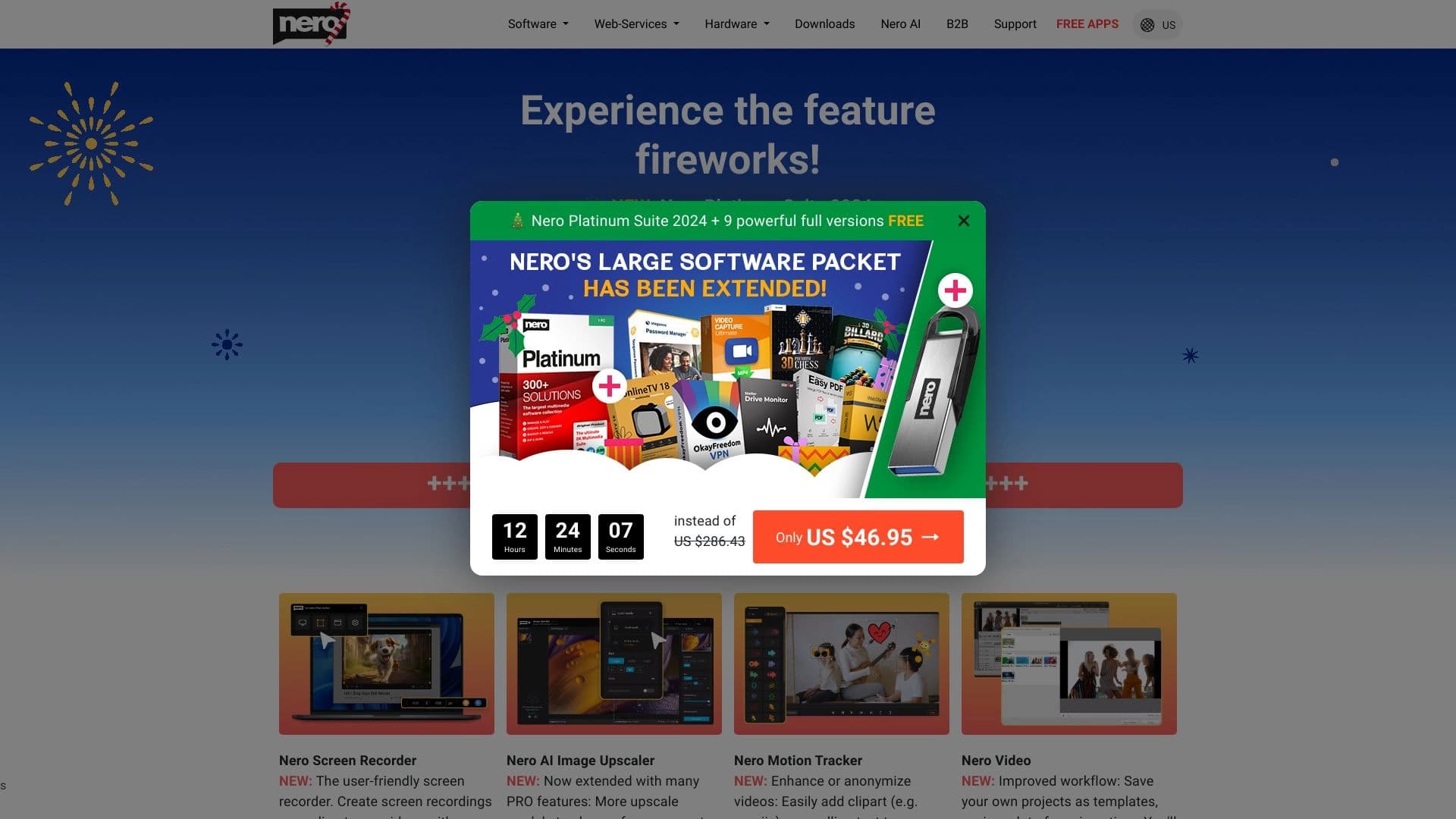
Nero Software (also known as Nero AI) is a set of AI-powered tools for working with images. The platform combines several functions: improving photo quality, restoring old and damaged images, colorizing black-and-white photos, and generating avatars and new pictures using AI. The service is available as a web version and mobile apps, allowing users to work with images both on a computer and on Android and iOS smartphones.
The solution is developed by Nero AG, a company known for its multimedia products. Nero Software is positioned as a versatile assistant for both professionals and regular users who need to quickly process photos without installing complex software.
Nero Software features
| Feature | Value |
|---|---|
| Type | A set of AI-powered tools for enhancing and generating images |
| Categories | Image editing, Photo restoration, Photo enhancement, Avatar generation, Image generation |
| Platforms | Web, Android, iOS |
| Free version available | Yes (basic features are free) |
| Distribution model | Freemium |
| Developer company | Nero AG |
| Date added to catalog | June 11, 2024 |
Who is Nero Software suitable for?
Photographers and graphic designers
Professional photographers can use Nero Software to quickly enhance shots, restore details, and reduce noise. Designers will find the tool useful for creating avatars and generating images for creative projects.
Content creators and social media specialists
Content creators will appreciate the ability to quickly process images for posts, remove backgrounds, and generate unique pictures. Social media managers can use the service to prepare visual content and create avatars for profiles.
Artists and hobbyists
Artists can use AI generation to find ideas and inspiration. Regular users without professional editor skills get access to simple tools for restoring family photos and colorizing black-and-white images.
How to use Nero Software?
Working through the web interface
To get started with Nero Software, simply go to the official Nero AI website. The main page offers a selection of tools: photo enhancement, colorization, restoration, avatar creation, and image generation. The user selects the desired tool, uploads a photo or image, adjusts processing settings, and runs the AI algorithms. Once processing is complete, the final result can be downloaded.
Using mobile apps
Nero Software is available as apps for Android and iOS. The functionality of the mobile versions is similar to the web interface: users can upload photos from the gallery or take new ones, apply AI filters and enhancements directly on the device. The apps are optimized for touch controls and allow images to be processed with just a few taps.
Key features of Nero Software
Photo enhancement
The Photo Enhancement feature improves image quality: increasing sharpness, enhancing detail, correcting colors and exposure. AI algorithms analyze the content of the shot and automatically select the optimal settings to improve the result.
Photo restoration and colorization
Photo Restoration is designed to restore old, damaged, or low-quality photos. The tool removes scratches, cracks, stains, and other defects. Photo Colorization automatically colorizes black-and-white images, adding realistic colors based on analysis of the image content.
Avatar and image generation
AI Avatars allows users to create stylized avatars from uploaded photos. AI Art Generation makes it possible to generate new images from text descriptions. These features are suitable for creating unique content for social media, blogs, and creative projects.
Additional features
The tool also includes Noise Reduction and Background Removal. These features help refine an image by removing unwanted noise or separating an object from its background for further use.
Advantages of Nero Software
High processing quality
Nero Software algorithms deliver high-quality image enhancement: detail restoration, color correction, and noise reduction are performed at a high level, as confirmed by user feedback and professional photographers.
Ease of use
The Nero Software interface is intuitive and requires no special skills. All tools are available in just a few clicks, making the service convenient for both beginners and experienced users.
Fast processing and cross-platform availability
Image processing time is minimal — the algorithms work quickly even with high-resolution photos. The service supports multiple file formats and is available on major platforms: web, Android, and iOS.
Free access to basic features
Nero Software is distributed on a freemium model: basic features are available for free, allowing users to try the tool without any financial investment.
Disadvantages of Nero Software
Based on the available data, no clear disadvantages of the service can be identified. Potential limitations include the fact that some features are likely only available in the paid version — detailed information about the split between free and premium functionality is not provided on the page. Registration is also required to use the tool, which may be inconvenient for users who prefer to work anonymously.
What tasks does Nero Software solve?
Professional image processing
Photographers and designers use Nero Software to improve photo quality, remove noise, correct color, and increase sharpness. The tool is suitable for preparing images for print or online publication.
Restoring old family photos
One of the key tasks of the service is restoring old, worn, and damaged photos. Users can "revive" archival images by removing defects and colorizing them.
Creating content for social media and creative projects
Nero Software helps create avatars for social media profiles, generate images using AI for creative projects, and colorize black-and-white archival photos to give them a modern look.
Nero Software pricing
Nero Software operates on a freemium model. The basic features of the tool are available for free. Pricing information for premium features is not specified on the page. For up-to-date information about prices and available plans, it is recommended to visit the official Nero AI website.
Terms of use for Nero Software
Registration is required to access the tool — when entering the site, the user is prompted to log in or create an account. No other explicit terms of use are provided on the page. It is recommended to review the user agreement and privacy policy directly on the Nero AI website.
Nero Software availability
Web version
Nero Software is available through the web interface on the official website. No additional software installation is required — just a modern browser and an internet connection. No geographic restrictions are specified, and no VPN is required.
Mobile apps
The service is available as apps for Android and iOS. Mobile versions can be downloaded from the official app stores, Google Play and the App Store. This allows users to process images directly on smartphones and tablets.
How Nero Software differs from alternatives
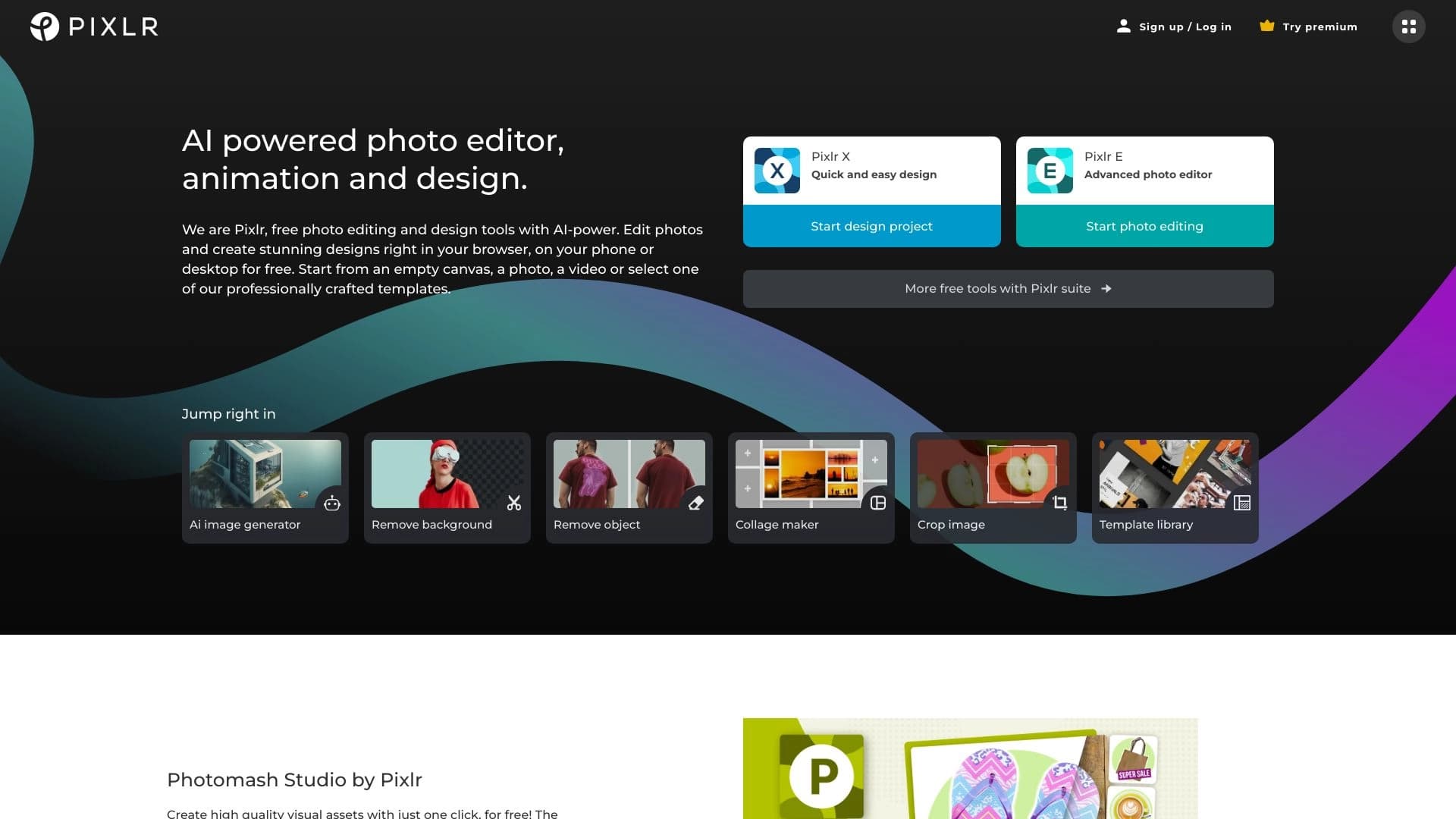
There are many AI-powered image tools on the market: Adobe Photoshop, Canva, Fotor, Pixlr, and GIMP. Nero Software differs from them in that it is a specialized set of AI tools focused specifically on enhancing, restoring, and colorizing photos, as well as generating avatars and images. Unlike universal editors such as Photoshop or GIMP, Nero AI does not require deep knowledge or experience with graphics programs — all operations are performed automatically using artificial intelligence algorithms. At the same time, unlike simplified online editors such as Canva or Fotor, Nero Software offers more specialized features for restoring and color-correcting old images. The key advantage is cross-platform availability and a free version with basic functionality.
Conclusion
Nero Software is a multifunctional set of AI tools for enhancing, restoring, and colorizing photos, as well as creating avatars and generating images. The service is available on three platforms (web, Android, iOS), is distributed on a freemium model, and is aimed at both professional photographers and designers and regular users. Nero AI offers a simple interface, fast processing times, and high-quality results, making it a worthy tool for solving a wide range of image-related tasks.
Frequently asked questions



See also


AI tool for creating presentations, documents, and web pages from a text description.

AI keyboard for Apple devices that speeds up typing with corrections, translation, and response generation.

A service that automatically generates enhanced photos for dating site profiles.

Service for animating photos and creating videos with digital avatars using artificial intelligence.
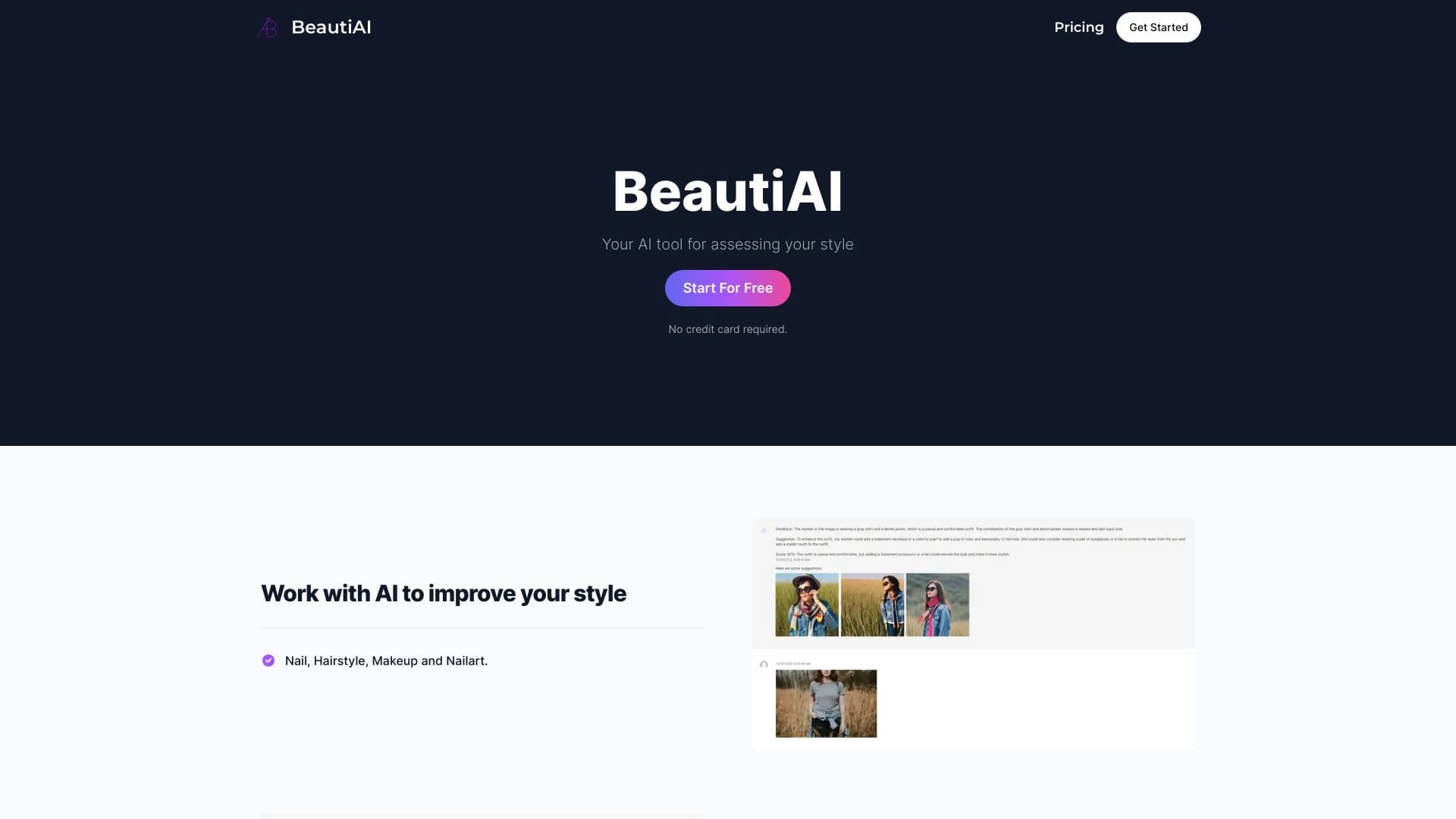
Service analyzes photos of your appearance and clothing, providing personalized style advice.

Cloud platform for creating videos using AI avatars, synthesized speech, and automatic translation of clips into dozens of languages.

Web platform for AI-powered image and cinematic video generation, featuring studio-grade editing tools.
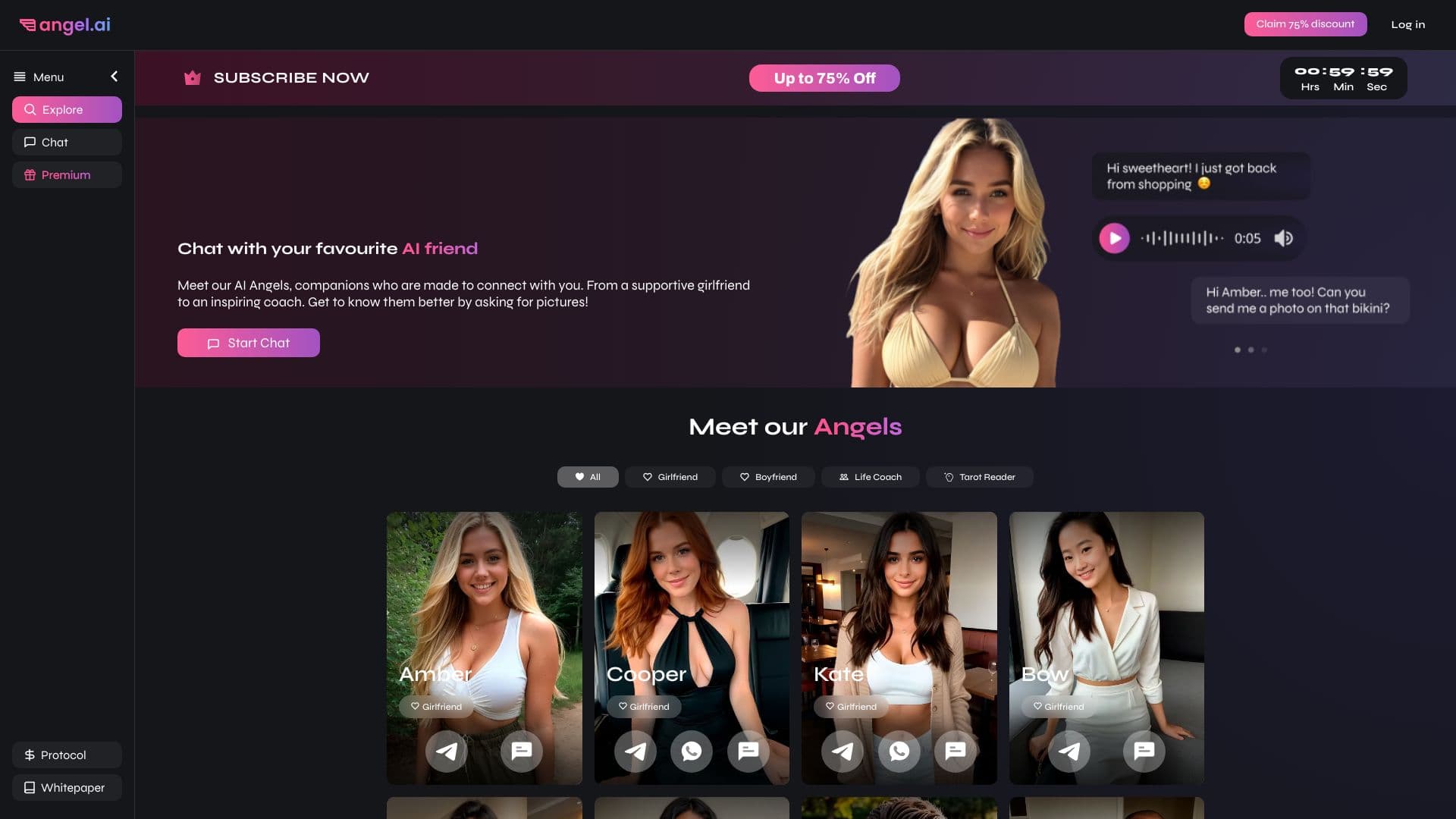
App for creating and customizing virtual AI companions with different personalities and communication styles.