
Penelope AI
Browser-based text editor with AI features for writing, paraphrasing, and text analysis.
Overview
Penelope AI
Description of the Penelope AI neural network
Penelope AI is an online tool for working with text that runs directly in the browser and requires no additional software installation. The service helps users write, paraphrase, and analyze text content, acting as a digital co-author rather than a simple replacement for the author.
The platform combines several key capabilities: text autocompletion while typing, work with PDF documents, and adjusting the tone of writing. Thanks to this, the service is suitable for creating essays, articles, research papers, and other written materials. Additionally, Penelope AI includes a built-in user community where members can share experiences and tips on working with the tool.
Penelope AI characteristics
| Characteristic | Value |
|---|---|
| Product type | Online platform for writing tasks |
| Platform | Web browser |
| Business model | Freemium (free with paid features) |
| Categories | Text paraphrasing, summarization, grammar checking, text improvement, PDF processing |
| Tags | text-to-text |
| Access method | Web service, available via link |
| Software installation | Not required |
| Community | Built-in user community |
Who is the Penelope AI neural network suitable for?
Authors of academic texts
The tool is designed for authors of essays and research papers. Thanks to PDF processing and the paraphrasing function, the service helps structure material and format academic texts.
Content authors and editors
The platform is suitable for LinkedIn article authors, bloggers, editors, and anyone who regularly works with texts. The ability to change the tone of writing and shorten content simplifies preparing publications for different platforms.
Anyone who works with documents
The service will be useful for users who constantly interact with text files and PDF documents, extracting the needed fragments and quotes from them.
How to use the Penelope AI neural network?
Getting started in the browser editor
To get started, simply open the service website and use the built-in text editor. No additional software needs to be installed.
Text autocompletion
To use the thought-continuation feature, start typing text, and the service will pick up the thought and continue it. A special set of symbols, ++, is used for autocompletion.
Working with PDF documents
The user can upload a PDF file and ask questions about its contents. The service helps find the needed fragments and paraphrase them.
Main features of Penelope AI
Text autocompletion
The text continuation feature is activated by typing the ++ symbols. The service analyzes what has been written and intuitively continues the author's thought, helping overcome "blank page syndrome".
Context and style analysis
The platform analyzes the context and writing style, automatically adapting to the selected format: academic, blog, or conversational.
PDF processing
The tool supports searching for fragments in PDF documents by questions and subsequently paraphrasing them. This is convenient for extracting quotes and working with multi-page files.
Paraphrasing and changing tone
The service allows rewriting, shortening, and summarizing texts, as well as changing the tone of what has been written depending on the required task.
Advantages of Penelope AI
Ease of use
Just start typing — and the service will continue the thought on its own. The intuitive interface requires no special training.
Adaptation to text style
Automatic adjustment to the writing style (academic, blog, conversational) saves time on manual text editing.
Time savings when working with documents
The ability to search for fragments in multi-page PDF files and paraphrase them significantly speeds up work with large documents.
No installation required
The service works through a browser, so a stable internet connection is enough to use it.
Disadvantages of Penelope AI
No precise information about the service's disadvantages is provided in available sources. It can be noted that the platform requires a stable internet connection, and some features are available under the paid Freemium business model. However, specific limitations of the free plan are not specified in the source data.
What tasks does Penelope AI solve?
Overcoming "blank page syndrome"
The tool helps with a blank page or when starting to write, picking up the author's thought and developing it further thanks to the autocompletion feature.
Working with text materials
The service helps create essays, research papers, LinkedIn articles, posts, reports, and study materials. Quick creation of articles on a given topic is also available.
Document processing
The platform supports searching for and extracting quotes from PDF documents, summarizing long texts, and adapting content for different tasks.
Paraphrasing and editing
The tool allows paraphrasing text to change the tone of writing, as well as creating drafts for future publications.
Penelope AI pricing
The service operates on a Freemium business model: basic features are available for free, while additional capabilities are provided on a paid basis. Exact pricing for paid plans is not specified in the source materials.
Penelope AI terms of use
Whether registration on the platform is required is not specified in available sources. It is known that a browser is needed for the service to work, and no additional software needs to be installed. In some cases, going to the website via a link with the via parameter is mentioned.
Penelope AI availability
The service is a web application and is available via a link in the browser. A stable internet connection is required. Interface languages, supported regions, and the need for VPN are not specified in the source data.
How Penelope AI differs from similar tools
The main difference of Penelope AI lies in its comprehensive approach to working with text: the service combines text autocompletion, paraphrasing, summarization, and PDF document processing in a single browser editor. Unlike many similar tools, the platform emphasizes the role of a co-author — it does not just process ready-made text, but helps develop the thought from the very beginning of typing.
Another distinguishing feature is the built-in user community, where members can share experiences and tips, something other services of this class often lack. Mentioned alternatives include StealthZero, TextPlus, and Sinonim.org.
Conclusion
Penelope AI is a convenient browser-based co-author tool that helps overcome "blank page syndrome" through text autocompletion and significantly simplifies working with PDF documents through question-and-answer interaction. The service is aimed at a wide audience — from students and researchers to bloggers and editors — offering paraphrasing, summarization, and tone adjustment without the need to install additional software. Thanks to the freemium model and the built-in user community, the platform is accessible for getting acquainted and for further use in everyday writing.
Frequently asked questions
Similar AI tools


See also

AI assistant for paraphrasing, grammar checking, and working with text in multiple languages.


A service for detecting texts created by artificial intelligence, with the ability to check for plagiarism and grammar.

AI tool for creating and paraphrasing texts with SEO optimization, supporting 26 languages.
Multilingual AI assistant for checking grammar, spelling, and text style.

An online detector that determines whether text was created by a human or generated by neural networks.


Free online platform with over 150 AI tools for working with PDFs, images, videos, and text.


AI assistant for checking grammar, spelling, and style of English text, available as a browser extension and web editor.
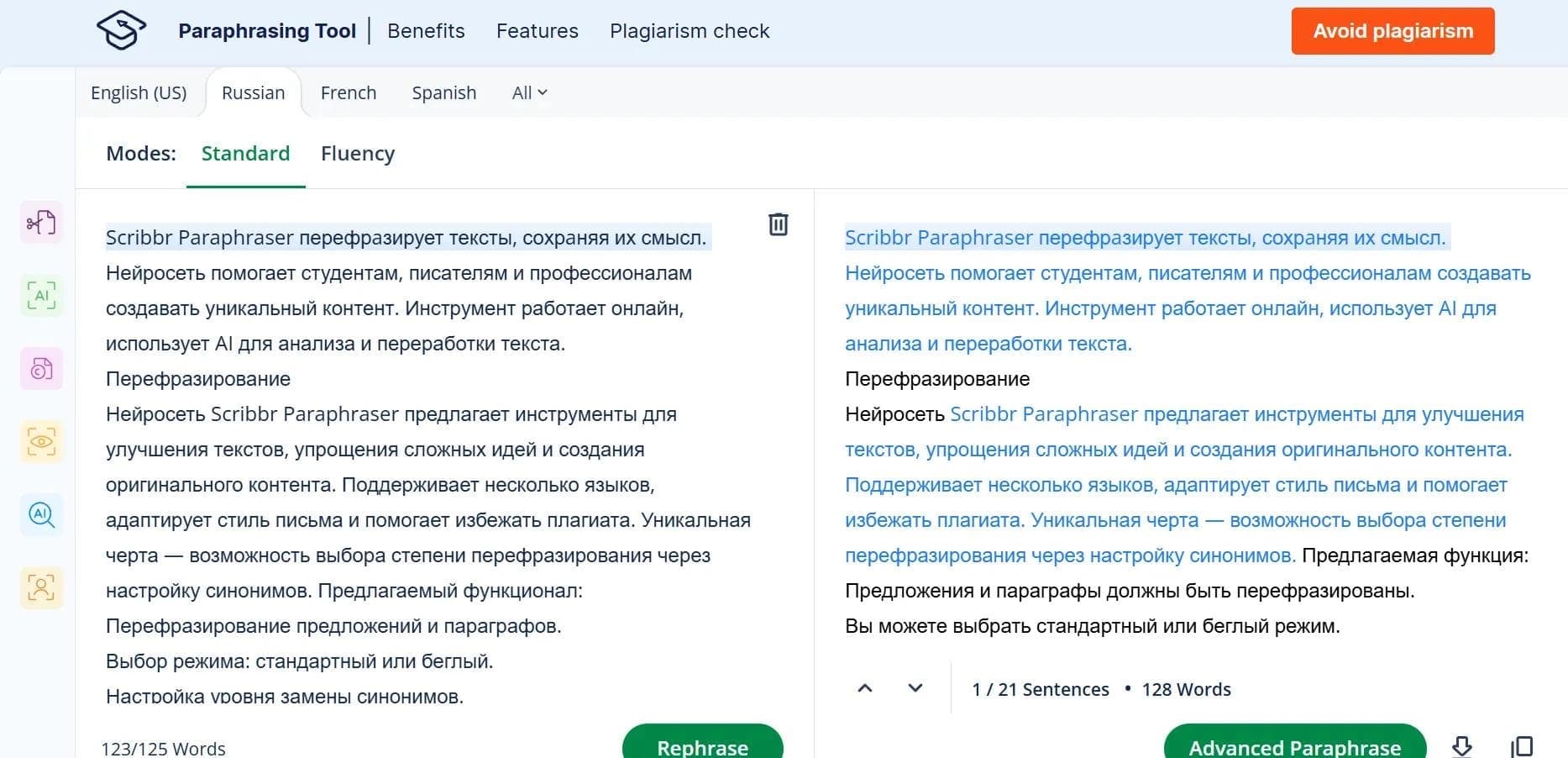

An online tool for paraphrasing texts based on QuillBot with support for multiple languages, including Russian.