

Opus Clip
An AI tool that automatically cuts long videos into short clips for TikTok, YouTube Shorts, and Instagram Reels.
Overview
Opus Clip
Description of the Opus Clip neural network
Opus Clip is an AI-powered tool designed to automatically turn long videos into short vertical clips. The service analyzes the source material on its own and picks out the most interesting, potentially viral fragments, which it then turns into ready-to-use clips.
The tool’s main value is significant time savings. Instead of manually searching for the best moments and doing labor-intensive editing, the user gets finished cuts optimized for current short-video formats. The service also handles more than just cutting: it adds subtitles, stickers, and emojis, and provides analytics to evaluate how effectively each clip performs with the audience.
The free version of Opus Clip includes 90 minutes of video processing, letting you explore the service’s capabilities without any upfront investment.
Opus Clip features
| Feature | Value |
|---|---|
| Type | Neural network for creating short videos |
| Categories | Short videos and clips, editing and post-production, content for TikTok and Reels |
| Platforms | Web (browser-based) |
| Upload formats | MP4, MOV, WebM |
| Free plan | Yes, 90 minutes of processing |
| Website | www.opus.pro |
| Publication date on site | March 25, 2025 |
Who is the Opus Clip neural network for?
Social media content creators
The tool is primarily aimed at bloggers and authors who run YouTube channels and also want to distribute their content on TikTok, Instagram Reels, and YouTube Shorts. Opus Clip automatically turns long videos into dozens of short clips without extra manual work.
Media and brands
For companies and editorial teams that regularly publish video content, the service helps maintain a steady stream of short content. Mass clip creation makes it easier to keep a regular publishing schedule.
Marketers and SMM specialists
For promotion teams, Opus Clip provides a way to quickly produce large volumes of short videos with ready-made subtitles and styling, plus analytics that help assess which cuts resonate best with viewers.
How to use the Opus Clip neural network?
Registration and preparing your material
To get started, you need to register on the platform. After that, prepare your source videos in supported formats — MP4, MOV, or WebM.
Uploading and configuring generation
Next, upload your files to the platform, where you choose the target platforms for the clips. Once configured, the clip generation process is launched.
Editing and publishing
The resulting short clips can be edited in the built-in editor if needed, and then published or exported for placement on your chosen platforms.
Key Opus Clip features
Clip creation and optimization
The service automatically creates short clips from long videos, highlighting the most interesting moments. Content is optimized for the requirements of specific social platforms, and support for large data volumes allows significant amounts of material to be processed.
Styling and analytics
Opus Clip automatically adds subtitles, stickers, and emojis to clips, saving the user extra work. The built-in editor allows adjustments, and the data analysis system helps evaluate the performance of each generated clip.
Scaling and integration
The tool supports mass content creation for regular publishing, can integrate with other services, and is designed to scale workloads.
Opus Clip advantages
The main advantage of the service is automatically turning long videos into short clips designed for viral distribution. The user doesn’t need to manually search for good fragments or handle editing — the neural network does it all.
It’s also worth noting the free plan, which includes 90 minutes of video processing. This makes it possible to test the tool on a real task and evaluate the quality of the results before deciding whether to continue using it.
Opus Clip disadvantages
Available sources do not explicitly list the service’s disadvantages. As with many similar products, Opus Clip likely has certain limits on the amount of content that can be processed in the free version. In addition, the quality of the selected fragments depends on the source material and may require additional manual adjustments. More precise information about drawbacks is not disclosed in public data.
What tasks does Opus Clip solve?
Converting long content
The core task of the service is creating short vertical clips (Shorts, Reels, TikTok) from long videos. This lets creators distribute the same material across different platforms.
Speeding up and scaling processing
The tool significantly accelerates video processing by automating cutting and styling. It also solves the problem of mass content production for regular publishing when a steady stream of new clips is needed.
Performance evaluation
The service handles automatic analysis of clip performance, helping you understand which cuts engage audiences best and which approaches to use moving forward.
Opus Clip pricing
90 minutes of video processing are provided free of charge, so you can start using the service without any costs. Specific paid plan terms and pricing are not listed in available sources.
Opus Clip terms of use
Using the service requires prior registration on the platform. The free version includes a limited amount of processing — 90 minutes of video. No other special requirements or restrictions are mentioned in available data.
Opus Clip availability
The service runs as a web version and is used directly in the browser, so no additional software installation is required. No regional availability restrictions are mentioned on the service page.
How Opus Clip differs from alternatives
Opus Clip works in the category of tools for automatically creating short videos from long content. Among products in related categories, services such as Virality Predictor, AI Video Generator, AI Video Detector, Veevid AI, Google Flow, and WanOmni can be highlighted.
Opus Clip’s distinguishing feature is its comprehensive approach: the service not only cuts videos but also automatically styles clips with subtitles, stickers, and emojis, and provides performance analytics. Another important difference is the free processing allowance of 90 minutes, which lets you fully try the tool before moving to paid plans.
Conclusion
Opus Clip is a practical AI-powered tool that automates one of the most time-consuming tasks for modern content creators — turning long videos into short clips for social media. Automatic selection of interesting moments, ready-made cuts with subtitles and styling, and built-in analytics make the service a convenient solution for creators, brands, and SMM teams. The free 90 minutes of processing make it possible to evaluate the tool in practice without spending money, which is especially valuable when you’re first getting to know the service.
Frequently asked questions



See also

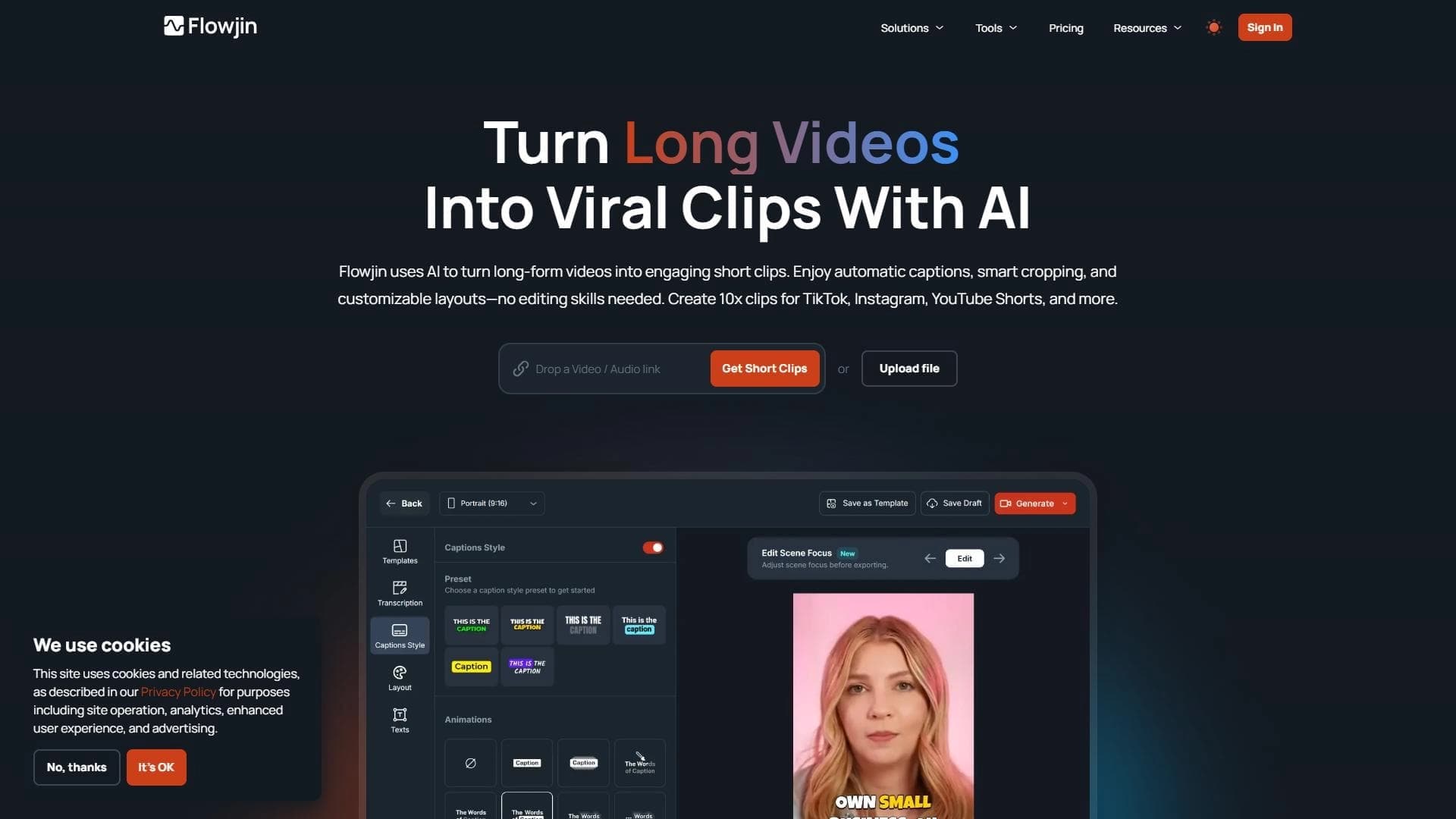
A platform for creating talking videos with a teleprompter, AI-generated scripts, subtitles, and avatars.
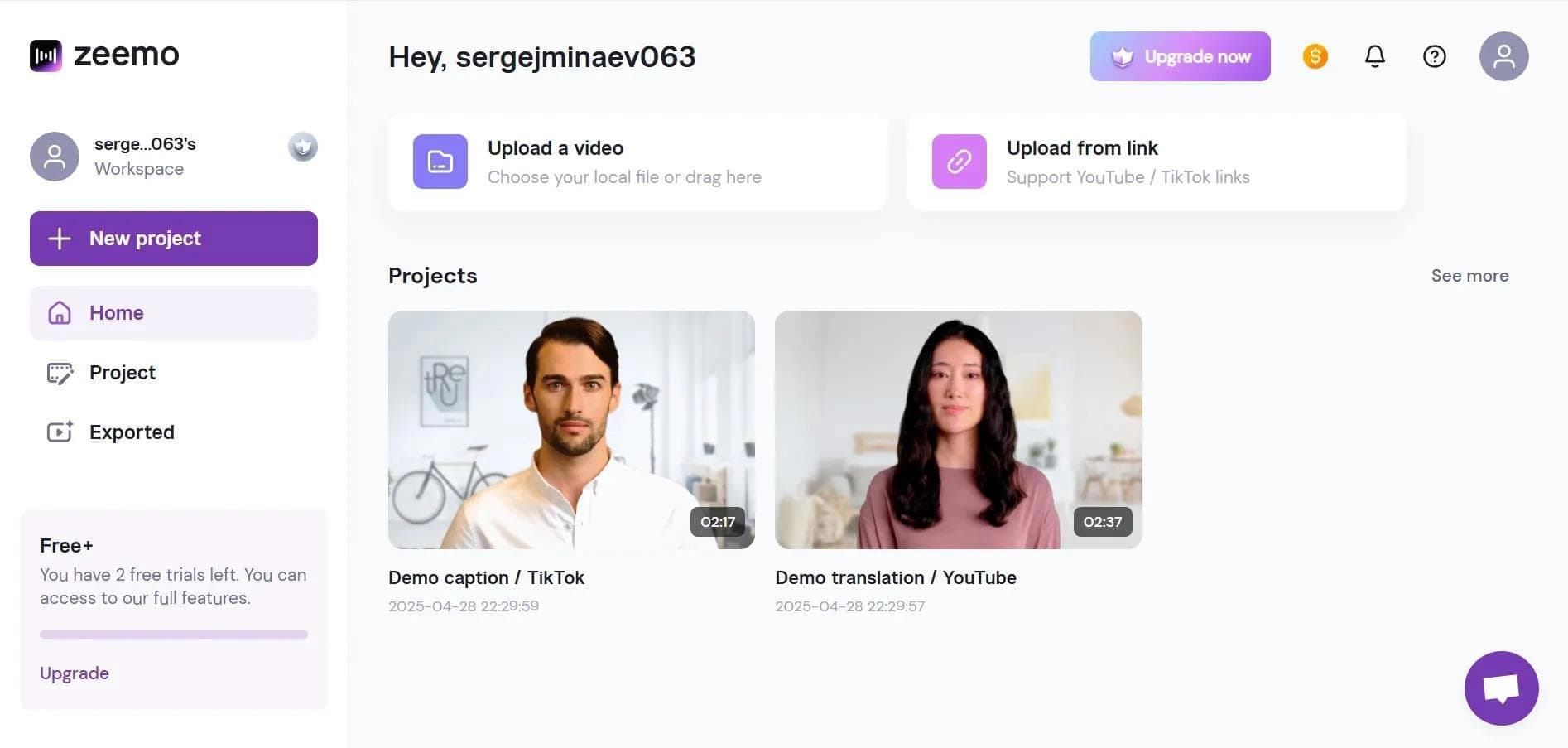

Neural network-based web service for automatic video subtitling and transcription.


AI service for creating covers and titles for YouTube channels.

A platform that combines several video creation tools in a single chat interface, from script generation to editing and voiceover.

Mobile app for photo and video editing using AI and an extensive library of filters.
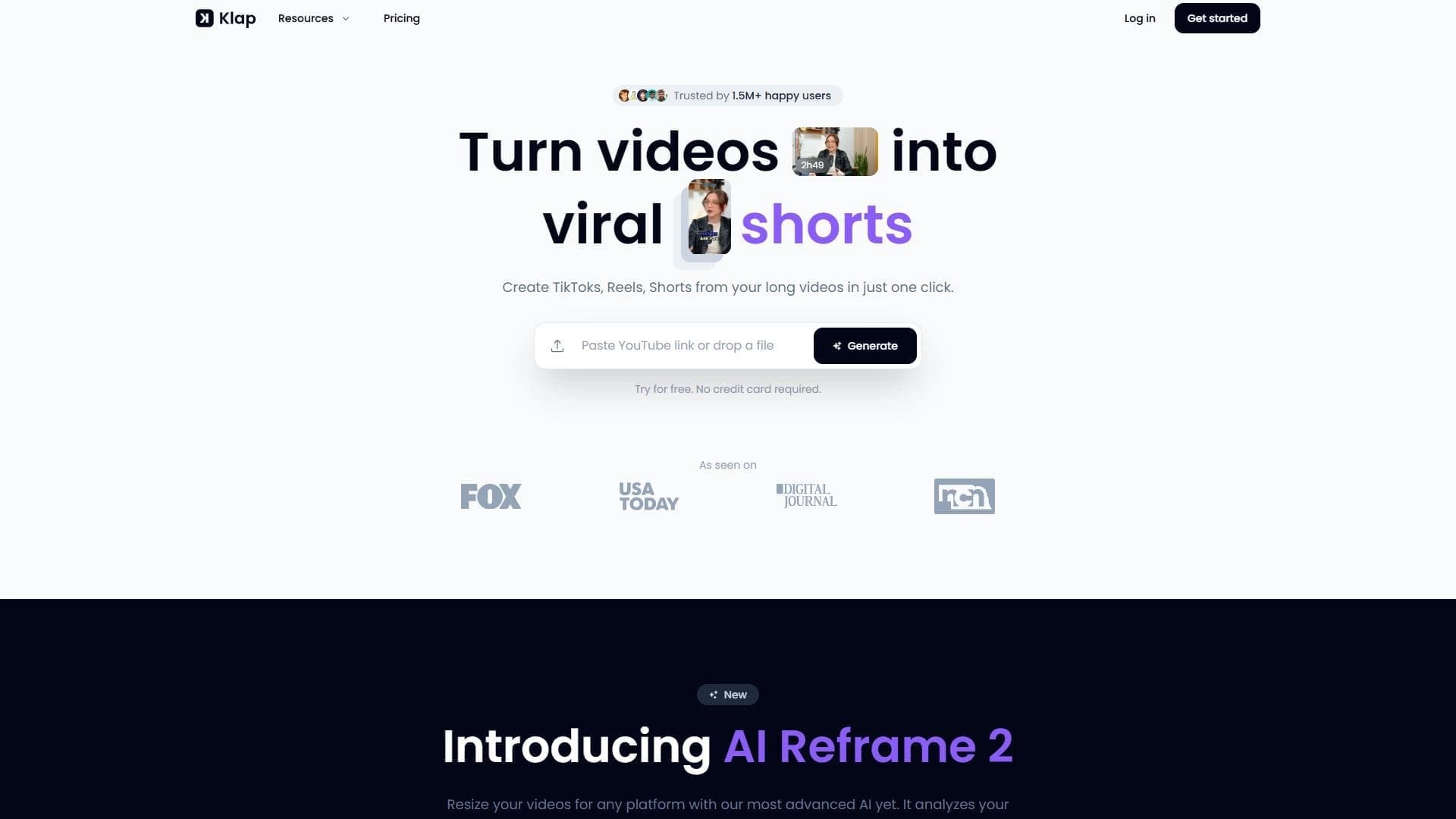

AI tool for automatically cutting long videos into short clips for TikTok, Reels, and YouTube Shorts.

Multifunctional AI platform for content creation: generation of texts, images, videos, and presentations.


AI-powered service that converts cooking videos into step-by-step text recipes with ingredient lists.