
OpenAI Playground - Chrome Extension
Browser extension for AI-powered text generation directly in any input field on any website.
Overview
OpenAI Playground - Chrome Extension
Description of the OpenAI Playground - Chrome Extension neural network
OpenAI Playground Chrome Extension is a free browser extension developed by OpenAI that lets you generate text with artificial intelligence right on any website that has an input field. You don't need to switch between tabs or open separate services: the extension works directly inside forums, messengers, email editors, social networks, and other online platforms.
All you need to do is enter a prompt in a special format, and the tool instantly produces ready-made text. The extension is built for speed and simplicity: installation takes just a couple of clicks, and no complex setup is required to get started. However, keep in mind that fine-tuning options for generation are limited here, and a constant internet connection is required.
The main idea behind the extension
The main goal of the OpenAI Playground Chrome Extension is to make creating text content as simple and fast as possible. Instead of copying prompts from one service to another, the user gets access to text generation right where they are writing. This is especially convenient for quickly creating replies, article drafts, post ideas, and other everyday writing tasks.
Key feature of the approach
The extension does not require manual adjustment of model parameters — everything works automatically. The user simply formulates a prompt and gets the result. This approach makes the tool accessible to people without technical experience, but at the same time limits flexibility for those who would like to adjust temperature, response length, or other generation parameters.
OpenAI Playground - Chrome Extension specifications
| Characteristic | Value |
|---|---|
| Type | Browser extension |
| Category | Prompt, Text processing tools, Text content generators |
| Developer | OpenAI |
| Platform | Browser extension (Chrome) |
| Free plan | Yes (basic usage without restrictions) |
| Monthly visits | 25.3M |
Who is the OpenAI Playground - Chrome Extension neural network suitable for?
Copywriters and content managers
Professionals who regularly need to create texts for websites, blogs, and social networks will appreciate the ability to generate drafts and ideas right in input fields, without switching between a dozen services. The extension helps handle routine tasks faster: writing emails, formulating replies, and creating short articles.
Users who value speed
People who often work with text and want to reduce the time spent on phrasing their thoughts will find the tool useful. If you need to quickly write a message, comment, or post, just enter a short prompt — and the extension will generate ready-made text in seconds.
Beginners with AI
Thanks to the absence of complex settings and its simple interface, the extension suits those who are just starting to explore the capabilities of neural networks. Just install the plugin and start using it — no technical knowledge is required.
How to use the OpenAI Playground - Chrome Extension neural network?
Starting the generation process
To start working with the extension, you first need to install it from the Chrome Web Store. After installation, on any website that has a text input field, you can trigger text generation. To do this, enter a prompt after the /g command — this signals the extension that the following text is a task for the neural network.
Finishing and getting the result
Once the prompt is entered, press the /s combination — the extension will send the request for processing and start generating text. The result will appear right in the same text field. The whole process takes literally a few seconds and requires no additional actions.
Practical recommendations
For the most accurate and relevant results, it is recommended to formulate prompts clearly and specifically. Vague or overly short tasks can lead to inaccurate or strange responses. At the same time, the extension does not provide any additional quality controls for generation (such as temperature or response length) — everything works automatically.
Key features of the OpenAI Playground - Chrome Extension
Text generation by prompt
The basic and main function of the extension is creating text based on a user prompt. You write what you want to get, and the neural network produces a ready-made response. It can be anything: from a short comment to a full-length article or a post idea.
Continuing and expanding texts
The extension can not only generate text from scratch but also continue existing text. If you have started writing a message or article and want to keep going, the neural network can pick up the thought and develop it, saving time on phrasing.
Works on any website with an input field
One of the key capabilities is that the extension works on any website with a text field. Whether you use a forum, messenger, email service, or social network, the tool is available anywhere you can enter text. This eliminates the need to copy text from one service to another.
Advantages of the OpenAI Playground - Chrome Extension
Versatility and convenience
The extension works on any website with a text field — no need to switch between services or open extra tabs. Everything happens right on the page you are on. This significantly simplifies the workflow and eliminates unnecessary steps.
Time savings
The tool automates writing similar texts and delivers a ready-made result in seconds. This is especially useful for routine tasks: answering similar questions, writing template emails, or quickly creating drafts. Instead of spending time on phrasing, you get a ready-made text almost instantly.
Ease of installation and use
Installation takes literally a couple of clicks through the Chrome Web Store, after which the extension is ready to use. No complex settings, registrations, or configurations are required. Just remember two simple commands — /g for a prompt and /s to send.
Disadvantages of the OpenAI Playground - Chrome Extension
Limited customization options
The extension has virtually no options for fine-tuning generation. The user cannot adjust parameters such as response length, temperature, generation style, or other characteristics. Everything works in automatic mode, which may not suit those who are used to controlling the text creation process.
Inconsistent results
Sometimes the generation result can be inaccurate, strange, or
Frequently asked questions
Similar AI tools





See also


Autonomous cloud-based AI agent that independently plans and executes complex multi-step tasks based on a textual description of the goal.
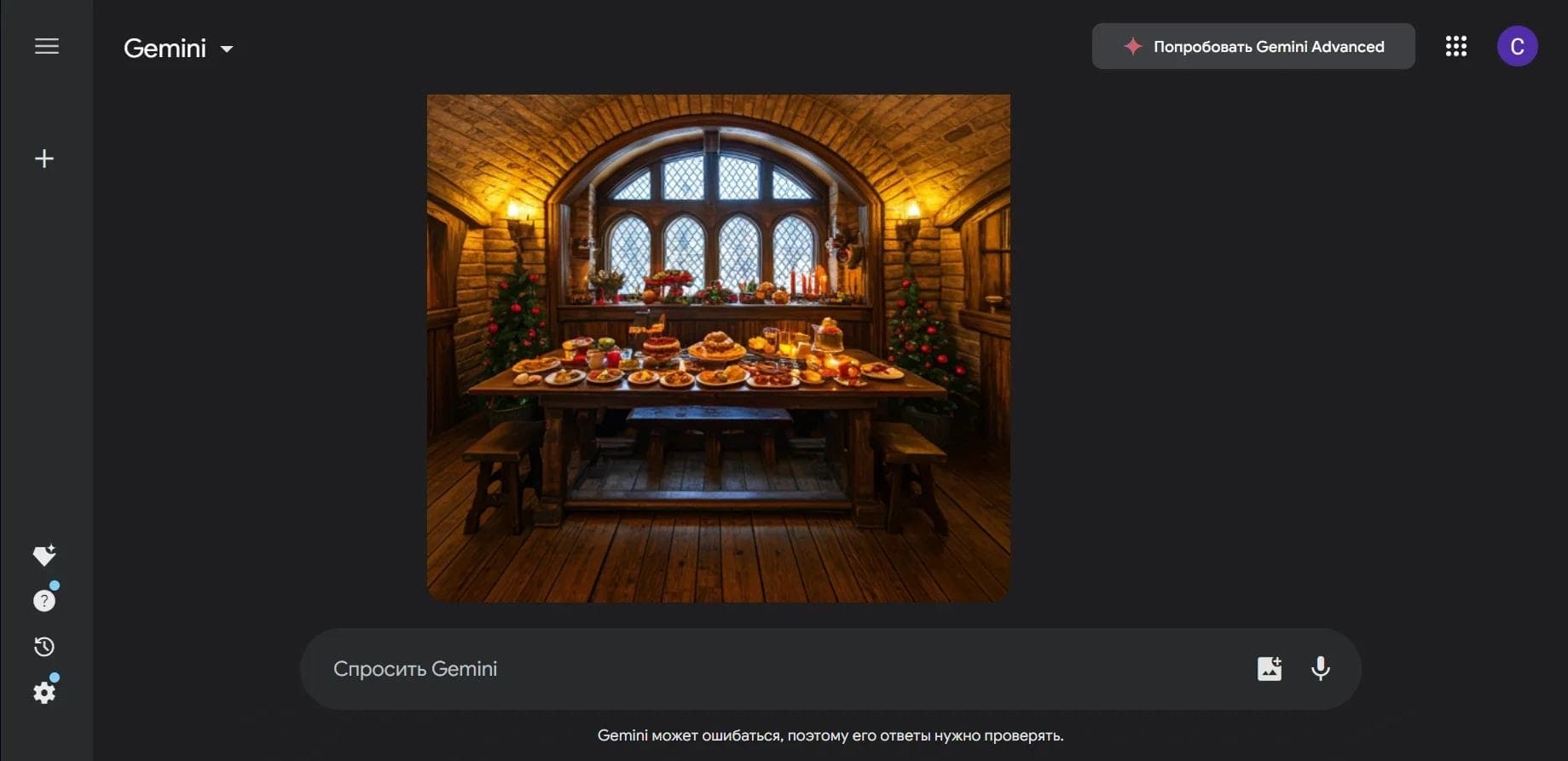

Multimodal neural network from Google that processes text, images, code, and audio in a conversational format.

An open-source desktop AI agent that stores conversation history in a local knowledge base and automatically pulls relevant context into new discussions.

A set of built-in AI features in the Figma editor for automating routine designer tasks.
A service that translates legal documents from professional legal language into plain, easy-to-understand text.
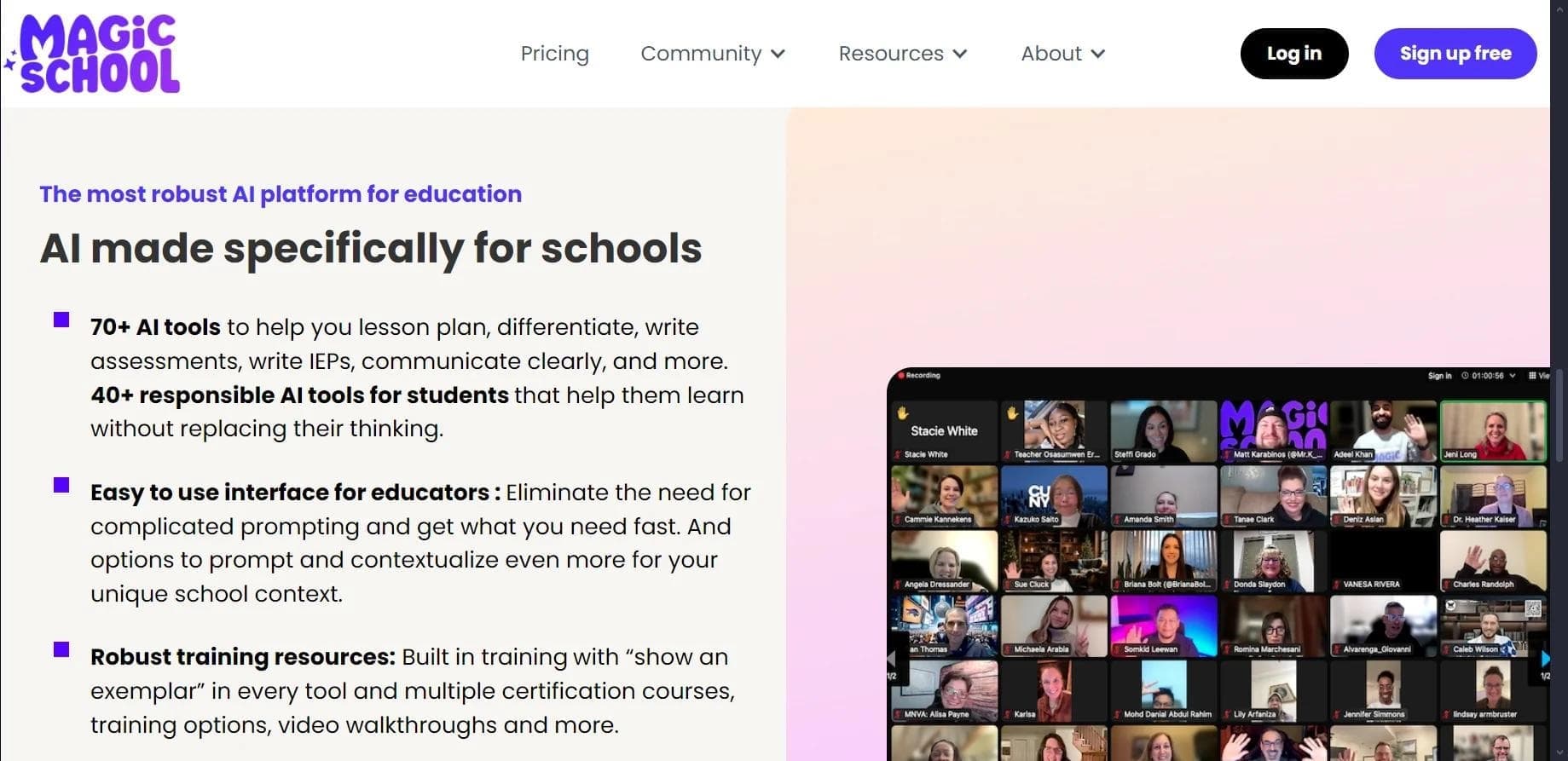

AI platform for automating educational tasks for teachers and students.

A community for daily discovery and discussion of new technology products.
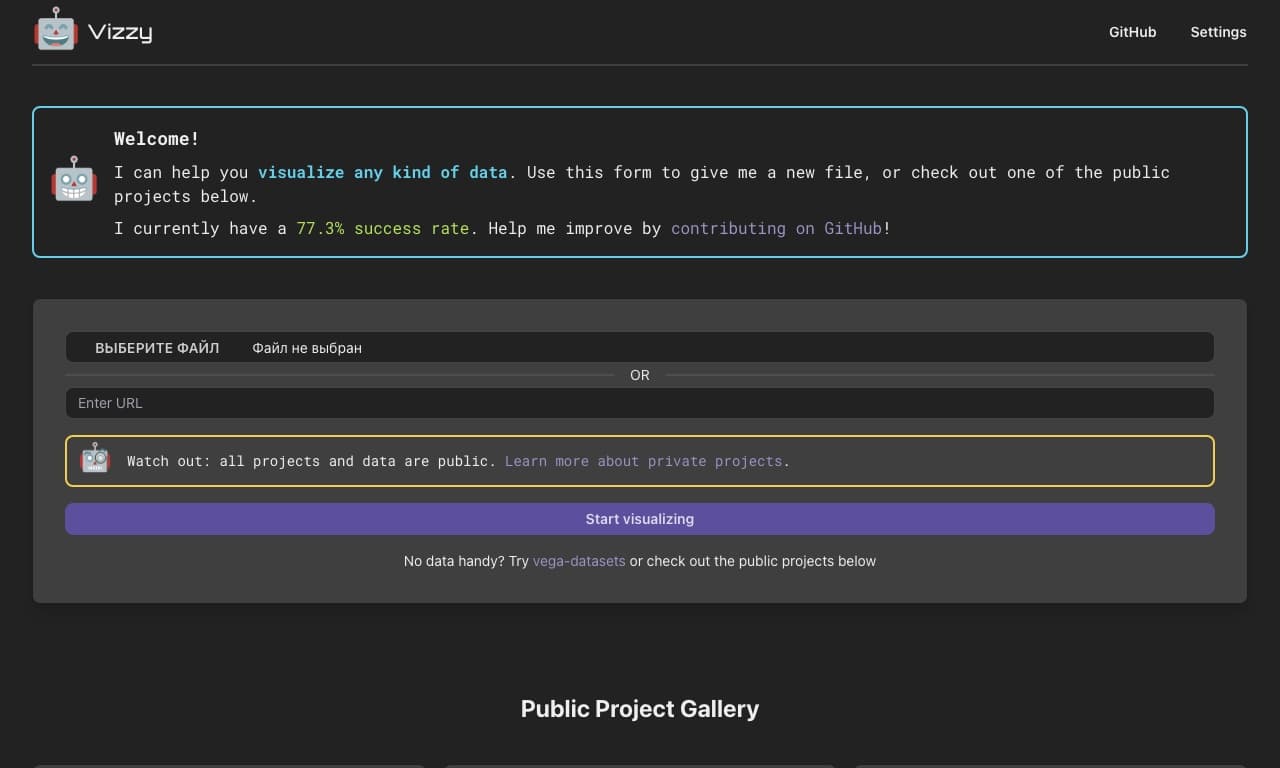
AI tool for rapid data visualization via OpenAI API, transforming heterogeneous datasets into detailed graphical representations.