

NotebookLM
Google's AI notebook for analyzing documents, creating summaries, and generating audio podcasts based on uploaded materials.
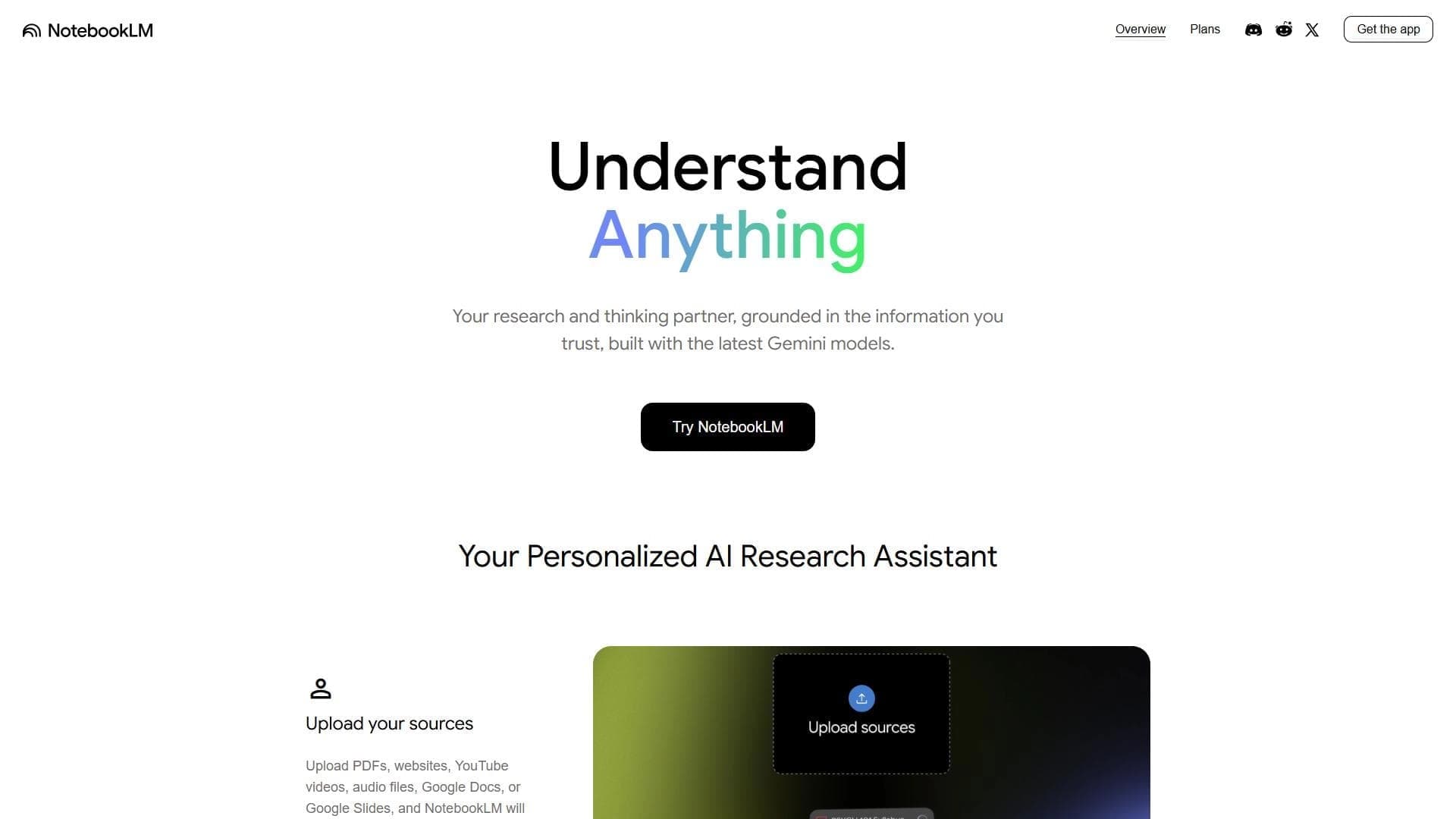
Overview
NotebookLM
Description of NotebookLM
NotebookLM is an AI assistant from Google built on the Gemini model that works exclusively with user-provided data. The tool is designed for document analysis, creating summaries, and generating various content formats based on uploaded materials. A key feature of the service is that every answer includes a link to a specific source, which eliminates hallucinations and makes the information verifiable. NotebookLM can process PDFs, YouTube videos, Google Docs, audio files, and other formats, and can also generate audio podcasts that discuss the uploaded information. The service was launched in 2023 and has been continuously developed under the hood at Google and DeepMind.
NotebookLM specifications
| Characteristic | Value |
|---|---|
| Tool type | AI notebook for working with documents and knowledge management |
| Developer | |
| Base model | Gemini |
| Platforms | Web, Android, iOS |
| Interface languages | English |
| Supported sources | PDF, Google Docs, Slides, Sheets, YouTube, audio files (20+ formats), websites, text |
| Integration | Google Workspace (Docs, Sheets) |
| Account required | Google account |
| Year of launch | 2023 |
| Monthly visits | ~31 million |
| Free plan available | Yes |
Who NotebookLM is suitable for
Students and researchers
NotebookLM is ideal for students who need to quickly analyze large volumes of study materials, prepare for exams, and create summaries. Researchers can use the tool to work with scientific articles, reports, and other professional literature.
Professionals and educators
Specialists working with documentation, reports, and meeting minutes will find NotebookLM a convenient tool for structuring information. Educators can use the service to prepare study materials, generate quizzes, and study aids.
Teams and working groups
The tool supports real-time collaboration, making it useful for team projects. Users can share notebooks with colleagues, granting full access or limiting access to chat mode only.
How to use NotebookLM
Getting started
To use NotebookLM, go to notebooklm.google and sign in with a Google account. After signing in, users land in a clean workspace with a menu for uploading and organizing notes, a toolbar, and a search bar.
Creating a notebook and adding sources
Users create a new notebook and add sources — up to 50 per notebook on the free plan. Supported formats include PDFs, YouTube links, Google Docs, audio files, websites, and text materials. After uploading, the AI answers questions strictly based on the content of the uploaded documents.
Generating content
After adding sources, you can click “Generate Audio Overview” to create a podcast in the form of a conversation between two AI hosts. There is also a Studio function for generating a summary, study aid, quiz, timeline, infographic, or presentation.
Main features of NotebookLM
Analysis and information retrieval
NotebookLM automatically creates brief summaries of uploaded materials. The tool lets you search for facts and answer questions based on document content, with each answer linked to a specific location in the source file. The service produces structured answers and helps organize notes by topic and project.
Audio podcast generation
Audio Overview is a unique feature that creates a podcast in the form of a conversation between two AI hosts discussing the uploaded materials. This capability has no direct equivalent among other tools.
Studio and document work
The Studio feature allows generating various content formats: summaries, study aids, quizzes, timelines, infographics, presentations, and tables. The tool supports importing data from Google Docs and Sheets, as well as real-time collaboration.
Advantages of NotebookLM
Verifiability and reliability
Unlike ChatGPT, which mixes user data with the model’s general knowledge, NotebookLM answers strictly based on the uploaded sources and always points to the specific location in the text. This provides greater reliability for professional document work and eliminates hallucinations.
Unique capabilities
Audio Overview — a feature for generating podcasts in a conversation format between two hosts — is unique and has no analogs. The tool also works directly with YouTube videos and audio files, supporting more than 20 formats.
Accessibility and integration
The basic plan is completely free and works without a VPN. The tool integrates with Google Workspace (Google Docs, Sheets), supports collaboration for teams and study groups, and has a clean, simple interface.
Disadvantages of NotebookLM
Functional limitations
NotebookLM is limited only to uploaded sources — it does not provide information from the internet. The limit of 50 sources per notebook may be small for large projects. The tool does not work with paywalled pages or protected PDFs.
Product status
NotebookLM is currently an experimental version, so there may be stability or usability limitations. The interface is available only in English, although sources and answers in Russian are supported.
Requirements and limitations
A Google account is required to use the tool. There may be a slight learning curve due to advanced features. Paid features are available only through Google subscriptions (not separately), and some payment methods may cause difficulties when paying.
What tasks NotebookLM solves
Academic research and exam preparation
NotebookLM allows you to analyze industry reports, finding patterns and citations, and prepare for exams — generating quizzes, study aids, and audio podcasts based on study materials.
Working with documentation and meetings
The tool is suitable for analyzing meeting minutes — extracting decisions and issues with dates and participants. Journalists can use NotebookLM to work with interviews and documents, find contradictions and quotes.
Project management and personal learning
NotebookLM helps structure, analyze, and search information in notes, create summaries of educational, research, or work materials, and organize personal learning and note-taking during meetings.
NotebookLM pricing
Free plan
The base plan includes 100 notebooks, 50 sources per notebook, and 3 audio overviews per day. This version is completely free and available without using a VPN.
Paid plans
NotebookLM Plus costs from ~$14/month and offers 100 sources per notebook and double limits. NotebookLM Pro is priced at ~$19.99/month and includes 5x more limits and access to Gemini. NotebookLM Ultra costs ~$249.99/month and offers 50x more limits, no watermarks, and YouTube Premium included. Paid versions are billed through Google One.
NotebookLM terms of use
A Google account is required to work with NotebookLM. The free plan is available without a VPN. Paid versions are billed through Google One, and some payment methods may have difficulties. The tool is an experimental product, which may affect stability and usability. Collaboration is supported — you can share a notebook with colleagues with different access levels (full access or chat mode only).
NotebookLM availability
Platforms and regions
NotebookLM is available on the web platform (notebooklm.google) and on Android and iOS. Main usage regions include the US (9.6%), India (5.43%), Indonesia (4.45%), Japan (4.3%), and Peru (3.87%). The service works without a VPN — the website opens directly.
Language support
The tool’s interface is available only in English. However, you can upload documents in any language, including Russian. The AI responds in Russian if you ask questions in Russian. The quality of processing is good, although complex terms are sometimes translated inaccurately.
How NotebookLM differs from alternatives
Key difference from ChatGPT
Unlike ChatGPT, which mixes user data with the model’s general knowledge, NotebookLM answers strictly according to uploaded sources and always provides a link to a specific place in the text. This ensures greater reliability for professional document work and eliminates hallucinations.
Unique features
Audio Overview — generating podcasts in the format of a conversation between two AI hosts — is a unique feature with no direct analogs. The tool also offers the Studio feature for creating various content formats (summaries, study aids, quizzes, timelines, infographics, presentations).
Focus on verifiability
The main difference between NotebookLM and tools such as Evernote, Notion, or Microsoft OneNote is deep AI processing of uploaded materials with mandatory source attribution. The tool doesn’t just store notes — it makes sense of and structures information, providing verifiable answers.
Conclusion
NotebookLM is an experimental AI agent from Google for managing personal knowledge and notes, built on the Gemini model. The tool is designed for students, researchers, and professionals, offering AI-powered note-taking, summarization, collaboration, and audio podcast generation. Its key advantage is answering exclusively based on uploaded sources with mandatory references to specific locations in documents, ensuring high reliability for professional work. The basic plan is completely free and available without a VPN, although the tool is still an experimental product with limited pricing information and an English-only interface.
Frequently asked questions
Similar AI tools





See also
AI editor for creating, editing, and publishing content with templates and prompts.

Financial platform with an AI assistant for managing accounting, taxes, and budgets.

Platform for interview preparation with AI mock interviews and real-time support.
Enterprise language model platform focused on privacy and on-premise deployment.


AI assistant for creating short summaries of videos, PDF documents, and web pages.


AI email assistant that helps quickly draft messages, adapting to the user's style.
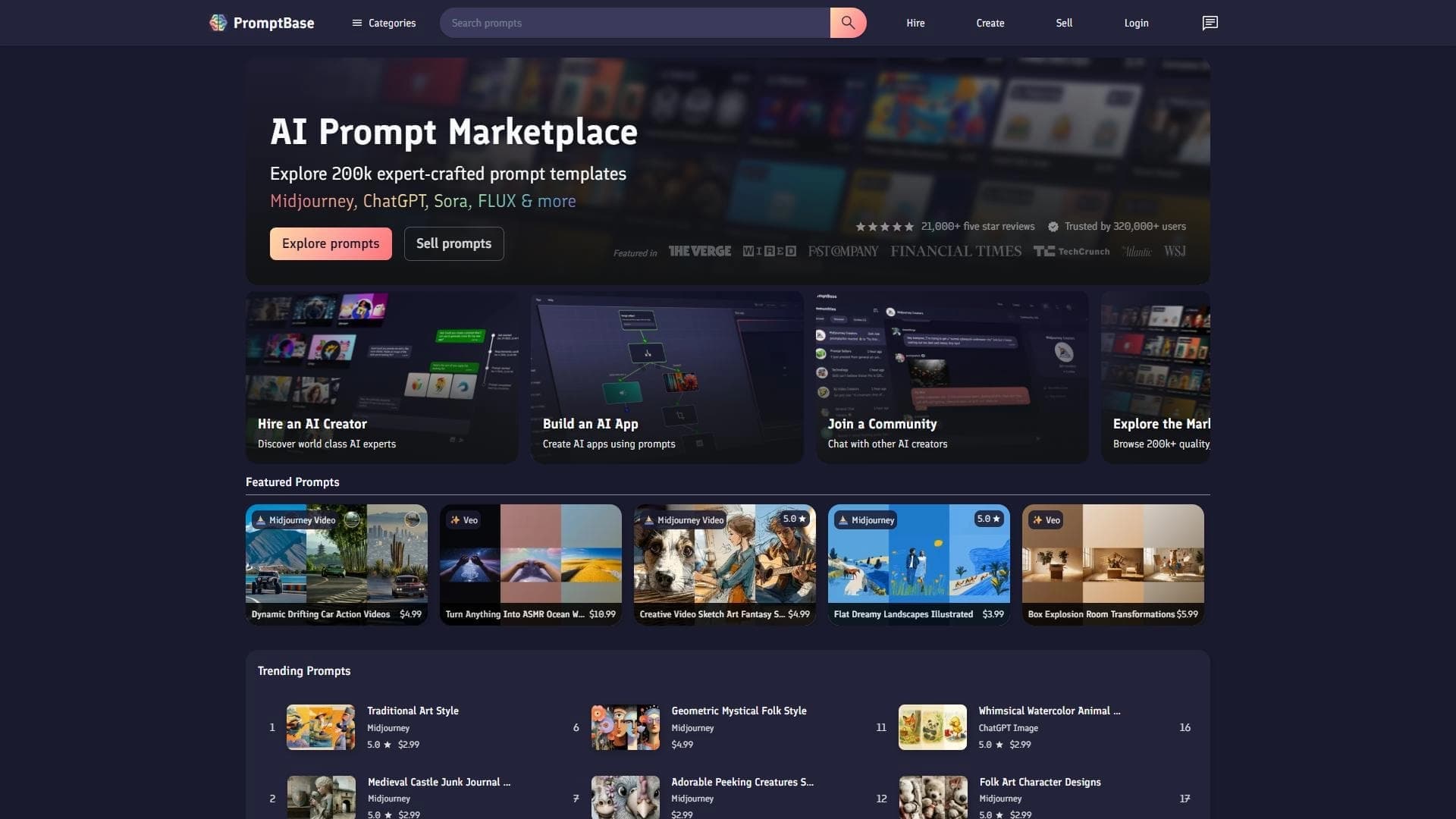

Marketplace where users buy and sell ready-made prompts for popular AI models.
A sales automation platform that combines customer prospecting, deal management, and AI-powered forecasting.