

NetusAI
AI-powered web service for paraphrasing and shortening texts, helping create unique content and bypass AI detectors.
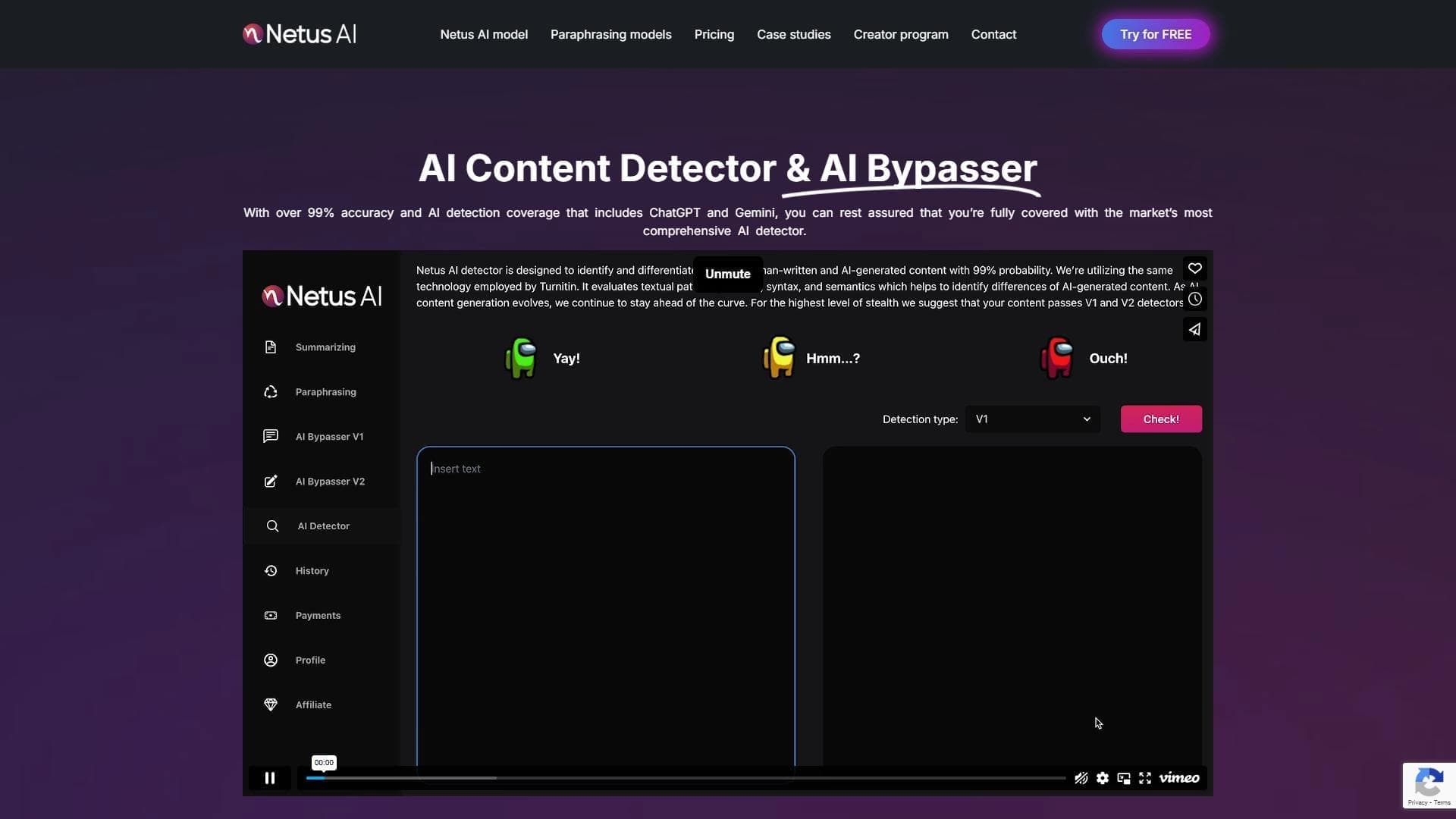
Overview
NetusAI
Description of the NetusAI neural network
NetusAI is an AI-based web service designed for paraphrasing and summarizing texts. The main task of the service is to quickly rework existing content while preserving its original meaning, tone, and writing style.
The tool works directly through a browser and does not require installation of additional software. The service supports multiple languages and can generate texts that are difficult to distinguish from human-written ones, allowing users to bypass AI detectors.
NetusAI is aimed at content creators who need to quickly produce unique materials for blogs, social media posts, and websites. According to the developers, the service allows creating content up to 10 times faster than traditional methods.
NetusAI Features
| Feature | Value |
|---|---|
| Tool type | Web service for paraphrasing and summarizing texts |
| Distribution model | Freemium |
| Primary purpose | Content uniquification and bypassing AI detectors |
| Language support | Multiple languages |
| Access method | Via browser, no installation required |
| Target audience | SEO specialists, marketers, copywriters, students |
| Work format | Text only |
| Key feature | High accuracy in bypassing AI detectors |
| Integrations | None |
Who is the NetusAI neural network suitable for?
SEO specialists and marketers
For SEO specialists and marketers, the service is useful as a tool for quickly reworking content to meet search promotion needs. The ability to produce unique texts that will not be detected by AI detectors helps with regular updates to website and blog materials.
Copywriters and bloggers
For content authors, NetusAI helps speed up work on texts by paraphrasing existing materials and creating new versions based on them. The tool is suitable for preparing social media posts, blog articles, and website content.
Students
For students, the service can be useful when preparing works that require reworking source materials while preserving their essence. The ability to bypass AI detectors, including Turnitin, makes the tool in demand in the academic environment.
How to use the NetusAI neural network?
Getting started
To start using the service, simply open the neural network on the website in your browser. No software installation is required — all functionality is available through the web interface. This makes working with the service simple and accessible from any device.
Text processing workflow
After opening the service, the user enters the source text into the interface and starts processing. The neural network paraphrases or summarizes the material according to the selected operating mode, preserving the original meaning, style, and tone of the text.
Checking the result
After receiving the finished result, it is recommended to carefully check the final text for semantic and stylistic errors. Even with the high quality of the neural network's work, final review by the user remains an important stage in content preparation.
Main features of NetusAI
Text paraphrasing
The service paraphrases the source material while preserving its meaning, style, and tone. The user gets a new version of the text that differs from the original in form but conveys the same content.
Content summarization
NetusAI can generate brief summaries of long texts. This feature is especially useful when you need to quickly get a concise digest of a large amount of material.
Multilingual support
The tool works with texts in several languages, expanding its possible applications for users from different countries and for working with multilingual sources.
Bypassing AI detectors
The key function of the service is creating texts that are difficult to distinguish from human-written ones. High accuracy in this area allows NetusAI to be used to bypass various AI detectors, including Turnitin.
Advantages of NetusAI
Fast content creation
The service significantly speeds up the process of preparing texts. According to the developers, content can be created up to 10 times faster than with traditional methods, saving authors time.
Preserving meaning and style
When paraphrasing, NetusAI preserves the original meaning, tone, and writing style. The resulting texts remain accurate in content and match the manner of the original.
Ease of use
The service is managed through a simple web interface that requires no special technical skills. To work, you just need to open the website and upload text.
Wide range of applications
The tool is suitable for various tasks: from preparing blogs and social media posts to reworking scientific and educational materials.
Disadvantages of NetusAI
Lack of integrations
The service does not have built-in integrations with other platforms and services. This limits the possibilities for automating workflows, and users have to transfer text between services manually.
Text-only operation
NetusAI works exclusively with text format and does not support other content types. For users who need to process images, video, or other formats, the service is not suitable.
What tasks does NetusAI solve?
Text uniquification to bypass AI detectors
One of the main tasks of the service is creating unique content that is resistant to detection by artificial intelligence systems. NetusAI allows reworking texts so that they pass checks by various AI detectors, including Turnitin.
Speeding up publication preparation
The service helps prepare unique texts for publications, blogs, and academic works faster. Instead of lengthy manual reworking of sources, the user receives ready-made text variants in significantly less time.
Preserving originality when reworking sources
When working with source materials, NetusAI preserves their essence while making the text unique. This allows using information from various sources without copying them verbatim.
NetusAI pricing
The service operates on a freemium model — part of the functionality is available for free, while extended capabilities require a paid subscription. Exact tariffs and prices for paid plans are not specified in the available source data. For current pricing information, it is recommended to visit the official service website.
NetusAI Terms of Use
The service is available through a web interface and does not require installation of additional software. Working with NetusAI is done in a browser, making the tool accessible to a wide range of users. Detailed terms of use and plan restrictions are not described in detail in the source data, so before starting to use the service, you should review the regulations on the official website.
NetusAI availability
NetusAI is fully accessible through a browser and does not require installation on the user's device. This means the service can be used from any device with internet access, without needing to download and configure software.
How NetusAI differs from analogues
NetusAI stands out among similar services due to its focus on creating content that is resistant to detection by AI detectors. Unlike simple paraphrasing tools, this service emphasizes high accuracy in imitating human writing style, which allows it to be used to bypass various verification systems, including Turnitin.
Among analogues of the service, StealthZero, TextPlus, and Sinonim.org can be highlighted. However, it is the combination of paraphrasing, summarization, and multilingual support in one service that makes NetusAI a universal solution for a wide range of text-related tasks.
Conclusion
NetusAI is a web service for paraphrasing and summarizing text, focused on creating unique content resistant to detection by AI detectors. The tool is suitable for SEO specialists, marketers, copywriters, bloggers, and students, offering a fast and convenient way to rework existing materials while preserving meaning, style, and tone. Despite its limitations — lack of integrations and text-only operation — the service remains a sought-after solution for content uniquification and preparation tasks.
Frequently asked questions
See also
AI tool for creating and paraphrasing texts with SEO optimization, supporting 26 languages.
Multilingual AI assistant for checking grammar, spelling, and text style.

An online detector that determines whether text was created by a human or generated by neural networks.

AI-based platform for generating text content: articles, advertisements, social media posts, and product descriptions.


AI assistant for checking grammar, spelling, and style of English text, available as a browser extension and web editor.

A service that generates and rewrites texts so that they are not recognized by AI detectors.
Browser extension with a library of ready-made prompt templates for Claude.

AI assistant for paraphrasing, grammar checking, and working with text in multiple languages.