

Motion
AI platform for automatic workday planning, task management, and prioritization.
Overview
Motion
About Motion AI
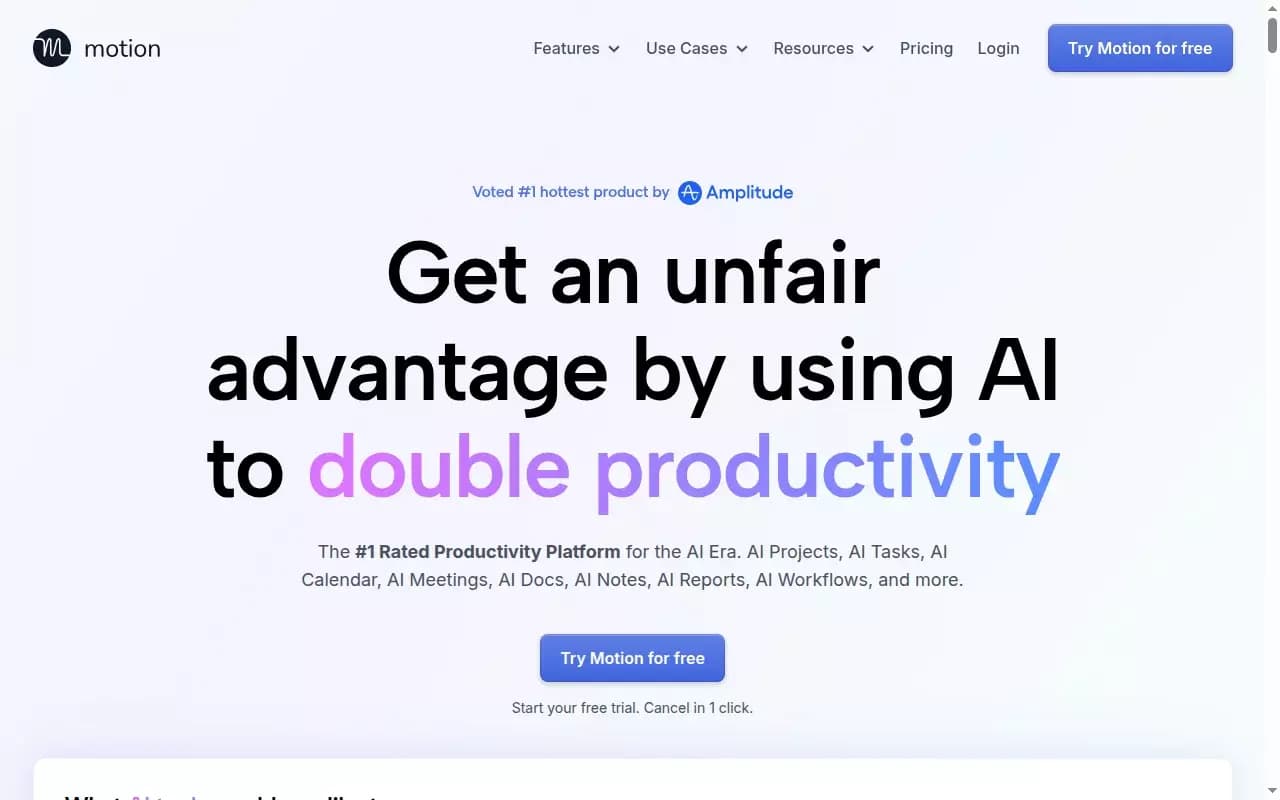
Motion is an AI platform for automating workday planning, task management, and prioritization. The AI analyzes your workload, projects, deadlines, and task dependencies to independently build and adjust your schedule throughout the day. The system flags the risk of missed deadlines days or even weeks before a critical point is reached.
The platform includes an AI note-taker for meetings (recording, notes, action item generation, and automatic distribution to attendees), as well as a feature that automatically creates project structures from a text description and attached documents. As a result, users get a single workspace that combines tasks, calendar, documents, and communications.
Motion Features
| Characteristic | Value |
|---|---|
| Type | AI productivity tool |
| Categories | Productivity, Assistants, Automation |
| Platforms | Web, Chrome, iOS |
| Price from | From 19/year (annual billing) |
| Free plan | Yes (free trial) |
| Trial period | Available, cancel anytime, no risk |
| Credit card required | No (for the trial period) |
| Billing frequency | Annually |
| Lifetime plan | No |
| Business model | Free trial, paid subscription |
Who is Motion AI for?
The tool is designed for a broad audience working with tasks and projects. Motion suits both individual specialists and teams of any size.
Product and Project Managers
Project, deadline, and task dependency management becomes automated. Managers gain control over timelines without manually planning each day.
Remote Workers and Freelancers
For those working outside the office, Motion helps organize schedules, centralize tasks from different sources, and avoid missing deadlines.
Teams and Entrepreneurs
The platform supports collaborative work: small business owners and startup founders can automate task assignment, track progress, and synchronize communications in one interface.
How to Use Motion AI?
Adopting Motion involves several logical steps, from registration to daily schedule adjustments.
Registration and Integration
Sign up and create an account. Integrate your calendar and task management tools — Motion connects with Gmail, Outlook, Zoom, Google Meet, Slack, and Siri.
Adding Tasks and Setting Priorities
Enter tasks, then set priorities and deadlines. Tasks can be collected from different sources: forward emails, turn meetings into tasks, send messages from messengers, or add tasks by voice via Siri.
Automatic Scheduling and Adjustments
The AI independently organizes your schedule based on workload and dependencies. Motion automatically rebuilds your plan during the day when changes occur — you only need to fine-tune the daily plan manually when necessary.
Creating Projects from a Text Description
To launch a new project, describe it and attach documents — Motion will generate a structure with tasks, deadlines, assignees, and milestones. Project generation accuracy exceeds 90%.
Key Motion Features
AI Task Management and Automatic Scheduling
The AI analyzes projects, deadlines, and dependencies, automatically builds schedules, and reschedules tasks when changes occur. The platform tracks progress, updates statuses, and alerts about delays.
AI Note-Taker for Meetings
Motion records meetings, creates notes, generates action items, and automatically sends them to attendees. This removes the need for manual meeting minutes and follow-up tracking.
Project Structure Generation from a Description
Simply describe a project and attach documents — the AI creates a complete structure with tasks, deadlines, assignees, and milestones. This feature reduces planning time and improves the accuracy of work distribution.
Integration with External Tools
The platform connects to Gmail, Outlook, Zoom, Google Meet, Slack, Siri, and through Zapier to hundreds of other business tools (Salesforce, etc.). This lets you centralize tasks from various services in one place.
Unified Workspace
Motion combines calendar, tasks, projects, documents, and communications. Documents support converting text into tasks, and search works across all documents, tasks, projects, and messages.
Motion Advantages
Automated Planning and Prioritization
The AI handles routine day planning and task prioritization. You don’t need to manually assign tasks to time slots — Motion does it automatically based on workload and deadlines.
Project Generation Accuracy Above 90%
When creating a project from a text description and documents, the system builds the structure with high accuracy, saving time during planning and reducing the risk of errors.
Automatic Meeting Notes
The AI note-taker records meetings, creates notes, and sends action items to participants. This fully automates meeting documentation.
Collecting Tasks from Multiple Sources
Motion lets you collect tasks from email (Gmail, Outlook), meetings (Zoom, Google Meet), messengers (Slack), and voice commands (Siri). All tasks land in a single schedule without manual copying.
Motion Disadvantages
No Open Source Code
Motion is not open source, which limits transparency into how its algorithms work and limits customization for specific business processes. There are no public GitHub repositories or developer communities.
Limited Mobile Availability
Despite having an iOS app, information about dedicated mobile apps for other platforms is limited.
Initial Learning Curve
Fully using the AI capabilities requires time to set up integrations, enter tasks, and get used to automatic scheduling. Users accustomed to manually managing their calendars may need an adjustment period.
What Problems Does Motion Solve?
Daily Task Management
Motion automates workday planning, freeing you from manually assigning tasks to hours and constantly checking the calendar.
Deadline Control and Preventing Missed Deadlines
The system warns about the risk of missing deadlines days or weeks before the critical point and automatically reschedules tasks when your schedule changes.
Centralizing Tasks from Different Tools
The platform brings together tasks from email, calendar, messengers, and meetings in one interface, eliminating the need to switch between a dozen services.
Automating Project Creation and Task Assignment
You describe a project and attach documents — Motion generates a structure with tasks, deadlines, assignees, and milestones. This speeds up launching new projects.
Automatic Meeting Notes
The AI note-taker records meetings, creates notes and action items, then automatically sends them to participants. This removes manual note-taking.
Motion Pricing
Motion offers a free trial to get familiar with the platform — no credit card required, and cancellation is possible at any time.
AI Workplace Plan — from 19/year
Includes project management, tasks, calendar, meetings, notes, document editor, dashboard, productivity charts, reports, Gantt charts, time tracking, access for iOS/Android/Desktop, and priority support.
AI Employees Plan — 29/year
Includes all AI Workplace features, plus unlimited AI usage, AI assistants for different roles, integrations, the ability to create your own AI employee and AI brain, and business support.
Enterprise Plan — custom pricing
Includes all AI Employees features, plus custom AI employees and integrations built by Motion engineers, API, unlimited storage, backup, RBAC, SSO, and dedicated support.
Terms of Use for Motion
Registration and account creation are required to use the service. A free trial is available to all new users — subscription cancellation is possible at any time with no risk. No credit card is required for the trial period.
Payment is made annually. Users can switch to a paid plan or cancel at any time. Refund information is not provided in the original data.
Motion Availability
Motion is available on three platforms: web version, Chrome browser extension, and iOS mobile app. Information about an Android app is not provided in the original data.
How Motion Differs from Alternatives
No comparison with competitors (Todoist, Asana, Trello, Monday.com, ClickUp) is provided in the original data, but key differences can be highlighted based on functionality.
Unlike classic task managers, Motion doesn’t just provide an interface for manually managing tasks — it automatically plans your day based on AI analysis of your workload. The system itself reschedules tasks hundreds of times a day when changes occur, while most alternatives require manual task rescheduling.
Another difference is the built-in AI note-taker for meetings and the ability to generate a project structure from a text description with over 90% accuracy. Competitors either lack these features or implement them through third-party integrations.
Conclusion
Motion is an AI platform for automating workday planning, task management, and prioritization, designed to boost productivity for both individual employees and teams. The AI analyzes workload, projects, deadlines, and dependencies, independently builds and adjusts schedules, and warns about the risk of missed deadlines. The service includes an AI note-taker for meetings, automatic project structure generation from descriptions, and a unified workspace with tasks, calendar, and documents. Motion suits a broad audience — from freelancers to teams of any size — and offers both a free trial and paid plans with expanded AI capabilities and integrations.
Frequently asked questions


See also
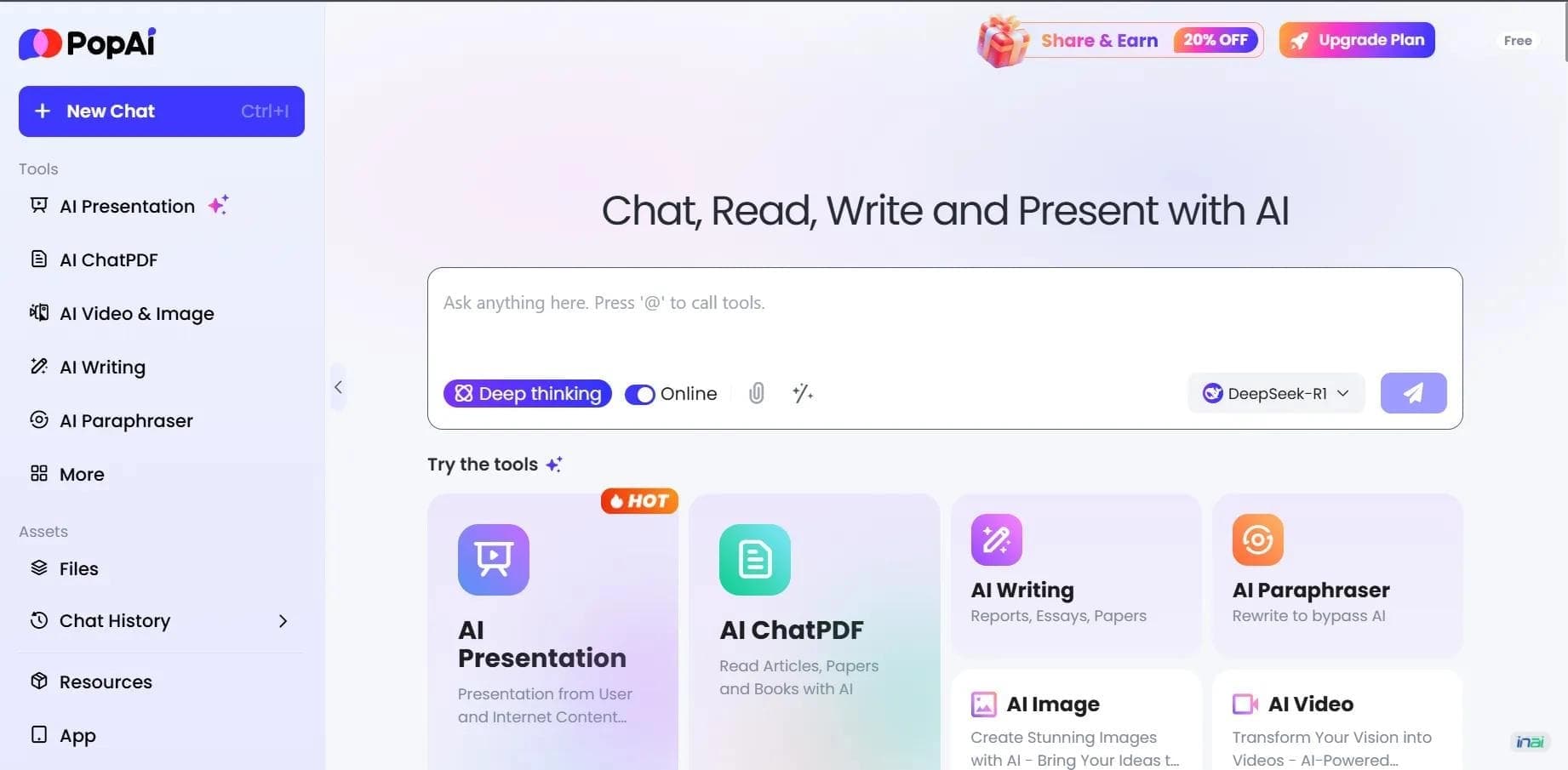

AI platform for working with documents, creating presentations, and generating images.
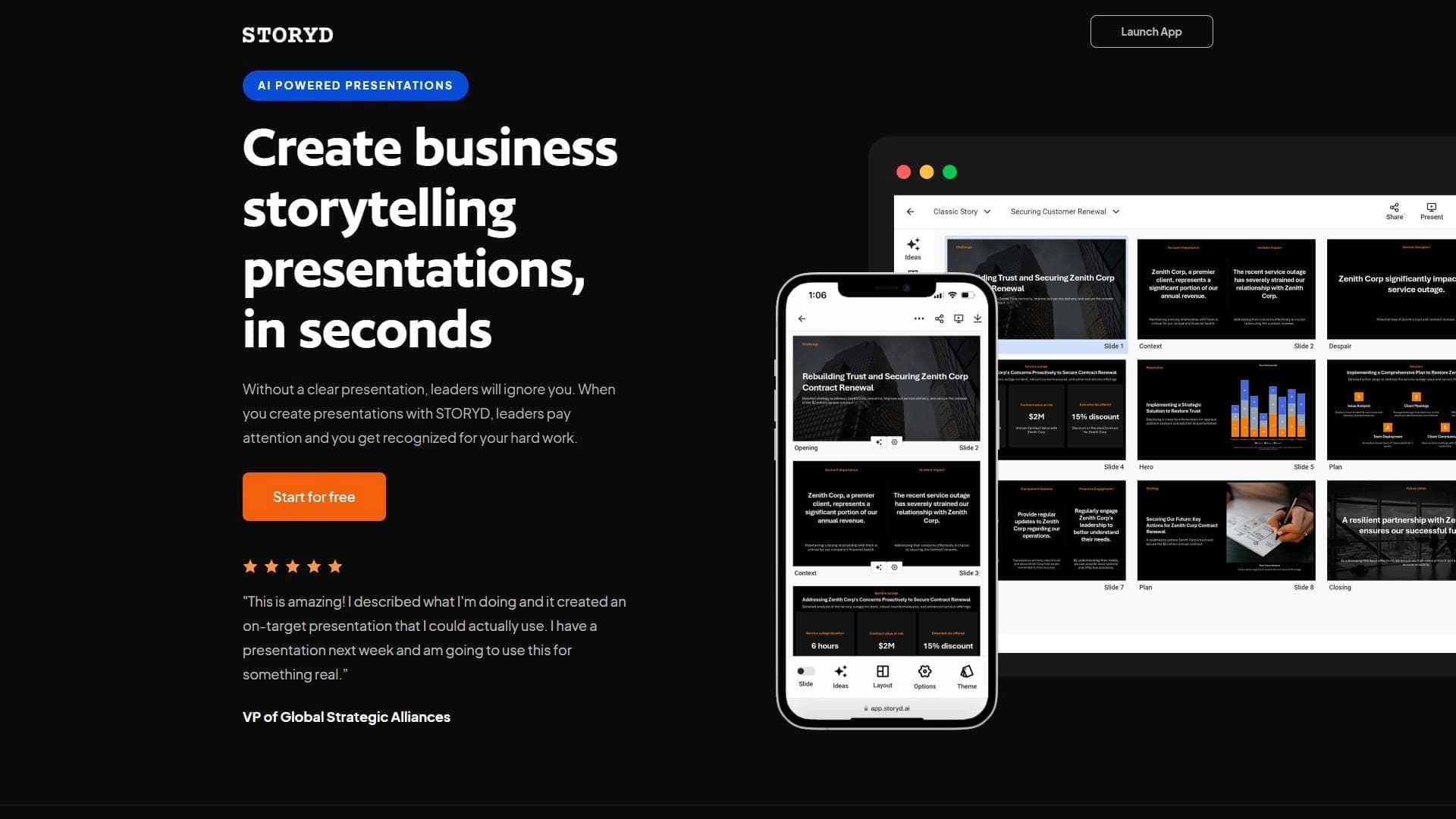

An AI-powered service that turns a brief topic description or bullet points into a structured business presentation in seconds.

Project management platform with an integrated AI assistant for task automation and data analysis.

A service for storing and organizing digital information with automatic neural network-based sorting.
A platform for managing projects and tasks with built-in AI agents and visualization of work in various formats.


AI email assistant that helps quickly draft messages, adapting to the user's style.


A web service that automates job search using artificial intelligence.


Free online platform with over 150 AI tools for working with PDFs, images, videos, and text.