

Meshy
A neural network-powered cloud service for generating 3D models, textures, and animations from text descriptions or images.
Overview
Meshy
Description of the Meshy neural network
Meshy is a cloud-based service powered by neural networks that lets you create 3D models, textures, and animations from a text description or an image. The platform is aimed at users without skills in professional 3D editors and produces textured objects ready for use in games, architectural visualization, and 3D printing. The service launched in 2023, developed by a US-based team (Santa Clara) made up of 3D artists, designers, and developers. Meshy supports export to popular formats (OBJ, FBX, GLB, STL, USDZ, BLEND) and uses neural networks to generate PBR textures.
Meshy characteristics
| Characteristic | Value |
|---|---|
| Type | AI platform for creating 3D models and textures |
| Categories | Image to 3D Model, AI 3D Model Generator, AI Texture Generator, AI Image Segmentation |
| Platforms | Web, Android, iOS, Blender and Unity plugins, API |
| Year of release | 2023 |
| Developer | US-based team (Santa Clara) |
| Pricing model | Freemium |
| Free plan available | Yes |
| Credit card required | No |
| Export formats | OBJ, FBX, GLB, STL, USDZ, BLEND |
| Interface languages | Multiple languages, including Russian |
| Rating | 5/5 (0 reviews) |
| Monthly visits | 29.9M |
Who is the Meshy neural network suitable for?
Game developers and indie studios
Meshy suits game developers who need to quickly create game assets: characters, furniture, environment elements. The tool lets you get ready-made models without lengthy manual work in 3D editors.
Product designers and 3D enthusiasts
Product designers can use the service for rapid prototyping — visualizing ideas from a text description or sketch. The platform is also of interest to 3D enthusiasts who want to create models for printing or AR/VR content.
Users without 3D modeling skills
The service targets a broad audience: students, teachers, and everyday users who need to create 3D objects but don't have time to learn professional editors. The intuitive interface and Russian language support lower the entry barrier.
How to use the Meshy neural network?
Via web interface
No installation is required to get started. Simply visit the Meshy website, sign up, or log in to your account. In the interface, enter a text description (for example, "spaceship") or upload an image — the service will generate a 3D model in 1–2 minutes. Tips and learning materials are available.
Via API and plugins
Meshy provides an API for integrating 3D generation into third-party applications. Plugins for Blender and Unity are also available, letting you work with models directly in development environments.
Main Meshy features
3D generation from text and images
The platform converts text descriptions (Text-to-3D) or 2D images (Image-to-3D) into 3D models. The process takes 1–2 minutes.
AI texturing and animation
Meshy automatically creates PBR textures without the need for UV unwrapping. The service also generates character animations (walking, running) and lets you create voxel 3D models from text. Additionally, there is an image generation feature based on text descriptions.
Community library and export
The platform includes a library of ready-made 3D models created by other users. Finished objects can be exported to OBJ, FBX, GLB, STL, USDZ, BLEND formats.
Meshy advantages
High speed and quality
Model generation takes seconds, and PBR textures come out high-quality with no manual tuning required. Users highly rate the service for its speed and constant improvements.
Beginner-friendly and integrations
An intuitive interface with support for multiple languages (including Russian) makes the tool accessible to beginners. API integration is available for embedding 3D generation into other platforms. Plugins for Blender and Unity are also supported.
Free plan and large library
No credit card is required for testing. There is a free plan with limited functionality. The user community maintains a large library of ready-made models that can be shared.
Meshy drawbacks
Free plan limitations
The free plan only provides 100 credits per month and 10 model downloads. One generation costs 10 credits, so the free package covers a limited number of models. The credit system can become expensive with active use.
Models may need refinement
Generated models may require manual refinement — for example, topology for animation. This limitation is typical of most AI 3D generation tools.
No open source and no information on complex modeling
The service's source code is closed. Possible limitations when working with complex 3D scenes or high-poly models are not specified. Pricing details are also not shown on the main page.
What tasks does Meshy solve?
Creating game assets
The tool lets you quickly generate characters, furniture, and environment elements for video games, reducing development time.
Prototyping and 3D printing
Product designers can visualize ideas from a sketch or description and create prototypes for presentations. Models can be exported to STL format for 3D printing of figurines and decor.
Education and AR/VR content
Teachers and students use Meshy to learn the basics of 3D modeling through simple tools. The service is also suitable for creating content for augmented and virtual reality.
Meshy pricing
Meshy operates on a freemium model. There is a free plan (Free — $0) with 100 credits per month, limited queue priority, 10 downloads of models generated by older AI models, and a CC BY 4.0 license. The paid Pro subscription costs $10 per month: it includes 1000 credits, unlimited downloads of the latest models, standard priority, private assets, API access, 4 free rerolls per generation, remesh and custom polygon counts, multi-image to 3D, community model uploads, and more than 500 animation library presets. You can also earn free credits through the referral program. There is no lifetime plan. Current pricing is listed on the Meshy Pricing page.
Meshy terms of use
No credit card is required to test the service. Registration and account creation are required. The free plan is limited to 100 credits per month (one generation costs 10 credits) and 10 model downloads. Resources created on the free plan are distributed under the CC BY 4.0 license. The paid Pro subscription costs $10 per month.
Meshy availability
The service is available through a web interface — no installation required. There are apps for Android and iOS. The interface supports multiple languages, including Russian. Plugins for Blender and Unity are available, as well as an API for integration. The developer's headquarters is in the USA (Santa Clara). The largest share of traffic comes from the USA (16.76%); the service is also popular in Japan, India, Brazil, and Vietnam.
How Meshy differs from alternatives
Compared to 3D AI Studio, Meshy generates models faster (1–2 minutes) and offers more export formats, but has fewer learning materials. Spline AI focuses on web design and interactive 3D elements, while Meshy is better suited for game assets and 3D printing. Masterpiece X falls short of Meshy in texture quality and speed but offers unique VR integration for editing. Meshy's main advantage is its high speed, high-quality PBR textures, and intuitive interface with Russian language support, making it accessible to beginners.
Conclusion
Meshy is a fast, high-quality tool for creating 3D models and textures that suits game developers, designers, and 3D enthusiasts without deep professional editor skills. Key pros: high generation speed, high-quality PBR textures, intuitive interface, and API support. Cons: models may require refinement, and the free plan's credit system is limited. The service is well suited for prototyping, creative experiments, and creating game assets.
Pricing
Frequently asked questions
Similar AI tools
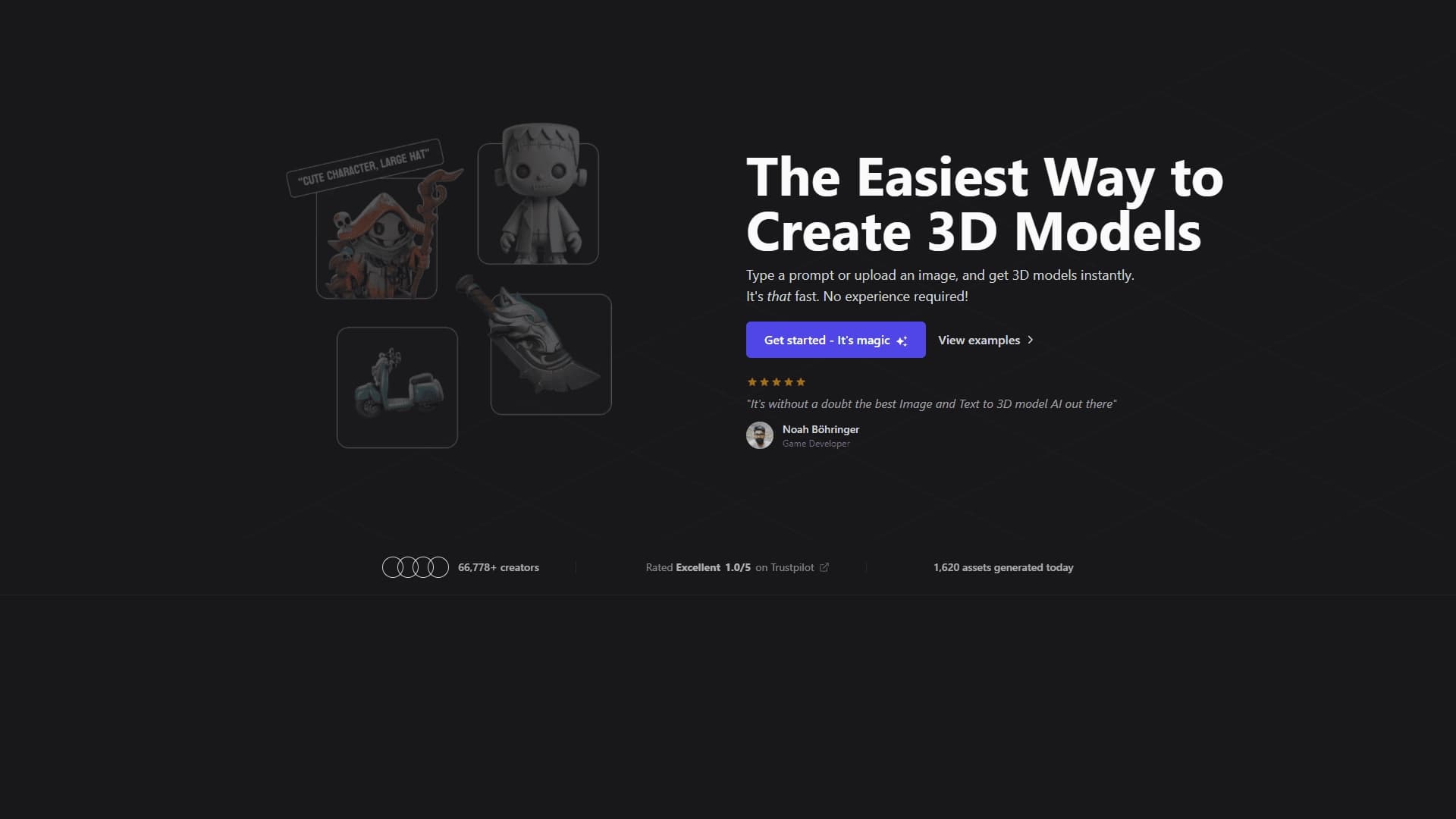


See also
No-code platform for creating AI-powered 3D character animations.

3D model generator combining AI with a parametric engine for creating and customizing objects right in the browser.
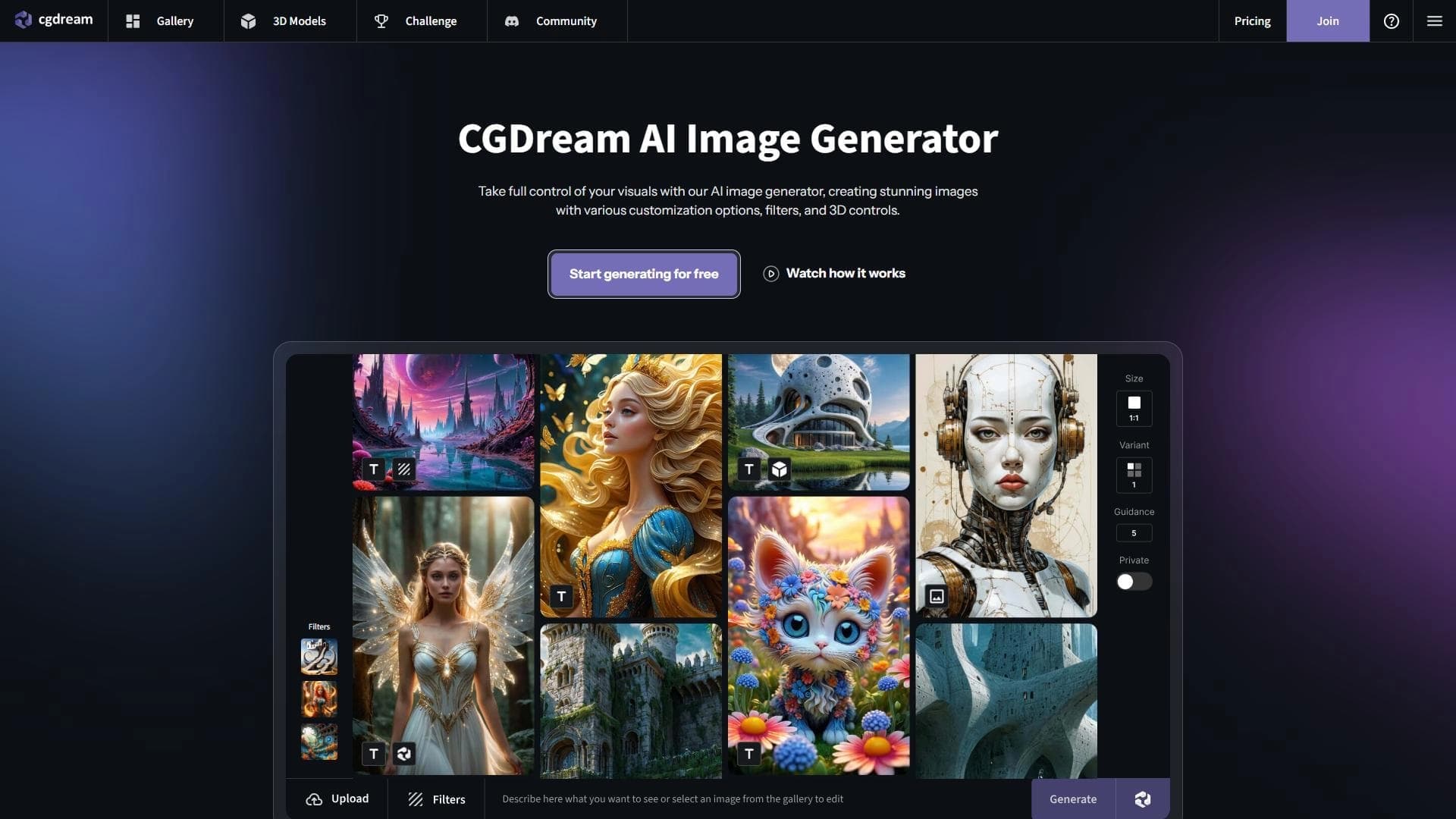

AI-powered image generation platform that combines 3D models with generative technologies to create illustrations from text, photos, or 3D objects.
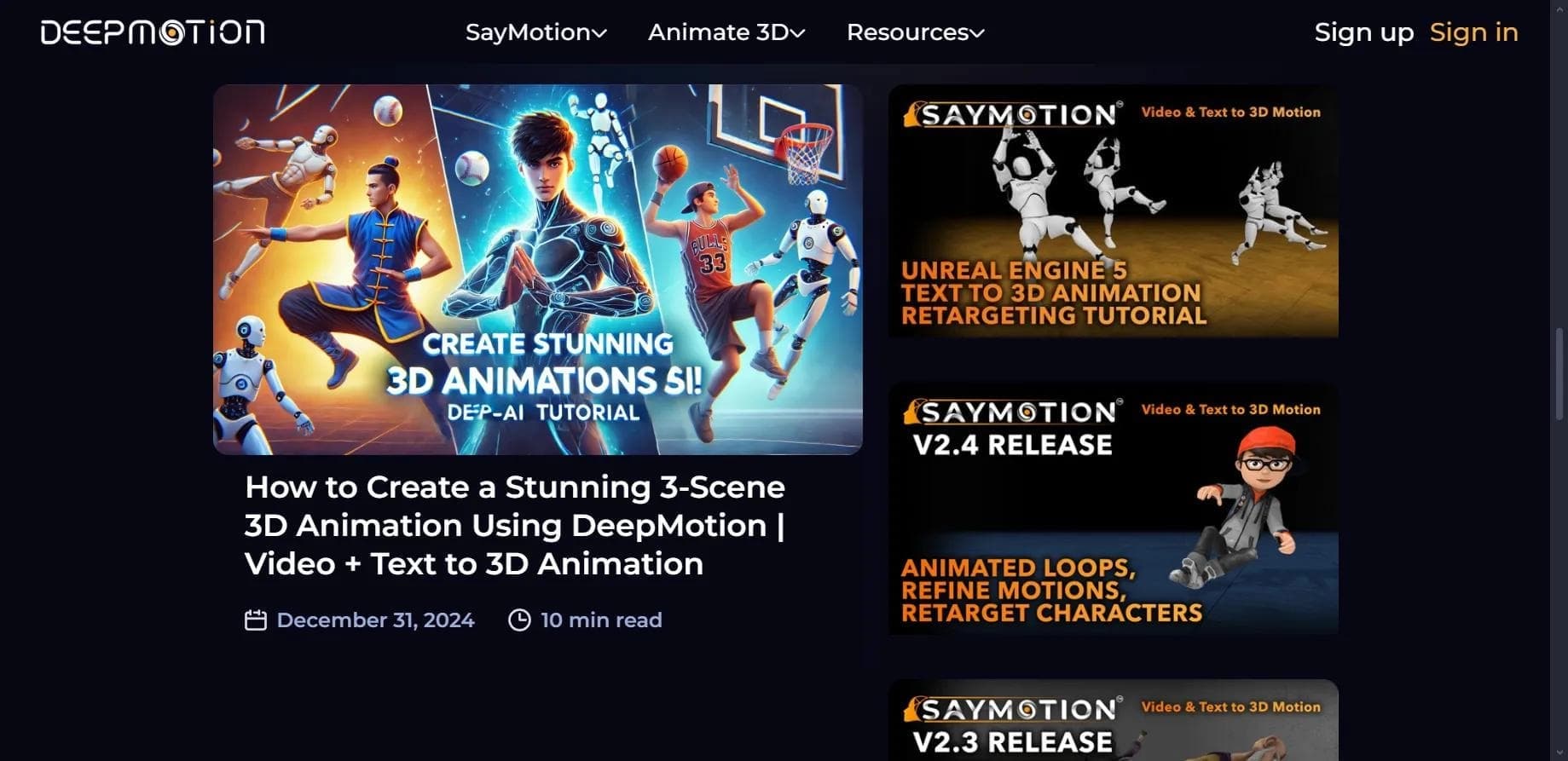

Web service for creating 3D animation based on video, text descriptions, or motion capture data without special equipment.

Browser-based platform for creating 3D objects, animations, and textures using AI from a text prompt.
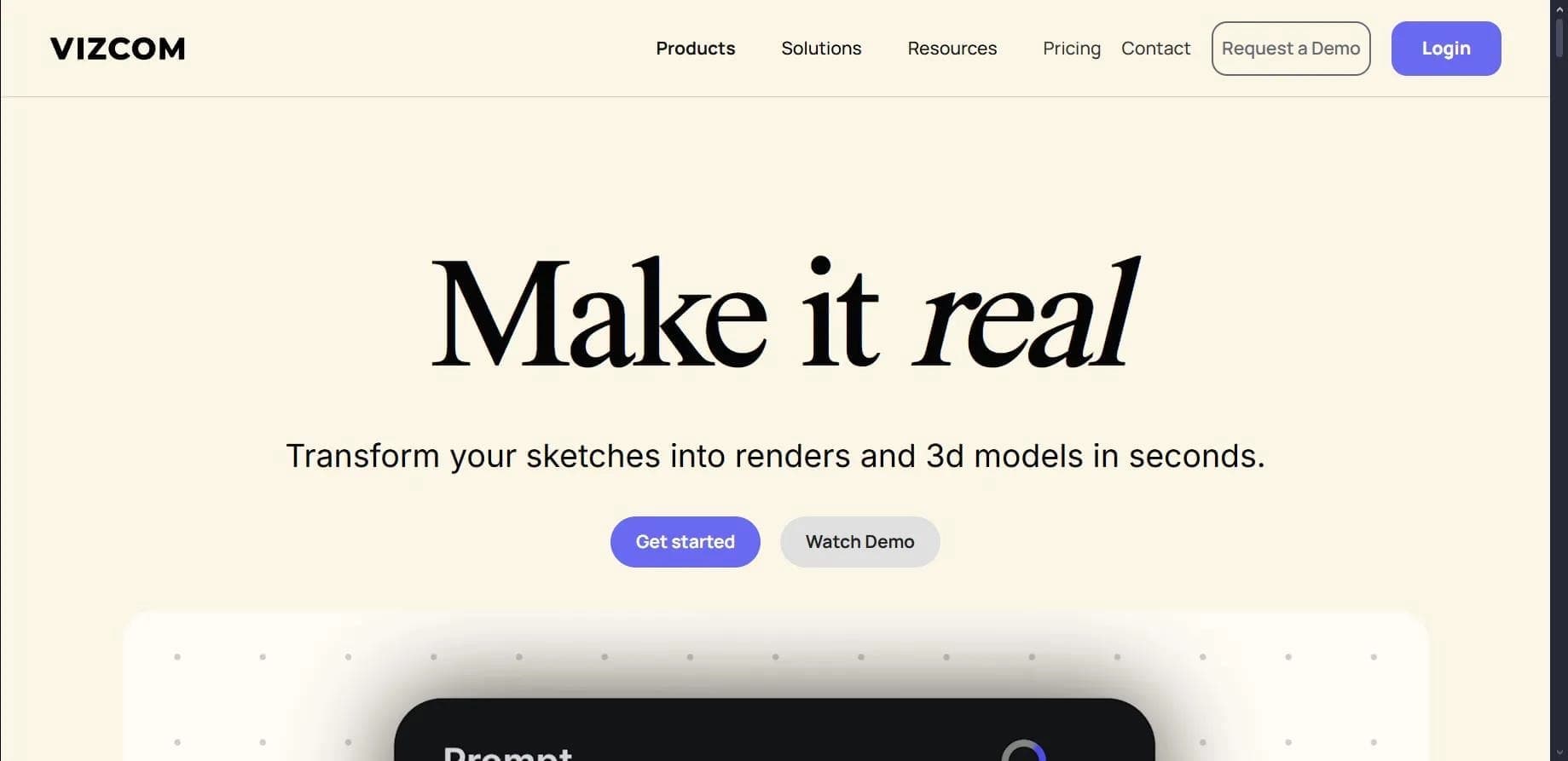

Platform for transforming sketches into photorealistic renders and 3D models.
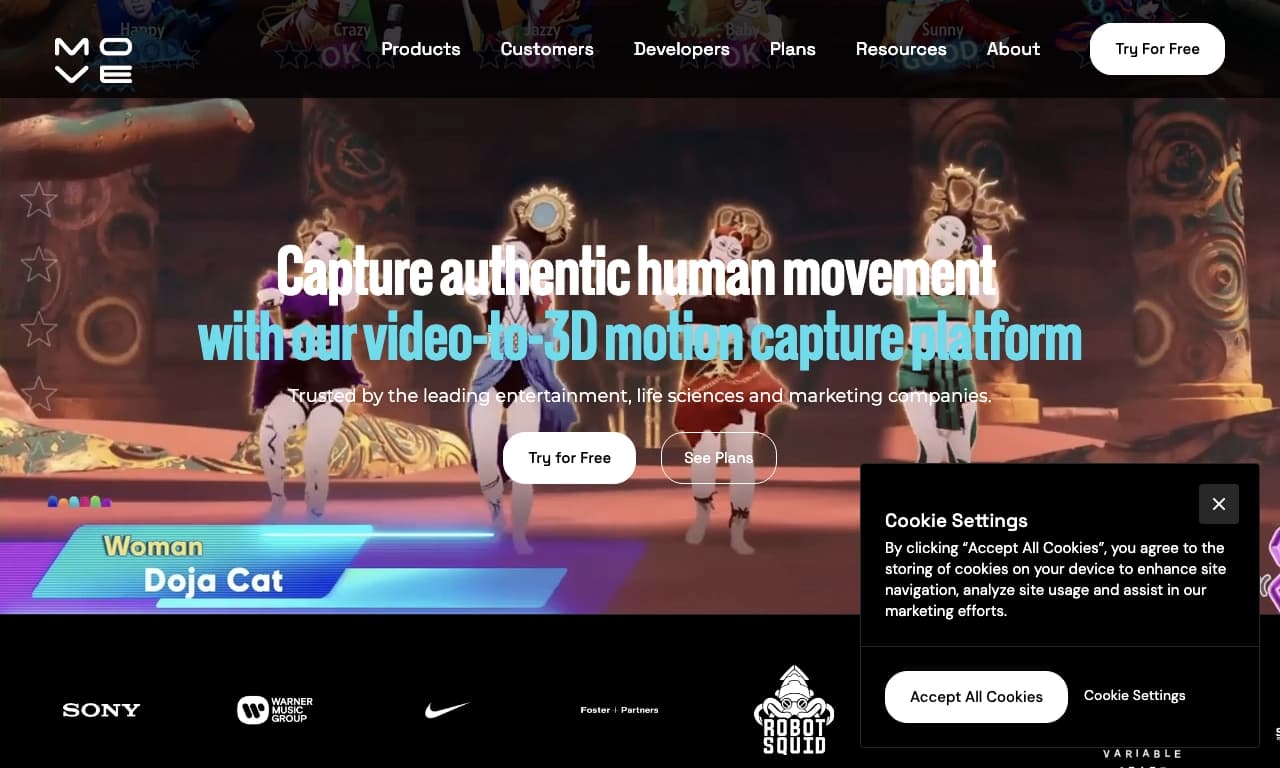

AI-powered tool for capturing human motion from ordinary 2D video recordings and converting it into 3D animation.

Mobile app for creating detailed 3D models of real objects and scenes using regular video recording.