
Kanai
Mobile app for 3D scanning of rooms and furniture using a smartphone camera and AI-powered interior design selection.
Overview
Kanai
Description of the Kanai neural network
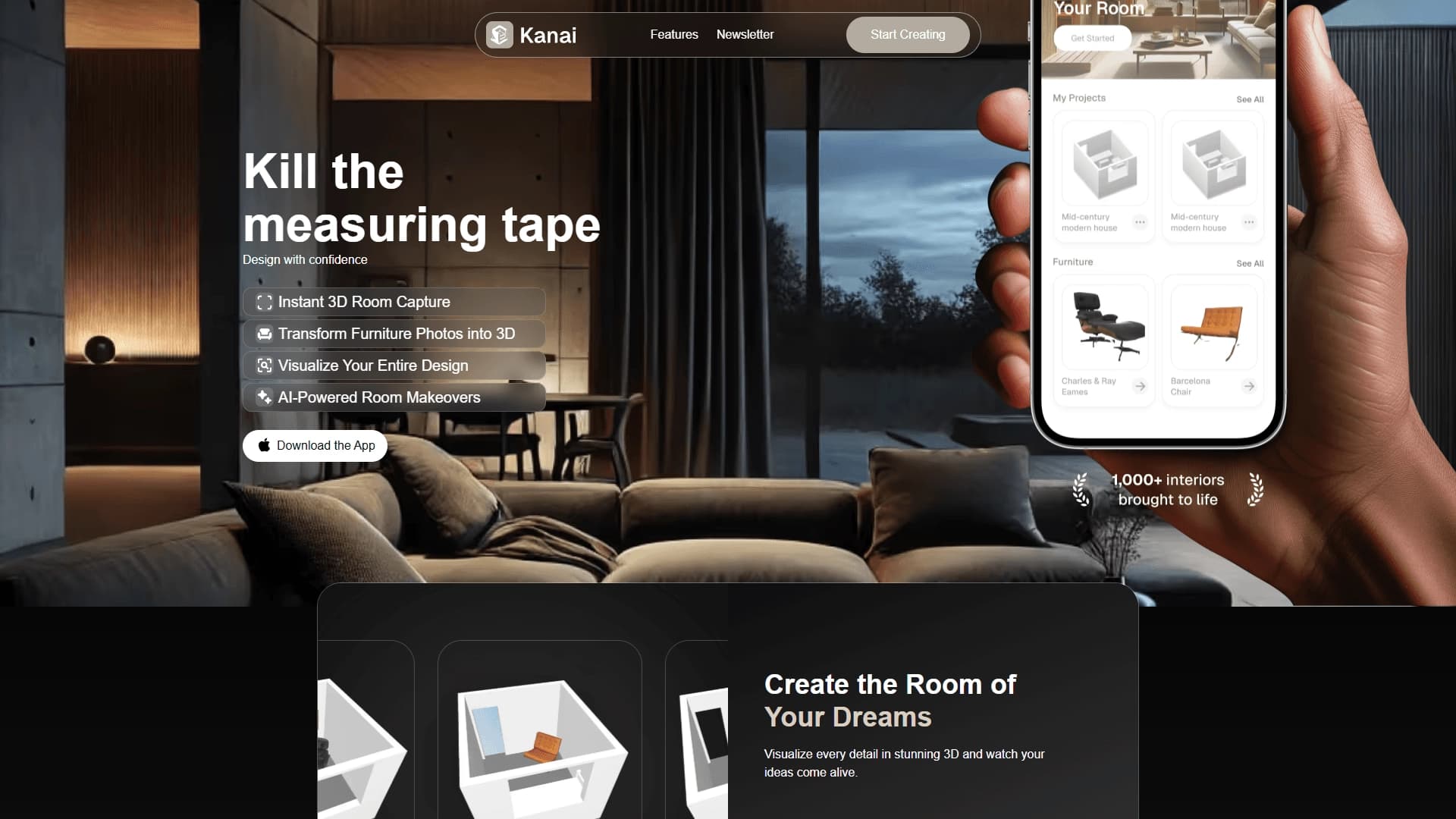
Kanai is a mobile app that turns your smartphone camera into a tool for 3D scanning of rooms and furniture. With it, you can quickly create a three-dimensional model of a room and then work with it as a constructor: move objects, change their color and size, and try out different decor options.
Kanai's key feature is the ability to turn ordinary photos of furniture into 3D objects. Snap a photo of a chair you like in a store, and you can "place" it in your virtual living room to see how well it fits the space. The app can also generate interior design options based on a given style and mood.
The service is positioned as a solution for those who are tired of guessing by eye whether furniture will fit in a room and how a new piece will look next to old ones. Kanai helps you see the result before you spend money and time on a purchase or renovation.
Kanai features
| Feature | Value |
|---|---|
| Type | Mobile app |
| Category | 3D floor planning, furniture and decor |
| Website | www.kanai.ai |
| Publication date | December 18, 2025 |
Who is the Kanai neural network for?
For those planning to buy furniture
The app will be useful for people who want to know in advance how a specific piece of furniture will fit into their interior, without relying on rough estimates and a tape measure.
For those planning a renovation or rearrangement
Kanai suits those who are going to renovate or simply rearrange furniture and want to visualize the future result in advance, experiment with layouts and combinations of materials.
For interior designers
The tool speeds up the work of interior design professionals, allowing them to offer clients design options faster and clearly demonstrate ideas in the form of a working 3D model.
For collaborative discussion of ideas
The app is convenient for those who want to share projects with a partner, friends, or a designer via a link, so everyone sees the same model and discusses changes without having to explain things "with their hands."
How to use the Kanai neural network?
Scanning a room
To get started, simply point your smartphone camera at the room. The app automatically builds a detailed 3D model of the space in just a few minutes.
Adding furniture from photos
Take a photo of a piece of furniture you like — the app turns the shot into a 3D object. You can then move, rotate, and change its color and size in the virtual space.
Generating design options
Set the style and mood you want, and the system will suggest decor options. This is not just a picture, but a working model in which you can replace, tweak, or rearrange things.
Key Kanai features
3D room scanning
The app digitizes a room through the smartphone camera, creating a detailed three-dimensional model of the space in minutes.
Converting furniture photos into 3D objects
Photos of any interior items are turned into 3D objects that can be freely placed and modified in the virtual room.
AI redesign and interior visualization
The app generates decor options based on a given style and mood, letting you try on different styles and evaluate color combinations, materials, and layout.
Advantages of Kanai
Saves time and effort
Scanning a room takes just a few minutes, and you can work with furniture in the virtual space without a tape measure or eye-balling.
Accuracy and clarity
The app shows the real dimensions and scale of the room, making it easier to assess how a particular piece of furniture will fit into the design and space.
Reduced risks
The tool reduces the chance of mistakes when buying furniture and planning renovations — you see the result before spending money.
Faster designer workflow
Professionals can prepare and present decor options to clients more quickly, and easily share projects for collaborative discussion.
Disadvantages of Kanai
The available data does not list any obvious disadvantages of the service. It can be noted that, like most mobile apps for 3D scanning, Kanai likely depends on the quality of the smartphone camera and the lighting conditions in the room; however, there is no specific confirmation of these limitations in the source materials.
What tasks does Kanai solve?
Planning rearrangement and renovation
The app helps plan furniture rearrangements and renovations by visualizing the future look of the room in advance.
Choosing furniture with real dimensions in mind
The tool lets you pick furniture based on the actual size and scale of the room, rather than rough estimates.
Visualizing the future interior
Kanai gives you the ability to see the future interior before work begins, checking the combination of materials, colors, and furniture layout.
Kanai pricing
The provided source data does not include information about Kanai's pricing or available plans. To find out current prices and payment terms, you should visit the app's official website at www.kanai.ai.
Kanai terms of use
Specific terms of use, including hardware requirements, age restrictions, and privacy policy, are not described in the available materials. Details about how the service works can be found on the official website at www.kanai.ai.
Kanai availability
There is no exact information in the source data about which platforms and regions the app is available in. It is only known that it is a mobile app and that its official website is at www.kanai.ai.
How Kanai differs from alternatives
Scanning and furniture from photos
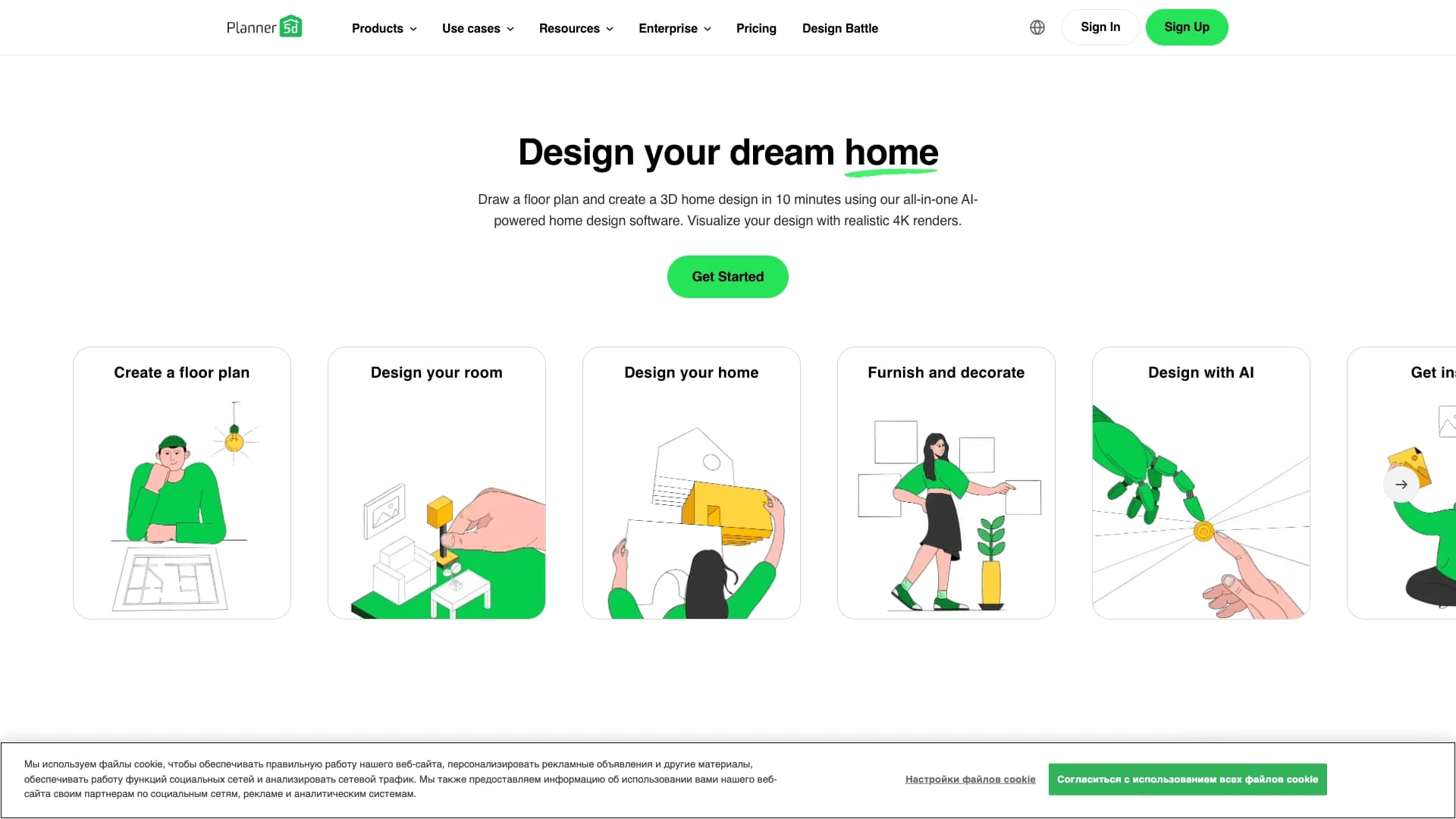
The main difference between Kanai and tools such as DrawPlan, Planner 5D, Interior Render AI, Instaroom, Fill 3D, and Mappedin Maker is the combination of 3D capture of a real room via the smartphone camera with turning ordinary furniture photos into 3D objects.
Working with real space
Instead of creating an interior "from scratch," Kanai works with the user's actual room, allowing you to evaluate real dimensions and scale rather than an abstract model.
Interactive design generation
Unlike competitors, which often offer only static visualization, Kanai generates a working model that can be refined — replacing, moving, and modifying objects in the space.
Conclusion
Kanai is a mobile app for 3D room capture and interior visualization that lets you quickly scan rooms with your smartphone camera, turn furniture photos into 3D objects, and try out different decor styles with AI. The tool helps plan rearrangements and renovations, choose furniture based on real dimensions, and see the result before purchase, reducing the risk of mistakes and speeding up designers' work.
Frequently asked questions



See also
No-code platform for creating AI-powered 3D character animations.

3D model generator combining AI with a parametric engine for creating and customizing objects right in the browser.


AI-powered image generation platform that combines 3D models with generative technologies to create illustrations from text, photos, or 3D objects.


A free web service that uses a neural network to generate interior design options based on an uploaded photo of a room.


AI-based online service for generating interior ideas and planning solutions from an uploaded photo, floor plan, or sketch of a room.


Web service for creating 3D animation based on video, text descriptions, or motion capture data without special equipment.


Browser-based platform for creating 3D objects, animations, and textures using AI from a text prompt.

Mobile app for creating detailed 3D models of real objects and scenes using regular video recording.