

Jenni
AI assistant for writing academic and scientific texts with autocomplete, citation, and plagiarism checking.
Overview
Jenni
Description of Jenni AI
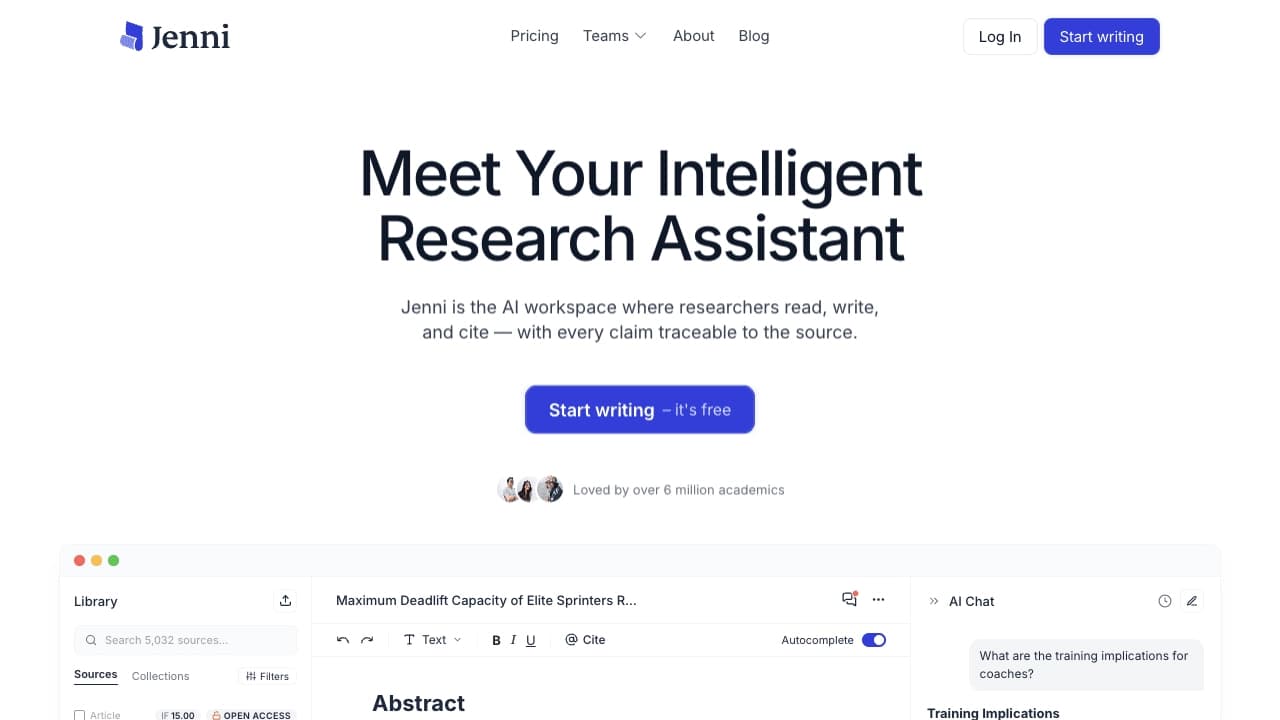
Jenni is an AI assistant created specifically for working with academic and scientific texts. The tool helps write essays, articles, literature reviews, and research papers: it automatically continues sentences and paragraphs, formats citations in the required styles, compiles bibliographies, and checks text for plagiarism. Jenni's main goal is to speed up the writing process and help the author meet citation requirements without getting distracted by routine tasks.
The service can work with uploaded PDF files, paraphrase text, build a document structure based on the topic, and provide recommendations on wording. At the same time, Jenni does not relieve the author of responsibility for facts: citations, dates, conclusions, and specific phrasings should still be verified against primary sources.
Jenni Characteristics
| Characteristic | Value |
|---|---|
| Type | AI writing assistant / AI editor for academic texts |
| Categories | AI Writing Assistants, AI Copywriting, AI Essay Writer, AI Assistants, proofreading and editing, summarization |
| Platforms | Web (jenni.ai) |
| Pricing model | Freemium (free tier available) |
| Free tier | Yes, no credit card required |
| Citation styles | More than 1,700 styles, including APA, MLA, IEEE, Harvard |
| Integrations | Zotero, Mendeley, import from Word, BibTeX, DOI |
| Date added | 06.06.2024 |
Who Is Jenni AI Suitable For?
Students and authors of academic papers
Jenni is aimed at students who need to write essays, term papers, and other academic texts with proper citation and bibliography formatting. Autocomplete and AI suggestions help overcome writer's block and get a draft to completion faster.
Researchers and academic professionals
Research staff, educators, and article authors are also part of the target audience. For them, finding scholarly sources, formatting references, working with PDF files, and importing materials from Zotero, Mendeley, and BibTeX are especially important.
Professionals and content creators
Beyond academia, the tool is suitable for professionals and content creators who need to structure large texts, paraphrase material, and refine wording.
How to Use Jenni AI?
Getting started and choosing a document
The first step is to register on the Jenni AI website. After that, you choose the document type and start typing directly in the editor. Registration is required, but the free tier does not require a credit card.
Writing and improving text
As you type, Jenni offers AI suggestions for continuing and improving the text. Based on the topic, you can build a document outline — a list of section headings that are then fleshed out as you work.
Citation, summarization, and checking
As you write, citations are added automatically in the required style. For longer materials, a summarization feature is available to create concise summaries. Finally, the text is checked by a built-in plagiarism detector, and the document can then be saved and downloaded.
Key Features of Jenni
Autocomplete and text generation
AI Autocomplete writes alongside the user, continuing sentences and paragraphs based on the document structure, headings, and sources. This is a key tool for overcoming writer's block and speeding up drafts.
Citation and bibliography
The In-text Citations feature draws on recent research and uploaded PDF files, making it easy to format references in APA, MLA, IEEE, or Harvard styles. Jenni also finds scholarly sources, inserts references, and automatically compiles a bibliography.
Working with text and files
The built-in Paraphrase & Rewrite tool lets you rephrase any text, shift the tone from academic to persuasive, and rewrite material to suit your needs. The Generate From Your Files feature puts research papers to work, and Chat to your PDFs helps you quickly understand and summarize uploaded documents.
Organizing research
Outline Builder creates a list of section headings on a given topic, while Research Library lets you save and manage research so you can easily cite it in any document.
Advantages of Jenni
Specialization in academic writing
Unlike general-purpose text assistants, Jenni is tailored to academic and scientific texts: it continues paragraphs with the document structure in mind, works with sources, and meets citation requirements.
Broad coverage of styles and integrations
The tool supports more than 1,700 citation styles and integrates with the popular research libraries Zotero and Mendeley, and also allows importing materials from Word, BibTeX, and DOI.
Convenience and popularity
The user-friendly interface has been recognized by more than 5 million academic users. According to the developers, Jenni has helped write more than 970 million words, offering a free trial to get acquainted with the service.
Disadvantages of Jenni
Accessibility limitations
The tool has no open source code. There is also no dedicated mobile app, and the main website does not provide links to other platforms.
Pricing transparency
The cost of paid plans is not explicitly stated — you need to visit the Jenni.ai website to find out.
Responsibility for content
Jenni speeds up writing but does not remove the author's responsibility for facts: citations, dates, conclusions, and formulations should be verified against primary sources.
What Tasks Does Jenni Solve?
Writing academic and scientific texts
The tool helps write academic papers, create content, and overcome writer's block, speeding up the process of producing drafts and final versions of documents.
Source formatting and editing
Jenni automates citation, compiles bibliographies, finds scholarly sources, and imports materials from other services. At the same time, it helps edit and improve the style of the text — rewriting, simplifying, translating, and strengthening highlighted sections.
Checking and structuring
The service lets you check drafts, formulations, and disputed claims, generate concise summaries of long materials, and work with PDF files via the chat assistant.
Jenni Pricing
Jenni operates on a freemium model. The free plan lets you start writing without entering a credit card, with the option to cancel at any time. Detailed information about the cost of paid plans is not provided in the available data — you need to visit the Jenni.ai website to find out.
Jenni Terms of Use
Registration on the website is required to use the service. The free tier does not require a credit card. The paid part of the terms is determined on the Jenni.ai resource, since the details of commercial terms are not disclosed in the available data.
Jenni Availability
Platform and languages
Jenni is available as a web application at jenni.ai. Information about supported interface languages and available regions is not specified in the source data.
User geography
The service's main traffic comes from Indonesia (16.70%), India (6.92%), Turkey (5.61%), the USA (5.14%), and Malaysia (3.97%), indicating a broad international audience.
How Jenni Differs from Alternatives
Unlike general-purpose text assistants (such as ChatGPT), style-editing services (Grammarly, QuillBot, ProWritingAid), and general copywriting tools (Writer, Jasper AI), Jenni specializes specifically in academic texts. It combines autocomplete, citation formatting, bibliography compilation, plagiarism checking, and PDF working in a single workflow. For finding answers from scientific publications, Consensus is additionally recommended, and for working with your own sources — NotebookLM.
Conclusion
Jenni is a comprehensive AI writing assistant focused on academic and scientific tasks. It offers automatic text continuation, citation formatting in more than 1,700 styles, summarization, plagiarism detection, and integration with Zotero and Mendeley. The tool is suitable for students, researchers, and professionals, offering a free tier without a credit card. At the same time, authors should remember that the service speeds up work but does not replace fact-checking against primary sources.
Frequently asked questions
Similar AI tools





See also
A sales automation platform that combines customer prospecting, deal management, and AI-powered forecasting.
AI editor for creating, editing, and publishing content with templates and prompts.

Financial platform with an AI assistant for managing accounting, taxes, and budgets.

Platform for interview preparation with AI mock interviews and real-time support.
Enterprise language model platform focused on privacy and on-premise deployment.


AI assistant for creating short summaries of videos, PDF documents, and web pages.


AI email assistant that helps quickly draft messages, adapting to the user's style.
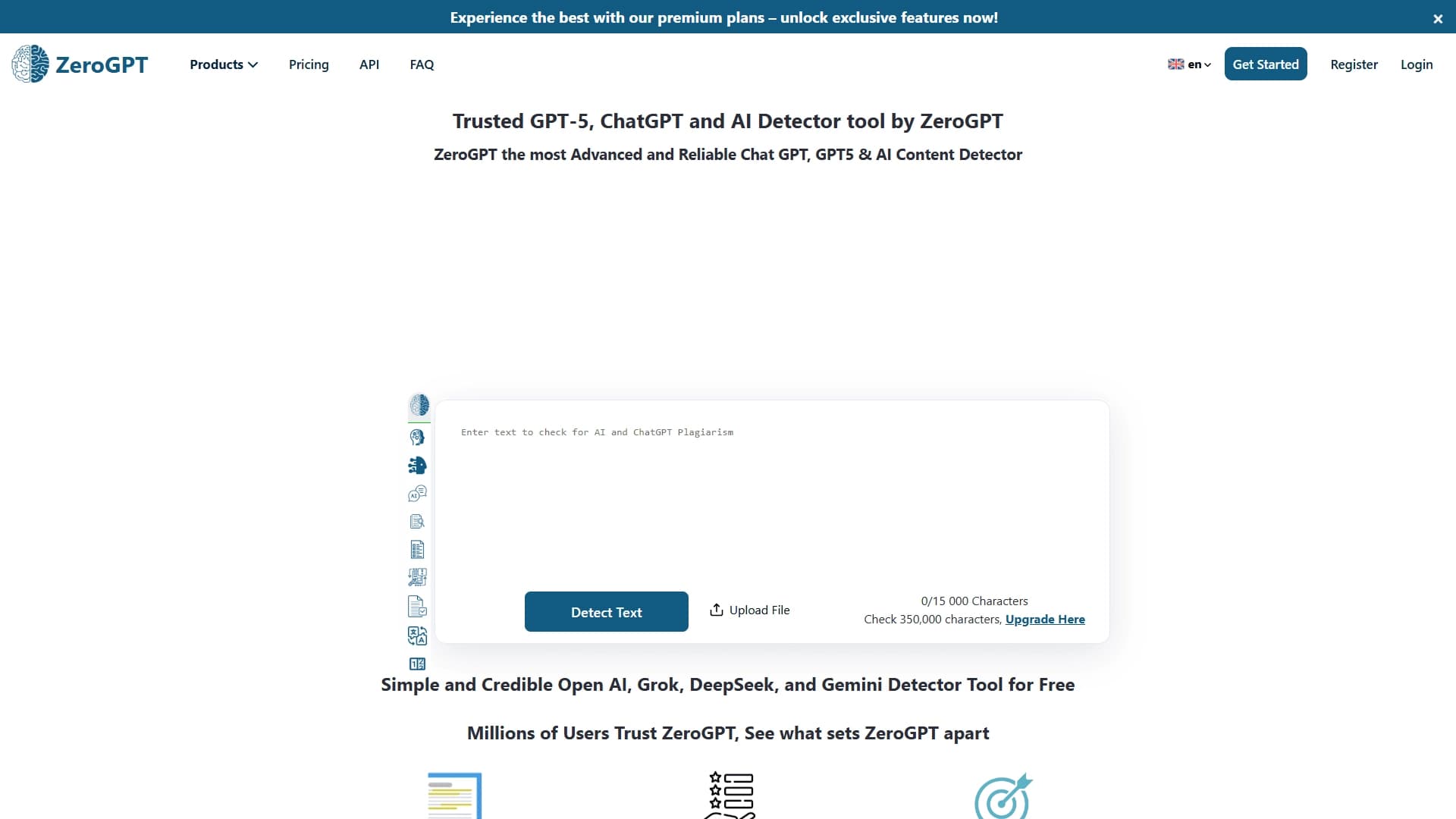

An online detector that determines whether text was created by a human or generated by neural networks.