

GPTExcel
AI tool for generating and explaining formulas for Excel, Google Sheets, and Airtable, as well as SQL queries, VBA scripts, and regular expressions.
Overview
GPTExcel
Description of the GPTExcel AI
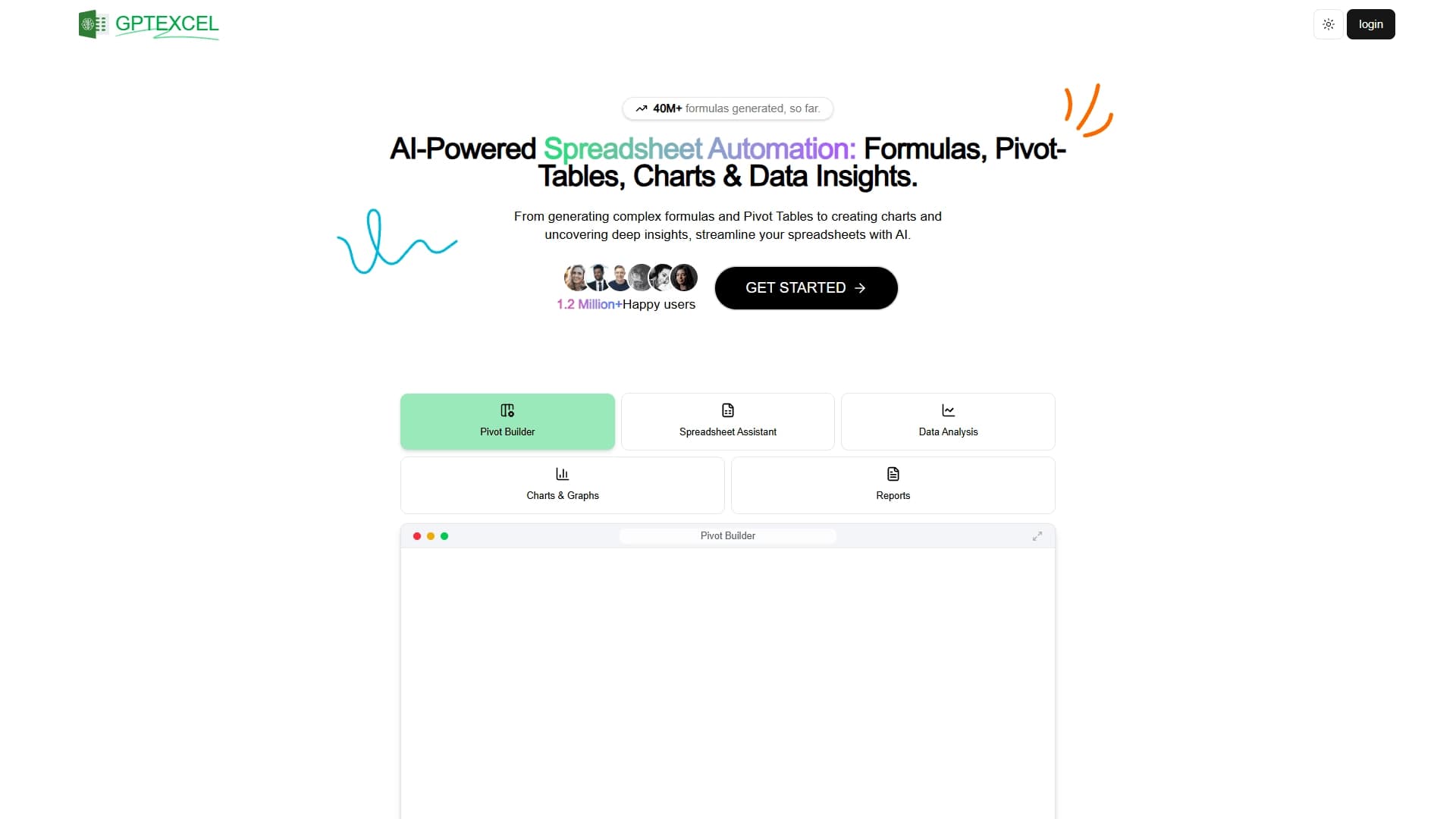
GPTExcel is an AI tool designed to automate work with spreadsheets. It helps users generate and explain formulas for Microsoft Excel and Google Sheets, as well as work with data in Airtable. Instead of manually figuring out function syntax and searching for solutions, users describe their task in text, and the AI suggests a ready-made result.
The tool is useful not only for formulas: it can create pivot tables, charts, and reports, as well as generate SQL queries, VBA scripts, and regular expressions. This set of capabilities makes GPTExcel a versatile assistant for anyone who regularly processes data and wants to reduce time spent on routine operations. The service has already generated a large number of formulas, and updates continue to improve its speed and quality.
GPTExcel Features
| Characteristic | Value |
|---|---|
| Type | AI tool for working with spreadsheets |
| Categories | Spreadsheets, Automation, Productivity, AI assistants, Databases |
| Distribution model | Freemium (free plan with a large limit) |
| Supported platforms | Excel (Mac and Windows), Google Sheets, Airtable, Web |
| Key capabilities | Formulas, pivot tables, charts, SQL, VBA, RegEx |
| Interface languages | Multilingual support |
| Access | VPN may be required in some regions |
| Editorial rating | 7.8 out of 10 |
| User rating | 4.3 out of 5 (★★★★☆) |
Who is GPTExcel AI for?
Analysts and data specialists
GPTExcel is especially useful for analysts who work with large volumes of data daily. The tool helps quickly build complex formulas, pivot tables, and get automatic insights, saving time on manual data preparation.
Finance professionals and accountants
For finance professionals and accountants, the service is useful for financial forecasting, statistical modeling, and report preparation. Even without deep knowledge of Excel functions, they can perform complex calculations by simply describing their task in words.
Marketers, product managers, and other specialists
The tool is designed for those who do not work with data constantly but need quick solutions: marketers, product managers, and other professionals. GPTExcel simplifies report and presentation preparation even without analytical experience.
How to use GPTExcel AI
Access via the website
GPTExcel is used through a web interface at gptexcel.uk. To start, simply open the service and use the free plan, which provides a large usage limit.
Describing the task in text
The core working principle is a text prompt. The user describes what formula, calculation, or automation they need, and the AI generates a ready-made solution. If needed, GPTExcel also explains the logic behind the generated formula, helping users understand the solution.
Support for different platforms
Generated solutions can be used in Excel for Mac and Windows, Google Sheets, and Airtable. The service outputs ready-to-use formulas and scripts that fit the specific platform the user works with.
Core GPTExcel Functions
Formula generation and explanation
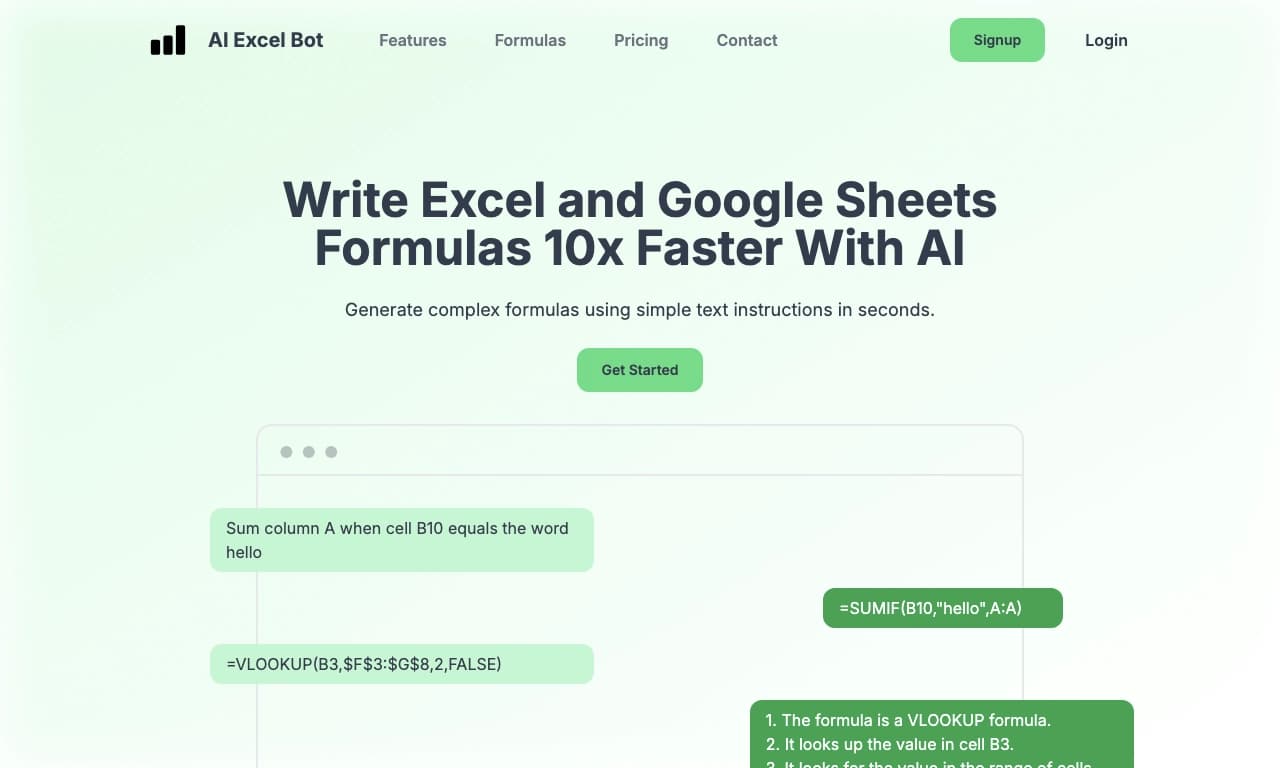
GPTExcel creates formulas of any complexity for Excel and Google Sheets from a text description. The tool not only delivers a ready-made result but also explains the logic behind the solution, helping users understand how it works.
Pivot tables, charts, and reports
The service can build pivot tables, create clear charts and graphs, and prepare data analytics with automatic insights. This simplifies report and presentation preparation.
SQL, VBA, and regular expressions
In addition to spreadsheets, GPTExcel generates SQL queries for working with databases, VBA scripts for process automation, and regular expression (RegEx) patterns for data cleaning. The tool can also create scripts for Airtable.
GPTExcel Advantages
Saving time and simplifying routine
The tool saves hours of manual spreadsheet work by automating the creation of formulas, reports, and pivot tables. Users do not need extensive knowledge of Excel functions to get accurate and quick solutions.
Free access and quality performance
The service offers a generous free tier, making it accessible to a broad audience. A recent update made the application ten times faster and better, improving the user experience.
Versatility and clarity
GPTExcel works with multiple platforms (Excel, Google Sheets, Airtable) and supports a multilingual interface. The ability to explain how the tool reached a specific solution makes it convenient for learning and understanding.
GPTExcel Disadvantages
Limited availability
The service is mostly available through a web interface, and users in some regions may need to use a VPN. This can create additional barriers for part of the audience.
Dependence on text description
The quality of the result depends directly on how accurately the user formulates their request in text. For complex or non-standard tasks, several clarifying iterations may be needed to get the desired solution.
What Tasks Does GPTExcel Solve?
Working with formulas and calculations
The tool creates complex equations in Excel and Google Sheets, performs financial forecasts, data analysis, and statistical modeling. It replaces the need to manually figure out function syntax.
Process automation
GPTExcel automates spreadsheet work: building pivot tables, preparing reports and presentations, and workflows inside Airtable. VBA scripts and SQL queries are used for automation.
Data processing and cleaning
By generating regular expressions, the service helps clean and structure data. The tool also creates SQL queries for working with databases, expanding its use beyond spreadsheets.
GPTExcel Pricing
The tool is distributed under a freemium model. This means there is a free plan with a fairly large usage limit, enough for most users to work regularly. For those who need expanded functionality or want to remove restrictions, the website offers the option to pay for a subscription to the service's AI capabilities. Specific prices for paid plans are not disclosed in the available data.
GPTExcel Terms of Use
The service does not require installing additional software and works through the website gptexcel.uk. To start using it, you simply register and use the available plan. The service page has a button to pay for the AI subscription, as well as instructions on how to pay for subscriptions to AI tools, which simplifies the transition to paid features.
GPTExcel Availability
GPTExcel is available through the web interface at gptexcel.uk. No regional restrictions are specified for most users, although a VPN may be required in some regions. The tool supports a multilingual interface, making it convenient for an international audience. It works with Excel (Mac and Windows), Google Sheets, and Airtable.
How GPTExcel Differs from Alternatives
Broad tool coverage
Unlike many similar services that only generate Excel formulas, GPTExcel covers a much wider range of tasks: pivot tables, charts, reports, as well as SQL queries, VBA scripts, and regular expressions. This makes it a versatile solution for working with data.
Explaining the logic behind solutions
A special feature of GPTExcel is its ability to explain why a particular solution was chosen. This sets it apart from competitors that simply provide a ready-made result without explanations, and is valuable for users who want to understand how formulas work.
Free access with a large limit
Unlike services with a limited free trial, GPTExcel offers a large level of free usage, available to individuals and businesses. This distribution model makes the tool attractive for those who are not ready to pay for a subscription right away.
Conclusion
GPTExcel is a convenient, time-saving AI tool for working with spreadsheets and data. It automates the creation of formulas, pivot tables, charts, and reports, and generates SQL queries, VBA scripts, and regular expressions. The tool is suitable for analysts, finance professionals, marketers, and anyone who regularly works with data, and the free plan with a large limit makes it accessible to a wide range of users.
Frequently asked questions

See also
A sales automation platform that combines customer prospecting, deal management, and AI-powered forecasting.
AI editor for creating, editing, and publishing content with templates and prompts.

Financial platform with an AI assistant for managing accounting, taxes, and budgets.

Platform for interview preparation with AI mock interviews and real-time support.
Enterprise language model platform focused on privacy and on-premise deployment.


AI assistant for creating short summaries of videos, PDF documents, and web pages.


AI email assistant that helps quickly draft messages, adapting to the user's style.


Free online platform with over 150 AI tools for working with PDFs, images, videos, and text.