

AI Excel Bot
AI-инструмент для генерации формул Excel и Google Таблиц по текстовому описанию на естественном языке.
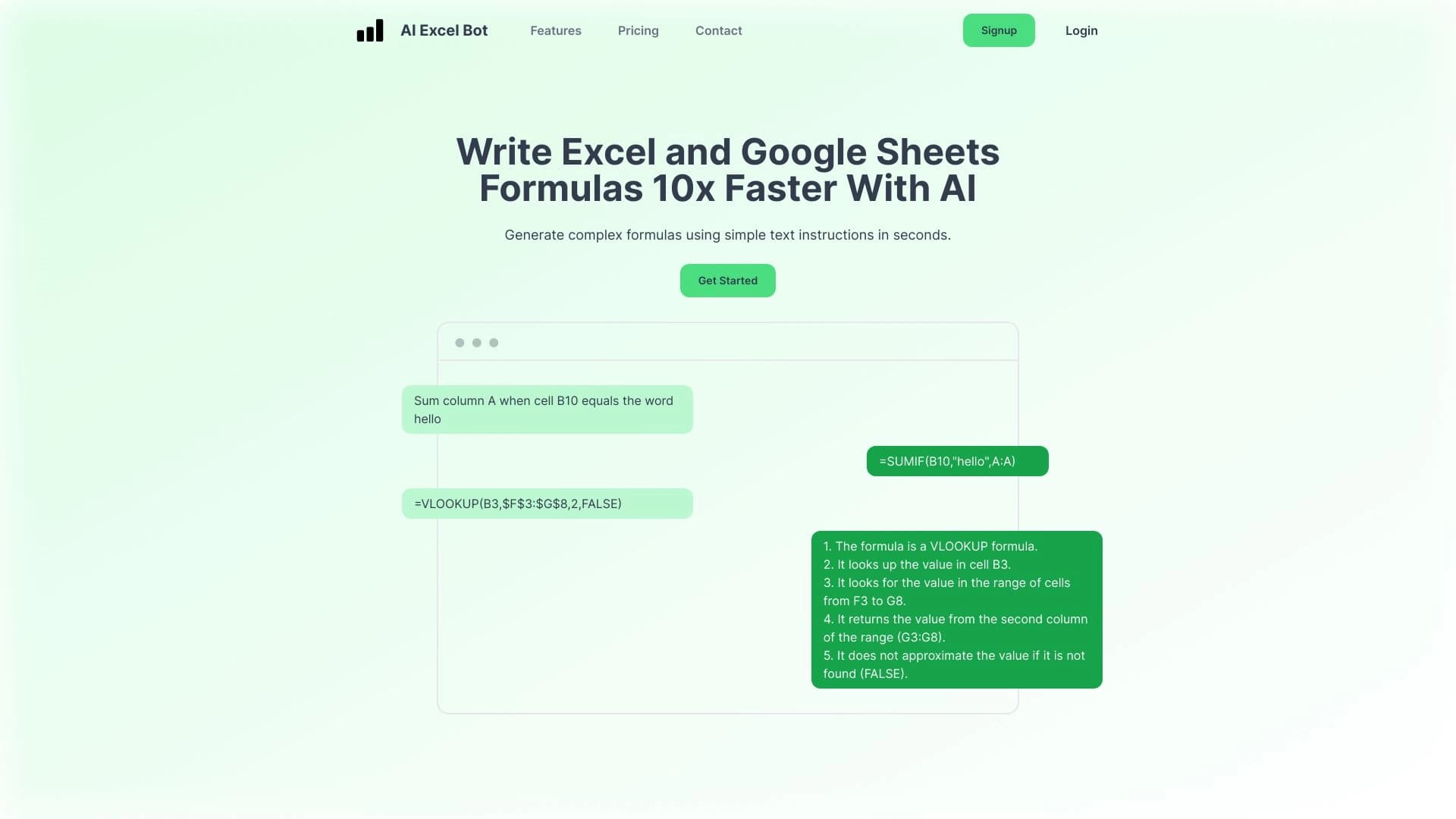
Обзор
AI Excel Bot
Описание нейросети AI Excel Bot
AI Excel Bot — это инструмент на основе искусственного интеллекта, который упрощает работу с электронными таблицами. Вместо того чтобы вручную разбираться в синтаксисе формул, пользователь описывает нужное вычисление обычными словами, а нейросеть сама генерирует готовую формулу для Excel или Google Таблиц.
Сервис понимает запросы на естественном языке, что делает его доступным даже для тех, кто никогда не работал с формулами раньше. Помимо генерации, инструмент умеет объяснять сложные вычисления шаг за шагом, поддерживает код VBA и автоматизирует повторяющиеся задачи, такие как создание отчётов и анализ данных. Для удобства работы существует расширение для браузера, позволяющее создавать формулы прямо в таблицах без переключения между вкладками.
AI Excel Bot подходит пользователям с разным уровнем подготовки — от новичков до опытных аналитиков — и работает сразу на двух популярных платформах: Microsoft Excel и Google Sheets.
Характеристики AI Excel Bot
| Характеристика | Значение |
|---|---|
| Тип | Генератор формул для таблиц, AI-инструмент для работы с таблицами |
| Используемая технология | GPT-3 |
| Разработчик | Query Labs |
| Платформы | Веб, расширение Chrome, Microsoft Excel, Google Sheets |
| Интеграции | Microsoft Excel, Google Таблицы |
| Категории | Таблицы, автоматизация, бизнес, AI-ассистенты, помощники для работы с текстом и кодом |
| Бесплатный тариф | Да (базовые функции, ограниченное количество генераций) |
| Премиум тариф | 599 рублей в месяц (расширенные возможности, неограниченные генерации) |
| Корпоративный тариф | 2999 рублей в месяц (дополнительные функции для команд, приоритетная поддержка) |
| Наличие API | Да |
| Рейтинг | 4.8 из 5 |
| Доступ из России | Только с VPN |
| Ежемесячные посещения | 388.9 тыс. |
Для кого подходит нейросеть AI Excel Bot?
Новички в работе с таблицами
AI Excel Bot идеально подходит тем, кто хочет быстро создавать формулы и не вникать в сложный синтаксис. Пользователю достаточно сформулировать задачу словами — нейросеть сама превратит её в готовую формулу. Это снимает главный барьер для входа в мир электронных таблиц.
Бизнес-пользователи и аналитики
Инструмент будет полезен аналитикам и всем, кто постоянно работает в Excel или Google Sheets. Он существенно ускоряет рутинные операции, помогает собирать сложные формулы и автоматизировать анализ данных, экономя значительную часть рабочего времени.
Студенты и офисные сотрудники
Сервис подходит студентам, офисным работникам и всем, кто хочет оптимизировать ежедневную работу с таблицами. Благодаря простоте интерфейса и поддержке русского языка ввода, инструмент освоит практически любой пользователь независимо от уровня подготовки.
Как использовать нейросеть AI Excel Bot?
Формулировка задачи словами
Основной способ работы — описать задачу на естественном языке. Например, достаточно написать «посчитать сумму столбца B», и нейросеть выдаст готовую формулу. Чем чётче сформулирован запрос, тем точнее будет результат.
Работа через расширение Chrome
Можно установить расширение для браузера, которое позволяет создавать формулы прямо в таблицах, без переключения между вкладками и копирования текста. Это особенно удобно в процессе активной работы с данными.
Разбор существующих формул
Помимо генерации, AI Excel Bot умеет объяснять уже готовые формулы. Пользователь может отправить инструменту существующее вычисление и получить пошаговое объяснение того, как оно работает, — что полезно при изучении или работе с чужими таблицами.
Основные функции AI Excel Bot
Генерация формул по текстовому описанию
Главная функция сервиса — превращение текстовых запросов на естественном языке в готовые формулы для Excel и Google Таблиц. Это базовая возможность, которую инструмент реализует за секунды.
Объяснение сложных вычислений
AI Excel Bot разбирает существующие формулы и объясняет их работу шаг за шагом. Это помогает понять логику вычислений, отладить чужие таблицы и углубить собственные навыки работы с данными.
Поддержка кода VBA и автоматизация
Инструмент поддерживает код VBA и умеет автоматизировать повторяющиеся действия, включая создание отчётов и анализ данных. Это позволяет сократить время на типовые операции и снизить количество рутинной работы.
Преимущества AI Excel Bot
Экономия времени
Создание формул и анализ данных занимают всего несколько секунд. То, что раньше могло отнять час ручной работы, теперь выполняется за минуты, высвобождая время для более важных задач.
Простота для новичков
Инструмент не требует глубоких знаний синтаксиса — интерфейс понятен, а для работы достаточно описать задачу словами. Подходит пользователям с любым уровнем подготовки.
Точность и снижение ошибок
Автоматическое создание формул уменьшает риск ошибок при ручном вводе. Формулы, как правило, работают корректно и редко подводят, главное — чётко сформулировать запрос.
Гибкость платформ
Сервис работает сразу с двумя популярными платформами — Microsoft Excel и Google Sheets. Между ними можно переключаться без проблем, а также использовать веб-интерфейс или расширение для браузера.
Недостатки AI Excel Bot
Сложности с нестандартными задачами
Инструмент не всегда корректно справляется с редкими или необычными запросами — в таких случаях он может выдавать общие формулы, требующие ручной доработки.
Зависимость от формулировки запроса
Качество результата сильно зависит от того, насколько чётко и однозначно пользователь сформулировал свою задачу. Расплывчатые описания приводят к менее точным формулам.
Универсальные решения вместо индивидуальных
AI Excel Bot даёт универсальные решения и не учитывает индивидуальный стиль и привычки конкретного пользователя. В ряде случаев может потребоваться адаптация полученных результатов под собственные предпочтения.
Какие задачи решает AI Excel Bot
Быстрое создание формул
Основная задача инструмента — быстрое создание формул для Excel и Google Таблиц без знания синтаксиса. Пользователь описывает нужное вычисление словами, а нейросеть выдаёт готовое решение.
Автоматизация рутинных задач
AI Excel Bot автоматизирует повторяющиеся действия в таблицах — от простых расчётов до создания отчётов и регулярного анализа данных. Это снижает объём монотонной ручной работы.
Помощь в работе со сложными формулами
Инструмент помогает собирать сложные формулы, с которыми пользователь не может справиться самостоятельно, а также разбирает и объясняет существующие вычисления, делая их понятными.
Цены AI Excel Bot
Бесплатный тариф
Существует бесплатная версия с базовыми функциями генерации формул и ограниченным количеством генераций. Этого достаточно, чтобы познакомиться с инструментом и выполнить простые задачи.
Премиум-тариф
Премиум-подписка стоит 599 рублей в месяц и открывает расширенные возможности с неограниченным количеством генераций. Также предусмотрен пробный период для оценки возможностей платного плана.
Корпоративный тариф
Для команд доступен корпоративный план за 2999 рублей в месяц. Он включает дополнительные функции для совместной работы и приоритетную поддержку.
Условия использования AI Excel Bot
Регистрация и доступ
Точная информация о необходимости регистрации для бесплатной версии явно не указана, однако для платных тарифов она, скорее всего, потребуется. Бесплатная версия имеет ограничение на количество генераций.
Ограничения доступа
Для пользователей из России требуется подключение через VPN. Доступ из других регионов, судя по описаниям, может осуществляться без дополнительных ограничений.
Доступность AI Excel Bot
Платформы работы
Сервис доступен как веб-инструмент и как расширение для браузера Chrome. Он работает с Microsoft Excel и Google Таблицами, а также поддерживает API для интеграции в сторонние продукты.
Языки и регионы
Интерфейс поддерживает русский и английский языки, при этом русскоязычный ввод запросов также возможен. Основным ограничением доступности является требование VPN для использования из России.
Чем отличается AI Excel Bot от аналогов
Поддержка двух платформ
В отличие от некоторых аналогов, например Excel Formula Bot, который сосредоточен только на одном инструменте, AI Excel Bot работает сразу и в Microsoft Excel, и в Google Sheets. Это делает сервис более универсальным.
Подробное объяснение формул
Инструмент выделяется функцией пошагового объяснения сложных вычислений, которая есть не у всех конкурентов. Это полезно не только для генерации, но и для обучения и понимания логики таблиц.
Сопоставимая стоимость при большей универсальности
По цене сервис сопоставим с аналогами, при этом предлагает более широкий набор возможностей — от поддержки VBA до автоматизации отчётов и анализа данных, что делает его практичным выбором для широкого круга пользователей.
Заключение
AI Excel Bot — практичный и универсальный инструмент для работы с Excel и Google Sheets, который упрощает создание формул, анализ данных и автоматизацию рутинных задач. Он одинаково полезен новичкам, студентам, офисным сотрудникам и аналитикам, поскольку не требует глубоких знаний синтаксиса и работает на двух популярных платформах. При этом стоит учитывать, что для нестандартных задач и точного соответствия индивидуальному стилю может потребоваться ручная доработка результатов, а из России сервис доступен только через VPN. В целом это надёжное решение для тех, кто хочет сэкономить время на повседневной работе с таблицами.
Тарифы
Часто задаваемые вопросы
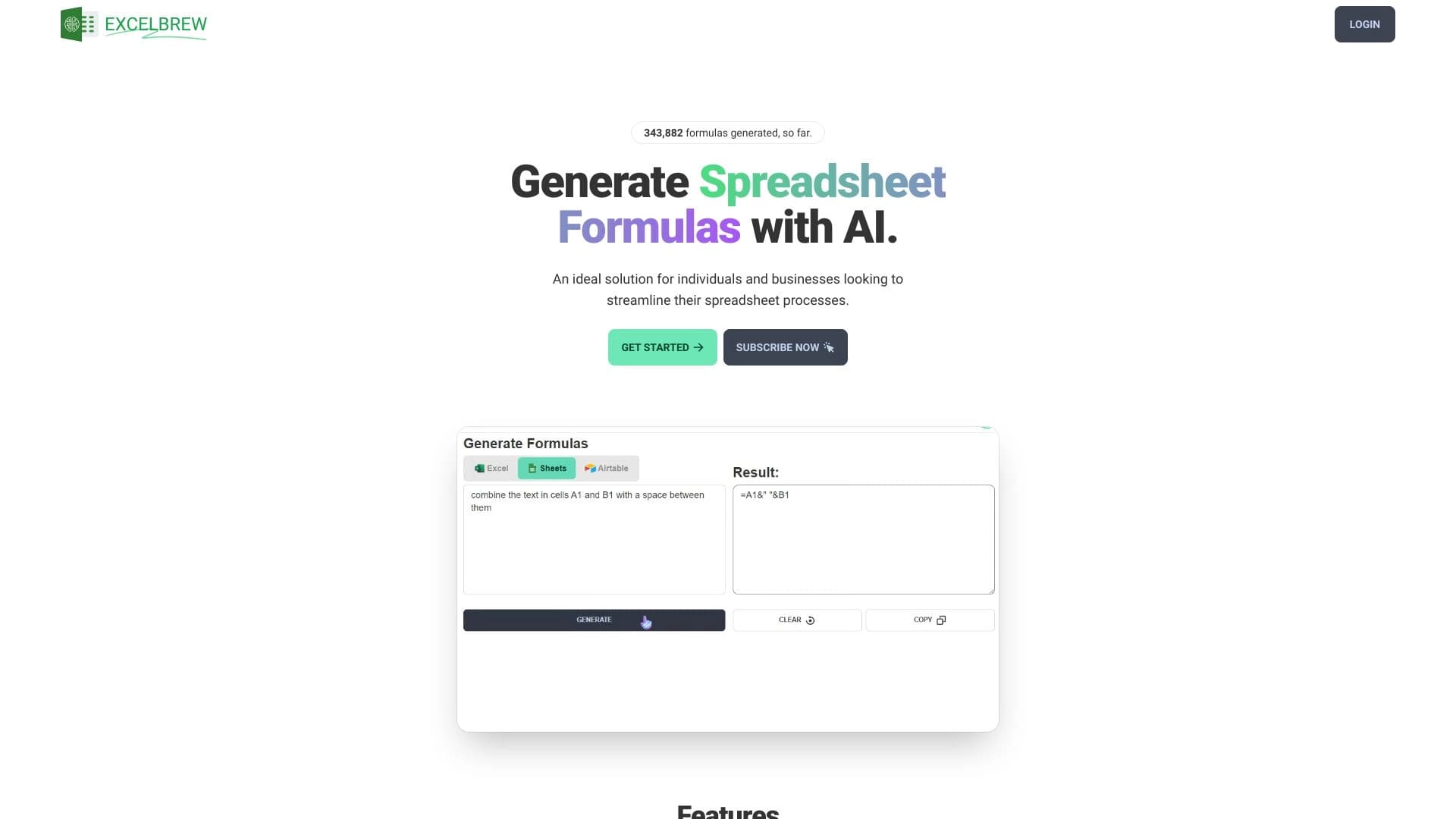
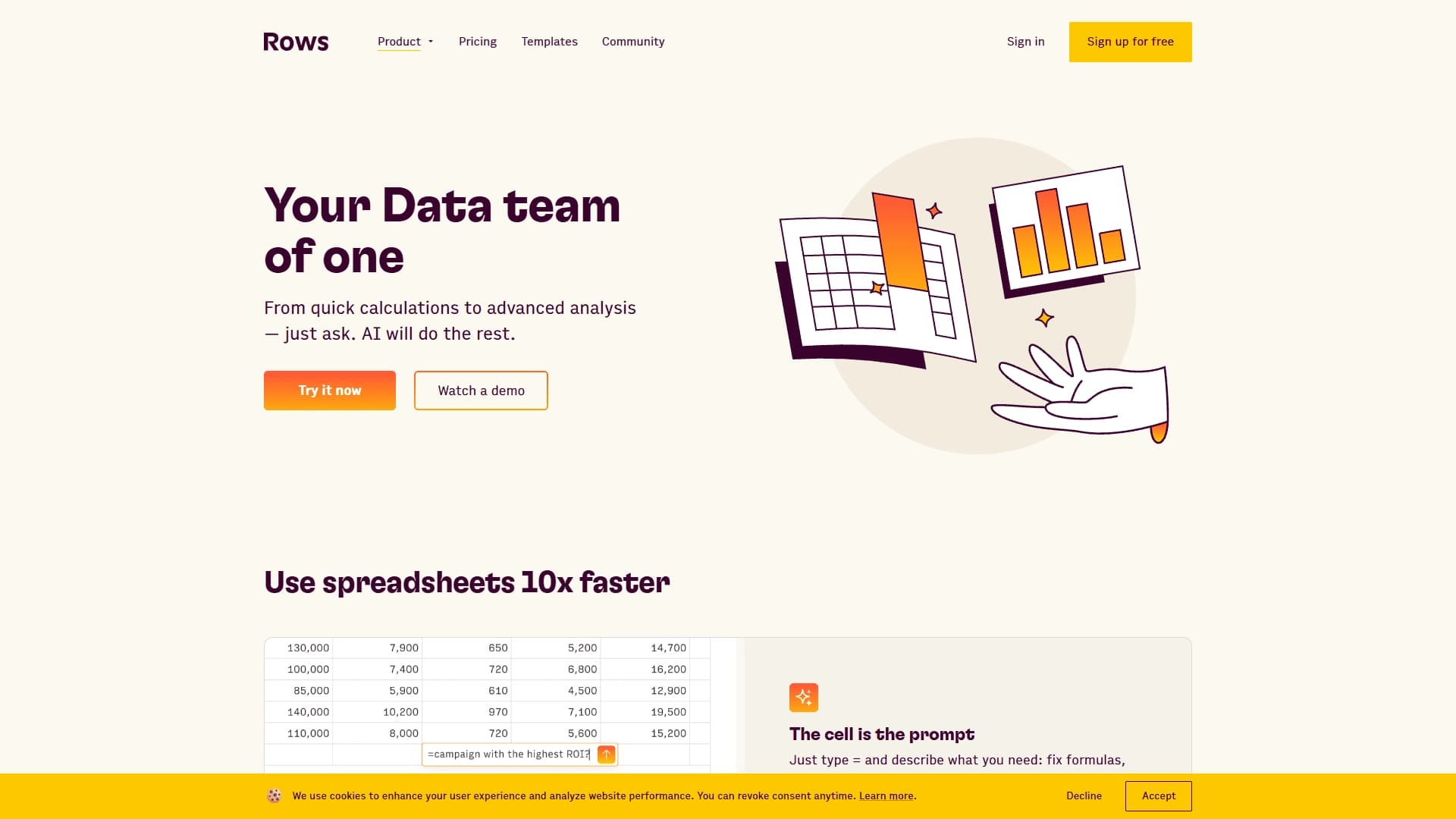
Смотрите также


Браузер со встроенными ИИ-инструментами для общения с нейросетями, генерации текстов и изображений, перевода и суммаризации страниц.


Веб-платформа для общения и ролевых игр с AI-персонажами.

AI-платформа для быстрого скрининга резюме, помогающая рекрутерам отбирать подходящих кандидатов.


Онлайн-сервис на базе ИИ для быстрого создания презентаций по заданной теме или загруженному документу.


AI-агент для помощи в программировании и оптимизации рабочего процесса разработки.


Онлайн-сервис с искусственным интеллектом, который автоматически создает презентации на заданную тему.

Расширение для Chrome, которое помогает выигрывать в учебной игре Blooket, подсказывая ответы и автоматизируя действия.

Набор мультимедийных AI-инструментов для редактирования и улучшения фото, видео и PDF-документов.