

Google Colab
Google cloud service for running Python code in interactive Jupyter notebooks directly in the browser with free access to GPU and TPU.
Overview
Google Colab
Google Colab Description
Google Colab (short for Colaboratory) is Google's cloud service that provides an environment for writing and running Python code in interactive Jupyter Notebooks directly in a web browser. The service's key feature is free access to computing resources, including GPU and TPU, which makes it possible to train neural networks and run resource-intensive computations without having to set up a local environment or purchase powerful hardware.
The service is deeply integrated with the Google ecosystem, particularly Google Drive, and supports real-time collaboration between multiple users on projects. This makes Colab a convenient tool for both individual use and team work.
Cloud environment with no installation required
To get started with Google Colab, no software installation is required. Everything runs in the browser — all you need is a Google account and an internet connection. The service provides pre-installed libraries: Python, NumPy, Pandas, TensorFlow, Matplotlib, and Seaborn, so you can start writing code right away.
Hardware acceleration support
Google Colab provides free access to graphics processing units (GPU) and tensor processing units (TPU). This is a key advantage of the service because it allows you to run machine learning and deep learning model training without needing your own expensive hardware. In the free tier, GPU access is provided with performance limitations, but that is sufficient for many educational and research tasks.
Google Colab Features
| Feature | Value |
|---|---|
| Type | Cloud development environment |
| Category | Code assistants, Tutorials and learning |
| Platforms | Web browser |
| Programming languages | Python |
| Free plan | Yes |
| GPU/TPU access | Free (with limitations) |
Who is Google Colab suitable for?
Developers and data professionals
Google Colab is ideal for developers and data scientists who need to quickly prototype solutions, test machine learning algorithms, or perform data analysis. The lack of environment setup and the pre-installed popular libraries allow you to focus on solving problems rather than technical details.
Researchers and students
For researchers and students, Colab is a valuable tool because it provides free access to computing resources sufficient for running experiments and training models. This is especially relevant for educational institutions that cannot always provide every student with a powerful local machine.
Anyone who wants to run Python code without local setup
Any user who wants to run or test Python code can use Google Colab. It can be useful for learning a programming language, performing small computations, visualizing data, or participating in online courses that require an environment for completing assignments.
How to use Google Colab?
Creating an account and first launch
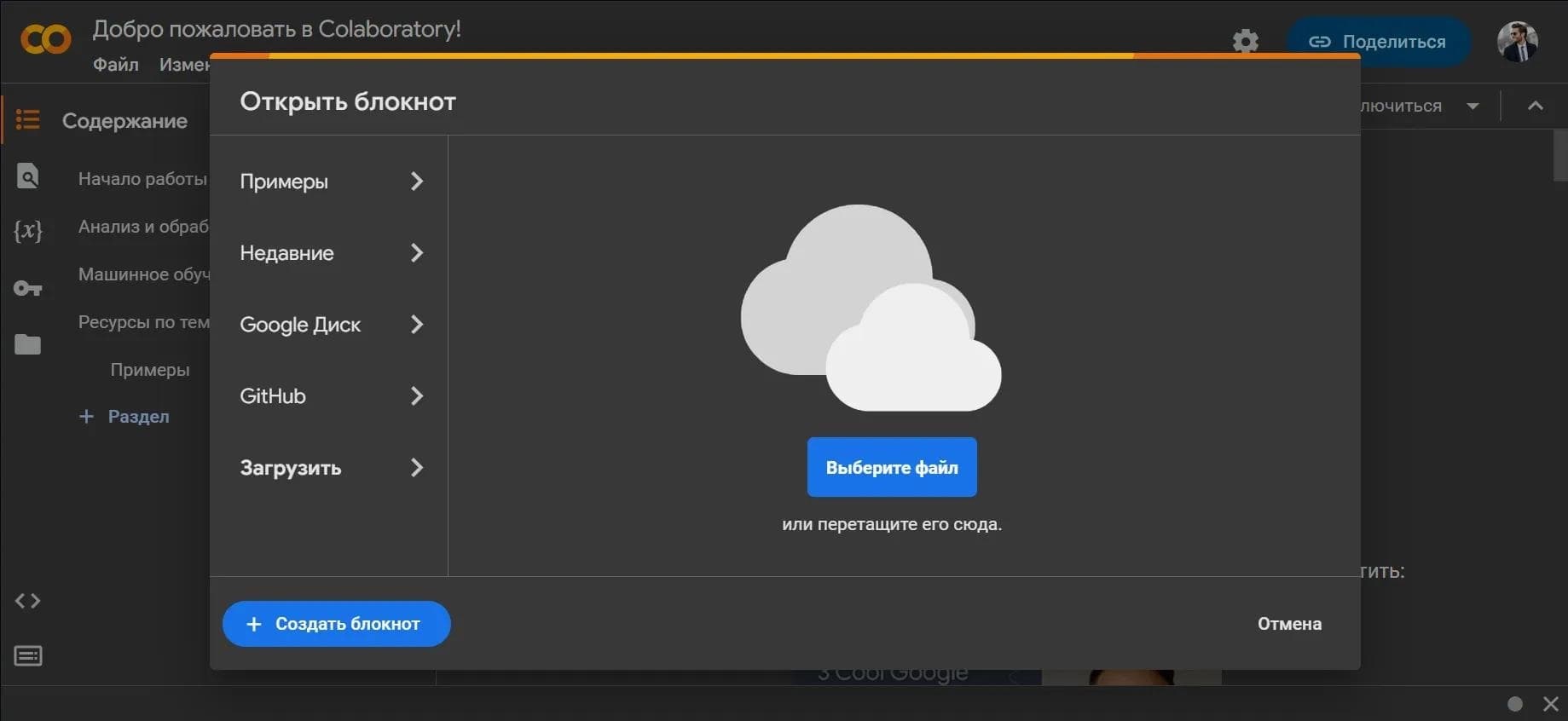
To get started, you need a Google account. Then go to colab.research.google.com and click "New notebook". A new Jupyter notebook will open, ready to run code.
Alternative method via Google Drive
You can also create a new notebook directly through Google Drive. In the Drive interface, select "New" → "More" → "Google Colaboratory". This is convenient if you plan to store projects in Google Drive folders and work with them like regular documents.
Main Features of Google Colab
Running Python code in interactive Jupyter notebooks
The main feature of the service is the ability to write and run Python code in Jupyter Notebook format directly in the browser. Each notebook cell can contain code, text, images, or visualizations, making the workflow convenient and clear.
Pre-installed libraries and data visualization
Colab comes with popular pre-installed libraries: NumPy and Pandas for working with data, TensorFlow for machine learning, as well as Matplotlib and Seaborn for data visualization. This saves users from having to install dependencies manually.
Training ML models with GPU and TPU
A key feature is the ability to train machine learning models using hardware acceleration. The user can select the type of accelerator (GPU or TPU) in the notebook settings, after which computations will be performed using it.
Google Drive integration and collaboration
Notebooks can be saved to Google Drive, providing access to them from any device. In addition, real-time collaboration with multiple users is supported — similar to how it works in Google Docs.
Google Colab Advantages
Free access to Google's computing resources
The main advantage of Colab is the ability to use Google's GPU and TPU for free. This makes it possible to run resource-intensive computations that would be impossible on a regular laptop or would require significant investment in hardware.
No need to install software or have powerful local hardware
Working with Colab does not require installing additional software or owning a powerful computer. Everything runs in the cloud, and access is available through any modern browser. This is especially convenient for users with weak or outdated devices.
Easy integration with the Google ecosystem
Colab is closely integrated with Google services: Google Drive for storing files, and a Google Account for authorization and shared access. This simplifies workflow organization, especially if you already actively use Google products.
Google Colab Disadvantages
Session time limits
A free Google Colab session is limited to 12 hours of continuous code execution. After this time, the runtime automatically terminates. In addition, after 20–90 minutes of user inactivity, the session also terminates automatically. This can be critical when training models that require a long time.
Memory and computing power limitations
The session's local storage is limited to approximately 100 GB. Free-tier RAM is up to 12 GB. Free-tier GPU computing power is also limited — not the most powerful graphics processor is used, and its performance can be reduced during periods of high service load.
What tasks does Google Colab solve?
Writing and running Python code in interactive mode
Colab provides a convenient environment for writing and debugging Python code. The interactive Jupyter Notebook format allows you to run code cell by cell, see results immediately, and make changes easily.
Training machine learning models with GPU/TPU acceleration
The service lets you train neural networks and other machine learning models using hardware acceleration. This is one of the key tasks for which Colab is most often used.
Data visualization and collaboration
Colab is suitable for data visualization with Matplotlib and Seaborn — you can build charts and graphs directly in the notebook. The service also allows working on projects together with other users in real time, which is convenient for educational and team projects.
Google Colab Pricing
Google Colab offers several pricing plans. The free tier provides access to core features with limitations on session length, RAM, and GPU computing power. The paid plans — Colab Pro and Colab Pro+ — offer up to 32 GB of RAM, priority access to more powerful GPUs, and extended session time up to 24 hours.
Google Colab Terms of Use
A Google account is required to use the service. The free session is limited to 12 hours of continuous operation; after 20–90 minutes of inactivity, the session ends. The free tier provides up to 12 GB of RAM and a GPU with limited performance. Session local storage is about 100 GB, while data can be permanently stored on Google Drive rather than in temporary session storage.
Google Colab Availability
Google Colab is a web service accessible through any modern browser. A Google account is required to sign in. The service is global, and no information about regional restrictions is available. The interface language depends on your Google account settings, and the service supports many languages.
How Google Colab differs from alternatives
Google Colab stands out among cloud development environments primarily for its generous free tier with GPU and TPU access. Unlike many other services where free resources are severely limited or unavailable altogether, Colab makes it possible to train machine learning models at no cost. Google Drive integration and real-time collaboration are also strong points of the service, making it especially convenient for educational projects and team work. At the same time, alternatives may offer more flexible computing configurations, longer session times, or no inactivity limits, but this is often available only on paid plans.
Conclusion
Google Colab is a free cloud service for interactive Python programming that lets you use Google's resources, including GPU and TPU, without needing to configure a local environment. The service is suitable for learning, prototyping, and collaborating on projects in data analysis and machine learning. The key limitations are session duration (12 hours of continuous work), automatic termination after inactivity, and the limited memory and GPU computing power in the free tier. Nonetheless, for most educational, research, and early professional tasks, Colab's capabilities are more than sufficient.
Pricing
Frequently asked questions


See also
AI tool for teachers that automates the creation of educational materials, lesson plans, and assignments.
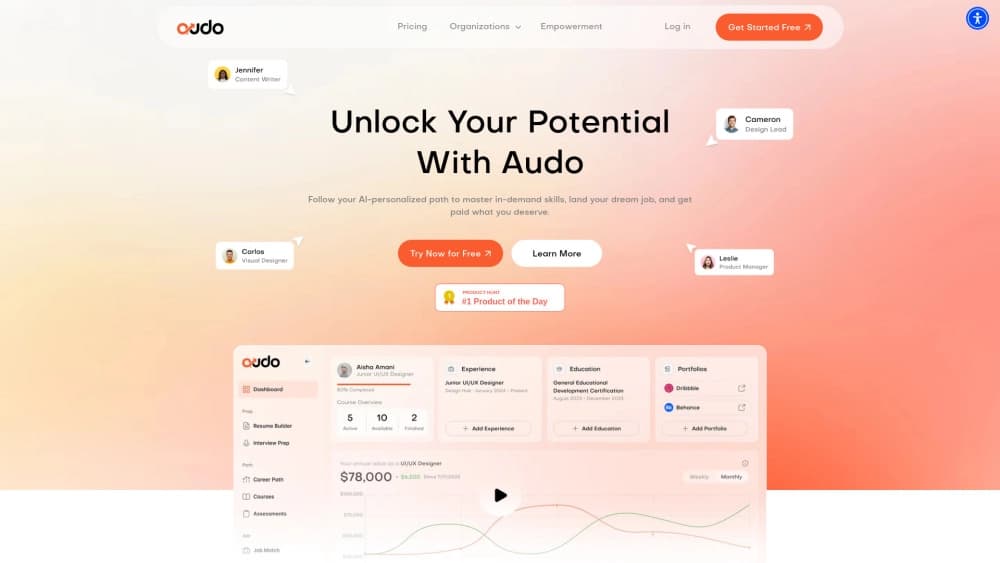

AI career assistant that analyzes your skills and helps with career choice, resume, and job search.
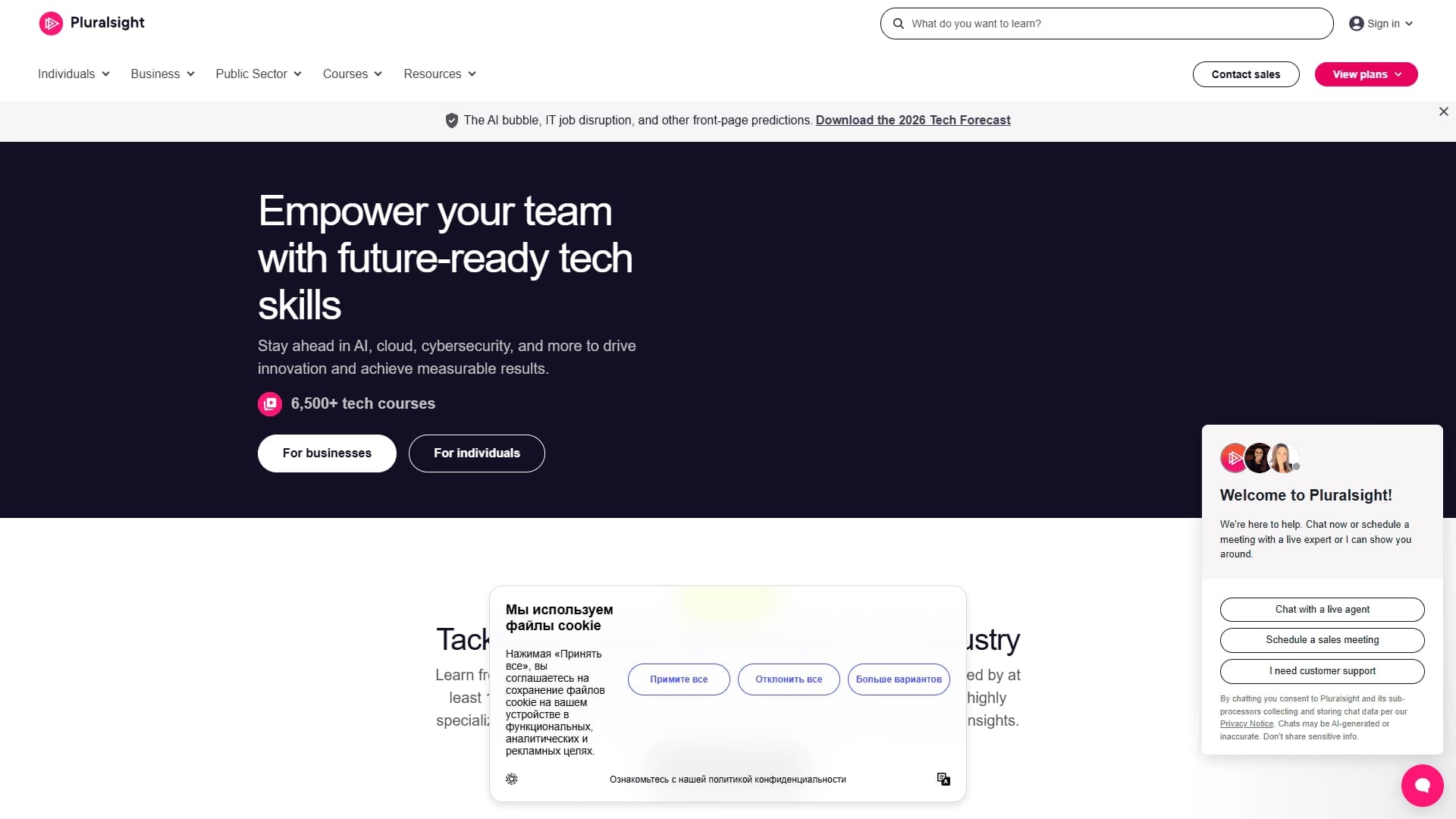
An online learning platform for IT professionals and companies, offering courses, labs, and skills assessment.


A service for detecting texts created by artificial intelligence, with the ability to check for plagiarism and grammar.
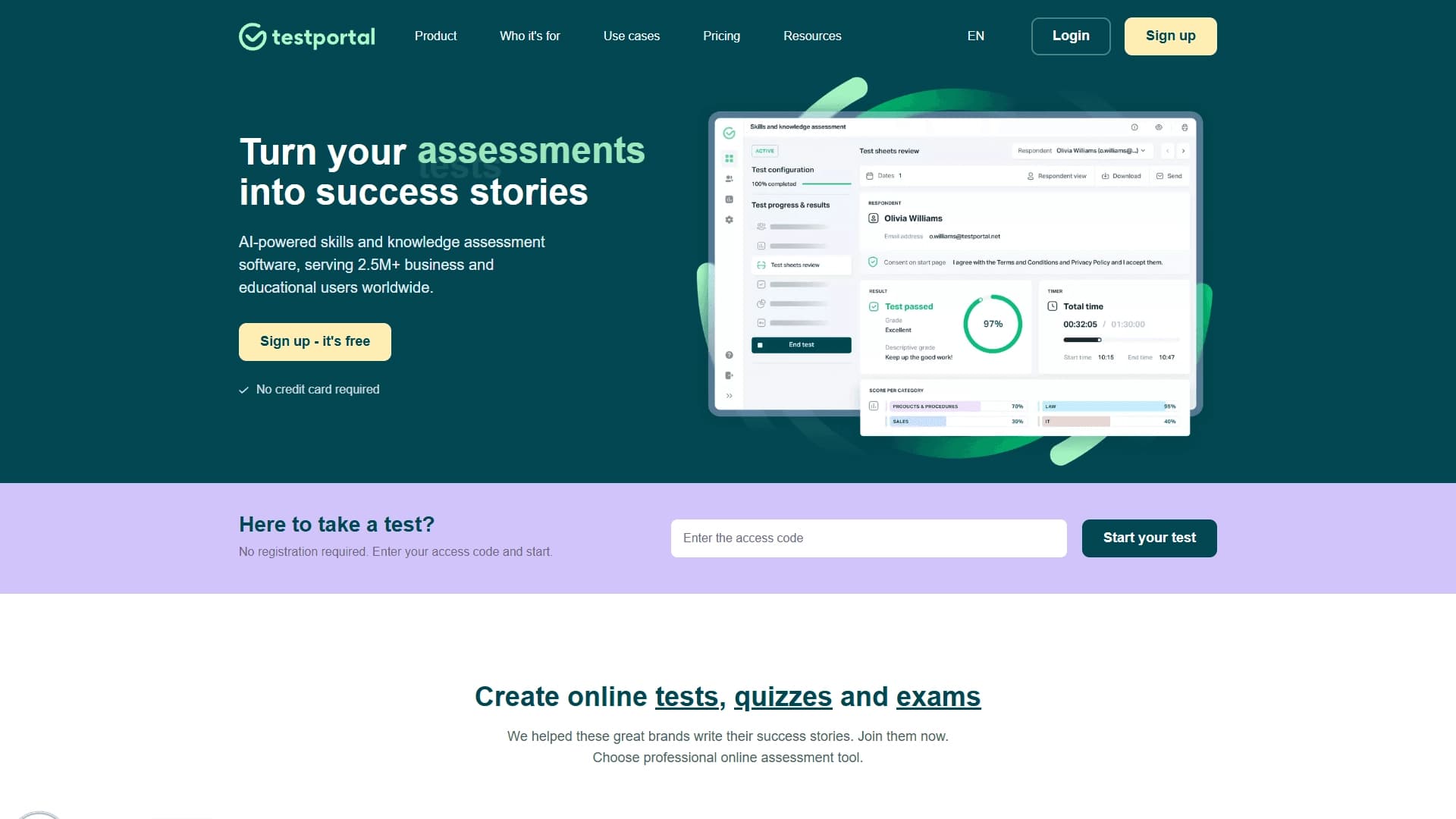

An online platform for creating tests, exams, and quizzes using AI to automate grading and result analytics.

Mobile app and citizen science project for identifying plants from photos using machine learning.
Multilingual AI assistant for checking grammar, spelling, and text style.
AI calculator for step-by-step solving of math problems with graphing and support for various topics.