
Goodnotes
An application for creating, organizing, and annotating digital notes and documents with artificial intelligence features.
Overview
Goodnotes
Description of Goodnotes AI
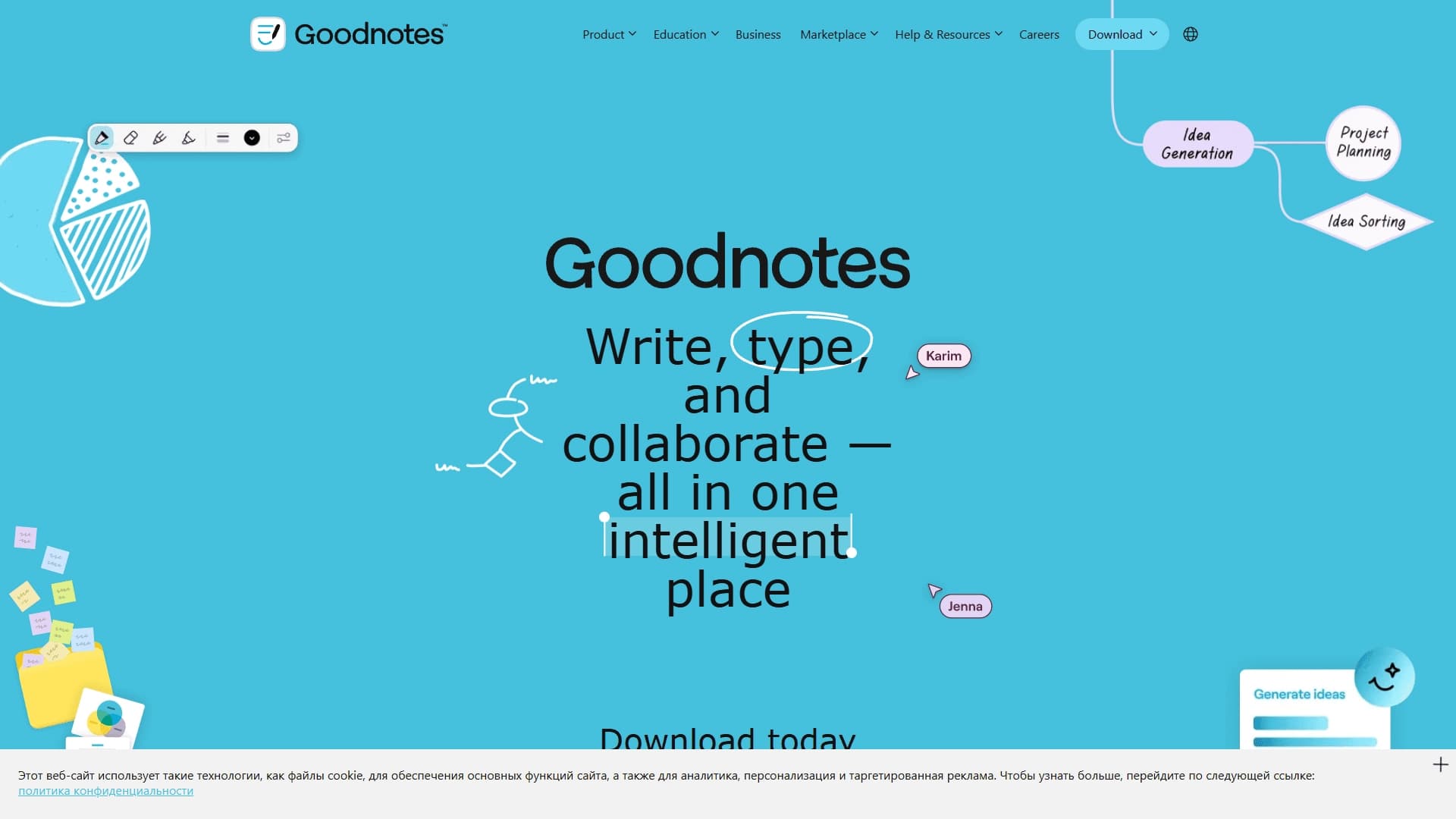
Goodnotes is a multifunctional application for creating, organizing, and annotating digital notes and documents. The main purpose of the tool is to replace paper notebooks and planners with digital counterparts that offer expanded capabilities. Thanks to its built-in artificial intelligence features, Goodnotes recognizes handwritten text, allowing users to take notes by hand and then convert them into printed format or search through handwritten notes.
The app supports working with PDF files, images, and printed text, making it a versatile solution for handling documentation. Goodnotes syncs across devices on Android, iOS, Mac, and Windows, providing access to notes at any time. Users can create both personal notes and collaborative projects, which makes the app useful for educational, professional, and personal tasks.
Characteristics of Goodnotes
| Characteristic | Value |
|---|---|
| Categories | Education, Productivity, PDF handling |
| Distribution model | Freemium |
| Supported platforms | Android, iOS, Mac, Windows |
| Primary function | Creating, organizing, and annotating digital notes and documents |
| AI technology | Handwriting recognition |
| Collaboration | Yes |
| Cross-device synchronization | Yes |
| Target audience | Students, professionals, users working on personal projects |
Who is Goodnotes AI for?
Students
Goodnotes is a practical tool for students who need to take lecture notes, work with study materials, and organize notes by subject. The handwriting recognition capability simplifies later searching for information in notes, and PDF support allows uploading study guides and textbooks directly into the app.
Professionals
Professionals who need to record meeting minutes, keep work notes, and document projects will also find Goodnotes useful. The app is suitable for creating structured notes with the ability to add images and annotations to documents. Collaboration and cross-device synchronization ensure access to information at any moment.
Anyone organizing ideas
Any user who wants to put their thoughts in order in digital format can use Goodnotes for personal notes, plans, lists, or journaling. The app replaces paper notebooks and offers the same writing experience, but with digital advantages.
How to use Goodnotes AI?
Getting started
To use Goodnotes, you need to download the app on an iOS, Android, Mac, or Windows device. After registering and logging into your account, you can create a new notebook by choosing a page template or starting from a blank page. The interface is intuitive and mimics working with a paper notebook.
Creating and editing notes
When creating a note, you can type text with the keyboard, write by hand with a stylus or your finger, and insert images and PDF documents. Annotation features allow you to highlight fragments, add comments, and draw. Handwritten text is recognized by AI: searching notes or converting a handwritten fragment into printed text requires no additional actions — the app processes what you have written automatically.
Organization and synchronization
Goodnotes lets you group notes into folders and subfolders, add tags, and create tables of contents. Synchronization through cloud storage happens automatically, ensuring access to the latest version of your notes on all your devices. For collaboration, you can invite other participants to edit a single document in real time.
Key features of Goodnotes
Creating handwritten and typed notes
You can write by hand with a stylus or type text on the keyboard. The app supports various handwriting styles and offers a set of tools for customizing notes: different ink colors, line thicknesses, markers, and erasers.
Working with PDFs and images
Goodnotes lets you import PDF files and images for viewing, annotating, and editing. Users can highlight text, add marks and comments, and insert images directly into notes.
AI-powered handwriting recognition
The built-in artificial intelligence recognizes handwritten notes, making it possible to search note content, convert handwritten text into printed text, and export it to other formats. This feature works in real time and requires no special setup from the user.
Collaboration and synchronization
Multiple users can edit a single note simultaneously, which is useful for group projects, study assignments, or work meetings. Synchronization between Android, iOS, Mac, and Windows devices happens through a cloud service, keeping data up to date everywhere.
Advantages of Goodnotes
- Intuitive interface: the app mimics working with a paper notebook, making it comfortable for users accustomed to handwriting.
- Cross-platform support: Goodnotes is available on all major platforms, allowing you to maintain continuity of work when switching devices.
- Smart handwriting recognition: AI converts handwritten notes into printed format and provides full-text search, saving time on rewriting materials.
- Flexible document handling: PDF support, images, and annotations make the app versatile for various tasks — from studying to business meetings.
Disadvantages of Goodnotes
- Free version limitations: the freemium model means that some features and capabilities (for example, unlimited notes or expanded cloud storage) are only available after purchasing a subscription.
- Dependence on synchronization: if there are internet connection problems, syncing between devices can be disrupted, which creates inconvenience when working offline.
- Difficulty for some user groups: despite the intuitive interface, users who have not worked with digital notes before may need time to learn all the app's features.
What tasks does Goodnotes solve?
Goodnotes solves several key tasks related to note-taking and working with documents. First, the app replaces paper notebooks and planners, allowing all notes to be stored in digital format while preserving the familiar handwriting experience. Second, the tool simplifies organizing documents and notes through a folder system, tags, and full-text search that works even on handwritten text. Third, Goodnotes facilitates real-time collaboration on documents, which is relevant for students working on group projects and professionals coordinating meetings and discussions. Finally, the app solves the problem of accessing notes from different devices without having to carry paper documents or send files.
Goodnotes pricing
Goodnotes is distributed under a freemium model. This means you can start using the basic features for free, while access to advanced capabilities — such as unlimited notebooks, larger cloud storage, or extended AI features — requires a paid subscription. Exact subscription prices and the list of features available in each plan may change, so it is recommended to check current pricing on the app's official website or in the app store.
Goodnotes terms of use
Goodnotes is provided for personal and commercial use in accordance with the user agreement accepted during registration. The app does not store users' personal data on its servers; all information, including notes and documents, is stored in the cloud storage chosen by the user or locally on the device. A stable internet connection is required for synchronization and shared access to work. Users agree not to use the app for illegal purposes and to respect copyright when uploading third-party documents and images.
Goodnotes availability
Goodnotes is available for download and use on devices running Android, iOS (including iPad and iPhone), Mac, and Windows. The app is available in the respective app stores: Google Play for Android, the App Store for iOS and Mac, and the Microsoft Store for Windows. For the full handwriting experience, a stylus is recommended, although the app also supports finger input.
How is Goodnotes different from alternatives?
Among Goodnotes alternatives, tools such as Mem, Turbo AI, Pelajarin AI, Tactiq, Transkriptor, and Notta stand out. Each of these services has its own specialization. For example, Transkriptor and Tactiq focus on transcribing audio and video into text, while Pelajarin AI and Mem focus on note-taking with an emphasis on AI and information organization.
The main difference between Goodnotes and the listed alternatives is the deep integration of handwriting input with artificial intelligence. The app recreates the feel of writing on paper, making it especially convenient for users accustomed to traditional note-taking. In addition, Goodnotes offers a broader set of tools for working with PDFs and annotations, while many alternatives focus only on speech-to-text conversion or organizing text notes. Goodnotes also wins thanks to cross-platform synchronization and collaboration capabilities, making it a versatile solution for educational and professional tasks.
Conclusion
Goodnotes is a feature-rich application for creating, organizing, and annotating digital notes and documents that successfully combines the convenience of handwriting with the capabilities of artificial intelligence. The app suits students, professionals, and anyone who wants to manage their notes effectively across different devices. With support for PDFs, images, collaboration, and cross-platform synchronization, Goodnotes handles a wide range of tasks — from taking lecture notes to maintaining work meeting minutes. The freemium model lets you start using it for free and, if needed, unlock expanded functionality with a paid subscription.
Frequently asked questions


See also

App for converting voice recordings into structured text using AI.


A service for detecting texts created by artificial intelligence, with the ability to check for plagiarism and grammar.

Mobile app and citizen science project for identifying plants from photos using machine learning.
Free five-day intensive from Kaggle and Google on building AI agents using the vibe coding technique.

An online detector that determines whether text was created by a human or generated by neural networks.


Free online platform with over 150 AI tools for working with PDFs, images, videos, and text.

AI tool for solving problems in mathematics, physics, chemistry, and accounting with step-by-step explanations.

AI career assistant that analyzes your skills and helps with career choice, resume, and job search.