

Gling
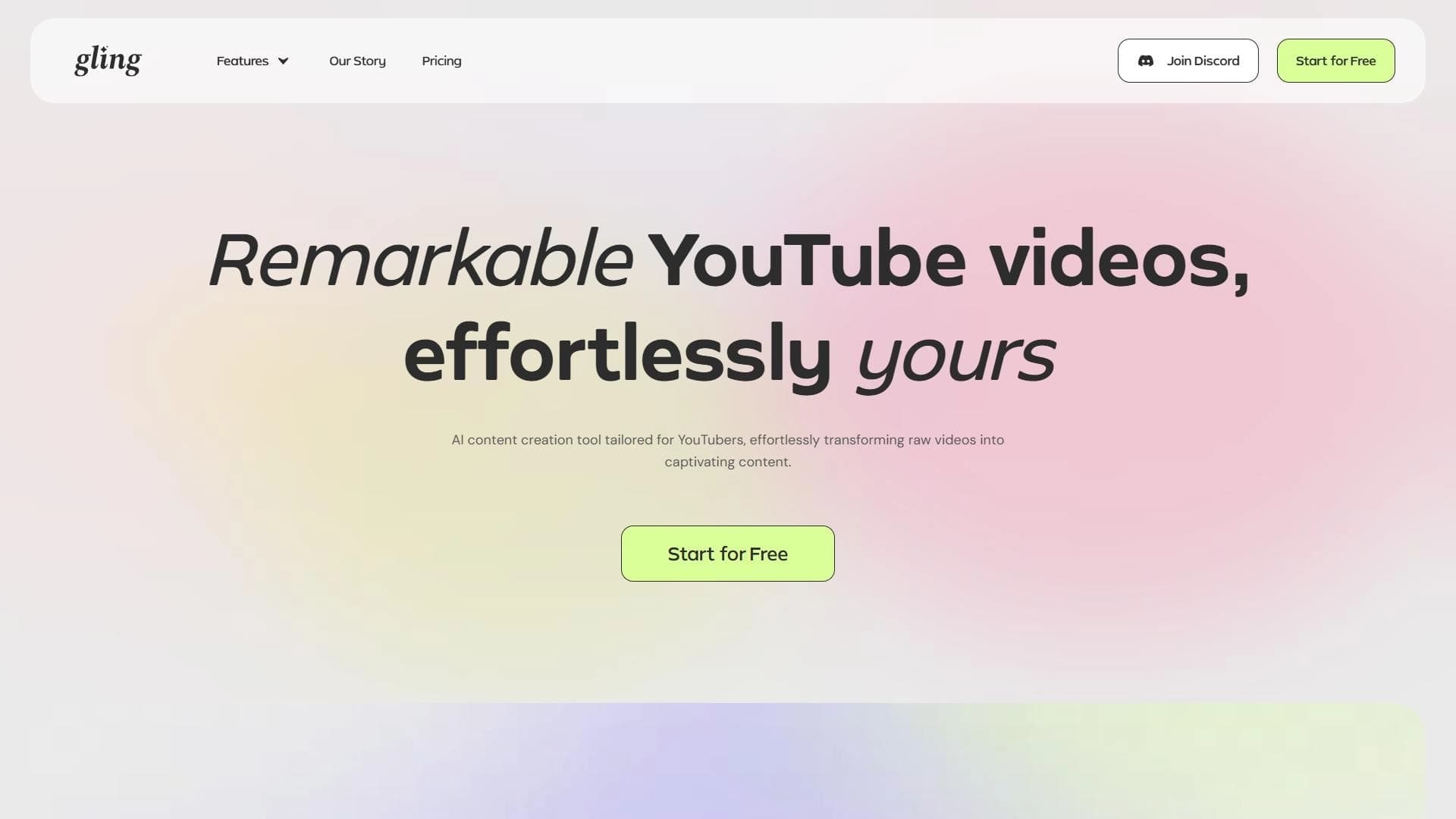
AI tool for automating basic video editing that automatically removes pauses, bad takes, and filler words.
Overview
Gling
Description of the Gling neural network
Gling is an AI tool designed to automate basic video editing. The service is aimed primarily at YouTube content creators who need to prepare a video for publication quickly and without extra effort.
How the tool works
The neural network analyzes the source video and independently identifies fragments that should be removed: pauses, failed takes, and filler words. Based on this analysis, it automatically assembles a cleaned version of the video, making it more dynamic and professional.
What videos it suits
Gling is designed for processing typical videos with a standard structure—for example, talking-head videos, streams, and blog recordings. The tool takes over the routine part of editing so that content creators can focus on other tasks.
Gling characteristics
| Characteristic | Value |
|---|---|
| Type | AI-powered tool for automating video editing |
| Category | Editing and post-production, subtitles, YouTube and blogging |
| Platform | Website (gling.ai) |
| Target purpose | Automation of basic video editing for YouTube |
| Page score | 0 |
| Rating | 4.4 ★★★★★, editorial score 9.2 out of 10 |
| Distribution model | Not specified |
| Availability | Web version only |
Who is the Gling neural network suitable for?
YouTube content creators
Gling was created primarily for bloggers and channel owners who regularly publish videos and want to speed up their processing workflow. The tool helps turn raw material into a finished video faster and improve its quality.
Content managers and content specialists
The service will be useful to anyone involved in preparing videos for publication: content managers and specialists working with large volumes of material. Automating basic cleanup helps reduce time spent on routine tasks.
How to use the Gling neural network?
Working through the web interface
Gling is available only as a web service, so to get started you simply open gling.ai and upload your source video. No installations or special equipment are required.
No editing experience needed
The interface is designed for users without professional video editing skills. The process comes down to uploading the material and then reviewing the result—the neural network does most of the work automatically.
Main features of Gling
Automatic removal of unnecessary fragments
The neural network analyzes the footage and automatically cuts out pauses, failed takes, and filler words, making the video tighter and more dynamic without manual markup.
Subtitles and audio cleanup
The service can automatically add subtitles to videos and remove noise from the audio track, simplifying the process of preparing a video for publication.
Automatic zoom
Gling supports an automatic zoom feature that helps liven up the frame and make the video more visually varied.
Gling advantages
Time savings
The main advantage is a significant acceleration of video processing. The tool handles the routine work of removing pauses and failed takes itself, sparing the creator from long reviewing and manual editing.
Ease of use
The service requires no editing experience: thanks to its simple interface, even a beginner can use it. Upload your material—get a video ready for refinement.
Gling disadvantages
Editing complexity limitations
The tool is not suitable for complex professional editing or film production. Fine manual adjustments, complex effects, and detailed frame-by-frame work are not available, so it does not replace a full-featured video editor.
Limited scope of application
Gling is best suited only for short videos with a standard structure. For unconventional or complex projects, its capabilities will most likely not be enough.
What tasks does Gling solve?
Automating basic editing for YouTube
The service’s main task is to take over the routine part of preparing a video for publication: analyzing the material and removing unnecessary fragments.
Quickly creating standard-format videos
Gling helps you quickly produce a finished video with a typical structure and improve its quality through audio cleanup, subtitles, and automatic zoom.
Gling pricing
The available source data does not include information about Gling pricing and plans. To find out the current subscription cost or one-time plans, you should visit the official service website at gling.ai.
Gling terms of use
Detailed terms of service are not disclosed in the provided data. Information about usage rules, video length limits, and material requirements should be checked directly on the official Gling website.
Gling availability
Web version
Gling works only in a browser through the website gling.ai; no separate desktop or mobile app is mentioned in the source data.
Regional restrictions
Access to the service may be limited in certain regions. Users planning to work with the tool regularly should keep this in mind.
How Gling differs from alternatives
Main specialization
The key difference of Gling is its narrow focus on automating basic editing: it cuts out pauses, failed takes, and filler words, adds subtitles, and cleans up audio. Rather than a universal editor, it is an automated assistant for typical videos.
Comparison with alternatives
There are other AI-based video services on the market: similar tools include Virality Predictor, NeatScribe, AI Video Generator, AI Video Detector, Google Flow, Ytzolo, as well as Lazylines AI, Joineo, Magic Hour, Spikes Studio, and Submagic. Unlike them, Gling focuses on maximum simplicity and automation of routine editing for content creators.
Conclusion
Gling is a convenient AI tool for automating basic video editing, designed for YouTube creators and content managers. It independently removes pauses, failed takes, and filler words, adds subtitles, and cleans up audio, which noticeably speeds up preparing typical videos for publication and requires no editing experience. At the same time, the service is not suitable for complex professional editing and works best with short videos of a standard structure, so it should be considered as a primary working tool mainly by those who regularly process similar content.
Frequently asked questions
See also

A platform for creating talking videos with a teleprompter, AI-generated scripts, subtitles, and avatars.
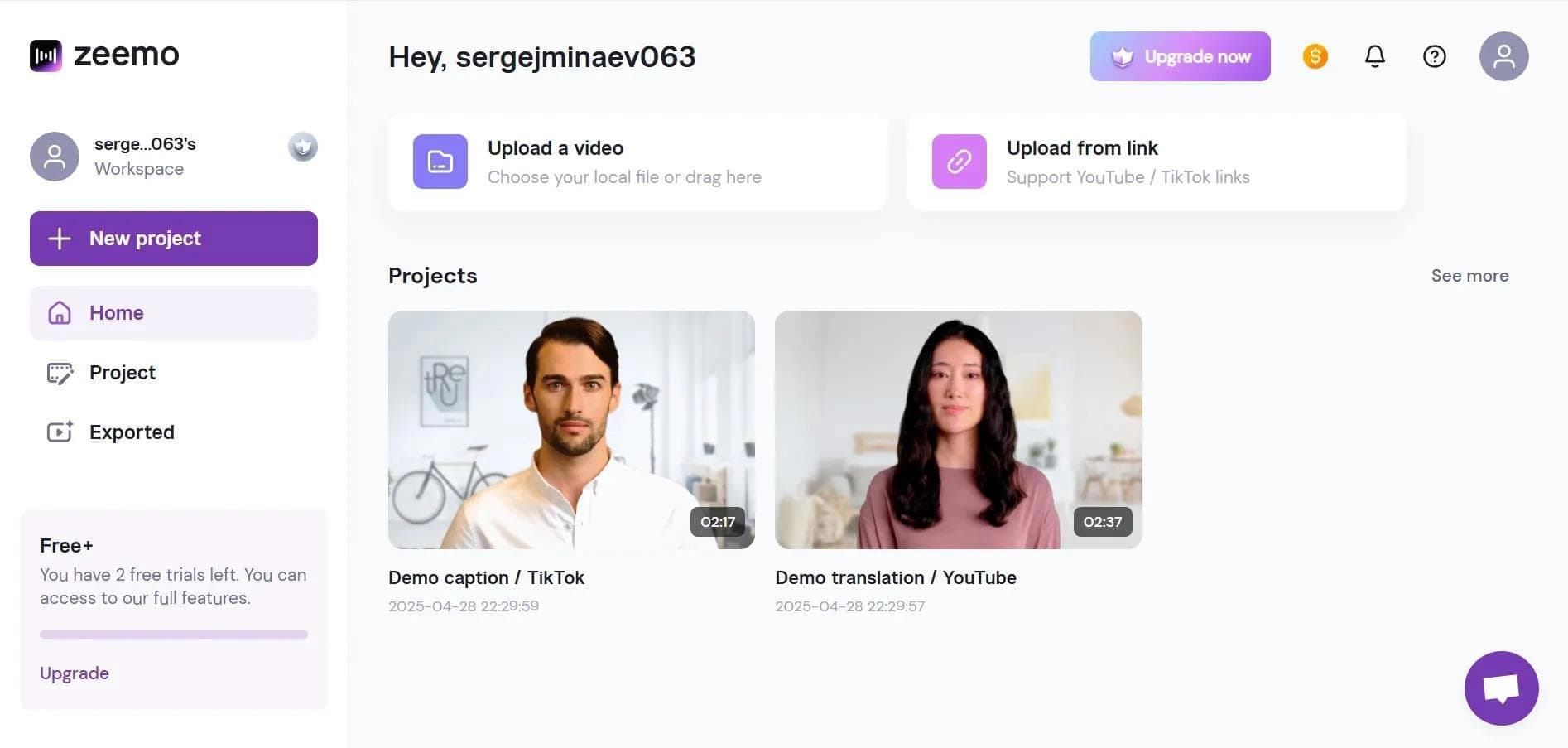

Neural network-based web service for automatic video subtitling and transcription.
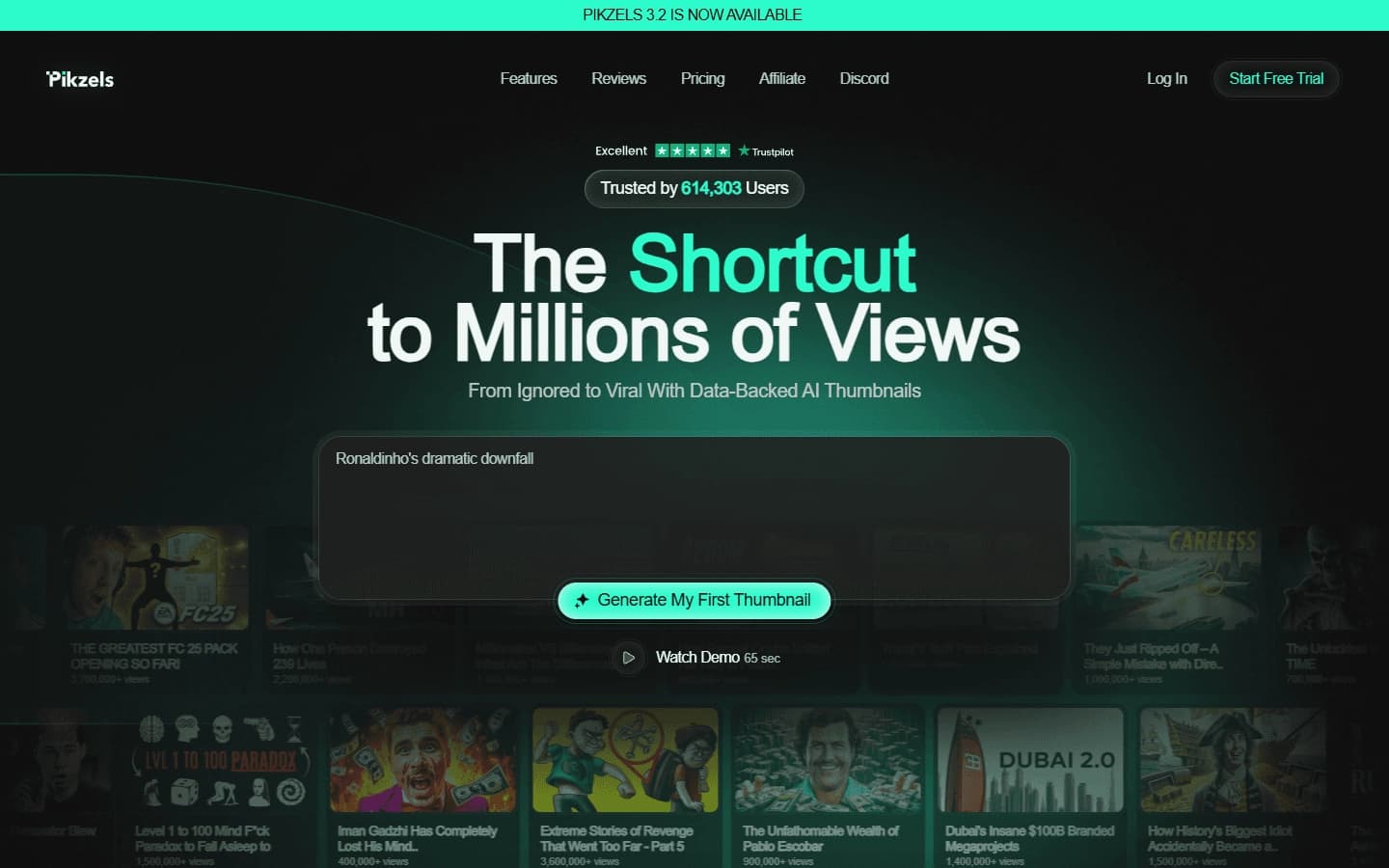

AI service for creating covers and titles for YouTube channels.
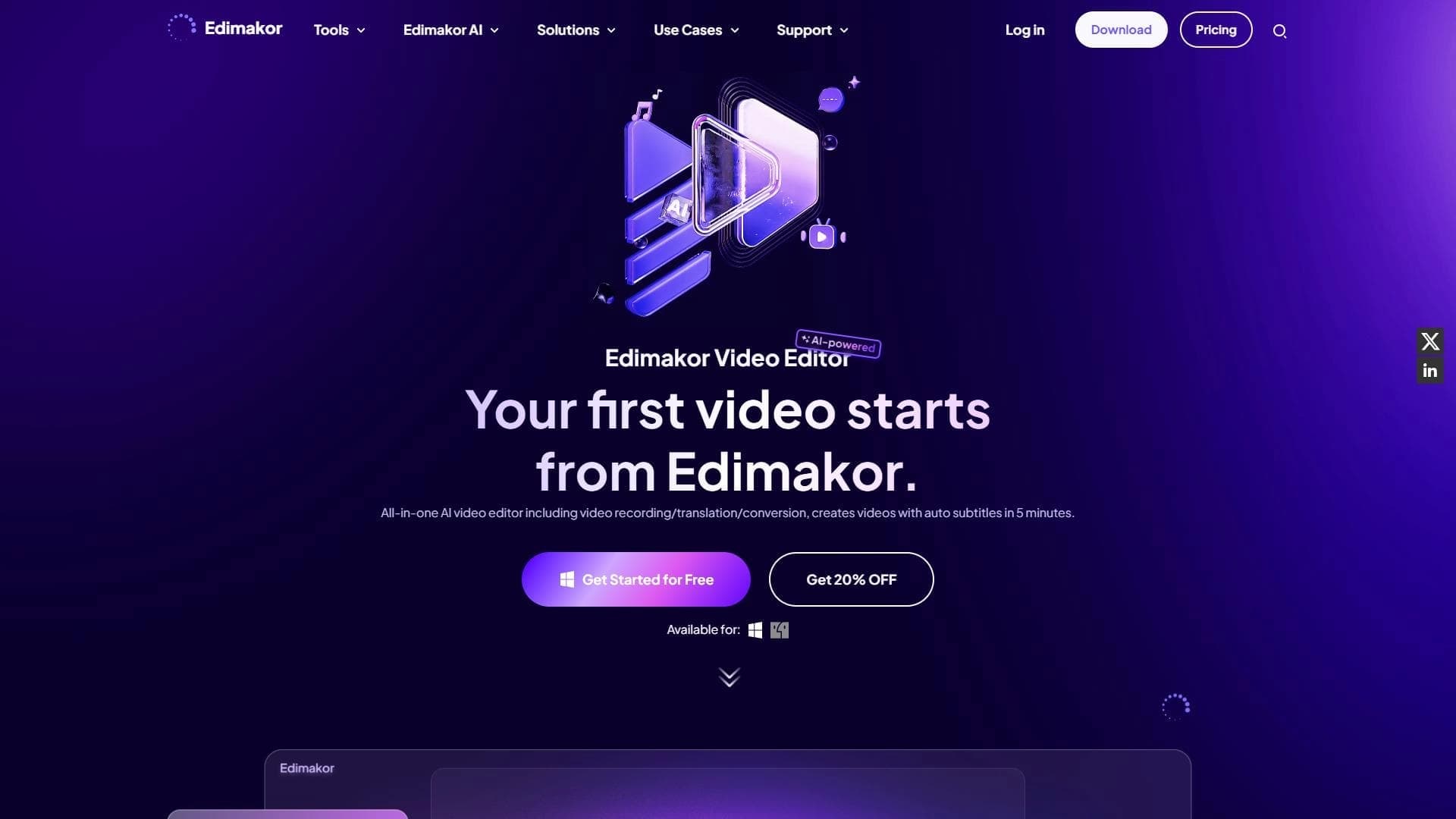

AI-powered desktop video editor for automatic subtitle generation and basic video editing.

Online video editor with AI tools for creating and editing videos directly in the browser.

A platform that combines several video creation tools in a single chat interface, from script generation to editing and voiceover.

Mobile app for photo and video editing using AI and an extensive library of filters.
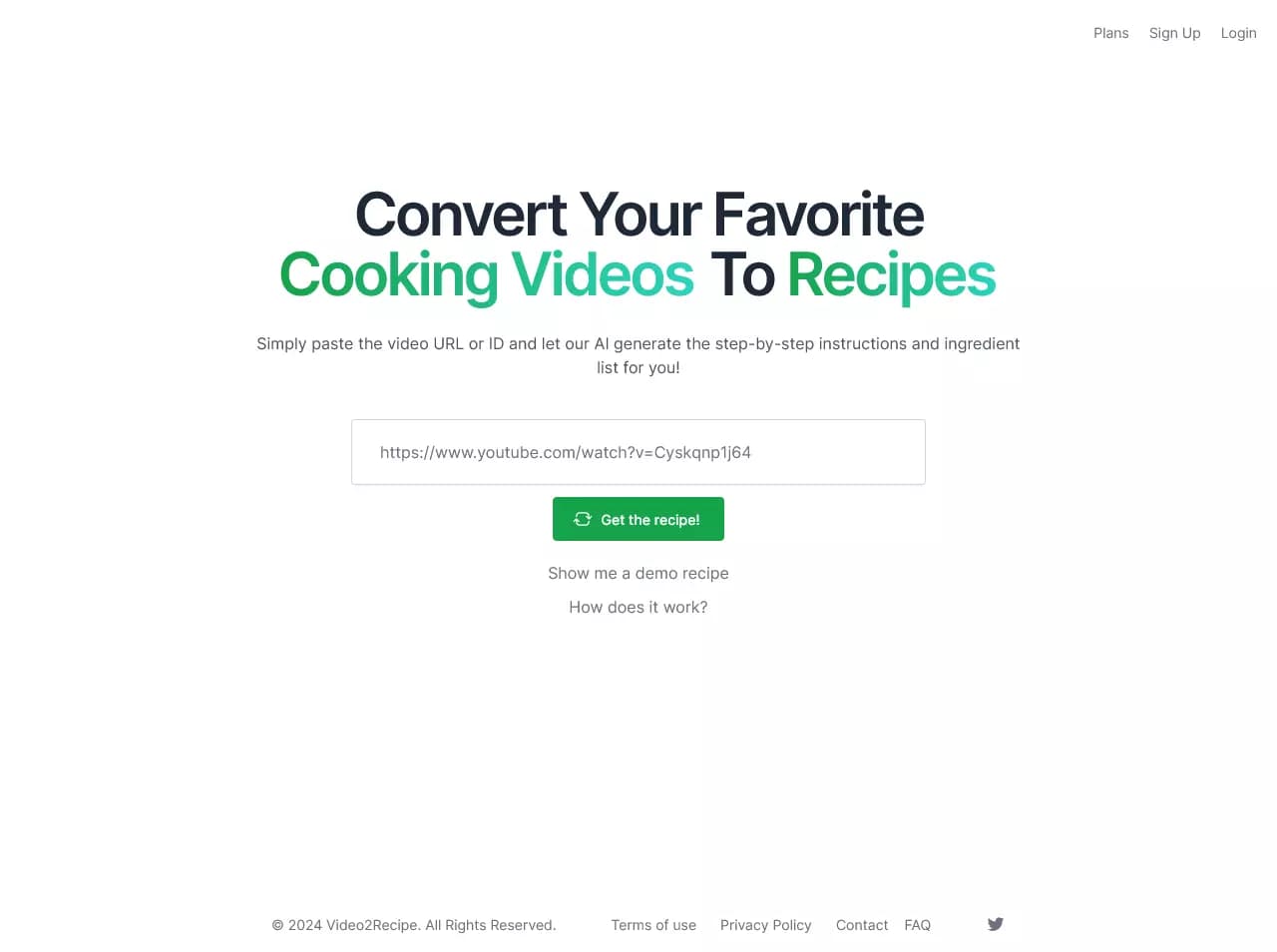

AI-powered service that converts cooking videos into step-by-step text recipes with ingredient lists.