Gemini Code Assist
AI assistant from Google for programmers that helps generate, complete, and debug code.
Overview
Gemini Code Assist
Description of the Gemini Code Assist neural network
Gemini Code Assist is an intelligent AI assistant for programmers developed by Google. The tool is designed to generate, complete, and debug code directly in the developer's working environment. The solution is based on Gemini 2.0 technology, which provides context understanding and delivers relevant suggestions and code snippets.
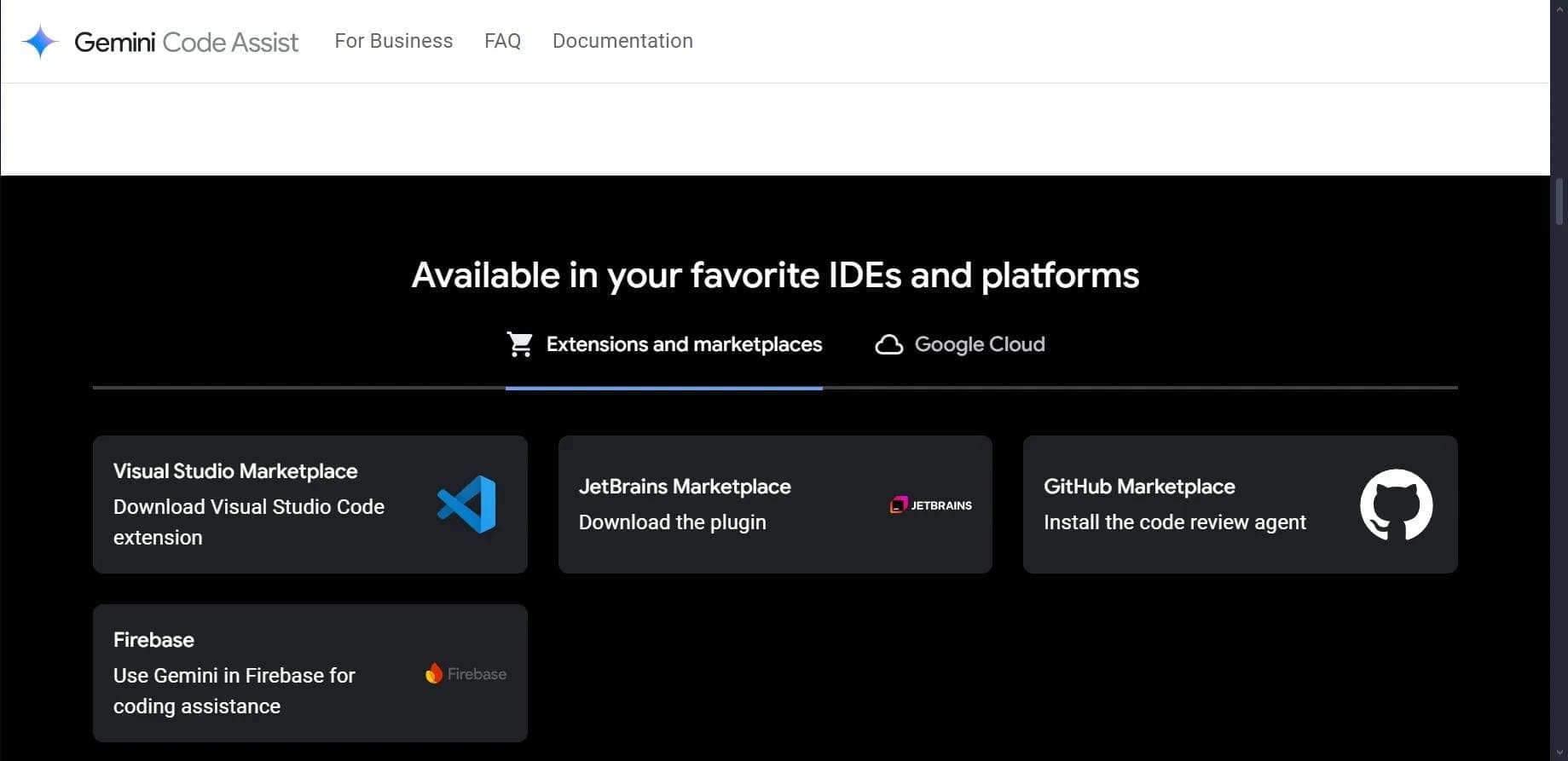
Gemini Code Assist integrates with popular development environments such as Visual Studio Code, JetBrains, and GitHub, and supports 38 programming languages. The tool allows developers to interact with the AI through a chatbot, making requests in plain language, after which the neural network generates ready-to-use code.
Characteristics of Gemini Code Assist
| Characteristic | Value |
|---|---|
| Type | AI assistant for programmers |
| Developer | |
| Free tier | Yes, up to 180,000 code autocompletions per month |
| Paid version | Yes, from $19 and $45 per month |
| Supported programming languages | 38 languages, including Python, JavaScript, C++ |
| IDE integration | Visual Studio Code, JetBrains, GitHub |
| Chatbot context window | Up to 128,000 tokens |
| Technology | Gemini 2.0 |
Who is Gemini Code Assist suitable for?
Programmers of any level
Gemini Code Assist is primarily aimed at programmers — both experienced developers and beginners. The tool helps speed up code writing, find and fix errors, and understand unfamiliar code fragments.
Developers working in popular environments
Since the tool supports integration with Visual Studio Code, JetBrains, and GitHub, it suits developers who use these platforms in their daily work. This covers a wide range of specialists — from web developers to engineers working with cloud services.
How to use Gemini Code Assist?
Installation and setup
To get started with Gemini Code Assist, you need to go to codeassist.google and likely register. The tool integrates into the development environment through a corresponding extension or plugin for Visual Studio Code, JetBrains, or GitHub.
Interaction through the chatbot
Users interact with the tool through a built-in chatbot. You just need to formulate a request in plain language — for example, ask it to create an HTML form in English — and the AI will generate the corresponding code. The generated snippet can be copied and pasted into your project.
Autocompletion while working
The tool also works in the background: as you write code, Gemini Code Assist suggests autocompletions, which speeds up development and reduces the number of routine operations.
Main features of Gemini Code Assist
Code autocompletion
One of the key features of Gemini Code Assist is automatic code completion while you write. The free version provides up to 180,000 autocompletions per month, significantly exceeding the limits of many alternatives.
Code generation from text requests
You can describe in natural language what code snippet you need, and Gemini Code Assist will create the corresponding code. This is useful both for rapid prototyping and for implementing common tasks.
Code analysis and recommendations
The tool can analyze written code and provide recommendations for fixing flaws. This helps maintain codebase quality and avoid typical mistakes.
Built-in chatbot with a large context
The Gemini Code Assist chatbot supports a context window of up to 128,000 tokens, allowing it to process large requests and maintain a long dialogue context for more accurate answers.
Advantages of Gemini Code Assist
Generous free limit
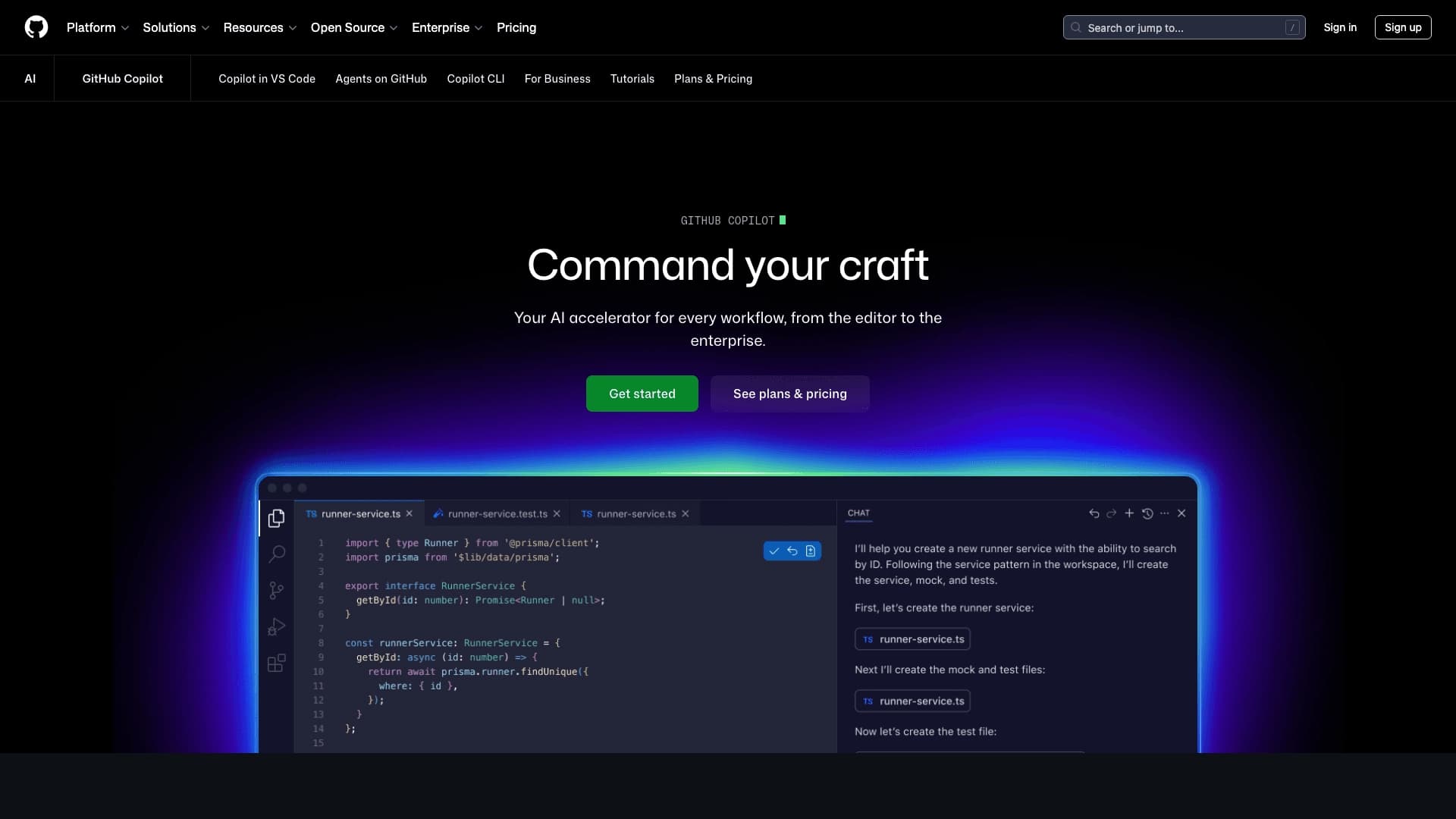
The free version of Gemini Code Assist significantly surpasses its counterparts, such as GitHub Copilot, in the number of autocompletions per month: 180,000 versus 2,000. This makes the tool especially attractive for developers who are not ready to pay for a subscription.
Broad language support
Support for 38 programming languages, including Python, JavaScript, and C++, covers the needs of most modern developers. This allows you to use one tool for working with different projects and technology stacks.
Integration with major IDEs
Compatibility with Visual Studio Code, JetBrains, and GitHub ensures seamless integration of the AI assistant into an existing workflow without the need to learn new tools.
Disadvantages of Gemini Code Assist
Based on available data, it can be noted that some features, such as training on private code sources, analytics, and advanced team collaboration capabilities, are available only in the paid versions of the tool. In addition, the free version has a limit of 180,000 autocompletions per month, which may be insufficient during very intensive work. To fully understand all limitations and drawbacks of the tool, it is recommended to refer to the official Google documentation.
What tasks does Gemini Code Assist solve?
Code generation and completion
The tool helps quickly create new code snippets and complete current lines, reducing time spent on routine operations. This is especially useful when working with boilerplate constructs and recurring patterns.
Optimization and debugging
Gemini Code Assist can analyze code for errors and bottlenecks, suggest optimization options, and assist in the debugging process. A developer can ask the chatbot to find a problem in the code or explain how a particular section works.
Code explanation
The tool can explain the purpose and logic of a particular code fragment. This is useful when working with someone else's code, legacy projects, or learning new technologies.
Gemini Code Assist pricing
Gemini Code Assist is distributed under a freemium model with three pricing plans:
- Free version — up to 180,000 autocompletions per month.
- Standard version — $19 per month. Includes core features and Google Cloud integration.
- Developer version — $45 per month. Provides training on private code sources, analytics, and team collaboration features.
Terms of use of Gemini Code Assist
To use Gemini Code Assist, registration on codeassist.google is likely required (the tool page does not explicitly state this, but it is implied for access to the service). The free version has a limit of 180,000 code autocompletions per month, after which you may need to switch to a paid plan or wait for the next billing period. Detailed terms of use should be clarified in the official Google documentation.
Availability of Gemini Code Assist
Gemini Code Assist is available on the codeassist.google website. The tool is compatible with Visual Studio Code, JetBrains, and GitHub — the main development platforms. Support for such a set of IDEs makes it accessible to the vast majority of developers, regardless of their preferences in choosing a development environment.
How Gemini Code Assist differs from alternatives
The main difference between Gemini Code Assist and its alternatives, in particular GitHub Copilot, is the size of the free limit. The free version of Gemini Code Assist offers up to 180,000 code autocompletions per month, while GitHub Copilot's free tier is limited to 2,000 autocompletions. This makes Google's tool significantly more attractive for developers who want to use an AI assistant without a monthly fee.
In addition, Gemini Code Assist uses Gemini 2.0 technology with a context window of up to 128,000 tokens, allowing it to handle larger requests compared with many competitors.
Conclusion
Gemini Code Assist is a free AI tool from Google for programmers that offers a generous autocompletion limit (180,000 per month) and code generation, debugging, and analysis features, integrating with popular development environments. The tool supports 38 programming languages, runs on Gemini 2.0 technology, and is available under a freemium model with paid plans starting at $19 and $45 per month for those who need advanced capabilities.