

Flowjin
A service for automatically cutting long videos and audio recordings into short, meaningful clips.
Overview
Flowjin
Description of the Flowjin neural network
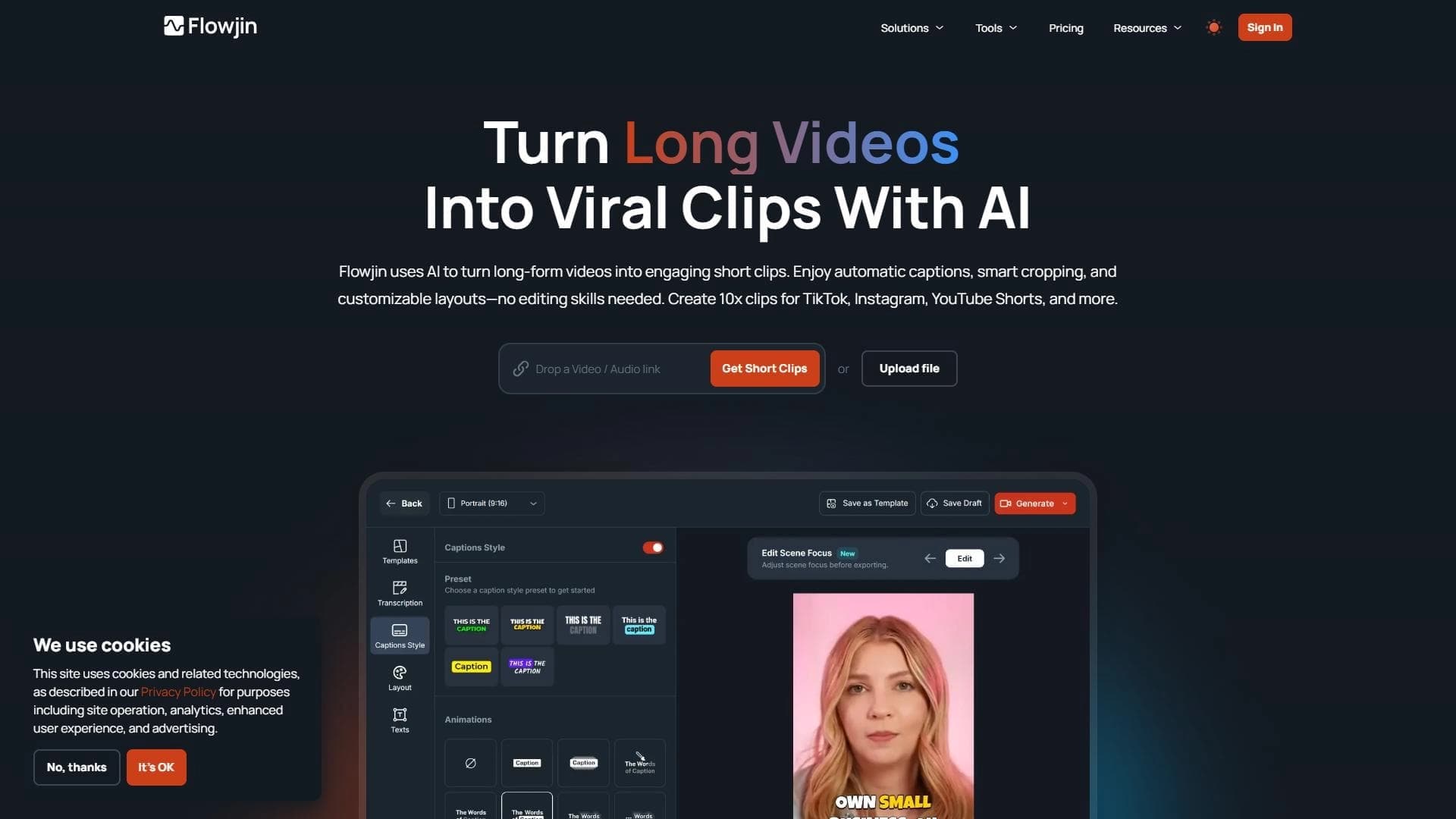
Flowjin is a service that handles the most labor-intensive part of working with long recordings: automatically cutting them into short, meaningful clips. The user uploads a long video or audio recording — such as an interview, lecture, or podcast episode — and the platform independently identifies key moments in the material and turns them into ready-made videos up to a minute long.
The tool's main feature is its text-based approach to editing. Instead of the familiar timeline with clips, the editor works with text: you can cut out unnecessary phrases, rearrange fragments, and add captions without needing to understand complex video editing software. The service is designed for informational content and is deliberately not intended for music, films, or recordings without a clear structure, where an automatic algorithm finds it difficult to isolate meaningful segments.
Flowjin characteristics
| Characteristic | Value |
|---|---|
| Type | Tool for automatic short video cutting |
| Categories | Short videos and clips, Editing and post-production |
| Website | www.flowjin.com |
| Free plan available | Not specified |
Who is the Flowjin neural network suitable for?
Podcast creators
Hosts who regularly publish long episodes can quickly turn them into short teasers and promo videos for social media without spending time on manual cutting.
Educators and lecturers
The tool helps educational authors break down study materials and lectures into small fragments that are convenient to review and share individually.
SMM managers and journalists
For content and media professionals working with large volumes of recordings, the service speeds up the preparation of short videos for publication on social media.
How to use the Flowjin neural network?
Uploading source material
It all starts with uploading a long interview, lecture, or podcast. The user simply adds the recording, and the platform begins analyzing it.
Automatic detection of key moments
After the upload, the algorithm independently finds significant segments and turns them into short videos. No manual marking of the source video is required.
Editing through the text editor
Further work is done in the browser via text: you can cut out unnecessary parts, change the order of fragments, and add captions. All tools are available without installing software and without video editing skills.
Main features of Flowjin
- Automatic creation of short videos from long audio or video recordings.
- Detection of key moments and division of the material into meaningful fragments.
- Generation of videos up to one minute long.
- Text editor for editing: cutting parts, changing the sequence, adding captions.
- Fully browser-based work that requires no special editing skills.
Advantages of Flowjin
Fully automated cutting
The most tedious part of the work — finding good moments in a long recording — is done by the platform automatically, which significantly saves time.
Text-based editing control
Editing through text is intuitive and free of the complexity of classic video editors with their timelines and tracks.
Simple interface and low barrier to entry
No special video editing skills are required, making the service accessible to a wide range of users.
Disadvantages of Flowjin
The main limitation is related to the type of content. The service is not suitable for music videos, films, or materials that lack a clear structure or story: the algorithm finds it hard to isolate meaningful fragments for short videos in such content. The tool is specifically focused on informational and narrative recordings.
What tasks does Flowjin solve?
Speeding up the creation of short videos for social media
The service helps quickly produce ready-made short videos from long materials, which are necessary for regularly updating social media.
Cutting educational and interview content
The tool handles the task of splitting long educational, informational, or interview recordings into compact videos ready for publication.
Flowjin pricing
The source data does not specify subscription plans, service costs, or the availability of a free plan. Therefore, exact pricing information for Flowjin cannot be provided in this article — current terms should be checked on the official website www.flowjin.com.
Flowjin terms of use
The specific terms of use for the platform, including rules for different subscription plans and upload volume limits, are not disclosed in the available source data. What is reliably known is that the service works in the browser and is intended for processing informational recordings rather than music or films. More detailed terms should be reviewed on the official website.
Flowjin availability
Flowjin is a web service and works entirely in the browser, which means no software installation is required to use it. The official website is available at www.flowjin.com. The source data does not mention the availability of mobile apps or specific regional restrictions.
How Flowjin differs from alternatives
The key difference between Flowjin and classic video editors lies in the combination of fully automated cutting and text-based editing control. Instead of manually searching the timeline for good moments and moving clips, the user works with meaningful fragments through text: cutting words, rearranging paragraphs, and adding captions. This approach removes the need to understand professional editing and makes preparing short videos almost a routine task.
Conclusion
Flowjin is a convenient tool for those who regularly turn long interviews, lectures, and podcasts into short videos for social media. Full automation of cutting and the text editor save users from the complexities of classic video editing, and browser-based work requires no software installation. At the same time, it is important to consider the service's limitation: it is designed for informational content and is not suitable for music, films, or materials without a clear structure. For a certain audience — bloggers, educators, SMM specialists — Flowjin can significantly speed up regular content publishing.
Frequently asked questions


See also

A platform for creating talking videos with a teleprompter, AI-generated scripts, subtitles, and avatars.
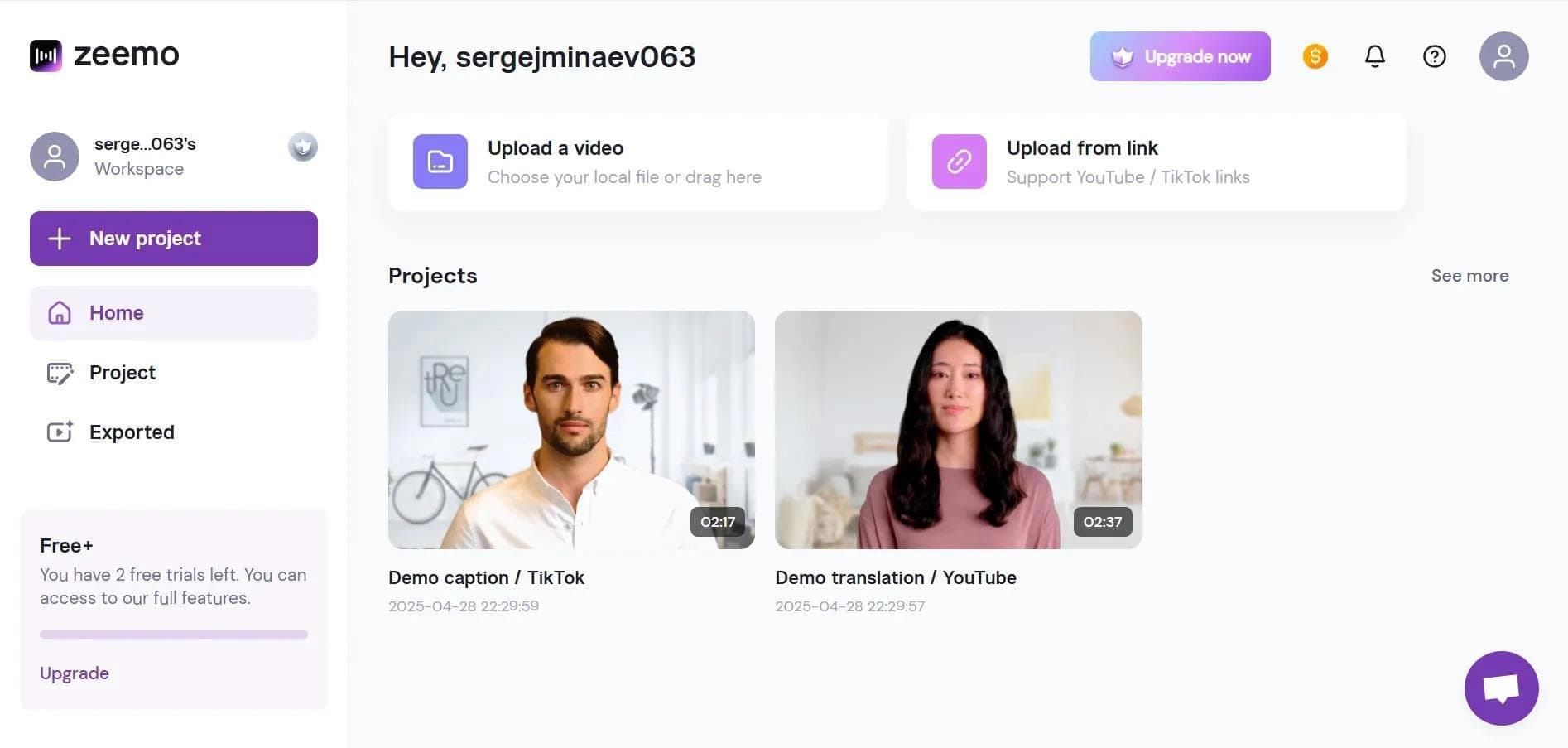

Neural network-based web service for automatic video subtitling and transcription.
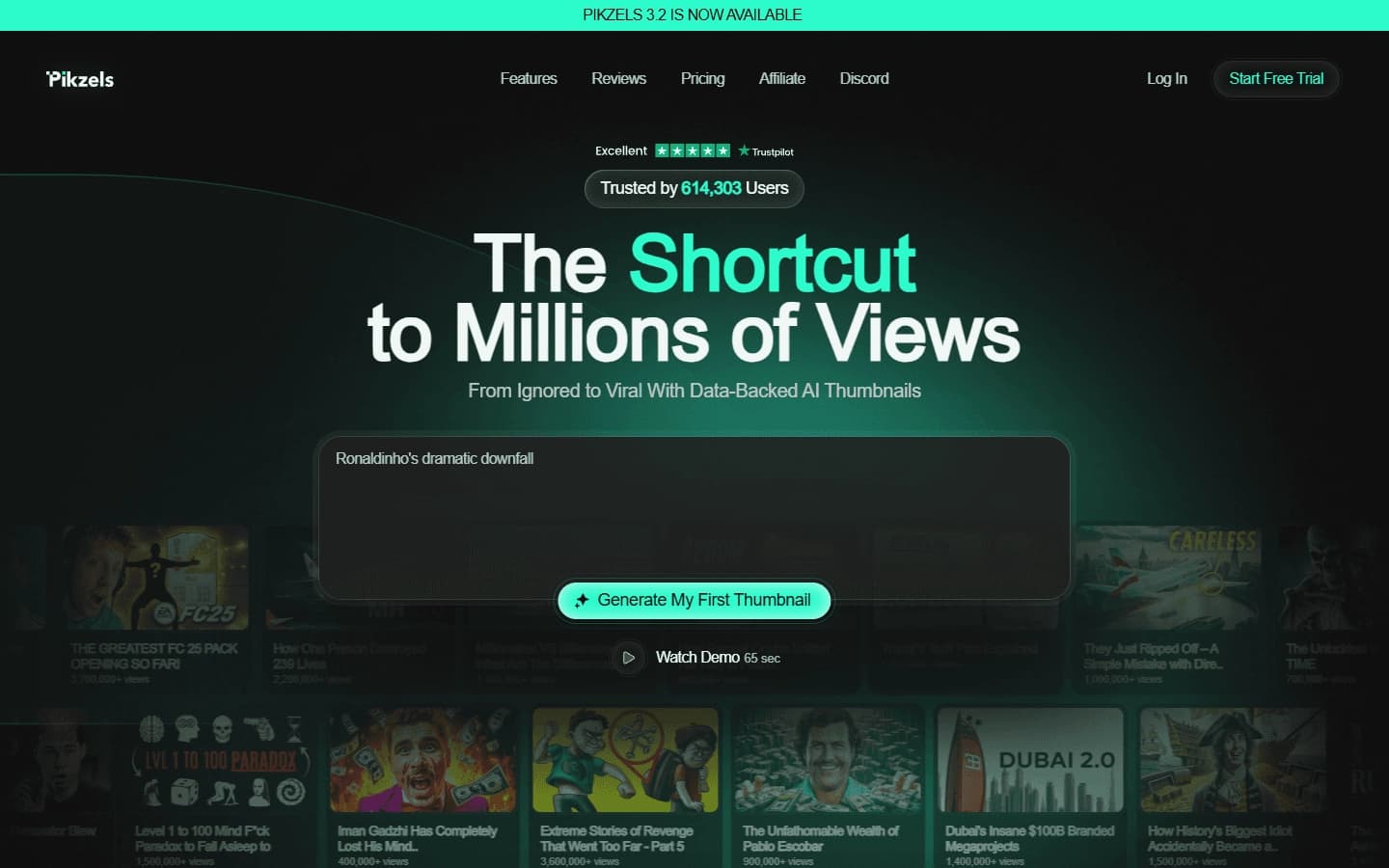

AI service for creating covers and titles for YouTube channels.
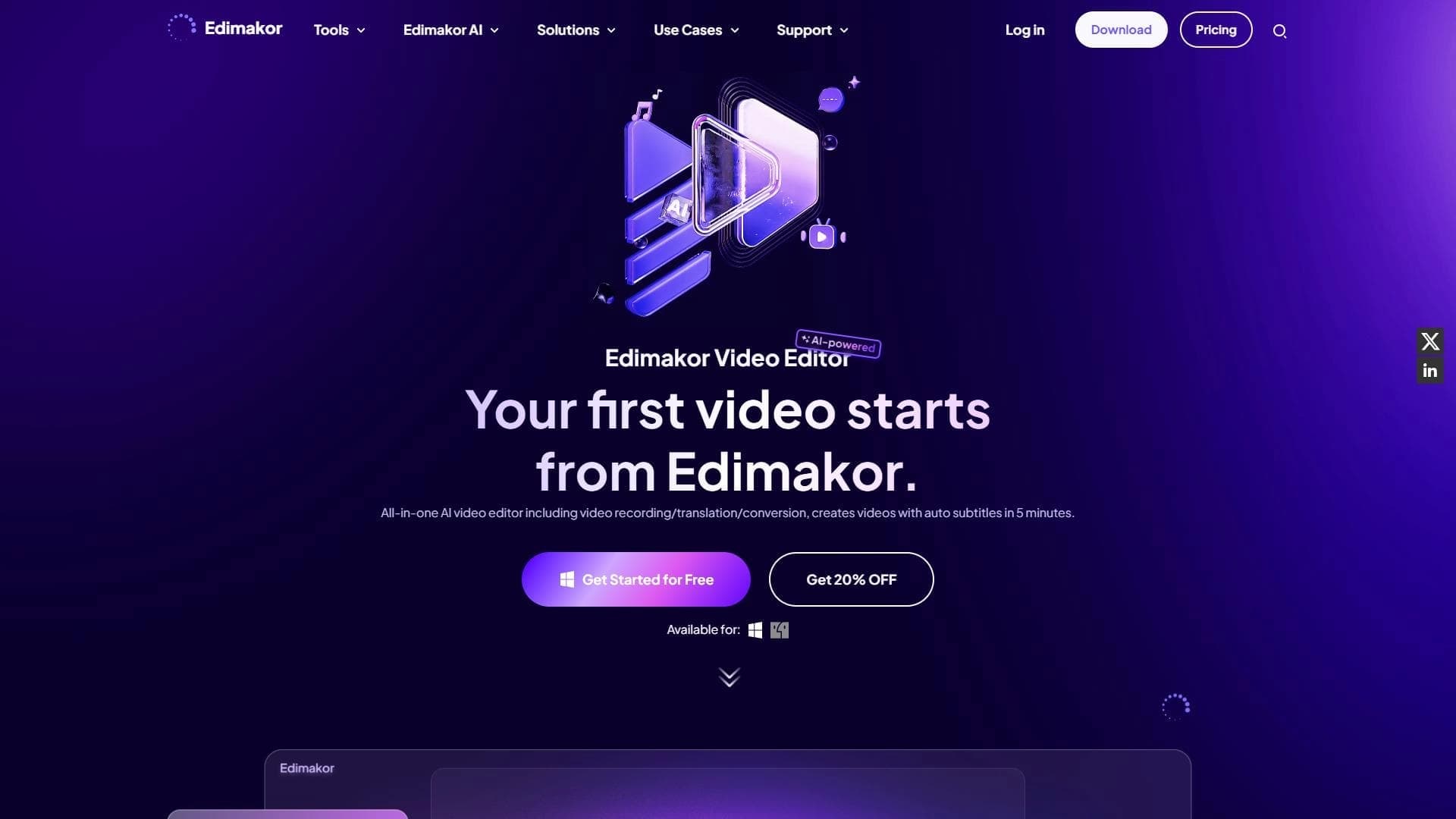

AI-powered desktop video editor for automatic subtitle generation and basic video editing.

Online video editor with AI tools for creating and editing videos directly in the browser.

A platform that combines several video creation tools in a single chat interface, from script generation to editing and voiceover.

Mobile app for photo and video editing using AI and an extensive library of filters.
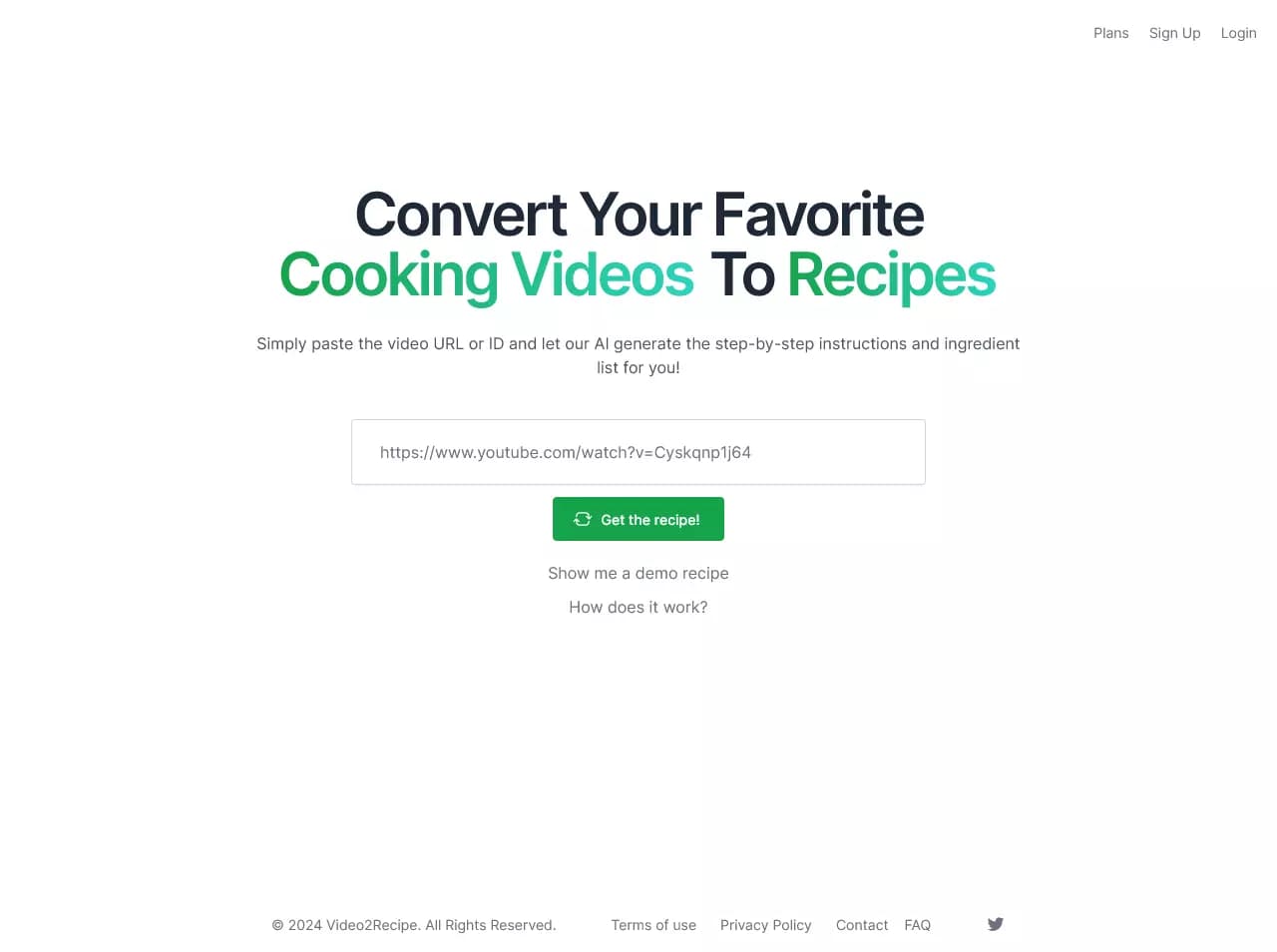

AI-powered service that converts cooking videos into step-by-step text recipes with ingredient lists.