
Context
A platform that brings together a company's office tools in a single workspace and automates the creation of documents, presentations, and reports.
Overview
Context
About Context
Context is an AI platform that brings together a company's office tools (documents, spreadsheets, presentations) in a single workspace. Instead of switching between different apps and services, users work in one environment where artificial intelligence handles routine tasks of creating and formatting materials.
The service can automatically generate documents, presentations, and reports based on data from work sources, such as chats and spreadsheets. The platform analyzes information in real time, helping you make faster decisions. The system also learns the user's formatting style from uploaded samples and then applies the same typography, colors, and layouts to new materials, ensuring a consistent corporate look.
Context places a strong emphasis on security: the service is designed for careful handling of corporate data and is intended for employees who value reliability and efficiency when working with confidential information.
Context Features
| Feature | Value |
|---|---|
| Type | AI tool for office tasks, AI service for office task automation |
| Categories | Productivity, Automation, Presentation creation, AI assistants, Business; Presentations and reports, Notes and minutes, Knowledge management |
| Business model | Freemium |
| Website | www.context.ai |
| Number of integrations | More than 300 services (Gmail, Google Docs, Slack, Excel, Salesforce, etc.) |
| Primary purpose | Unifying office tools, automating document, presentation, and report creation |
Who is Context for?
Employees working with corporate information
Context is primarily designed for employees who regularly create documents, reports, and presentations and value security when working with internal data. It's for those who want to speed up routine office processes without sacrificing reliability.
Teams tired of switching between services
The platform is suited for teams that are tired of constantly switching between Gmail, Google Docs, Slack, Excel, and other tools. Context brings these services together in one work environment, which is especially useful for teams that spend a lot of time gathering data from different sources.
Businesses that need consistent formatting
Organizations that need a consistent corporate style across all materials will find a useful feature in Context: the system remembers formatting from a sample and automatically applies it to future documents and presentations.
How to use Context?
Set up integrations right after launch
To get the most out of the platform, it's recommended to start by connecting the integrations you need. The more work services are linked to Context, the more data it can draw on to create documents and reports.
Working with templates and automation
Routine tasks are accelerated with ready-made templates and configured automation. This lets you format standard documents and presentations faster without manually working through every element.
Team training
To help employees fully master the platform's features, consider organizing training on how to use it. Understanding integrations, templates, and automation directly affects how effectively the service is used in everyday work.
Key Features of Context
Unified workspace
Context brings documents, spreadsheets, and presentations together in one environment, eliminating the need to switch between separate programs.
Automatic content generation
The service automatically creates documents, presentations, and reports based on source data from work sources—chats, spreadsheets, and external services. Analysis results and project summaries are delivered directly in the required format.
Format personalization
The system learns the user's style from uploaded samples and adapts typography, colors, and layouts in subsequent materials, maintaining a consistent design style.
Integration and data analysis
The platform integrates with more than 300 services, including Gmail, Google Docs, Slack, Excel, and Salesforce, and analyzes information in real time, helping you make decisions faster.
Advantages of Context
One environment instead of many programs
The main advantage is eliminating the need to switch between different programs. All office tasks are brought into one space, saving time and simplifying workflows.
Broad integration
Support for more than 300 services lets you pull data from almost any corporate source and turn it into finished materials without manually transferring information.
Data security
The service is focused on secure and efficient work with corporate information, which is important for companies dealing with confidential data.
Drawbacks of Context
There isn't enough available source data to compile a complete list of the service's drawbacks. It's worth noting that the most limited free plan depends on a credit system: it offers only 200 credits and 40+ integrations, and extended limits require a subscription. Also, based on the pricing structure, full-scale team usage of the platform may require significant financial investment.
What Tasks Does Context Solve?
Managing office materials
The platform handles document, spreadsheet, and presentation management by bringing them together in one place and simplifying everyday work with them.
Data collection and transformation
Context collects data from various sources and automatically transforms it into finished materials: it generates reports from corporate chats and spreadsheets, prepares presentations for meetings, and automates analytics and project summaries.
Automating formatting and analysis
The service takes over automatic formatting and document styling, as well as data analysis with results delivered in the required format, freeing employees from routine manual work.
Context Pricing
Free plan
Provides 200 credits, access to 40+ integrations, and the ability to run up to 2 concurrent tasks. Suitable for getting familiar with the platform.
Paid plans
- Plus: 2,000 credits, up to 4 concurrent tasks, no watermark.
- Pro: 20,000 credits, up to 10 concurrent tasks.
- Ultra: unlimited credits and tasks, fast compute stack.
- Enterprise: custom terms, private hosting, and personalized models.
Special offers
Students receive a 50% discount, and startups are offered a special starter plan for 3 months.
Terms of Use for Context
To start using the service, you need to register on the website. After creating an account, users can connect integrations, configure templates and automation, and upload formatting samples so the platform remembers the brand style. Different pricing plans vary in the number of credits, integrations, concurrent tasks, and additional features such as the absence of a watermark.
Context Availability
The service is available via the website www.context.ai. The platform is designed for working with corporate data and is aimed at employees who value security and efficiency. The available source data does not provide specific information about which regions and languages the service supports, or whether mobile or desktop apps are available.
How Context Differs from Alternatives
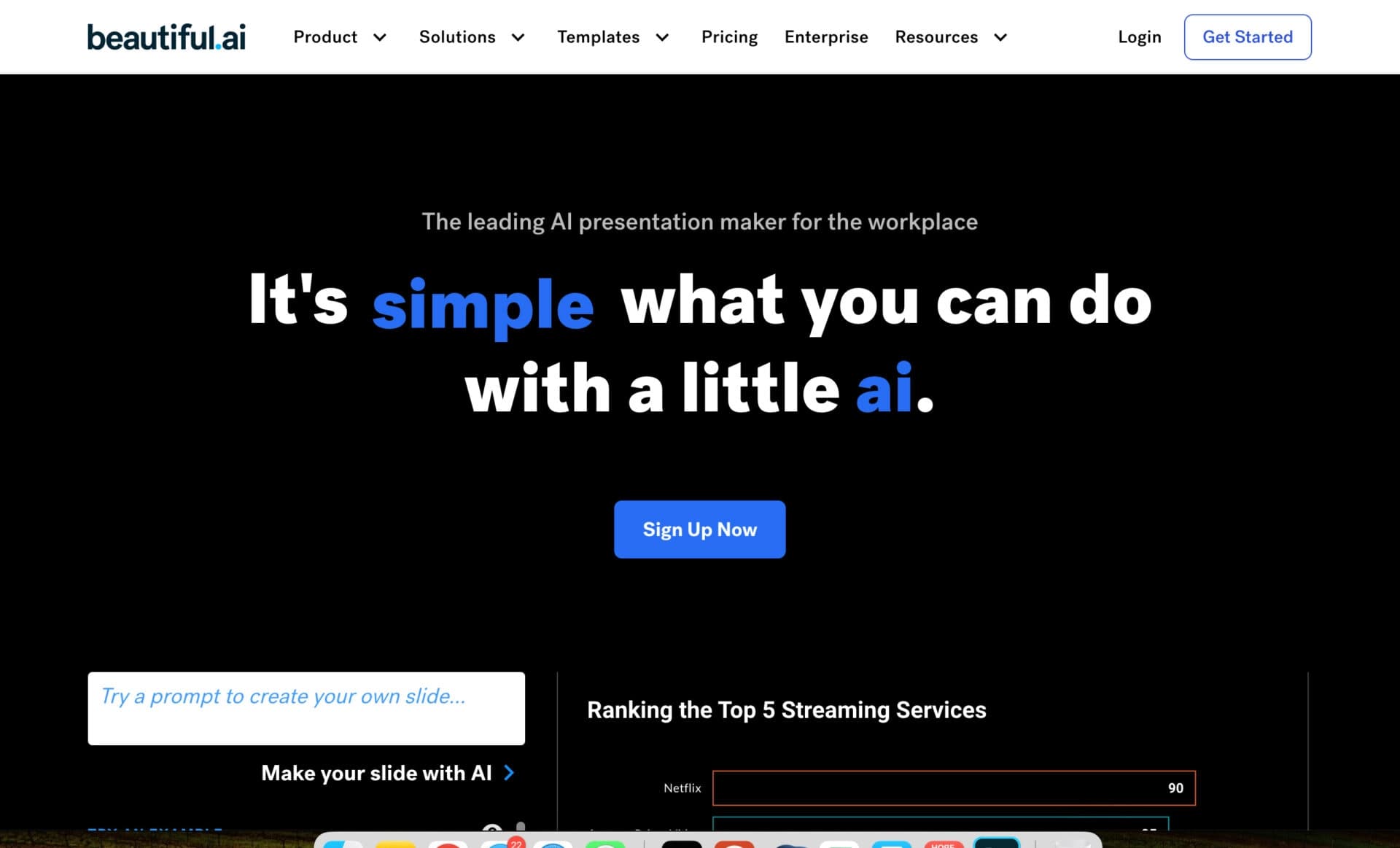
The main difference between Context and many competitors is its broad integration with more than 300 services combined with automatic learning of formatting style. While many alternatives (e.g., Beautiful.ai or VC Boom) focus primarily on presentation creation, Context covers a wider range of office tasks—from documents and spreadsheets to reports and analytics—unifying them in one space.
It also stands out for its focus on personalization: the system doesn't just generate materials; it adapts to the user's individual style based on uploaded samples, something less common among competing services. In addition, the platform emphasizes secure handling of corporate data, making it attractive to companies with high confidentiality requirements.
Conclusion
Context is an office AI service that automates routine business tasks: it brings together data from chats, spreadsheets, and other work sources and turns it into finished presentations, documents, and reports. Broad integration with more than 300 services, brand style learning, and a focus on corporate data security make the platform a practical solution for teams that want to speed up document and analytics work without sacrificing reliability.
Pricing
Frequently asked questions

See also


Free online platform with over 150 AI tools for working with PDFs, images, videos, and text.
A sales automation platform that combines customer prospecting, deal management, and AI-powered forecasting.
AI editor for creating, editing, and publishing content with templates and prompts.

Financial platform with an AI assistant for managing accounting, taxes, and budgets.

Platform for interview preparation with AI mock interviews and real-time support.
Enterprise language model platform focused on privacy and on-premise deployment.


AI assistant for creating short summaries of videos, PDF documents, and web pages.

A workflow automation platform that connects thousands of apps without requiring coding.