

Cockatoo
AI service for converting audio and video to text with support for more than 90 languages.
Overview
Cockatoo
Description of the Cockatoo neural network
Cockatoo is a web-based AI tool designed to automatically transcribe audio and video recordings into text. The service supports more than 90 languages and dialects, including rare ones, and handles difficult recording conditions such as background noise, accents, and overlapping voices.
Finished transcriptions can be edited directly in the browser and then exported to popular text formats. With the ability to create subtitles and text versions of recordings, the tool is in demand for transcribing interviews, podcasts, business meetings, webinars, and educational materials.
Cockatoo works as a web service and is also available as apps for Mac and Windows. The service offers a flexible freemium model: you can start with a free plan, and advanced features become available when you upgrade to paid plans.
Cockatoo features
| Characteristic | Value |
|---|---|
| Type | AI speech-to-text / AI transcription |
| Categories | Transcription, Speech recognition, Speech to text, Automatic subtitles |
| Platform | Web, Mac, Windows |
| Distribution model | Freemium |
| Price from | $10 |
| Free plan | Yes (limited) |
| Supported languages | More than 90 languages and dialects, including rare ones |
| Transcription accuracy | Up to 99.8% |
| Number of transcriptions | Unlimited |
| File duration | Any length, no limits |
| Export formats | PDF, DOCX, TXT, SRT |
| Editorial rating | 8.7 out of 10 |
| User rating | 4.5 |
Who is the Cockatoo neural network suitable for?
The tool is designed for a wide range of professionals working with audio and video content.
Media and content professionals
Journalists, podcasters, bloggers, and content creators use the service to quickly transcribe interviews, prepare text versions of episodes, and create subtitles for videos.
Business and professional fields
Lawyers use the solution to document hearings and legal documentation, medical transcriptionists use it to transcribe recordings, and business professionals and marketing teams use it to capture meetings and conferences.
Science and education
Researchers, students, and educators use the service for academic research, transcribing lectures, and creating educational content and text versions of webinars and online conferences.
How to use the Cockatoo neural network?
Working with the service is a simple step-by-step process that requires no special technical skills.
Uploading a file
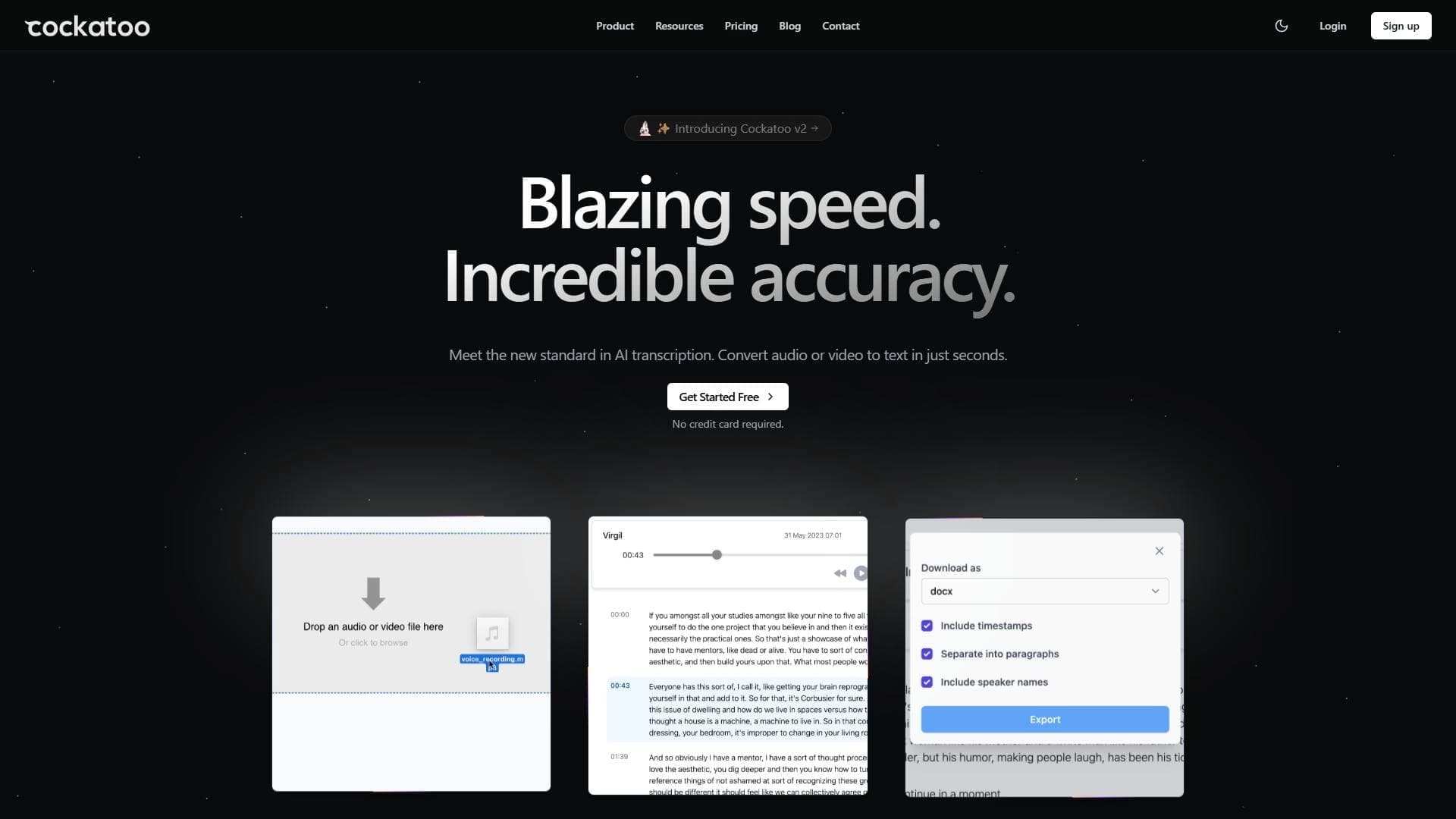
First, go to the Cockatoo website and log in or register. Then upload an audio or video file through the interface — a convenient drag-and-drop feature is supported.
Starting transcription
After uploading the file, select the desired transcription options, then click the "Transcribe" button to start processing. The service quickly converts the recording, taking only 2–3 minutes per hour of audio.
Editing and export
The resulting text opens in the built-in browser editor, where you can review and correct it if necessary. The finished transcription can be downloaded or exported in DOCX, PDF, TXT, and SRT formats.
Key features of Cockatoo
The service offers a set of features covering the full transcription workflow — from file upload to exporting the finished text.
Automatic transcription
Cockatoo converts audio and video files into text with almost no manual involvement. Recognition accuracy reaches 99.8%, which, according to the developers, surpasses human accuracy. Files of any type and any length are supported.
Multilingual support and settings
The service recognizes more than 90 languages and dialects, including rare and exotic ones. Settings are available to improve accuracy in complex recordings and to adapt to the specifics of a particular subject area and professional vocabulary.
Editing and export
The built-in text editor allows you to correct transcriptions directly in the browser. Finished results can be exported to popular formats — DOCX, PDF, TXT, and SRT — which is convenient for creating subtitles and text versions of materials.
Advantages of Cockatoo
The service stands out from competitors due to several significant strengths.
High accuracy and speed
Cockatoo provides transcription accuracy of up to 99.8%, handling background noise, accents, and overlapping voices. At the same time, processing takes minimal time — one hour of audio is converted to text in just 2–3 minutes.
Flexibility and no restrictions
Users get an unlimited number of transcriptions, and the duration of processed files is not limited. Support for more than 90 languages, including rare ones, makes the tool universal for international teams.
Convenience and security
The drag-and-drop interface is simple and intuitive, and export to popular formats simplifies working with results. The service adheres to a strict privacy and data security policy, contains no ads, and is an independent company with a transparent business model.
Disadvantages of Cockatoo
Despite several strengths, the service has certain limitations that are worth considering when choosing.
Limitations of the free plan
The tool will not suit those looking for a completely free solution: the free plan has limits on volume and functionality, and full capabilities are only available on paid plans.
Sensitivity to recording quality
The service may have difficulty with extremely low audio quality. Although it handles background noise and accents well, very poor sound quality can reduce recognition accuracy.
Availability and learning curve
Service availability may be limited in some regions. In addition, new users may need time to learn the interface and its functions.
What tasks does Cockatoo solve?
The tool solves a wide range of practical tasks related to converting audio and video materials into text.
Creating subtitles
Cockatoo can generate automatic subtitles for films, TV series, videos, and other materials. Export to SRT format makes finished subtitles compatible with most video players and platforms.
Transcribing interviews and podcasts
The service quickly converts interviews, podcasts, audiobooks, and meeting recordings into text. This eliminates manual transcription and saves significant time for journalists, podcasters, and business professionals.
Accessibility and content analysis
Cockatoo improves the accessibility of materials for people with hearing impairments and also helps in learning and creating educational content. Text versions of webinars and online conferences simplify analysis and information extraction from audio recordings, as well as documentation of legal and medical materials.
Cockatoo pricing
Cockatoo operates on a freemium model, offering both free and paid plans.
Free plan
For trial use, a free plan with limited capabilities is available: it provides access to AI transcription and translations in limited volumes, includes 2 GB of cloud storage, and a monthly file transfer limit of up to 10 GB. No card is required for registration.
Paid plans
Paid plans start at $10 for 10 hours of transcription. The Pro plan costs $9.99 USD per month and includes unlimited transcription and 2 TB of storage. The Team plan costs $6.99 USD per month per person and adds collaborative editing and priority support. With annual billing, Pro offers savings of up to 50%, and Team up to 56%. Corporate plans with individual terms are also available.
Terms of use of Cockatoo
To use the service, registration on the website is required. The free plan has limits on the amount of data processed and functionality, while paid subscriptions unlock advanced transcription and storage capabilities.
The service pays attention to privacy and security of user data. Cockatoo is an independent company with a transparent business model, does not use advertising in its interface, and adheres to a strict information protection policy.
Cockatoo availability
Cockatoo works as a web service and can be used through a browser, as well as through apps for Mac and Windows. The service supports more than 90 transcription languages.
The tool's main audience is concentrated in the United States (about 27.5% of users), as well as in Brazil, the United Kingdom, Canada, and Senegal.
How Cockatoo differs from alternatives
The main difference between Cockatoo and competitors is its support for a large number of languages and dialects (more than 90, including rare ones) combined with high speech recognition accuracy. The service handles even difficult recording conditions: background noise, accents, and overlapping voices, making it a reliable choice for professionals.
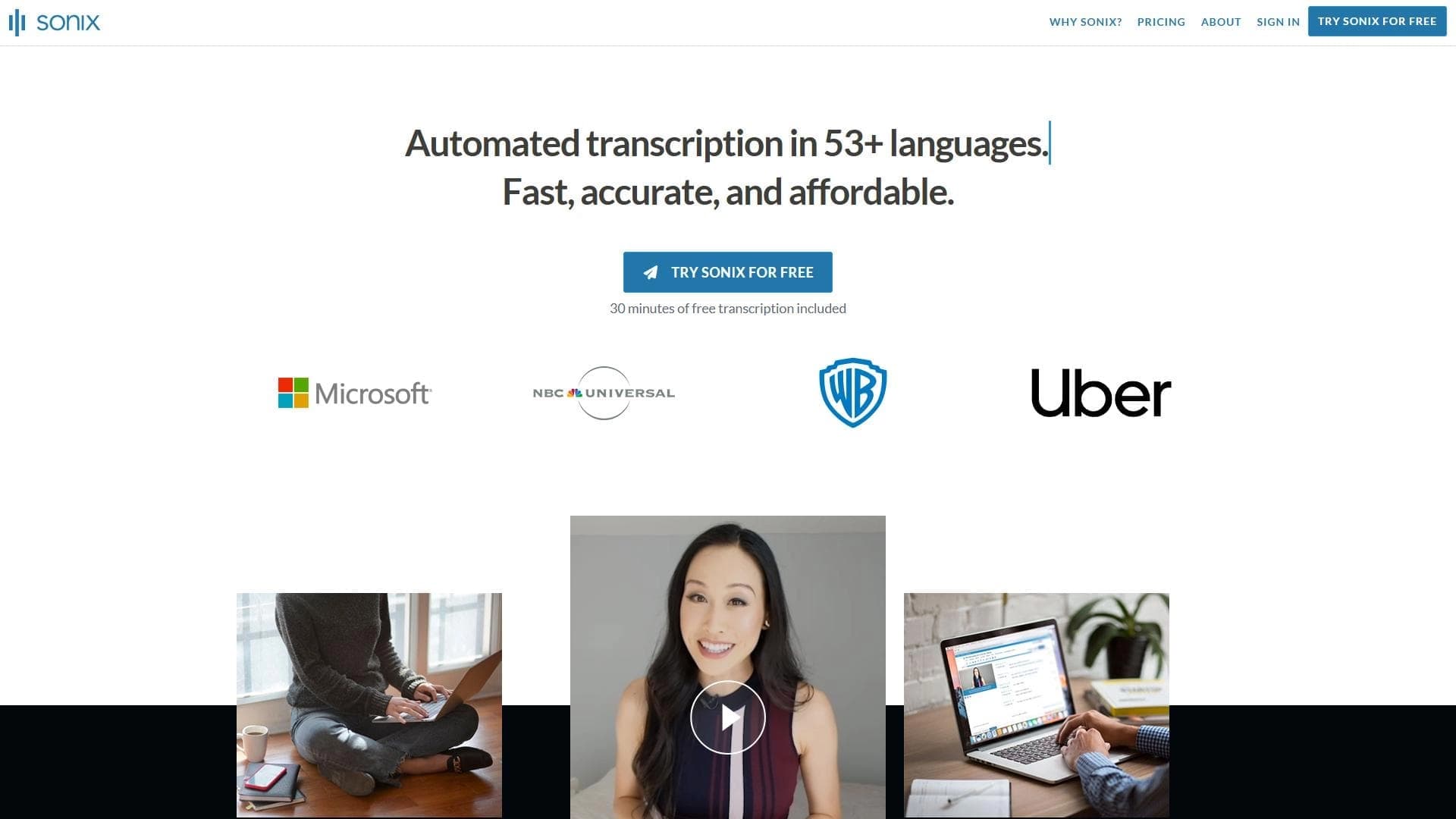
An additional advantage is the absence of limits on the number and duration of transcribed files, as well as very high processing speed — one hour of audio is converted to text in just 2–3 minutes. Combined with flexible pricing plans and a free plan for trial use, this sets the service apart from alternatives such as Otter.ai, Rev, Temi, Trint, and Sonix.
Conclusion
Cockatoo is a reliable AI tool for transcribing audio and video into text that simplifies and speeds up creating text versions of recordings and subtitles. The service supports more than 90 languages, offers high recognition accuracy (up to 99.8%) and fast file processing, and provides convenient editing and export features in popular formats. Flexible pricing plans, starting with a free one, make the tool accessible to a wide range of users — from journalists, lawyers, and researchers to educators and content creators.
Pricing
Frequently asked questions


See also
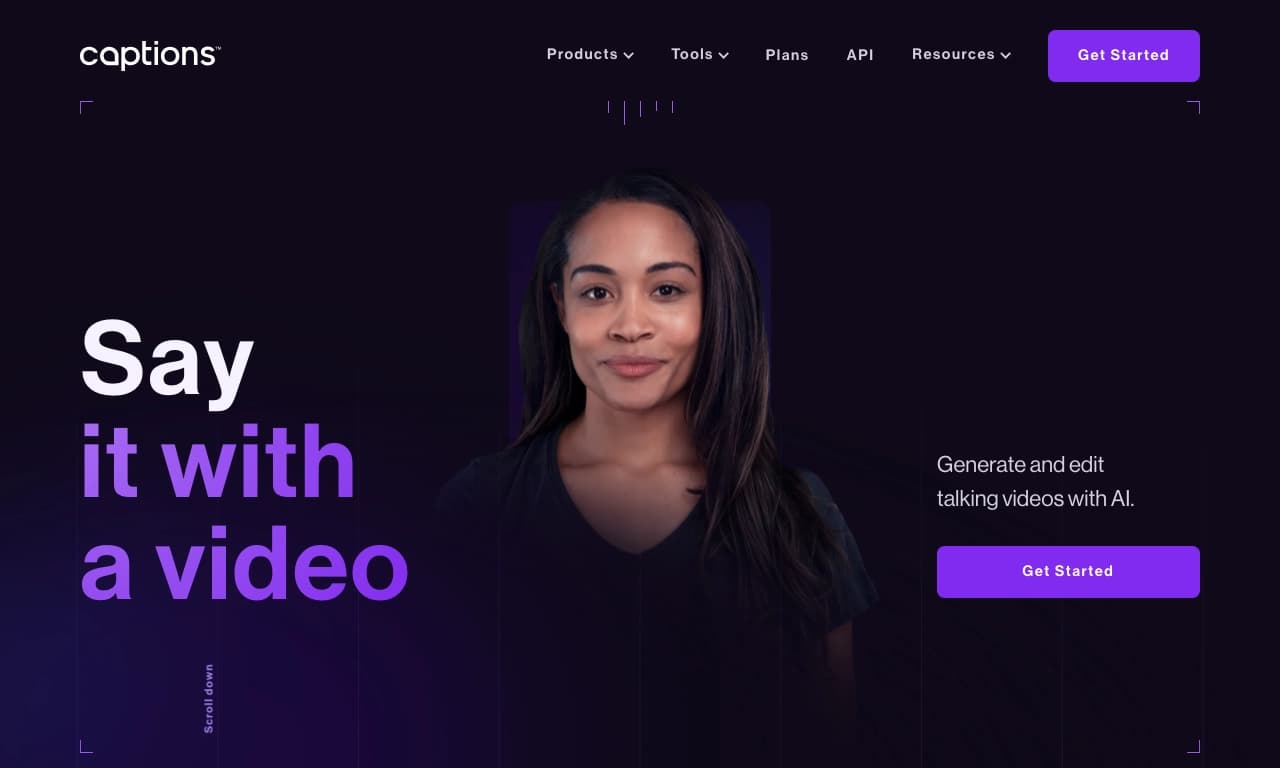

AI platform for creating and editing videos with automatic generation of subtitles, avatars, and voice translation.

A platform for creating talking videos with a teleprompter, AI-generated scripts, subtitles, and avatars.
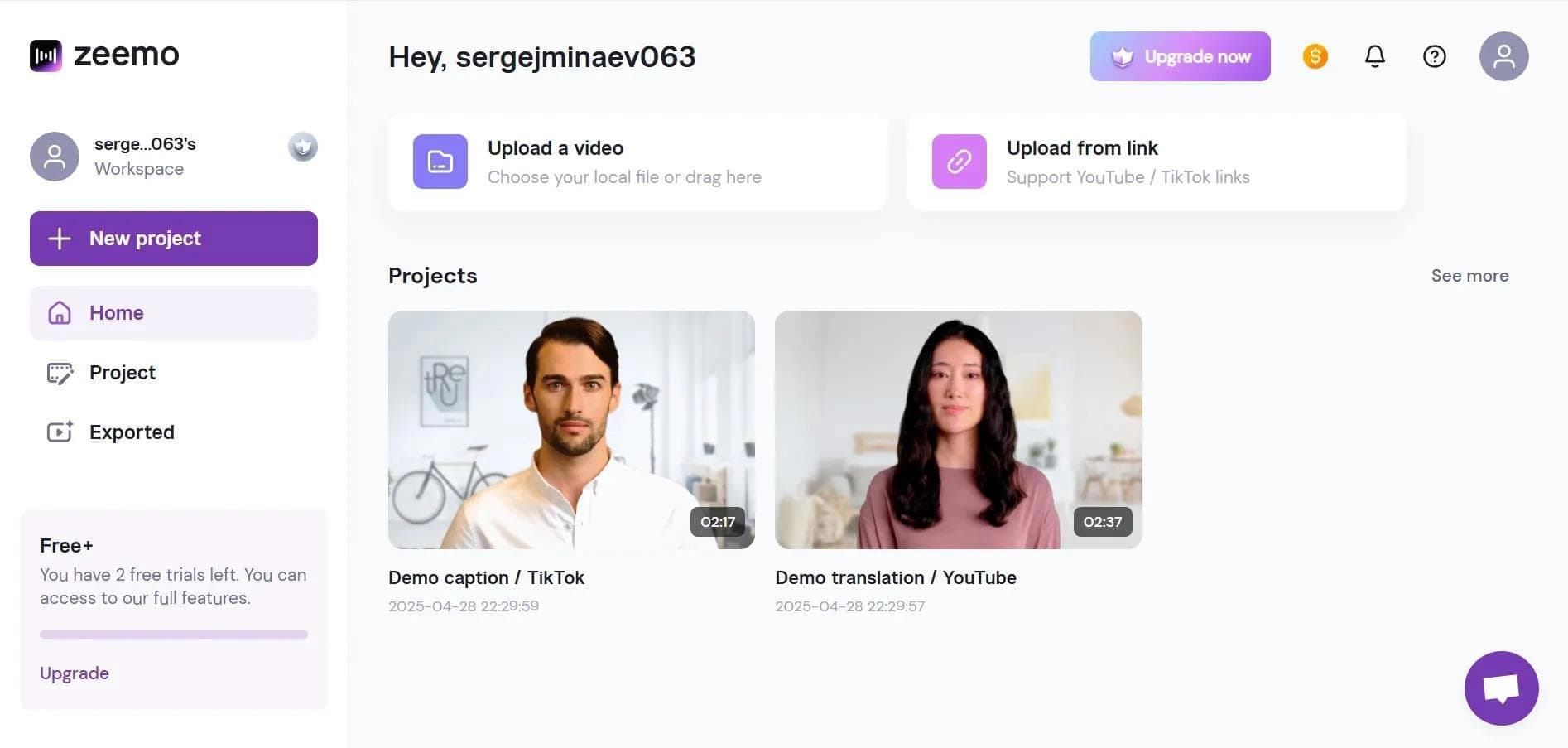

Neural network-based web service for automatic video subtitling and transcription.
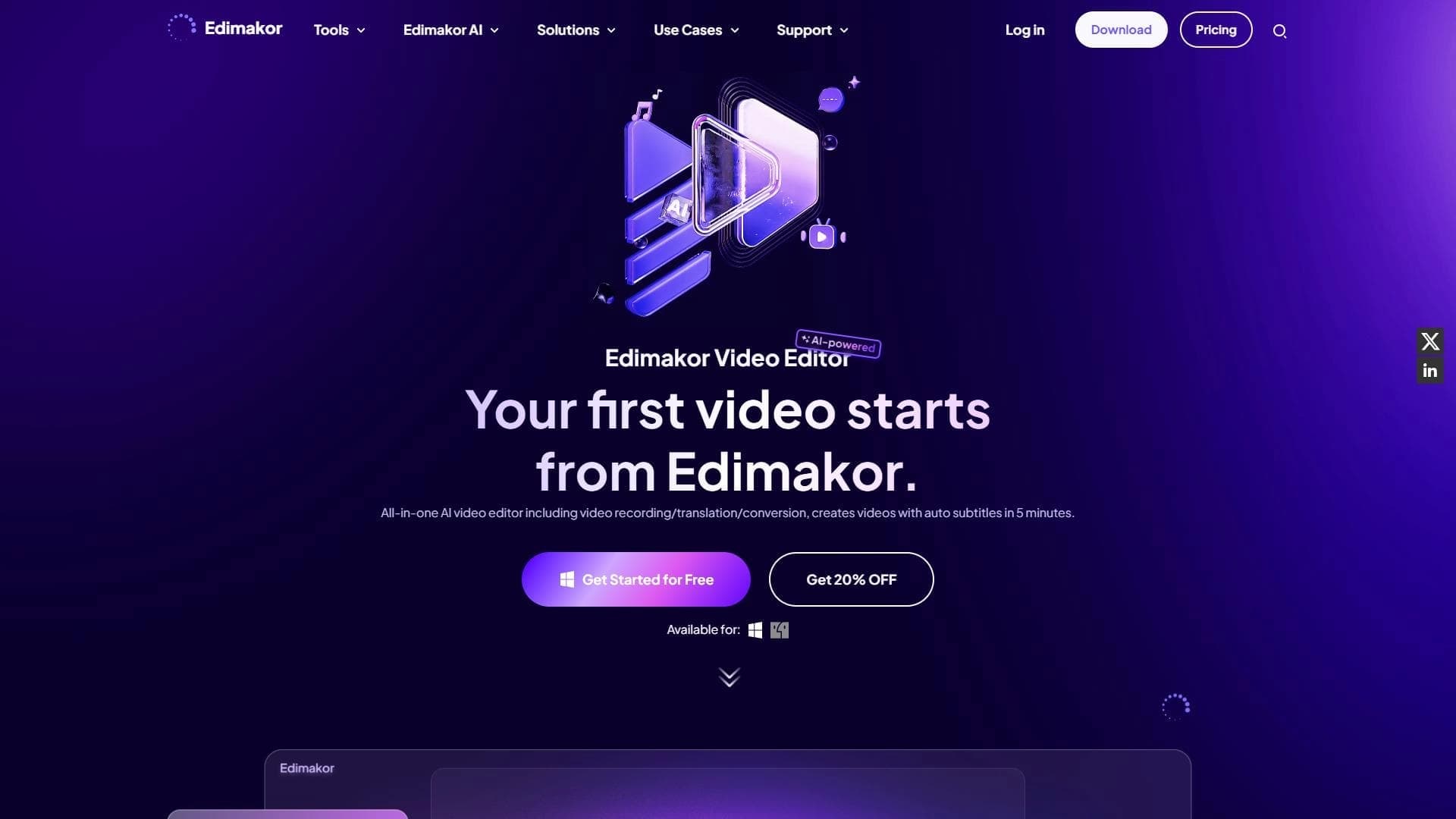

AI-powered desktop video editor for automatic subtitle generation and basic video editing.

Online video editor with AI tools for creating and editing videos directly in the browser.
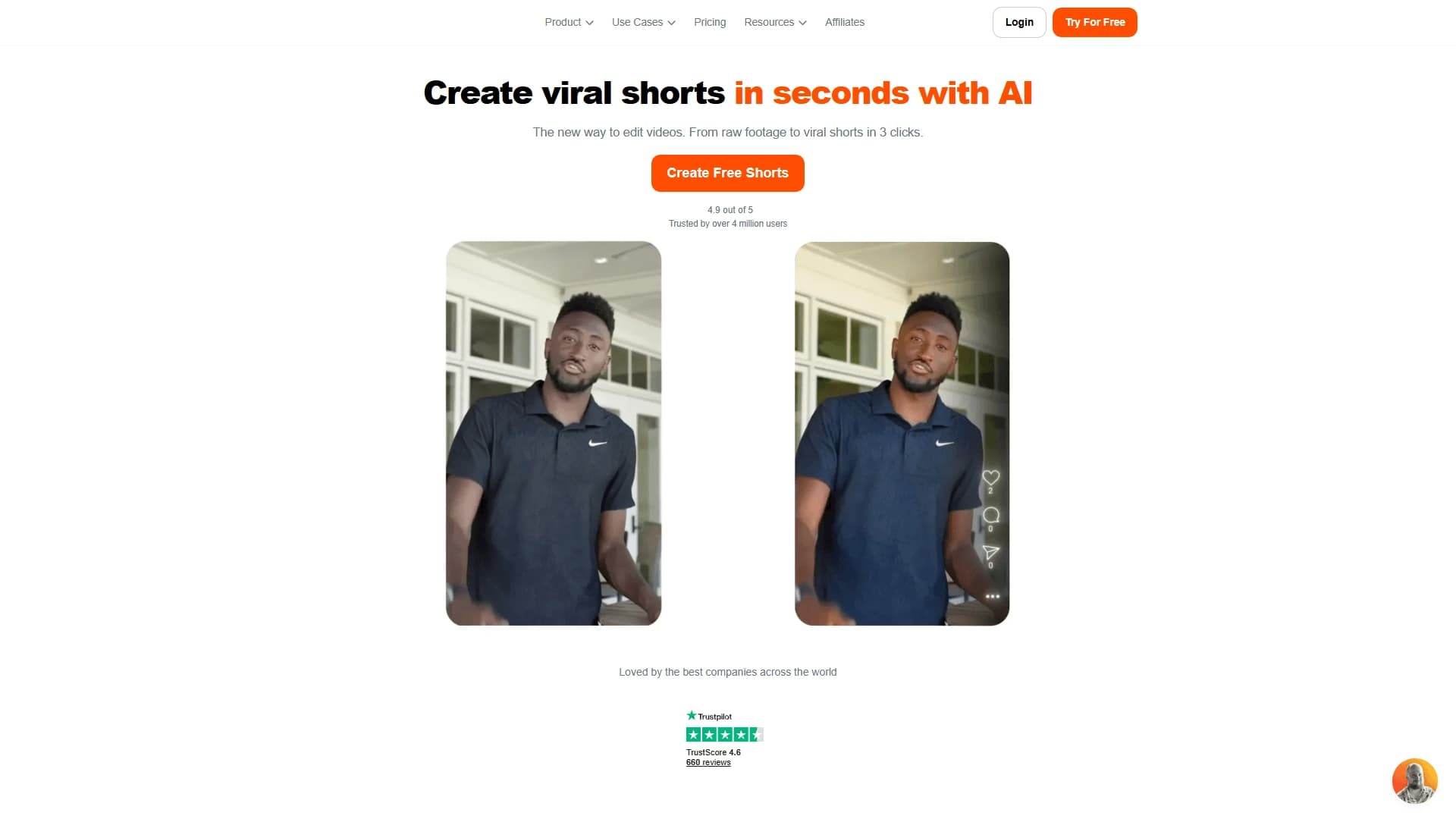

AI tool for creating short vertical videos with automatic subtitles, editing, and effects for social platforms.
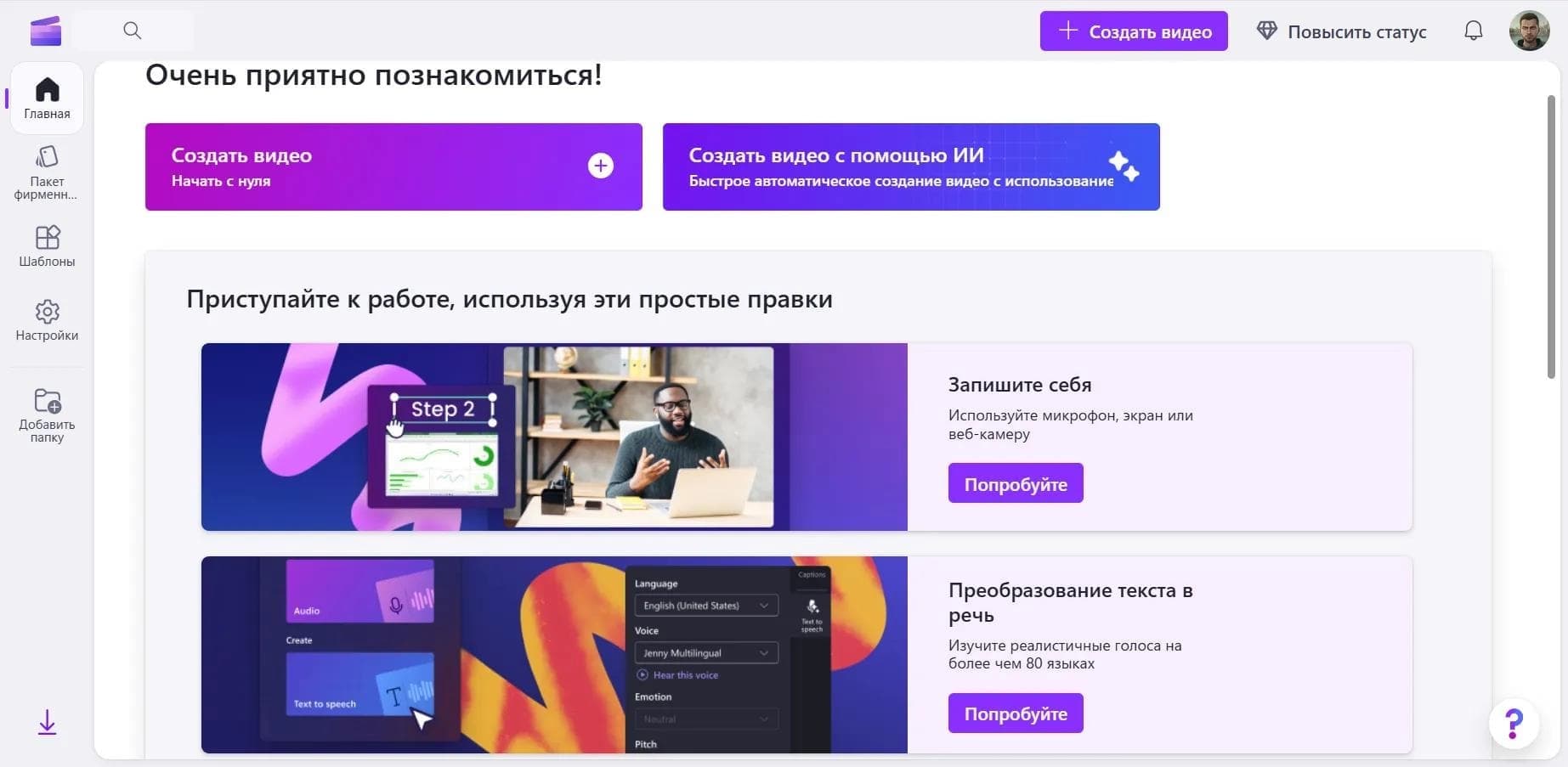

Online video editor from Microsoft with AI-powered features for quick editing right in your browser.

An AI tool that automatically cuts long videos into short clips for TikTok, YouTube Shorts, and Instagram Reels.