

Clipchamp
Online video editor from Microsoft with AI-powered features for quick editing right in your browser.
Overview
Clipchamp
About Clipchamp AI
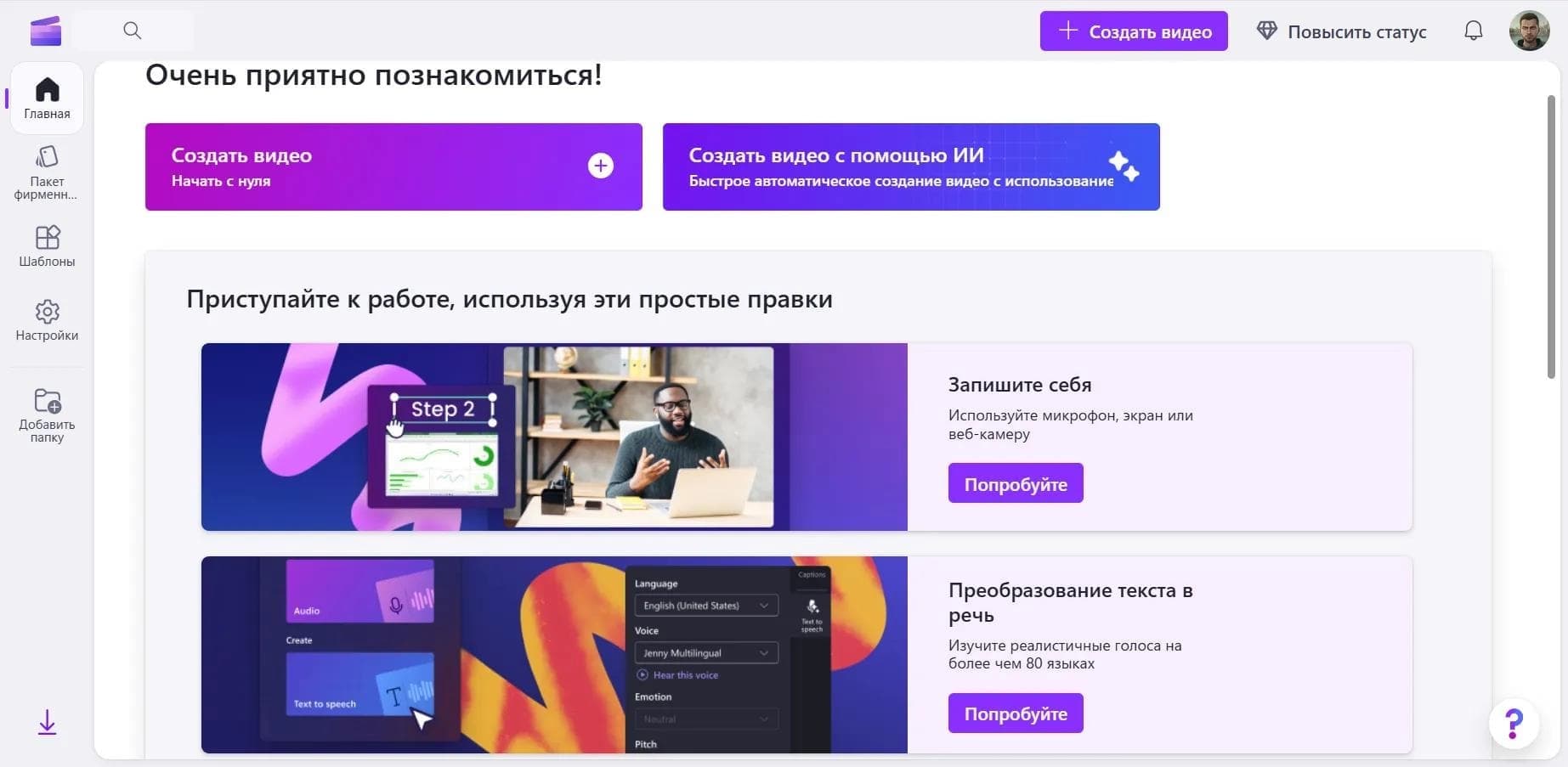
Clipchamp is an online video editor from Microsoft that uses artificial intelligence to simplify the editing process. The service runs directly in the browser and does not require installing professional software. The main difference between Clipchamp and traditional editors is its built-in AI tools, which automate routine tasks: generating subtitles, converting text to speech, removing backgrounds, and syncing music to the rhythm of the video. The platform also offers a stock library and ready-made templates, allowing users to create quality content even without editing experience.
Clipchamp characteristics
| Characteristic | Value |
|---|---|
| Type | Online AI video editor |
| Developer | Microsoft |
| Platforms | Web (Chrome, Edge), desktop app for Windows 10/11, mobile app for iOS |
| Category | Video editing, Subtitles, Background removal, Text to speech, Video generation |
| Rating | 4.6 |
| Editorial rating | 8.1 out of 10 |
| Free plan available | Yes |
| Premium price | $11.99 per month or $119.99 per year |
| Interface languages | 70 languages, including Russian |
| Regional availability | Available in many regions; access may vary by country |
Who is Clipchamp AI for?
Video editing beginners
Clipchamp is aimed at users without professional editing experience. The intuitive interface, ready-made templates, and automated AI features make it possible to create videos without learning complex tools.
Social media content creators
The platform suits bloggers who regularly publish videos on Instagram, TikTok, and YouTube. Auto-framing for portrait format and ready-made templates for Reels, Shorts, and TikTok speed up content preparation.
Business and education professionals
The service is used to create promotional videos, product presentations, and educational materials. Integration with OneDrive and SharePoint simplifies collaboration on projects.
How to use Clipchamp AI?
Registration and getting started
To use the service, you need to sign up on the Clipchamp website. After signing in, you can choose a ready-made template or start a project from scratch.
Video creation process
- Upload media files — the user imports videos, images, and audio from their device or cloud storage.
- Apply effects and filters — tools are available for trimming, splicing, adding text, transitions, and color correction.
- Set up AI tools — you can automatically generate subtitles, add voiceover, remove backgrounds, or sync music with video.
- Export and publish — the finished video can be downloaded in the desired format or published directly to YouTube, TikTok, or OneDrive.
Main features of Clipchamp
Editing and trimming
The service provides basic tools for trimming, splicing, adding filters, and transitions. It supports green screen and local file processing without uploading to a server.
AI tools
- Automatic subtitle generation in 80 languages.
- Text to speech — 400 voices in 70 languages.
- AI background removal from images.
- Automatic music sync with the rhythm of the video.
- Auto-framing for portrait format.
- Silence and filler word removal from voice tracks.
- Automatic microphone noise removal.
Additional capabilities
- A library of 1 million stock files (video, audio, images).
- Ready-made templates for Reels, TikTok, and YouTube Shorts.
- Export in 1080p on the free plan and 4K on the premium plan.
- GIF export.
- Integration with OneDrive and SharePoint.
Clipchamp advantages
Professional editing for beginners
Clipchamp makes complex video editing features accessible to users without experience. AI tools automate tasks that would require skill and time in professional programs.
Automation and speed
Automatic subtitle generation, music sync, and background removal allow users to create finished videos in minutes. This is especially valuable for regular content publishing.
Free high-quality export
The free version lets you export video in 1080p without watermarks when using your own media files.
Clipchamp disadvantages
Clipchamp has a number of limitations. Premium features (4K export, access to premium assets) require a subscription costing $11.99 per month. The service works only online — a stable internet connection is required for editing. Access may be restricted in some regions. The Android mobile app is under development and not yet available.
What tasks does Clipchamp solve
Automating video content creation
The service solves the problem of quickly producing videos for social media, YouTube, and business projects. AI features reduce time spent on routine operations: placing subtitles, cleaning up audio tracks, and matching music.
Simplifying editing for non-professionals
Clipchamp allows people without video editing experience to create quality videos. Ready-made templates and automated tools replace the need to learn professional software.
Clipchamp pricing
Free version
The free plan supports video export in 1080p without watermarks when using your own media files. Basic editing features and some AI tools are available.
Premium plan
A Premium subscription costs $11.99 per month or $119.99 per year. It includes 4K export, access to the premium stock library, and an expanded set of AI features.
Clipchamp terms of use
To use the service, you need to register on the Clipchamp website. You can sign in with a Microsoft account or create a separate account. The free version has functional limitations; a paid subscription is required for full access.
Clipchamp availability
Platforms
Clipchamp is available as a web app in Chrome and Edge browsers, as well as a desktop app for Windows 10 and 11. There is also a mobile app for iOS; the Android version is under development.
Interface languages
The service interface is translated into 70 languages, including Russian. This makes the tool accessible to users from different countries.
Regional availability
Clipchamp is available in many countries, but direct access may be restricted in some regions. The web version supports multiple interface languages.
How Clipchamp differs from alternatives
Integration with the Microsoft ecosystem
Clipchamp is owned by Microsoft and tightly integrated with OneDrive, SharePoint, and other company services. This simplifies saving projects and collaboration.
Free export quality
Unlike many competitors, the free version of Clipchamp allows exporting video in 1080p without watermarks when using your own materials. This is a significant advantage for budget-conscious users.
AI feature set
The service offers a wide range of automated tools: 80 subtitle languages, 400 voiceover voices, auto-framing, background removal, and music sync. Not all alternatives offer this functionality on a single platform.
Conclusion
Clipchamp is a web video editor from Microsoft with artificial intelligence that makes professional editing accessible to beginners. The service suits bloggers, social media content creators, businesses, and educators. Thanks to automation of routine tasks and free 1080p export, Clipchamp is a practical solution for those who want to quickly create quality videos without installing professional software or having deep editing knowledge.
Pricing
Frequently asked questions

See also
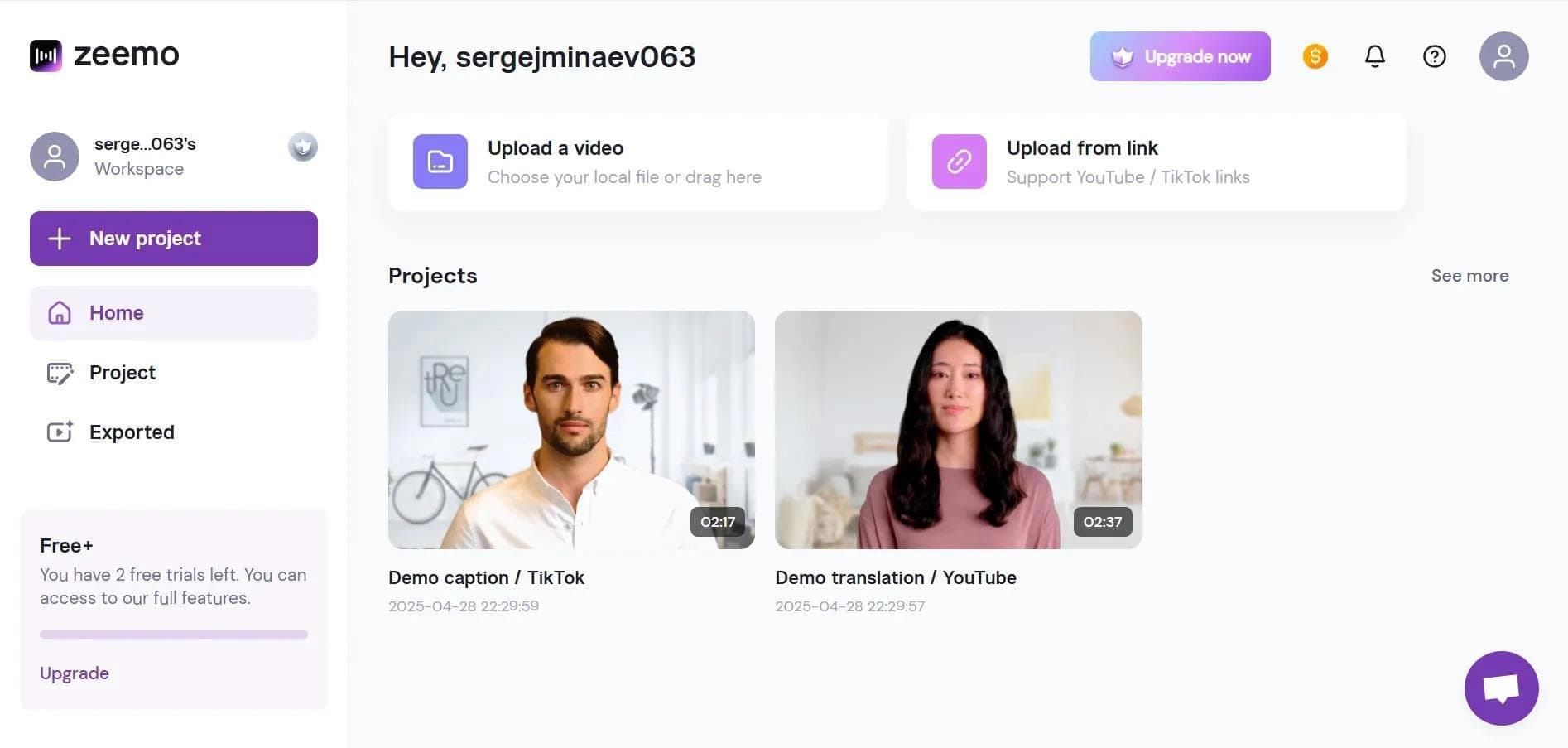

Neural network-based web service for automatic video subtitling and transcription.

A platform that combines several video creation tools in a single chat interface, from script generation to editing and voiceover.

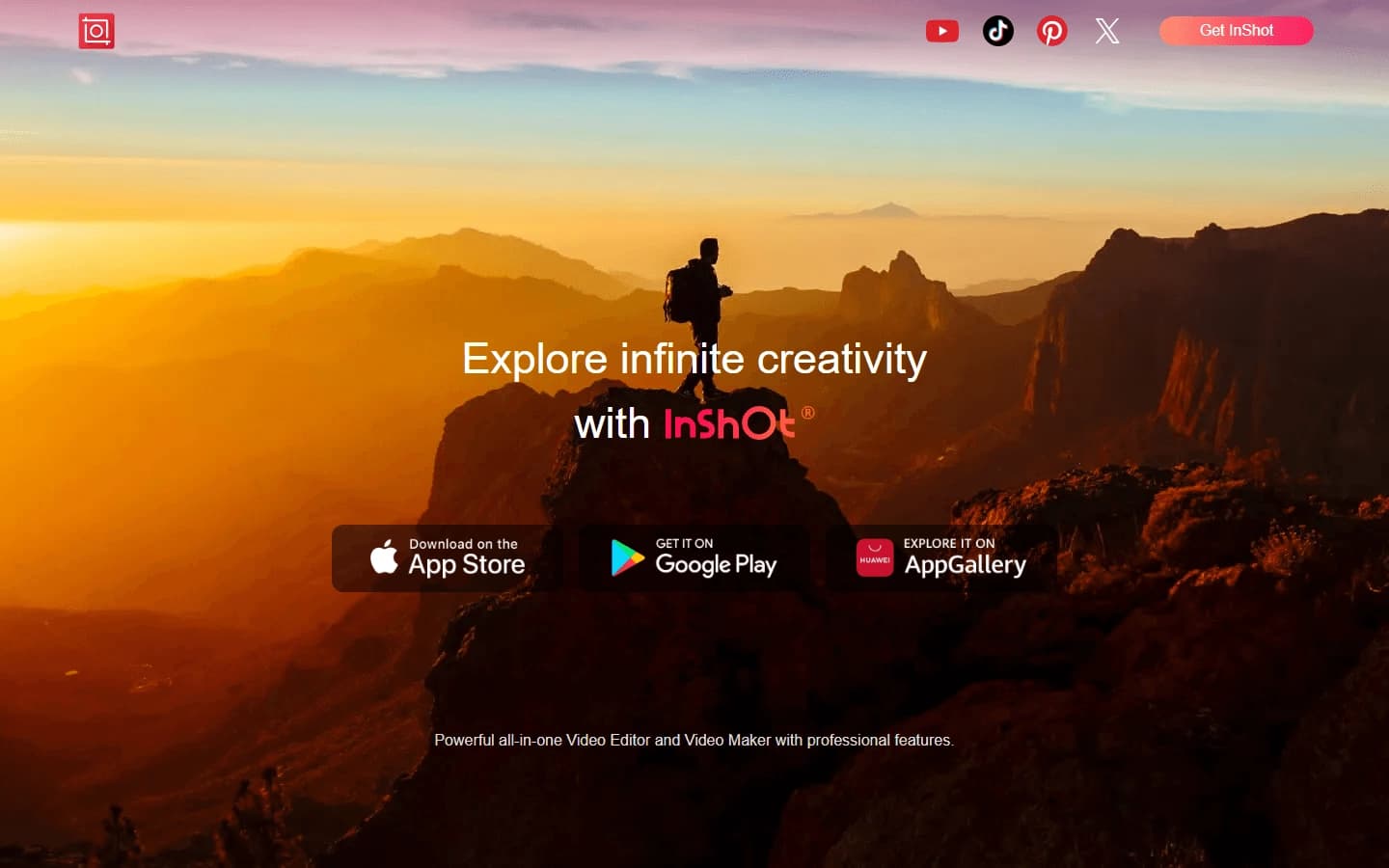
Mobile app for photo and video editing using AI and an extensive library of filters.
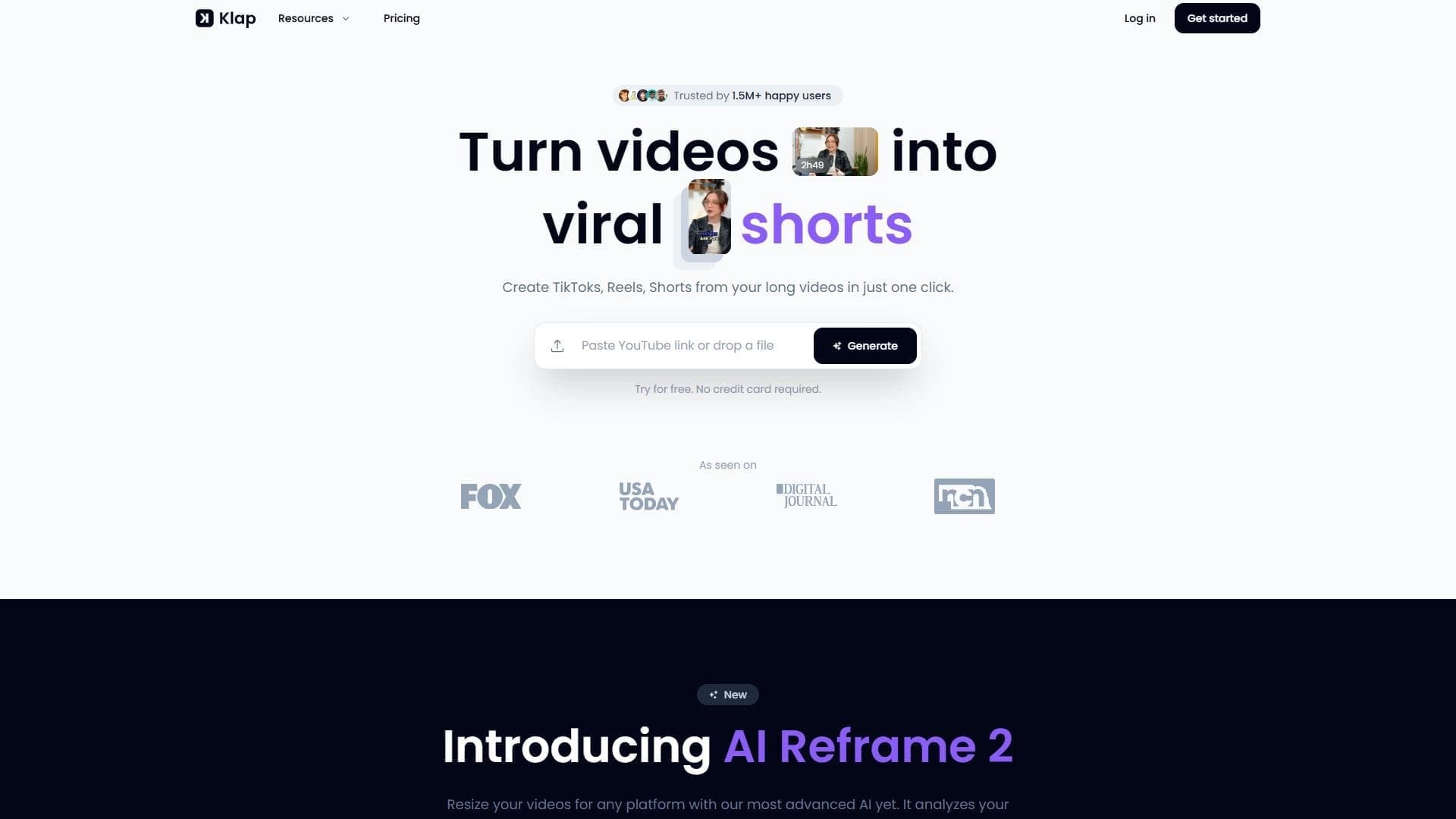

AI tool for automatically cutting long videos into short clips for TikTok, Reels, and YouTube Shorts.
Screen recording tool with subsequent AI transcription and summarization of content.


Platform for recording, editing, and publishing podcasts and video content with built-in AI tools.
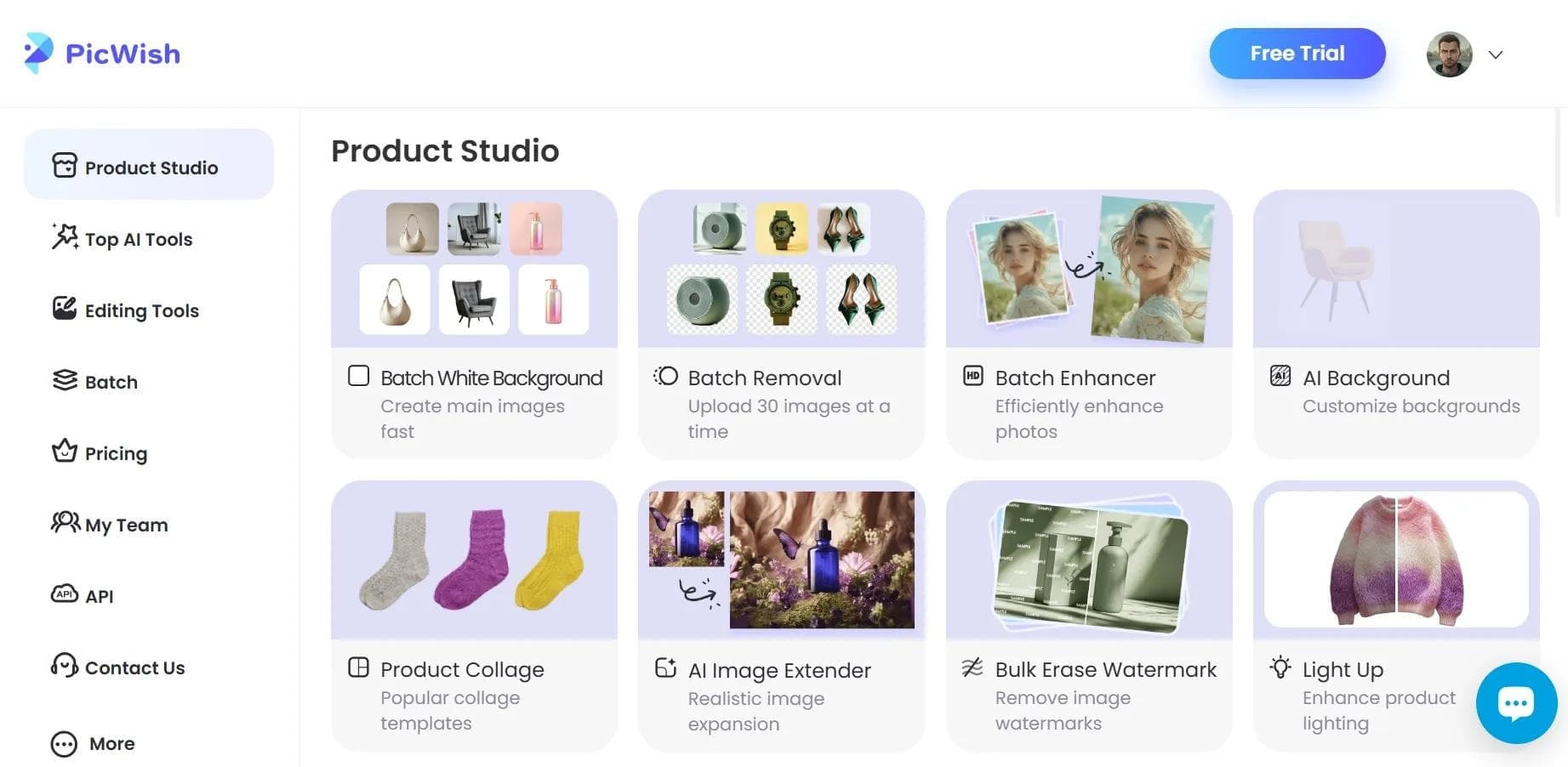

AI tool for automatic photo processing: background removal, quality enhancement, and image retouching.

A platform for creating talking videos with a teleprompter, AI-generated scripts, subtitles, and avatars.