

ChatPhoto
A service for uploading images and getting detailed answers to questions about their contents in natural language.
Overview
ChatPhoto
About ChatPhoto AI
ChatPhoto is an AI-powered web service that lets you upload one or more images and ask questions about them in natural language, receiving detailed text answers. The tool combines two key technologies: optical character recognition (OCR) and visual analysis of image content.
Thanks to this combination, the service understands not only written words but also the visual context—objects, scenes, details, document structure, and interface logic. Users can ask clarifying questions about specific elements in a photo, request descriptions of details, and compare multiple images, turning pictures into structured text and a full-fledged conversation in just a few seconds.
ChatPhoto Specifications
| Characteristic | Value |
|---|---|
| Type | AI service for image analysis and conversation based on images |
| Name | ChatPhoto: Ai Image To Text |
| Category | Image description, text recognition (OCR) |
| Platforms | Web |
| Website | chatphoto.com |
| Interface language | English |
| Free plan | No |
| Credit card required | No |
| Lifetime plan | No |
| Open source | No |
| Integrations | Not specified |
| Registration | Required |
| Date added to catalog | June 28, 2024 |
Who is ChatPhoto AI for?
For professionals working with documents and data
The tool is suitable for anyone who needs to quickly extract information from images for work or everyday tasks: screenshots, photos of documents, presentations, and study materials. It is convenient for those who process large amounts of visual information and want to structure it into text.
For content creators and media
Photographers, content creators, journalists, and researchers can use the service to analyze images, convert visual data into text, and prepare materials. The ability to get detailed text answers makes the tool useful for social media and educational purposes.
For students and business
ChatPhoto is suitable for students conducting academic research and for business professionals handling analytics and e-commerce tasks. The service can interpret both textual and non-textual elements in images, expanding the possibilities of working with different types of visual data.
How to use ChatPhoto AI?
Uploading images
To get started, visit the ChatPhoto website and register or log in to an existing account. Then you can upload one or more images, which will be analyzed by the system.
Asking questions and getting answers
After uploading photos, users ask questions about the content of the images in natural language. The AI analyzes the visual data and returns detailed text answers. If necessary, users can clarify details, ask for descriptions of specific elements, or compare several uploaded images.
Using the results
The answers can be copied to the clipboard and used in notes, reports, or correspondence. The whole process takes place in a web interface, so all you need is any modern browser and an internet connection.
Key Features of ChatPhoto
Visual content analysis
The service analyzes objects, scenes, details, and context in photos. The tool can interpret both textual and non-textual elements, providing a full description of the image content.
Text recognition (OCR)
ChatPhoto recognizes text in images with an understanding of document structure, interface logic, slide content, or infographics. This goes beyond simple character scanning and captures the semantic organization of the information presented.
Interactive Q&A mode
Users can ask follow-up questions, ask for descriptions of specific elements in a photo, and compare multiple images. The responses can be easily copied to the clipboard for later use.
Benefits of ChatPhoto
Speed and convenience
The tool turns images into text and dialogue in just a few seconds, saving time on manual processing of visual data. The web interface does not require installing additional software.
Combining OCR and visual analysis
The key advantage of the service is combining text recognition with visual understanding of the content. This lets users find additional meaning in images that is not accessible through simple mechanical symbol reading.
Multi-language support and different data types
ChatPhoto supports many languages and can interpret both written text and graphic elements, making it suitable for a wide range of tasks—from education to business analytics.
Disadvantages of ChatPhoto
Limited pricing transparency
The service page states that there is no free plan, no credit card is required, and no lifetime plan is available. At the time of writing, however, no current information about pricing or usage limits is available—the site itself is recommended for details.
No open source or integrations
The tool has no open source code, which limits customization options. It also has no declared integrations with other popular platforms, which may limit its use in existing workflows.
Lack of security information
At the time of writing, there is no public information about offline mode capabilities or the privacy policy. This is worth considering for users working with sensitive data in images.
What Problems Does ChatPhoto Solve?
Extracting information from visual data
The service helps extract information from screenshots, photos of documents, presentations, and study materials. It converts visual data into structured text that is easy to use in further work.
Academic research and content creation
The tool is used in academic research, content creation, media, and journalism. The ability to quickly get detailed text descriptions of images simplifies preparing educational and editorial materials.
Business analytics and e-commerce
For businesses, the service is useful for analytics and e-commerce tasks, where handling large numbers of visual materials and quickly describing them in text is often required.
ChatPhoto Pricing
The service page states that there is no free plan, no credit card is required, and no lifetime plan is available. Detailed information about specific plans, prices, and usage limits is not available at the time of writing.
For current pricing information, users are advised to visit the service’s official website at chatphoto.com.
ChatPhoto Terms of Use
Registration or login to an existing account is required to use the service. Other terms of use are not specified in available sources—at the time of writing, there is no public information about the privacy policy, upload limits, or rules for processing uploaded images.
Users planning to work with confidential data should review the service terms on the official website before starting.
ChatPhoto Availability
The service runs on a web platform, meaning it is accessible through a browser without installing additional software. The official page language is English. At the same time, the tool supports many languages for image analysis, allowing users from different countries to use it regardless of the interface language.
How Is ChatPhoto Different from Its Alternatives?
The main difference between ChatPhoto and its competitors is the combination of two approaches in one tool: text recognition (OCR) and understanding of the visual context of an image. The service’s main competitors include Google Lens, Microsoft Azure Computer Vision, Clarifai, and Amazon Rekognition.
Unlike purely cloud-based API solutions such as Azure or Amazon Rekognition, ChatPhoto offers a convenient interactive dialogue mode: instead of just getting an automatic description, users can ask clarifying questions and compare several images. At the same time, unlike openly accessible tools, the service requires registration and has no integrations with external platforms.
Conclusion
ChatPhoto is a practical web tool for quickly extracting and structuring information from images, combining text recognition and visual analysis. It is useful for working with screenshots, documents, presentations, and study materials, and the ability to ask clarifying questions and compare multiple images makes it convenient for researchers, content creators, and business users. At the same time, it is worth noting that, at the time of writing, the service has no public information about pricing, limits, or its privacy policy, so it is recommended to check these details on the official website before getting started.
Frequently asked questions
See also
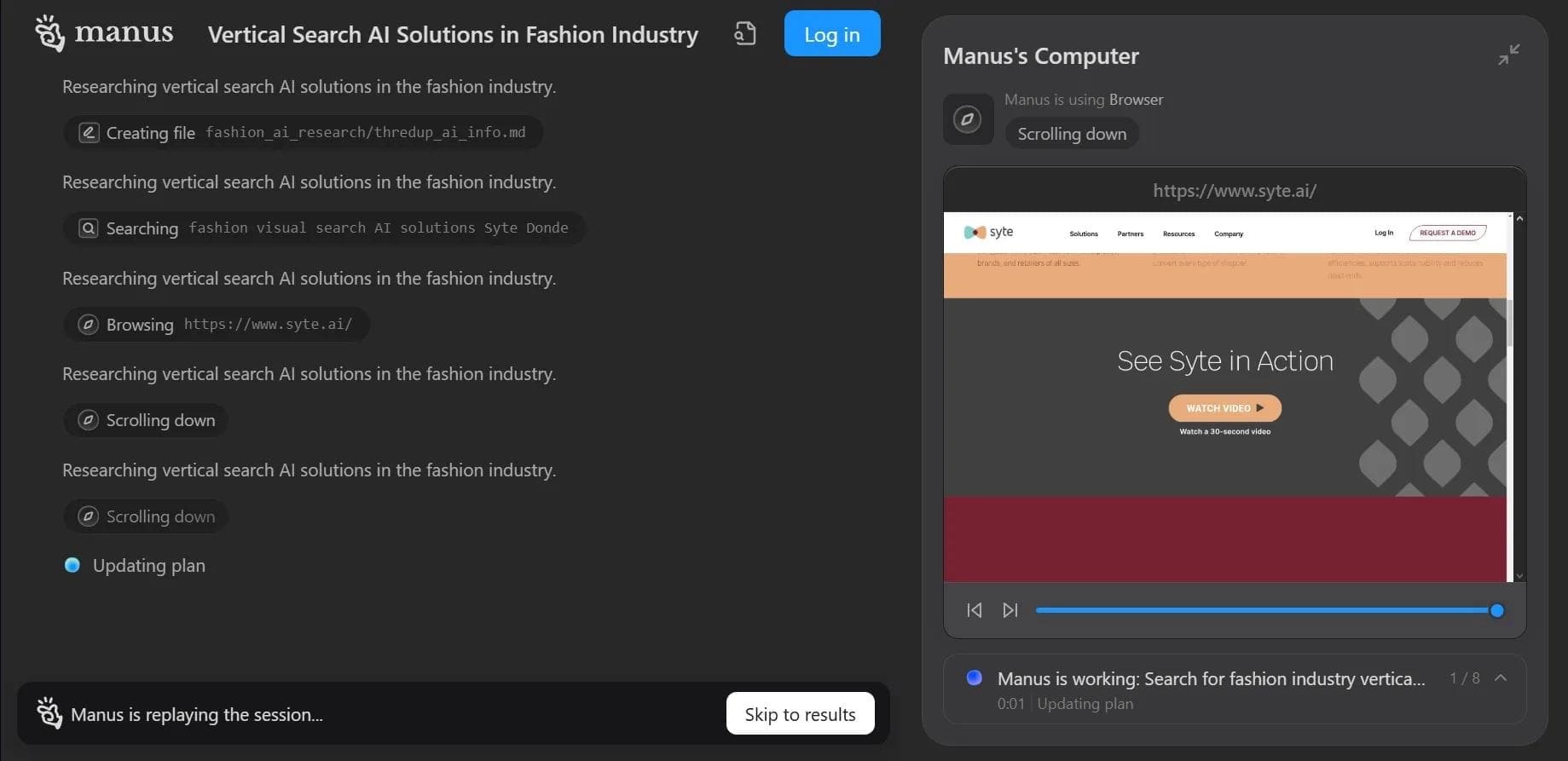

Autonomous cloud-based AI agent that independently plans and executes complex multi-step tasks based on a textual description of the goal.
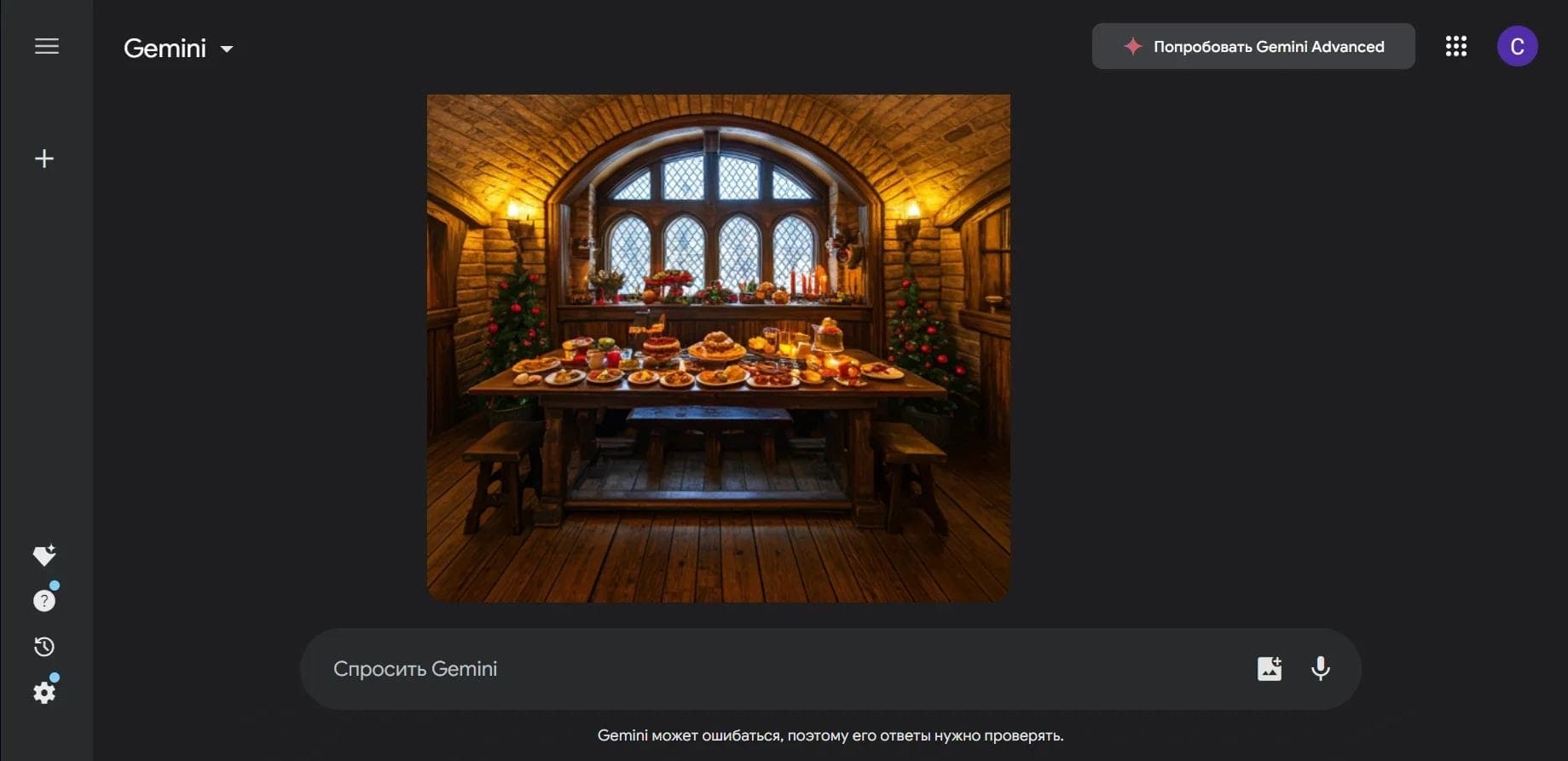

Multimodal neural network from Google that processes text, images, code, and audio in a conversational format.
An open-source desktop AI agent that stores conversation history in a local knowledge base and automatically pulls relevant context into new discussions.

A set of built-in AI features in the Figma editor for automating routine designer tasks.
A service that translates legal documents from professional legal language into plain, easy-to-understand text.
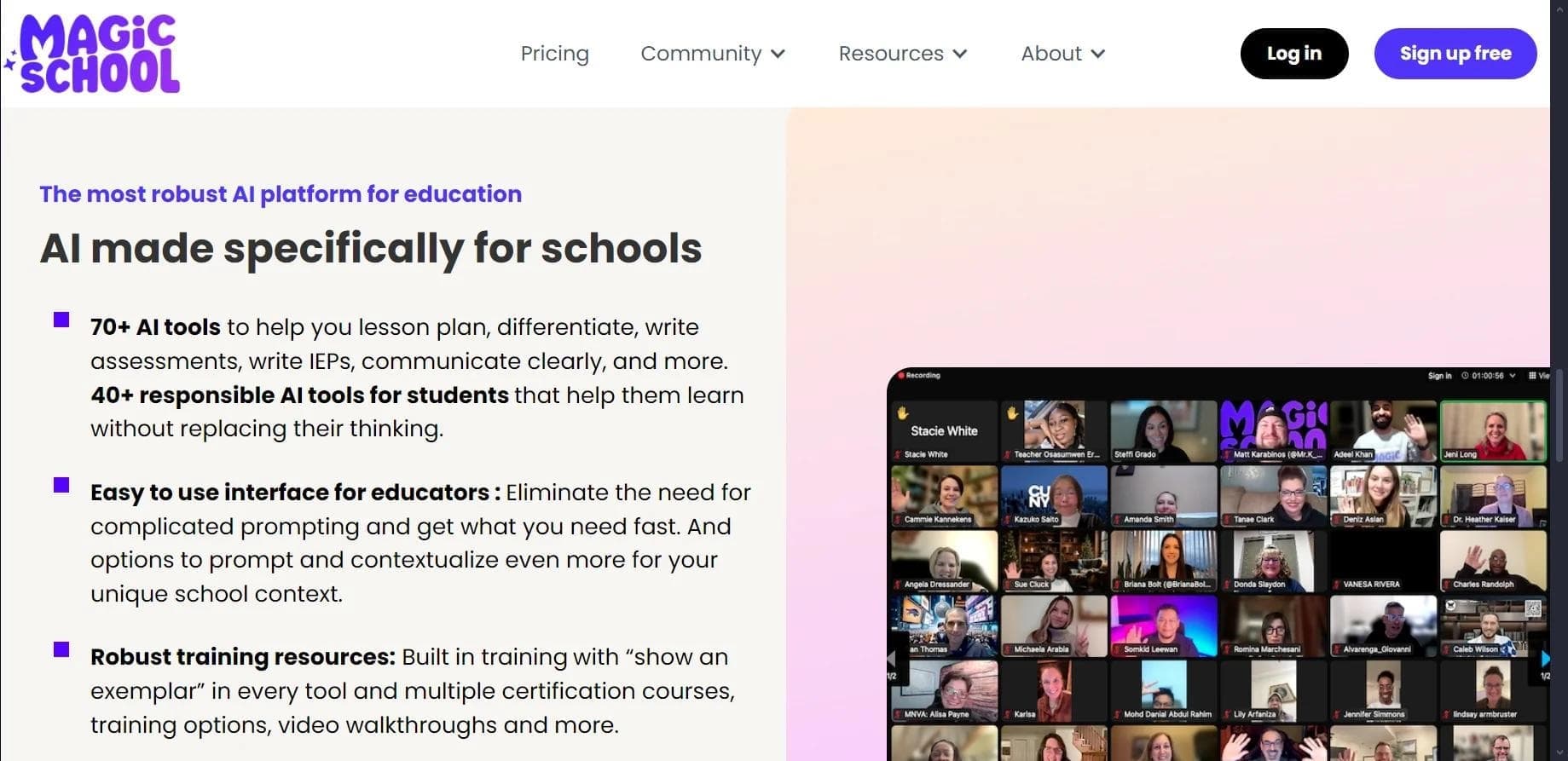

AI platform for automating educational tasks for teachers and students.

A community for daily discovery and discussion of new technology products.
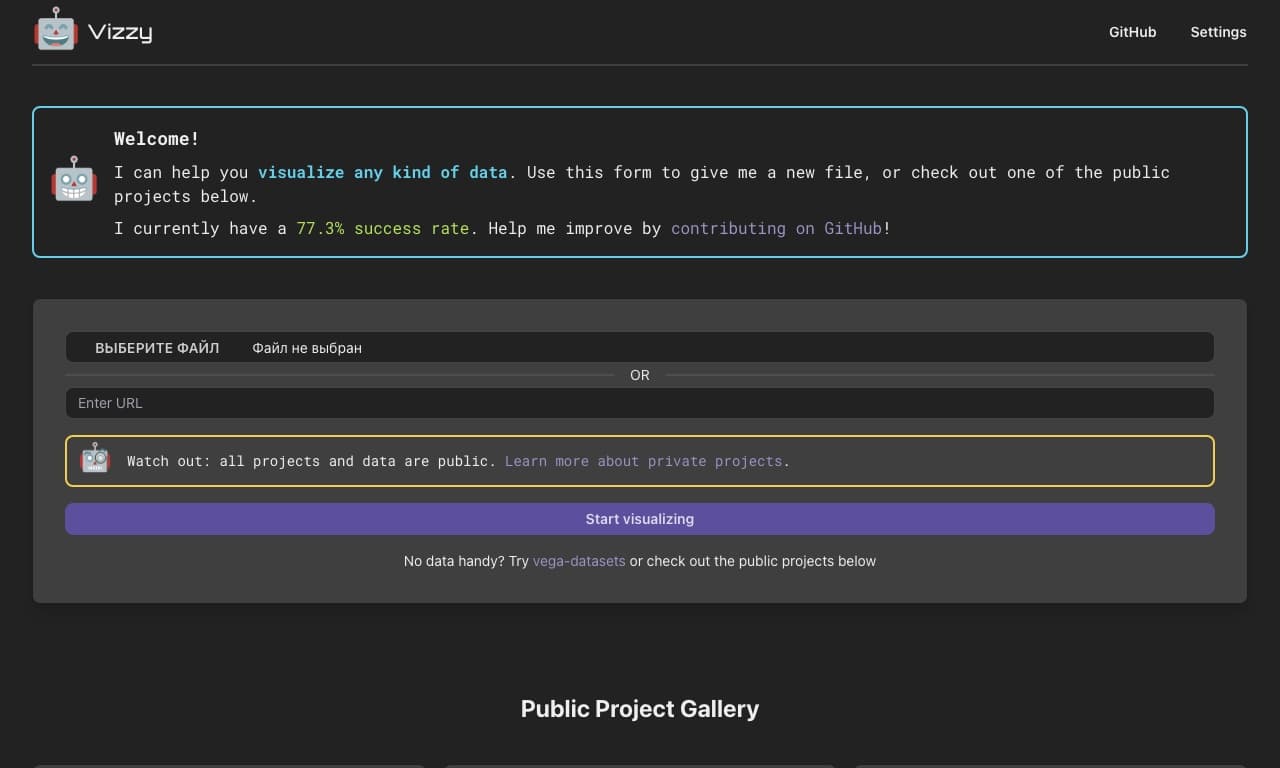
AI tool for rapid data visualization via OpenAI API, transforming heterogeneous datasets into detailed graphical representations.