

ChatGPT Atlas
A browser from OpenAI with built-in artificial intelligence to assist with viewing web pages.
Overview
ChatGPT Atlas
ChatGPT Atlas neural network description
ChatGPT Atlas is a browser from OpenAI with artificial intelligence built directly into the interface, helping users as they browse web pages. Instead of constantly switching between a website and a separate chat window, users get an AI assistant that works with the content currently open on the screen.
The core idea behind Atlas is to analyze page content and suggest useful actions without extra effort from the user. The browser can summarize articles, help fill out forms, and provide contextual hints, eliminating the need to copy and paste text.
The experimental agent mode deserves special attention. In this mode, the AI can independently perform actions on websites, but every important action requires user confirmation. The browser also includes a memory feature: Atlas remembers visited pages and uses them for personalized recommendations.
ChatGPT Atlas specifications
| Specification | Value |
|---|---|
| Type | AI browser |
| Developer | OpenAI |
| Platforms | macOS (M-series chips, version 14.2+) |
| Interface languages | Russian |
| VPN required | Yes |
| Availability | Browser |
| Base | Chromium |
Who is ChatGPT Atlas suitable for?
Users who work with large amounts of information
Atlas suits content managers and researchers who constantly have to review numerous materials. The built-in AI helps quickly grasp the essence of articles and structure information, saving time on routine reading.
Those who need AI assistance in everyday tasks
The browser will also be useful to a broader audience — those looking for AI support in web surfing, online shopping, business tasks, and planning. The built-in assistant accompanies users on every website, turning ordinary page browsing into conversational interaction.
How to use ChatGPT Atlas?
Installation on macOS
To get started, download the .dmg file from the OpenAI website and drag the app into the Applications folder. Installation is available to all ChatGPT users, with no additional conditions required to launch.
Data import and setup
On first launch, you can import data from Chrome — bookmarks, passwords, and history. This lets you keep your familiar environment and quickly move your workspace to the new browser. Atlas then syncs with your ChatGPT account, pulling in chat history, settings, and memory.
Key features of ChatGPT Atlas
Built-in ChatGPT and contextual assistance
ChatGPT is located in the browser's sidebar, analyzing the open page and offering hints without copying text. This is the key feature of Atlas — the AI works with content right on the spot, rather than from a pasted snippet.
Memory and search with ChatGPT
The browser remembers visited pages and uses them for personalized suggestions. Built-in search with ChatGPT returns not just links but also conversational answers, making information search more interactive.
Agent mode and privacy
The experimental agent mode (available with paid subscriptions) allows the AI to independently search for information and interact with websites. At the same time, there is an incognito mode that disables history saving and memory. The browser supports extensions and retains familiar features — tabs, bookmarks, and importing data from Chrome.
ChatGPT Atlas advantages
Deep AI integration
The main advantage of Atlas is that the AI is built right into the browser, so there is no need to switch between windows. Help arrives where it is needed — directly on the page being viewed.
Personalization and privacy control
The memory feature tailors suggestions to user habits, while synchronization with a ChatGPT account maintains a unified workspace. At the same time, users have full control over privacy: there is incognito mode and memory history management.
Delegating routine tasks
Agent mode lets the AI perform routine actions on websites, freeing users from repetitive tasks. At the same time, familiar browser features — tabs, bookmarks, extensions — remain in place.
ChatGPT Atlas disadvantages
Platform and availability limitations
The main drawback is that the browser only works on macOS with M-series chips version 14.2 and higher. In addition, it is available in a limited number of countries, so a VPN is often required. Versions for Windows, iOS, and Android are still in development.
Accuracy and privacy concerns
The AI is not always accurate, especially in complex automated actions, so agent mode requires supervision. There are also high privacy expectations for the browser — users need to understand what data browser memory collects and how it is used.
What tasks does ChatGPT Atlas solve?
Learning and working with texts
Atlas helps summarize articles and create cheat sheets for studying, as well as edit text and refine wording when writing emails. This is convenient for students, editors, and anyone who works extensively with content.
Shopping and business tasks
The browser is useful for online shopping: product analysis, price comparison, and cart automation are handled with AI. For business tasks, Atlas helps create reports and analyze content.
Search and travel
Built-in search returns conversational answers rather than just a list of links. For travel, the browser helps plan routes and select hotels and tickets.
ChatGPT Atlas pricing
The browser is available to all ChatGPT users for free — all you need is an account. However, the experimental agent mode only works with a paid Plus or Pro subscription, so advanced automated capabilities require payment.
ChatGPT Atlas terms of use
A ChatGPT account is required to use the browser. Agent mode is only available to paid subscribers, and every important agent action requires user confirmation. Users retain control over session history and can manage saved data.
ChatGPT Atlas availability
At present, Atlas is only available on macOS with M-series chips version 14.2 and higher. A VPN is required for use in restricted countries, and the interface supports Russian. Versions for Windows, iOS, and Android are in development.
How ChatGPT Atlas differs from alternatives
Advantages over competitors
Atlas stands out from alternatives such as Comet (Perplexity), Arc (The Browser Company), and Chrome + Gemini through the deepest ChatGPT integration. Having agent mode and personalized memory is something competitors do not offer in this form.
Weaknesses compared with alternatives
At the same time, Atlas falls behind competitors in cross-platform support — alternatives are available on a wider range of devices. Privacy concerns and limited geographic availability also make the browser a less universal choice.
Conclusion
ChatGPT Atlas is an attempt to create a browser that does not just open websites but helps users work with them using AI. The tool is still limited in platforms (macOS only) and requires attention to privacy, but it has great potential to transform web surfing into a more meaningful and efficient interaction with information.
Pricing
Frequently asked questions
Similar AI tools



See also
AI editor for creating, editing, and publishing content with templates and prompts.

Financial platform with an AI assistant for managing accounting, taxes, and budgets.

Platform for interview preparation with AI mock interviews and real-time support.
Enterprise language model platform focused on privacy and on-premise deployment.


AI assistant for creating short summaries of videos, PDF documents, and web pages.


AI email assistant that helps quickly draft messages, adapting to the user's style.
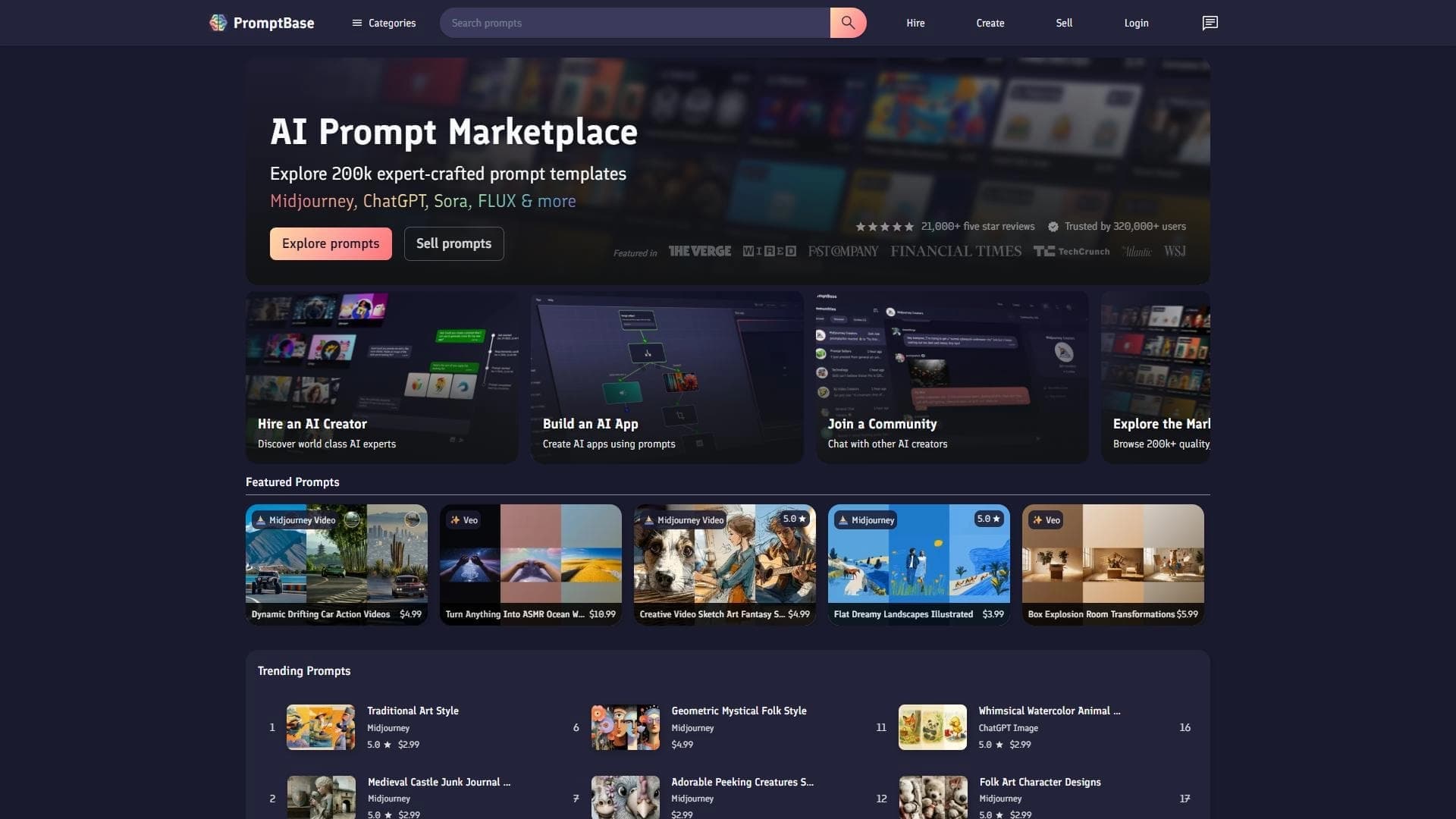

Marketplace where users buy and sell ready-made prompts for popular AI models.
A sales automation platform that combines customer prospecting, deal management, and AI-powered forecasting.