

Caption.ai
AI platform for creating and editing videos with automatic generation of subtitles, avatars, and voice translation.
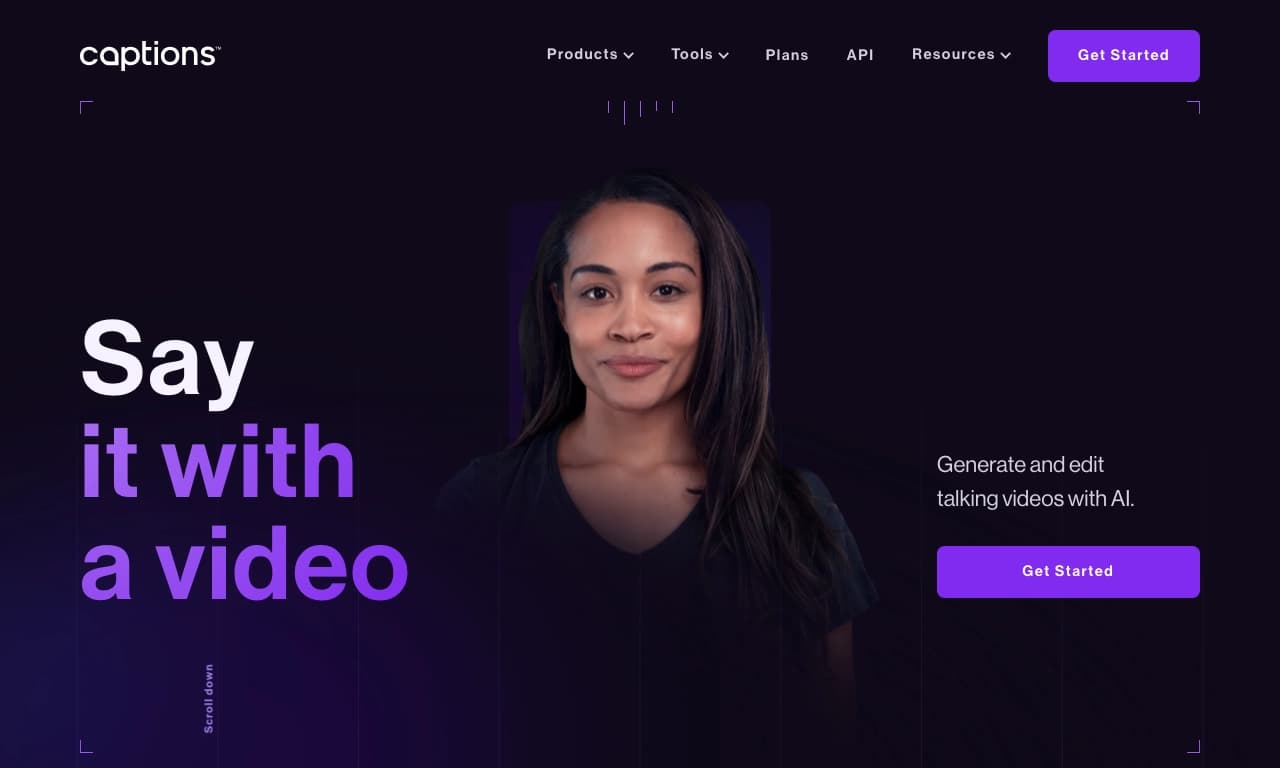
Overview
Caption.ai
Description of the Caption.ai neural network
Caption.ai is a versatile AI platform for creating and editing videos that uses artificial intelligence technologies to automate post-production processes. The tool analyzes a video's audio track and automatically generates synchronized subtitles, text annotations, and also provides capabilities for creating digital avatars, translating voice into many languages, and generating UGC ads.
The platform combines the functions of a video editor, transcriber, and AI assistant for scriptwriting. It works both in a web version and on mobile devices, giving users a complete video production cycle: from idea and script to a finished video with subtitles, translated into foreign languages.
Caption.ai characteristics
| Characteristic | Value |
|---|---|
| Type | AI-based video creation and editing platform |
| Categories | Video editing, Business, Advertising and SMM, Film production |
| Transformation | Text to video, Video to video, Image to video, Image to 3D |
| Tasks | Create video, Create 3D object, Edit video |
| Platforms | Web |
| Price | Freemium, from $9.99/month |
| Free plan availability | Free version or trial period available |
| API | Yes |
| Rating | 5 |
Who is Caption.ai suitable for?
Marketers and SMM specialists
Caption.ai is suitable for marketers who need to quickly create high-quality video content for social media and advertising campaigns. The tool allows generating subtitles, translating videos into other languages, and creating UGC ads with digital actors, which significantly expands audience reach without requiring additional resources.
Content creators and video makers
The platform will be useful for bloggers, videographers, and anyone who regularly publishes videos. Automatic audio transcription, subtitle generation, and built-in AI tools for scriptwriting simplify routine post-production tasks and allow users to focus on the creative side.
Entrepreneurs and businesses
Business owners who need to create promo videos, training videos, or presentations can use Caption.ai to automate the process. The ability to generate videos from text prompts and create 3D avatars for storytelling makes the platform attractive for companies looking to scale their content production.
How to use Caption.ai?
Creating videos with subtitles
The user uploads a ready-made video to the platform, after which Caption.ai automatically analyzes the audio track, recognizes speech, and generates synchronized subtitles. The result can be edited manually, the text display style can be changed, or the finished file can be exported for publication.
Generating videos from text prompts
This feature is based on the Mirage AI model, which allows creating fully finished videos with speaking people based on a text description. The user simply enters a text idea, and AI generates a video with a realistic avatar that speaks the given text.
Video translation and localization
The platform supports voice translation into more than 28 languages with automatic lip synchronization. This allows adapting the same video for audiences from different countries without reshooting the material with new actors.
Key features of Caption.ai
UGC ad generation with Mirage AI
Using the Mirage AI neural network, users can create original digital actors for advertising videos. This allows generating UGC content (user-generated content) without involving real people and a film crew, reducing budget and production time.
Real-time video editing
Caption.ai provides the ability to edit videos in real time with automatic application of the selected style. Users can make changes to the video immediately, without long processing waits.
Creating 3D avatars
The platform allows creating three-dimensional digital avatars for storytelling. This feature is useful for creating characters that can act as hosts, narrators, or advertising faces.
Video transcription and scriptwriting
Built-in AI tools provide automatic transcription of audio and video into text and also help generate ideas and write scripts. This simplifies the preparatory stage of video production.
Advantages of Caption.ai
Automation of video production
The use of artificial intelligence significantly reduces the time spent on creating and editing videos. Automatic subtitle generation, transcription, and real-time editing speed up the workflow compared to traditional video editors.
Wide set of tools
The platform combines many functions—from avatar creation to voice translation—in a single interface. Users do not need to switch between different services to perform various video production tasks.
Multilingual support with lip synchronization
The ability to translate voice into 28+ languages while maintaining lip movement synchronization opens access to a global audience. This is especially valuable for marketing campaigns targeting the international market.
Disadvantages of Caption.ai
Limited availability
Caption.ai is only available through a web interface, which can create additional technical difficulties for some potential users.
Cost for advanced scenarios
Although the platform offers a free version, the full set of features, including avatar generation and advanced editing capabilities, is available on paid plans, the cost of which may be significant for individual users.
What tasks does Caption.ai solve?
- Creating and editing videos — from uploading source material to final editing with subtitles and effects.
- Generating UGC ads — producing advertising videos with digital actors without involving real people.
- Creating digital avatars — developing 3D characters for storytelling and presentations.
- Translating videos into other languages — localizing voice with automatic lip synchronization for international audiences.
- Creating a fully finished video from a text idea — generating a video from script to final render based on a short text description.
Caption.ai pricing
The platform operates on a freemium model: a free version with a basic set of features is available. Paid plans start at $9.99 per month for individual users and content creators. More expensive plans are available for businesses, with a maximum cost of $799. An API is also available for integrating Caption.ai capabilities into third-party services and applications.
Caption.ai terms of use
The service provides an opportunity to try basic features for free—this can be a limited free version or a trial period. Access to advanced features such as avatar generation, voice translation, and UGC ad creation requires payment for one of the subscription plans. The exact terms of use for each plan, including limits on the number of videos and available features, vary depending on the selected plan.
Caption.ai availability
Caption.ai runs on a web platform and is available in most countries around the world. The platform offers an API for integrating its capabilities into third-party web applications and services.
How Caption.ai differs from alternatives
Unlike services focused on narrow tasks, Caption.ai offers a complete video production cycle. For example, Hootsuite lets you create captions for social media but does not provide video editing capabilities, while AutoCaption adds subtitles with emojis but does not cover content creation. Caption.ai combines these functions, offering versatility—from automatic speech recognition and subtitle generation to creating digital avatars and voice translation with lip synchronization. Thanks to the Mirage AI neural network, the platform also allows generating UGC ads and videos from text descriptions, which sets it apart from competitors.
Conclusion
Caption.ai is a powerful tool for marketers, content creators, and businesses, simplifying the creation of high-quality videos. Thanks to a wide range of AI features, including the Mirage AI neural network, automatic subtitle generation, 3D avatar creation, and support for 28 languages with lip synchronization, the platform is suitable for global use. The service is recommended for those looking for a universal solution for video content that reduces post-production time and expands the audience through multilingual support.
Frequently asked questions


See also
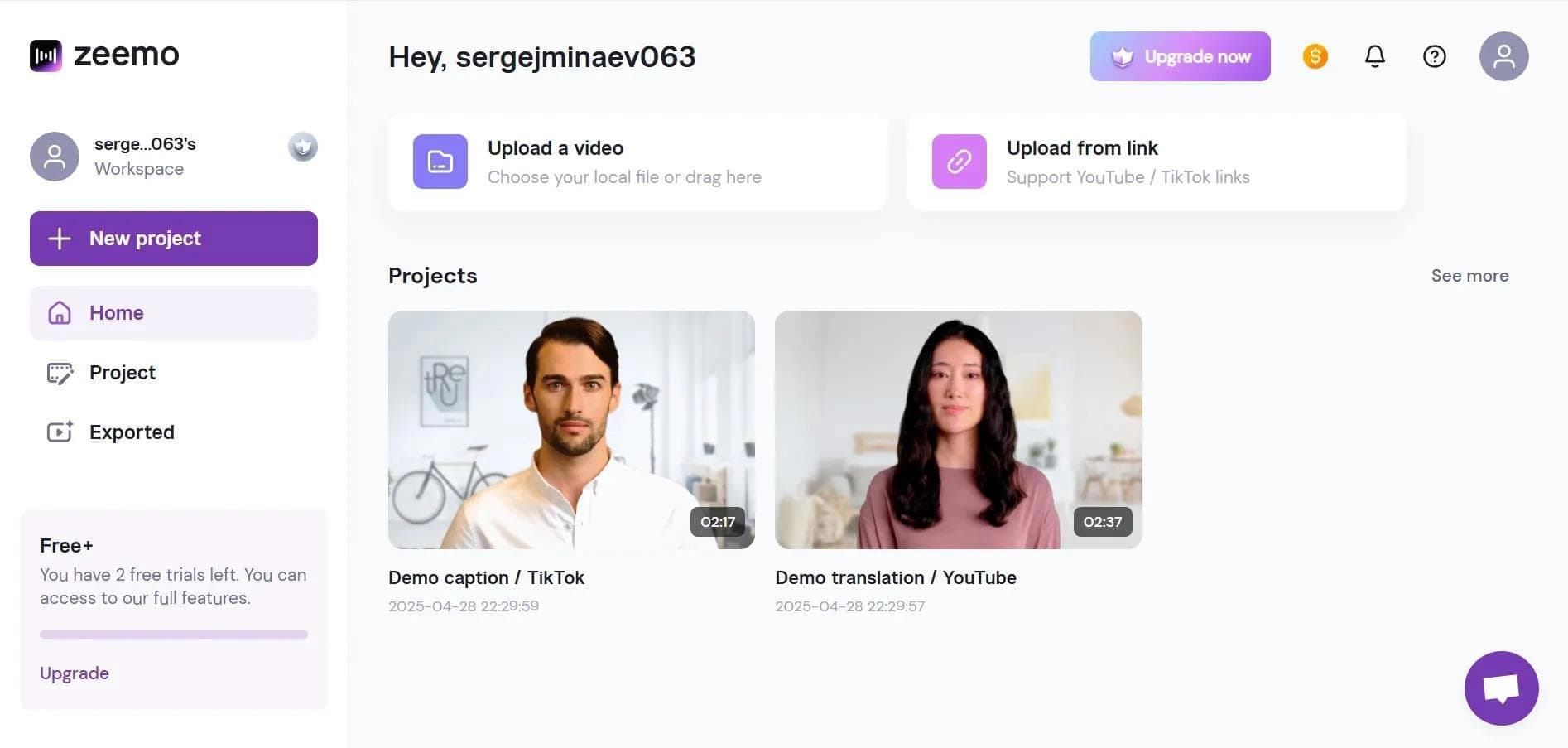

Neural network-based web service for automatic video subtitling and transcription.

A platform that combines several video creation tools in a single chat interface, from script generation to editing and voiceover.

Mobile app for photo and video editing using AI and an extensive library of filters.
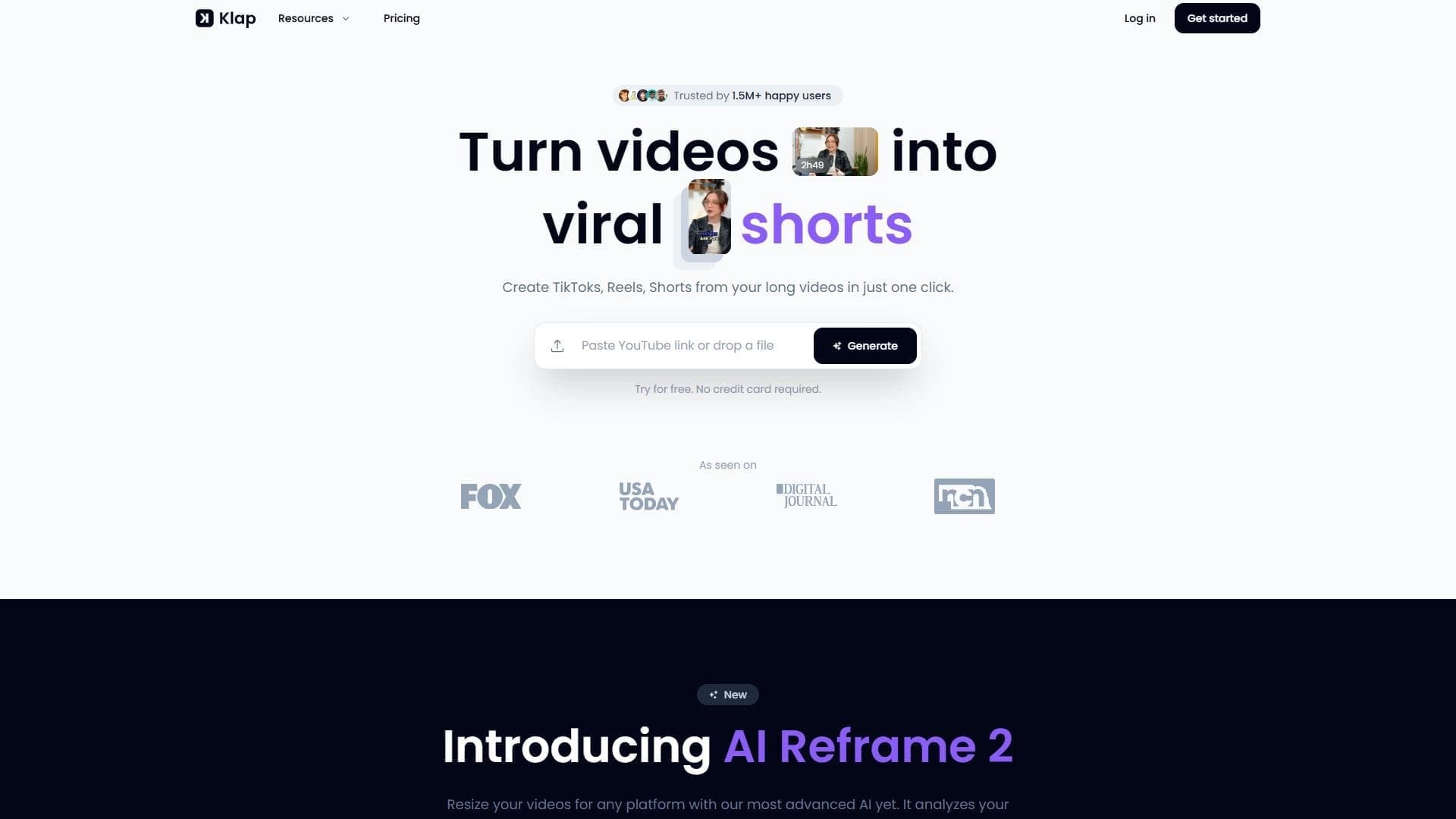

AI tool for automatically cutting long videos into short clips for TikTok, Reels, and YouTube Shorts.

AI-based platform for generating text content: articles, advertisements, social media posts, and product descriptions.
Screen recording tool with subsequent AI transcription and summarization of content.


Platform for recording, editing, and publishing podcasts and video content with built-in AI tools.

A platform for creating talking videos with a teleprompter, AI-generated scripts, subtitles, and avatars.