
Be My Eyes
A service that helps people with visual impairments navigate their surroundings and recognize objects using a smartphone.
Overview
Be My Eyes
Description of the Be My Eyes neural network
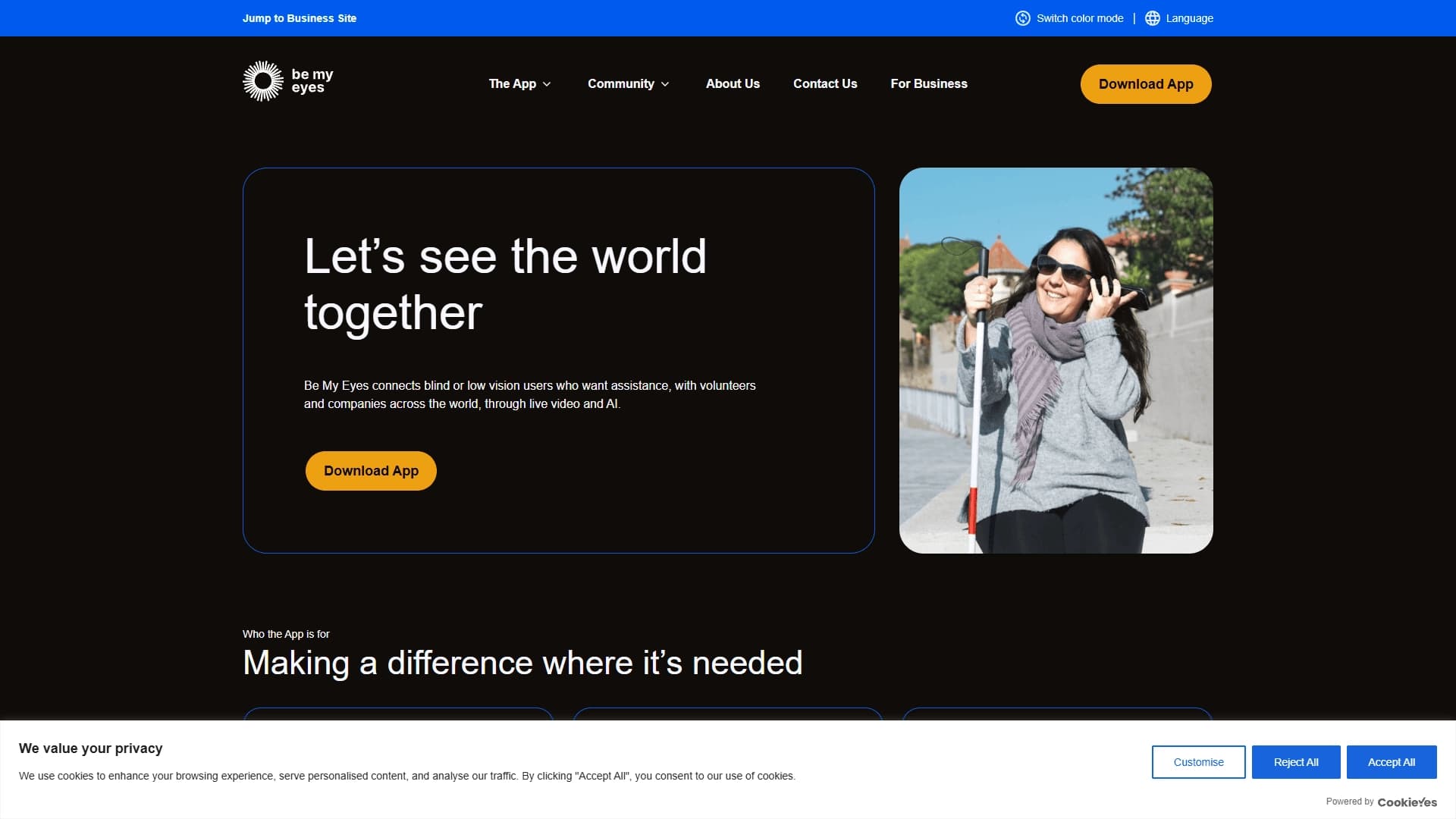
Be My Eyes is a service designed for people with visual impairments that helps them navigate the world around them using a smartphone. The app lets users make a video call to a volunteer who describes what is happening in front of the camera in real time, or use AI features to independently recognize objects and text.
The tool combines human assistance and artificial intelligence technologies, allowing blind and visually impaired users to perform everyday tasks without having to seek support in person. Be My Eyes is available as a mobile app and serves as a link between those who need visual assistance and those who are willing to provide it.
Be My Eyes features
| Feature | Value |
|---|---|
| Type | Accessibility service for blind and visually impaired users |
| Categories | Voice assistants, Customer support |
| Platforms | Smartphone (app) |
| Website | www.bemyeyes.com |
| AI availability | Yes (AI features to speed up responses) |
| Distribution model | Free |
Who is the Be My Eyes neural network for?
Users with visual impairments
The main target audience of the service is blind and visually impaired people who need help recognizing objects, reading texts, navigating, and performing other visual tasks. The app gives them the opportunity to receive support remotely without relying on another person being nearby.
Volunteers
People willing to help others can join the service as volunteers. Through a video call, they describe in real time what they see on the user's camera, helping to solve a specific task — from reading a label to navigating an unfamiliar area.
Partner companies
Businesses can integrate with Be My Eyes to provide visual support to their customers with visual impairments. This makes a company's service more accessible and understandable through a direct video channel with the user.
How to use the Be My Eyes neural network?
Starting a video call
The user opens the app and starts a video call, pointing the smartphone camera at the object that needs to be recognized or described. A volunteer or a partner company representative receives the video stream and provides a verbal description in real time.
Using AI features
If the user prefers not to contact a volunteer, they can use the built-in AI features. The artificial intelligence analyzes the image from the camera and provides information about text or objects, helping to complete the task entirely on their own.
Solving tasks independently
The app allows users to handle everyday tasks such as reading documents, identifying products by their labels, or navigating unfamiliar spaces without having to seek help in person — everything happens in real time through the smartphone.
Key features of Be My Eyes
Video calls with volunteers
The service's key feature is the ability to make a video call and receive support from a live volunteer. The helper sees the same thing as the user and can provide accurate, context-specific guidance for the situation.
Support from partner companies
In addition to volunteers, companies are connected to the service and can provide visual support for their products and services. This allows users to get qualified help directly from manufacturers or service providers.
AI features
Artificial intelligence speeds up request processing and expands the user's ability to act independently. AI can recognize text, identify objects, and provide brief descriptions without requiring a volunteer.
Be My Eyes advantages
"Seeing" the world through a smartphone
The service allows people with visual impairments to literally "see" the world around them through the smartphone camera and with the help of volunteers or AI. This opens access to information that would otherwise be unavailable.
Accurate and context-specific guidance
Thanks to live video, a volunteer or AI sees exactly what is relevant to the user at that moment. The guidance is as accurate as possible and tied to the specific situation, which improves the quality of assistance.
A combination of human help and AI
Users can choose which support format suits them better: reaching out to a live person for complex tasks or using AI for quick and simple requests. This combination covers a wide range of use cases.
Help in any situation
The service is useful both for routine everyday tasks (reading labels, sorting items) and for situations where prompt support matters (navigating an area, setting up a device).
Be My Eyes disadvantages
The service is entirely dependent on a stable internet connection and the quality of the smartphone camera — with a poor signal or in poor lighting conditions, the effectiveness of a video call may decrease. Also, despite the availability of AI features, complex non-standard tasks may still require the help of a live volunteer, which is not always possible instantly. In addition, AI support is limited to the scenarios the system can correctly recognize and does not cover all possible visual requests from the user.
What tasks does Be My Eyes solve?
Reading texts and labels
Users can point the camera at a product package, document, or sign and get information about its contents — the service helps read a label, instructions, or any other text field.
Navigating spaces
The service helps users orient themselves in their surroundings: describing the environment, identifying the location of objects, and suggesting directions. This is especially useful in unfamiliar buildings or outdoors.
Setting up devices and working with documents
Users can get help setting up household appliances, smartphones, or other devices, as well as working with documents that need to be checked or read through the camera.
Be My Eyes pricing
Be My Eyes is distributed under a free model. Users can download the app and use all available features without paying.
Be My Eyes terms of use
To use the service, you need to install the mobile app on your smartphone and register. Volunteers and users with visual impairments complete a basic registration, after which the service becomes available. Access to AI features is also provided through the app as part of the standard functionality.
Be My Eyes availability
The service is available on smartphones as a mobile app. A smartphone with a camera and internet access is required. Be My Eyes works both through the help of live volunteers and through AI features available directly in the app.
How Be My Eyes differs from alternatives
Be My Eyes stands out for its combination of two support formats: live help from volunteers via video call and automated AI features. This covers both scenarios that require human involvement and contextual understanding, and simple tasks that can be solved instantly with artificial intelligence. In addition, the service has a partner program for companies, which expands its capabilities beyond purely volunteer assistance. At the same time, the tool remains completely free for the end user.
Conclusion
Be My Eyes is a specialized service that uses a smartphone camera, volunteer assistance, and artificial intelligence capabilities to help people with visual impairments handle everyday tasks. The app addresses the need for real-time visual support, offering a flexible choice between live communication and automated AI features. The free distribution model and a large volunteer base make the service accessible to everyone who needs such help.
Frequently asked questions

See also

Autonomous cloud-based AI agent that independently plans and executes complex multi-step tasks based on a textual description of the goal.

Multimodal neural network from Google that processes text, images, code, and audio in a conversational format.
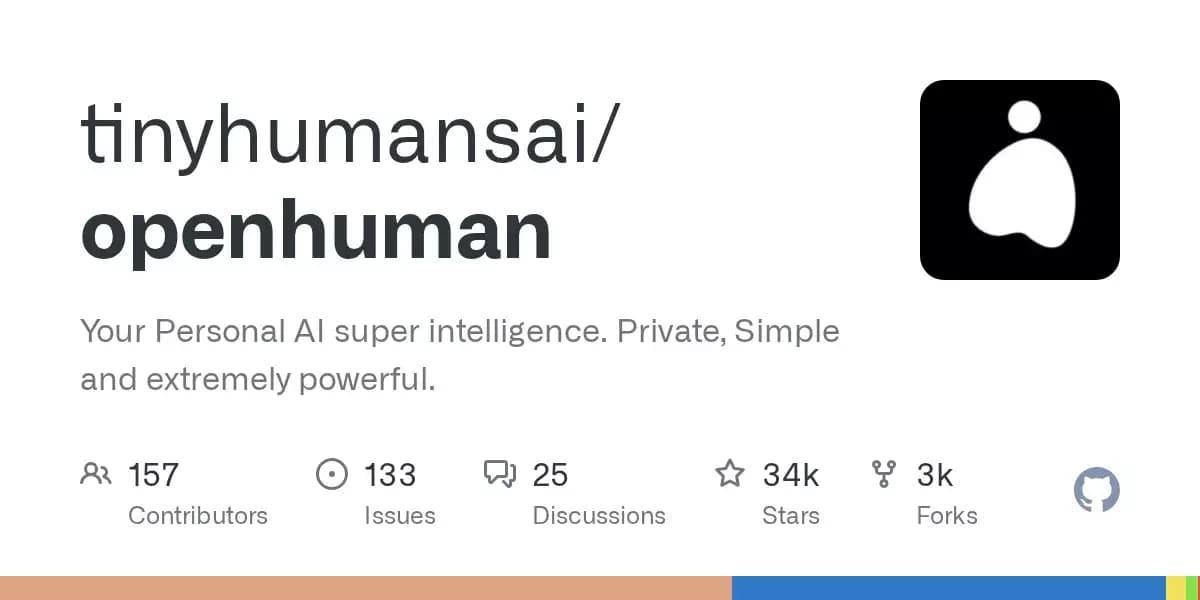
An open-source desktop AI agent that stores conversation history in a local knowledge base and automatically pulls relevant context into new discussions.

A set of built-in AI features in the Figma editor for automating routine designer tasks.
A service that translates legal documents from professional legal language into plain, easy-to-understand text.
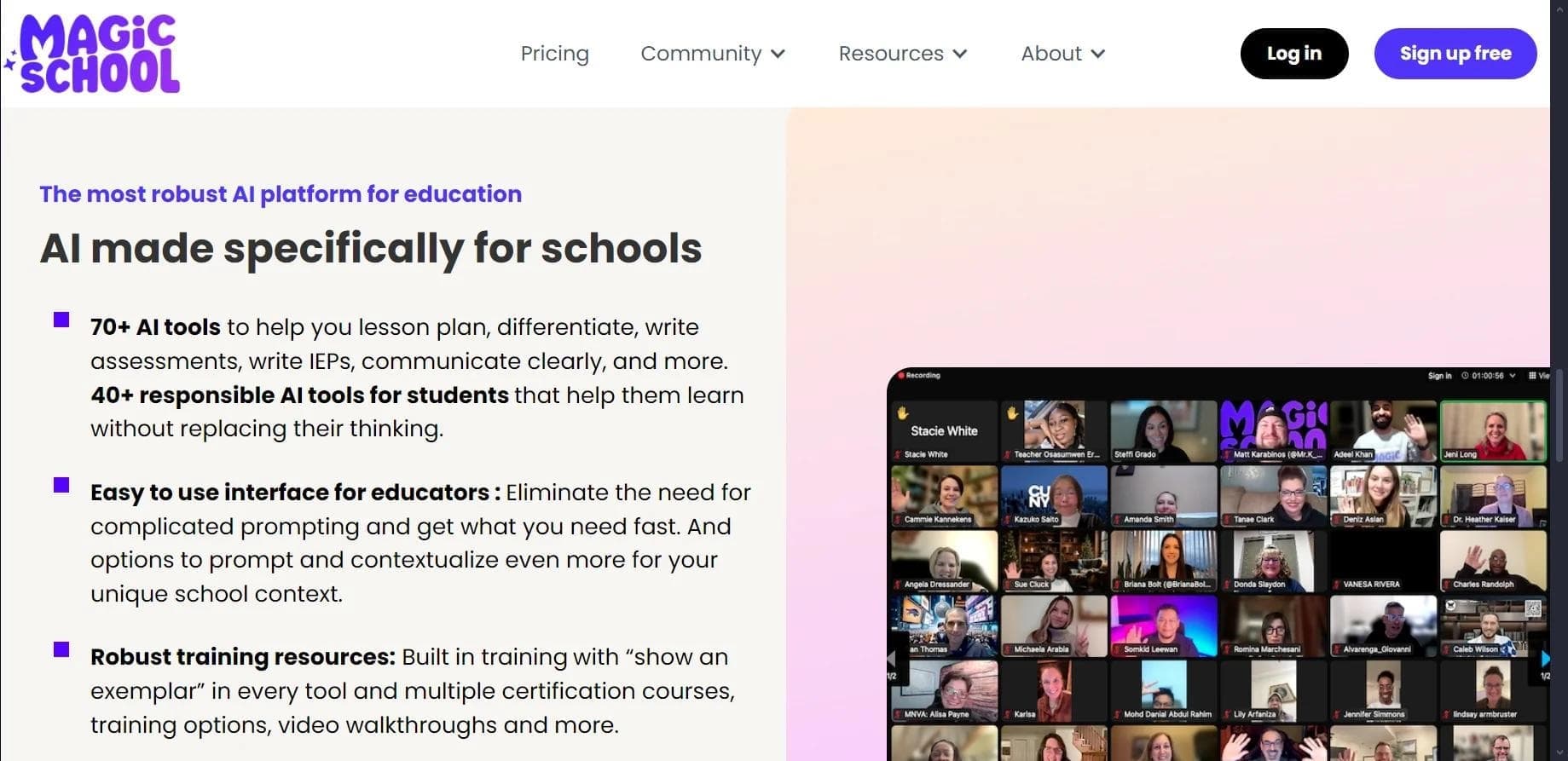

AI platform for automating educational tasks for teachers and students.

A community for daily discovery and discussion of new technology products.
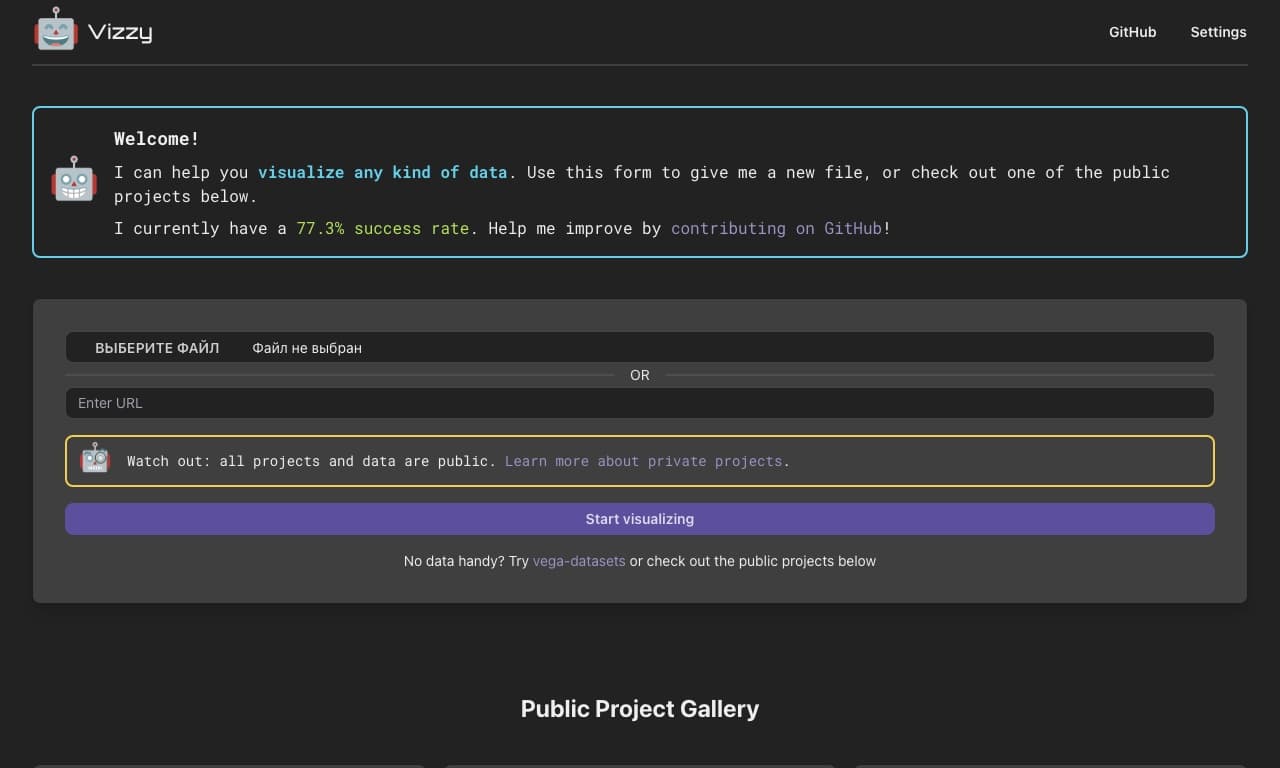
AI tool for rapid data visualization via OpenAI API, transforming heterogeneous datasets into detailed graphical representations.