

Arvin
Browser extension for Chrome based on GPT-4 that helps generate texts, translate, summarize, and communicate with AI.
Overview
Arvin
Description of the Arvin AI
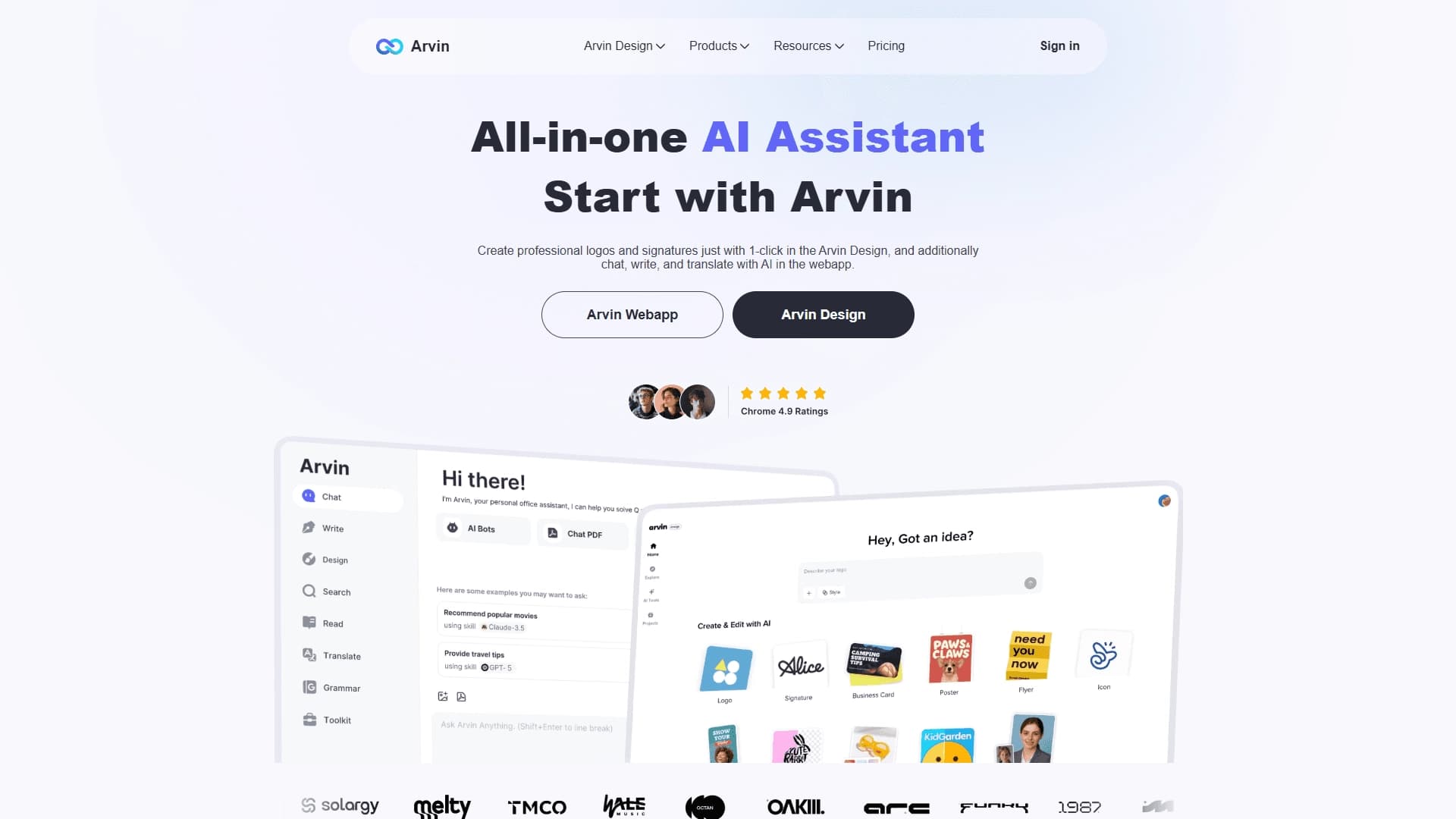
Arvin is a Chrome browser extension powered by GPT-4 that combines the functions of an AI assistant, text generator, translator, and summarizer. The tool lets you quickly create social media posts, blog articles, ads, email newsletters, and SEO descriptions, using a wide range of ready-made templates.
A key feature of the service is its built-in prompt library, which opens with the "/" key and helps you find suitable queries for ChatGPT. In addition to generation, Arvin can analyze, correct, and improve texts, as well as work with visual elements — for example, create logos and business cards. A web app for writing and editing texts is also available.
Arvin Features
| Characteristic | Value |
|---|---|
| Type | AI assistant for writing and content generation |
| Base model | GPT-4 / GPT-4o |
| Format | Browser extension (Chrome), web app |
| Developer | Idealabs PTE. LTD. |
| Free plan | Yes (access to core text generation features) |
| Distribution model | Freemium |
| Monthly visits | 1.5M |
| Categories | Text content generators, AI assistants, translation, summarization |
Who is Arvin for?
Marketers and advertising specialists
Arvin helps quickly prepare ads and creatives for online campaigns, saving time on writing sales copy.
Website and online store owners
The tool is suitable for writing SEO texts and product descriptions for eCommerce, which is useful for those who regularly update content on their platforms.
Content creators and freelancers
Content creators, bloggers, and freelancers can use Arvin to prepare social media posts, articles, email newsletters, and even visual materials such as logos and business cards.
How to use Arvin
Installing the extension
To get started, install the Arvin AI Assistant extension for Chrome — the process takes about three minutes. After installation, the extension integrates into the browser's sidebar or toolbar.
First steps
The system offers initial tips to help you get started quickly. Even if you have never worked with AI before, the interface is intuitive — you can start generating texts right away.
Starting generation
Select the template you need (for example, for a blog or eCommerce description) and launch generation. For quick access to the prompt library, just press the "/" key — suitable queries for ChatGPT open instantly.
Key Arvin Features
Text generation
Arvin generates SEO texts, blog articles, social media posts, email newsletters, and ads. The tool also analyzes text, fixes errors, removes clichés, and provides recommendations for improving style.
Translation and summarization
The extension allows you to translate web pages without switching between tabs and briefly summarize long articles, which is convenient when working with large amounts of information.
Visual tools
Built-in design features let you create professional logos, captions, and business cards in one click — useful for freelancers and small businesses.
AI chat and prompt library
Users can interact with the AI in a chat, and the built-in prompt library helps find ready-made queries for ChatGPT by pressing the "/" key.
Arvin Advantages
Versatility and time savings
The tool is suitable for many tasks — from articles and sales descriptions to newsletters and posts. Generating several text variants takes about a minute, noticeably speeding up work, especially under tight deadlines.
Works right in the browser
The main advantage is that Arvin works as a Chrome extension, so you don't need to switch between services or visit separate websites. Generation starts in a couple of clicks, and results appear immediately.
Improves text quality
The service makes texts livelier and more professional: it removes clichés, catches errors, and suggests improvements. This helps bring drafts to a finished state without using a separate editor.
Arvin Disadvantages
Templates and lack of creativity
Texts often come out standard, and the AI suggests familiar phrases, so manual refinement is needed for vivid and unique wording. With constant use, the style can become repetitive.
Dependence on prompt quality
The result depends heavily on how clear the initial assignment is. If the brief is unclear, the tool may produce something you didn't expect, so it's important to formulate prompts carefully.
Availability limitations
Certain availability restrictions may apply depending on your region, which can create additional inconvenience.
What tasks Arvin solves
Content creation
Arvin helps you quickly write SEO-optimized texts, generative drafts for social media posts, and prepared materials for blogs.
Marketing materials
The tool is suitable for creating ads, preparing content for email campaigns and landing pages, and writing product descriptions for online stores.
Working with data and texts
Arvin is used for text analysis and working with large volumes of information, summarizing articles, translating web pages, and handling work and study tasks through the AI chat.
Arvin Pricing
The service uses a freemium model and offers three plans:
- Free — access to core text generation features (including the free Chrome extension).
- Basic — extended capabilities and additional templates, available by subscription.
- Professional — unlimited access to premium tools and support, available by subscription.
Terms of Use for Arvin
To work with Arvin, you need to install the Chrome browser extension. To use the paid plans and features, you must register with the service — registration is required for access to paid plans. A web app, Arvin Webapp, is also available for writing, translation, and AI chat.
Arvin Availability
Arvin is available as a Chrome browser extension and as a web app. The extension is free and integrates into the browser's sidebar or toolbar. Specific supported regions and interface languages are not specified in the source data.
How Arvin differs from alternatives
The main difference between Arvin and other content generation tools is that it works right in the browser as an extension — you don't need to visit separate sites or switch between services. Generation starts in a couple of clicks, and the text appears immediately, saving a significant amount of time. The built-in prompt library, opened with the "/" key, also sets Arvin apart from many competitors by simplifying ChatGPT query management.
Conclusion
Arvin is a convenient, multifunctional Chrome extension powered by GPT-4 that combines text generation, translation, summarization, and visual content creation in one tool. The service saves time, helps improve content quality, and suits a wide range of tasks — from SEO texts and ads to social media posts and logos. However, users should consider its limitations: formulaic wording, dependence on prompt quality, and the need for manual refinement to achieve truly unique and personalized content.
Frequently asked questions
Similar AI tools



See also
A sales automation platform that combines customer prospecting, deal management, and AI-powered forecasting.
AI editor for creating, editing, and publishing content with templates and prompts.

Financial platform with an AI assistant for managing accounting, taxes, and budgets.

Platform for interview preparation with AI mock interviews and real-time support.
Enterprise language model platform focused on privacy and on-premise deployment.


AI assistant for creating short summaries of videos, PDF documents, and web pages.


AI email assistant that helps quickly draft messages, adapting to the user's style.
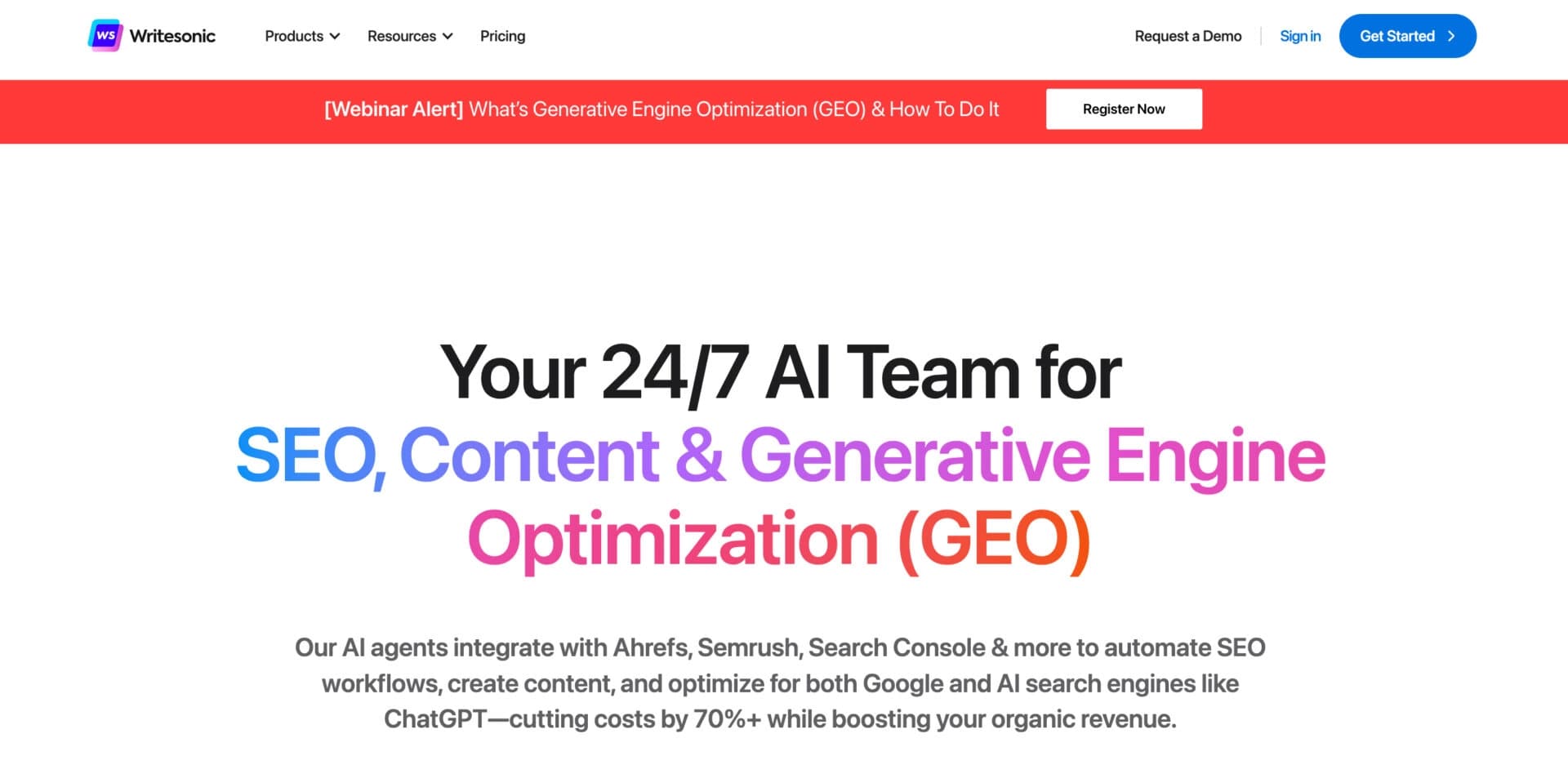

AI-based platform for generating text content: articles, advertisements, social media posts, and product descriptions.