Applitools
AI-based platform for automated visual testing of user interfaces.
Overview
Applitools
Applitools Description
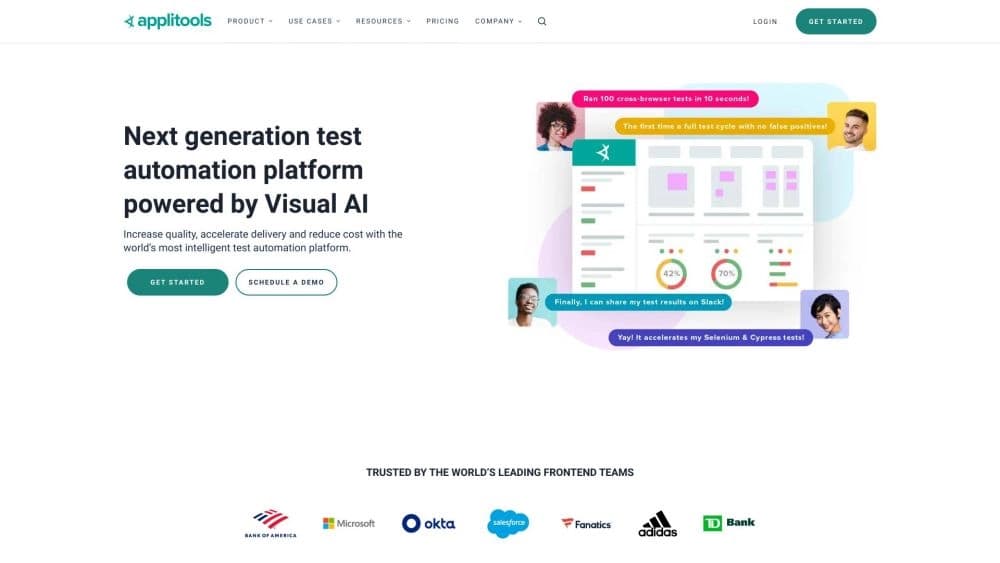
Applitools is an AI-powered platform designed for automated visual testing of user interfaces. The tool integrates with popular testing frameworks such as Selenium and Cypress and allows you to verify the appearance of websites, mobile apps, PDF files, and desktop applications. The AI automatically detects discrepancies between mockups and the actual interface, including layout, color, and element-position defects, across different browsers and devices.
Applitools Features
| Characteristic | Value |
|---|---|
| Type | AI-based visual testing and monitoring platform |
| Categories | Testing and QA tools, Product description generators, AI developer documentation services, AI development tools |
| Developer | Applitools |
| Free tier | Yes |
| Distribution model | Freemium |
| Monthly visits | 388.9K |
Who Is Applitools For?
Development teams with frequent releases
Applitools is primarily aimed at developers and testers working on large projects where updates are released frequently. The tool helps automate visual testing of interfaces for browsers, mobile apps, and desktop platforms.
Quality assurance specialists
QA engineers looking to reduce the amount of manual layout and design checking will find Applitools an effective solution for automatically detecting visual defects that are hard to spot with traditional functional testing.
Teams working with multiple environments
Developers who need to check interfaces across different browsers, screen resolutions, and devices can do so quickly thanks to Ultrafast Grid.
How to Use Applitools?
Connecting to a test framework
To get started, you need to connect Applitools to the test framework you use — for example, Cypress, Selenium, or Appium. The platform provides an SDK that integrates into your existing testing process.
Running visual tests
After integration, the SDK lets you test websites, mobile apps, PDF documents, and desktop applications. Ultrafast Grid checks the interface in different browsers within minutes, Eyes tracks layout defects, and Execution Cloud kicks in when your test infrastructure fails.
Analyzing results
Intelligent self-service analyzes the defects found. Built-in accessibility checking is also available, ensuring the interface meets standards for people with disabilities.
Key Features of Applitools
Visual AI for detecting differences
The platform's core is artificial intelligence that compares interface mockups with the actual version and highlights all discrepancies, including subtle changes in color, position, and element size.
Ultrafast Grid for cross-browser testing
Ultrafast Grid checks the app's appearance across dozens of browsers and operating systems simultaneously. The whole process takes just a few minutes, significantly speeding up regression testing.
Eyes and Execution Cloud
Eyes is a layout-defect detection engine that catches even minor deviations from the expected appearance. Execution Cloud provides backup test infrastructure that activates when the primary test environment fails.
Intelligent self-service and accessibility checking
The system automatically analyzes defects, helping the team resolve issues faster. Built-in accessibility checking ensures the interface is convenient for all user categories.
Applitools Benefits
Lower testing costs
Using Applitools reduces the amount of manual work and the budget needed for testing. Bugs are caught before they become critical, cutting the cost of fixing them late in development.
Automation without slowing down processes
The tool allows more frequent updates without slowing the release cycle. Integration with popular frameworks (Selenium, Cypress, Appium, and others) is seamless and doesn't require reworking existing processes.
Higher product quality
The AI finds visual bugs that humans might miss during manual checks. This is especially valuable when testing interfaces against many screens and browsers, where the number of possible combinations is large.
Applitools Disadvantages
False positives on non-standard elements
The platform may mistakenly treat non-standard interface elements as bugs. In such cases, manual verification and extra investigation are needed to determine whether the discrepancy is actually a defect.
Dependence on test data quality
Applitools results depend heavily on how well the test data is prepared. Poorly prepared tests can lead to false positives or, conversely, to missed bugs.
Results can be hard to interpret
Sometimes it's difficult to understand exactly what the AI considered an error. Additional investigation is required to correctly interpret the detected discrepancies and decide whether a fix is needed.
What Problems Does Applitools Solve?
Automatic detection of visual differences
The platform automatically finds discrepancies between mockups and real interfaces, saving testers time and reducing the chance of missing defects during manual checks.
Accelerating regression testing
Thanks to Ultrafast Grid, regression testing of interfaces across different browsers and devices takes minutes, not hours. This is especially important with frequent releases and many test scenarios.
Reducing manual layout and design checks
A significant portion of app appearance checking is offloaded to the AI. The team can focus on more complex tasks instead of spending time on pixel-by-pixel verification.
Ensuring interface quality with frequent releases
In an active development cycle where changes ship daily or weekly, Applitools helps ensure that each new release contains no visual defects that could harm the user experience.
Applitools Pricing
Applitools operates on a freemium model. A free tier is available for individual exploration of the platform's core capabilities. The standard tier for development teams with advanced features and support is available by subscription. The premium tier for large organizations with a full set of features, priority support, and extended integrations is offered at a higher subscription price.
Applitools Terms of Use
To get started, you need to register on the platform. After registration, you connect the tool to your existing test framework via the SDK. There are no additional complex setup requirements — integration is done using standard means provided for each supported framework.
Applitools Availability
The platform's website is available at applitools.com. The tool supports testing web applications, mobile apps, PDF documents, and desktop applications. Integration is implemented with Selenium, Cypress, Appium, and other popular test frameworks, allowing Applitools to be embedded into most existing development and testing processes.
How Is Applitools Different from Alternatives?
The Applitools page does not provide an explicit comparison with competing solutions, so it's impossible to draw definitive conclusions about specific differences. However, based on the description, the platform's key feature is its specialized visual AI focused specifically on detecting visual interface defects, rather than functional testing or code generation, which is what many other AI developer tools do.
Conclusion
Applitools is an AI platform for visual testing that helps automatically identify interface defects, speed up releases, and reduce manual checking costs. The tool is especially useful for large projects with frequent updates where visual consistency across browsers and devices is critical. Thanks to integration with popular frameworks and the availability of a free tier, Applitools is accessible both for individual exploration and for deployment in commercial development processes.