
Aider
Terminal AI assistant for pair programming, integrating with git repositories.
Overview
Aider
About Aider AI
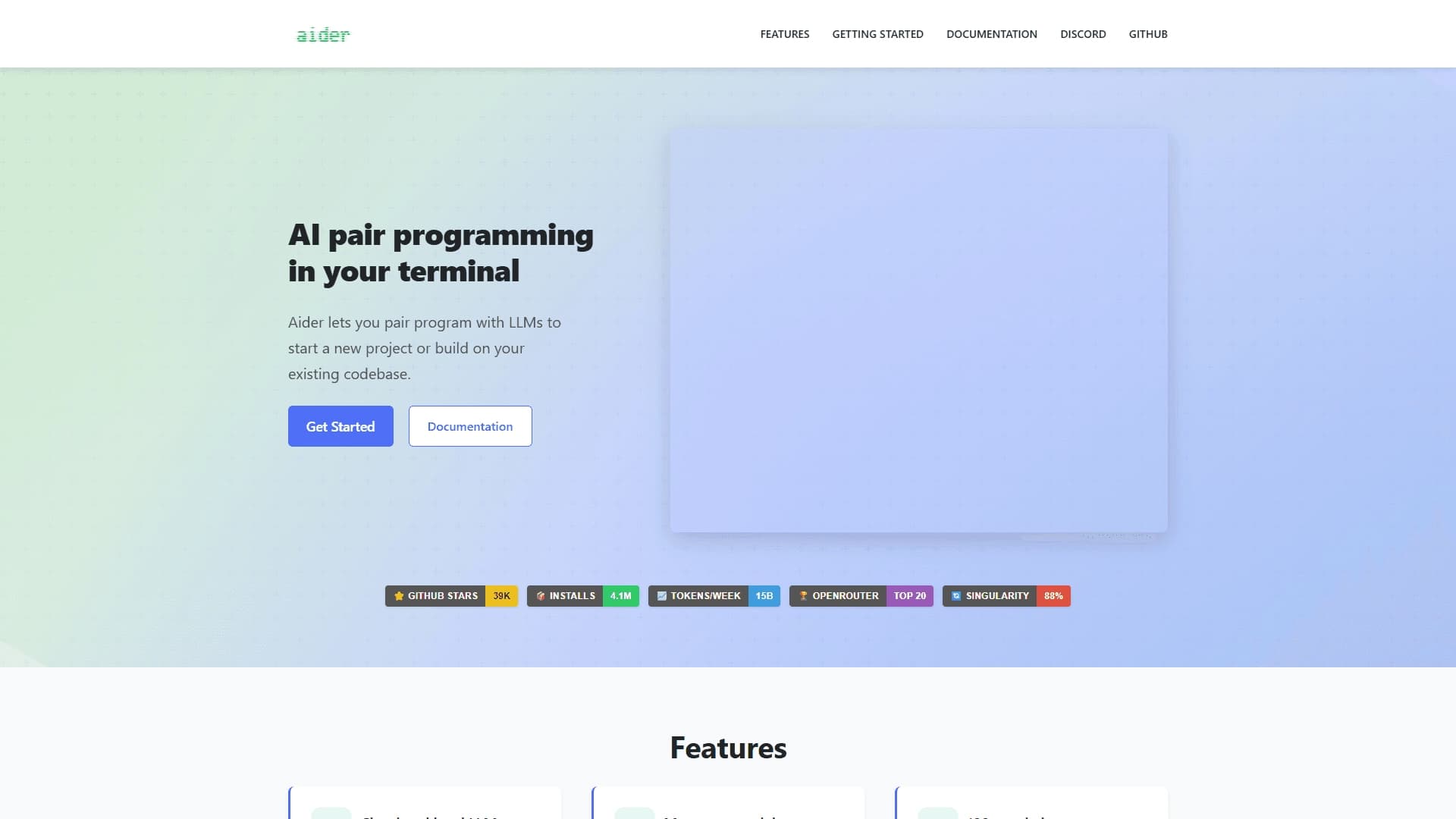
Aider is a terminal-based AI pair programming assistant that integrates directly into a developer's workflow. The tool runs in the command line and lets you edit code in existing git repositories through natural language dialogue. Developers don't need to switch between windows or leave the terminal — all changes are discussed and applied right in their familiar environment.
Aider's key feature is deep integration with version control. The tool automatically creates commits, tracks every change, and maintains a full edit history. This makes collaborating with AI transparent and safe: you can roll back an unwanted change at any time.
Aider uses large language models (LLMs) to understand the context of the entire repository, not just the current file. It can connect to different AI providers through OpenRouter, including local models. The project is fully open-source and has tens of thousands of stars on GitHub and millions of installs.
Aider Specifications
| Characteristic | Value |
|---|---|
| Type | AI pair programming in the terminal |
| Categories | Code assistants, Code generation |
| Platforms | Terminal (command line) |
| Developer | Aider AI |
| Integration | OpenRouter, git repository |
| Distribution model | Free (free tier with basic features) |
| Open Source | Yes (source code on GitHub) |
| Monthly visits | 388.9K |
| Popularity metrics | Tens of thousands of GitHub stars, millions of installs |
| Programming languages | Python, JavaScript, PHP, HTML, CSS and other popular ones |
| Local model support | Yes |
Who is Aider for?
Experienced Developers
Aider targets developers who appreciate working in the terminal and are used to version control. Seniors can delegate routine coding, refactoring, and debugging tasks to the AI while focusing on architectural decisions. The tool understands the context of the whole repository, which is especially valuable in large projects with complex structure.
Beginner Programmers
For newcomers, Aider helps them get familiar with code faster: you can ask the AI to explain a complex section, generate a function template, or suggest error fixes. The tool lowers the barrier to working with unfamiliar programming languages and frameworks.
Development Teams
Thanks to git integration and support for various AI models, Aider suits team collaboration. Automatic commits and change tracking via git make collaborative code editing transparent. Paid tiers (Premium and Business) add team collaboration tools and advanced settings.
How to use Aider?
Installation via pip
Aider is installed in the standard way via the Python package manager. After installation, navigate to the project folder and launch the tool in the terminal. Setup is minimal: just choose a model and enter your API key.
Starting a project
Once launched, Aider analyzes the current git repository, understands its structure and context. The developer describes tasks in natural language — for example, "add error handling to this file" or "create a class for working with a database." The AI suggests changes, and the developer can accept, reject, or refine the request.
Using different models
Through OpenRouter, you can connect various language models, including local ones. Within a single workflow, you can switch between models — for example, use one for code generation and another for refactoring. This provides flexibility in choosing the right tool for each task.
Key Features of Aider
Terminal-based work with repository integration
Aider works directly in the command line, without requiring you to switch to a separate app or IDE. The tool automatically detects the current git repository and understands its structure and change history. All edits are made with awareness of the project context.
Context understanding and code generation
The AI analyzes the contents of the whole repository, not just the open file. This lets it suggest relevant changes, generate new files, and extend existing code. Aider takes into account coding style, used libraries, and architectural decisions.
Automatic commits via git
Each change is committed to git with an automatically created commit. This provides a complete edit history: you can return to a previous version of the code at any time. The developer controls the process using standard git commands.
Advantages of Aider
Working in a familiar environment
Aider doesn't require leaving the terminal or learning a new interface. Developers used to the command line get an AI assistant without switching between windows. This speeds up the workflow and reduces cognitive load.
Safe changes
Thanks to git integration, Aider doesn't break the project's structure. Every change is tracked, and the developer can roll back an unsuccessful edit with one command. The AI proposes changes, but the final decision always rests with the human.
Support for multiple AI models
Through OpenRouter, Aider connects to many language models, including local ones. This gives you freedom of choice: you can use free models, paid APIs, or your own trained solutions. Different models can be used for different tasks within a single project.
Disadvantages of Aider
Resource demands
Aider can be demanding on computer resources, especially for large projects or when working with heavy language models. Comfortable work may require powerful hardware, which limits use on older or weaker machines.
Limitations in large projects
The tool doesn't always handle complex relationships and architecture in large projects correctly. With a significant amount of code, the AI may lose context or suggest suboptimal solutions. This requires additional review by the developer.
Potential for incorrect code
Like any AI tool, Aider sometimes generates incorrect or non-working code. The result always needs to be checked and tested. The tool reduces the time spent writing code but doesn't eliminate the need for manual quality control.
What tasks does Aider solve?
Writing and editing code
Aider lets you write new code from scratch based on a text description. You can ask it to create a function, class, or whole module in natural language. The tool also edits existing code: makes changes, fixes bugs, adds new features.
Refactoring and optimization
The tool helps with refactoring: rewriting outdated sections, improving code readability, optimizing performance. The AI can propose alternative implementations and evaluate their pros and cons.
Code navigation and explanation
In large projects, Aider helps you find your way around: you can ask it to locate a specific piece of code, explain how a complex function works, or show dependencies between modules. This is especially useful when working with code written by others or code you wrote a long time ago.
Aider Pricing
Aider is distributed under a free model — basic features are available for free. You need your own API key from the language model you choose. There are also paid tiers:
- Free tier — basic features for individual work.
- Premium — additional team collaboration tools and advanced settings.
- Business — full access to all features and priority support.
Note: details are based on data from sources and may change over time.
Terms of Use for Aider
To work with Aider, you need to install it via pip and configure the environment. You'll need an API key for the language model you choose — whether a cloud service (via OpenRouter) or a local model. The tool is a fully open-source project, and its source code is available on GitHub.
Developers can use Aider in any projects, including commercial ones. Since the tool runs locally, code is not transferred to third-party servers (unless cloud models are used). All changes are committed through git, ensuring version control.
Aider Availability
Aider runs through the terminal on your computer and doesn't require a VPN or access to additional services. The tool supports many programming languages — Python, JavaScript, PHP, HTML, CSS, and other popular ones. You don't need to install separate versions or plugins to work with different projects.
The tool is available on all platforms that support Python and the command line. The project is actively developed: tens of thousands of stars on GitHub and millions of installations confirm its popularity in the developer community.
How Aider Differs from Alternatives
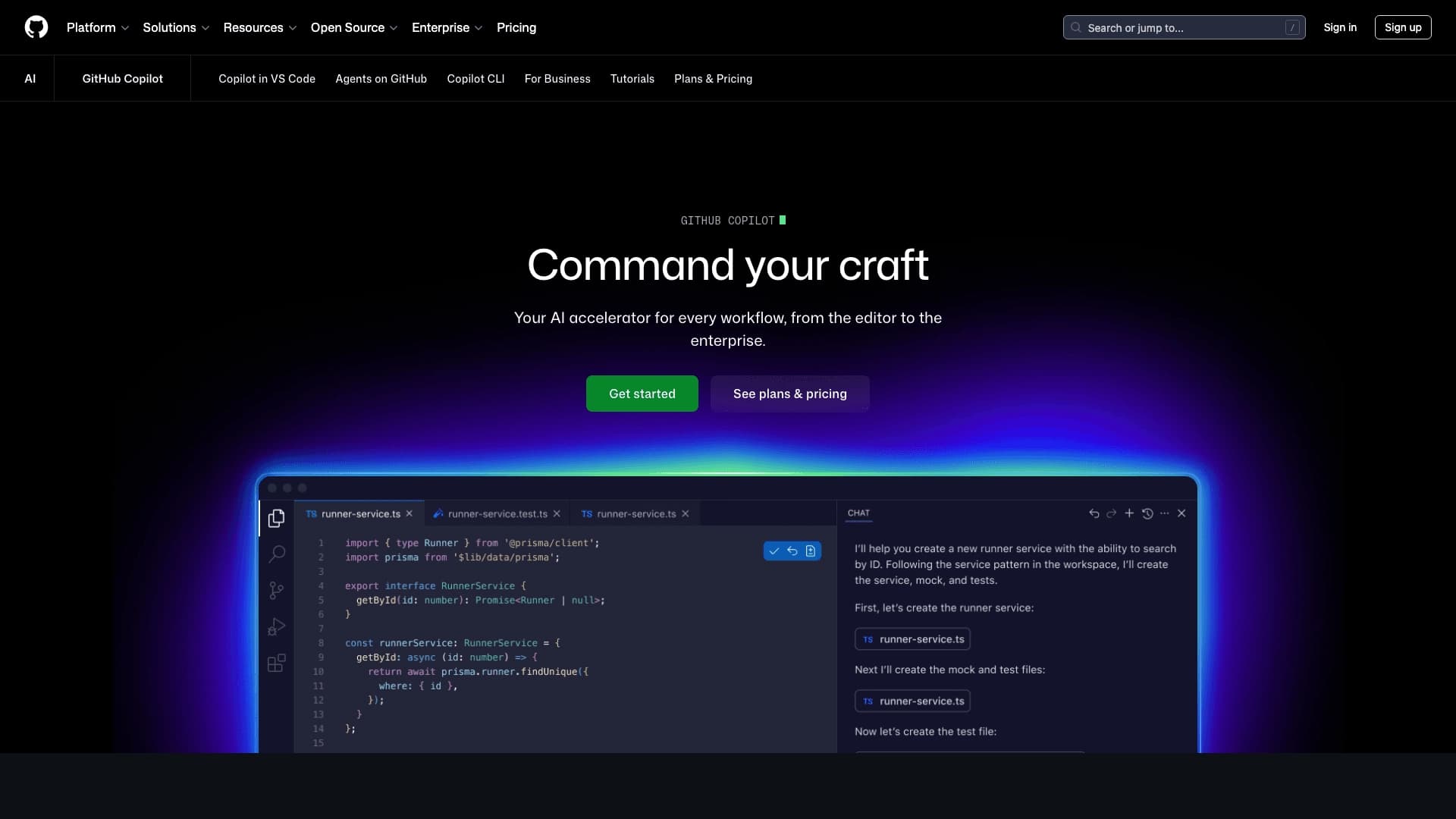
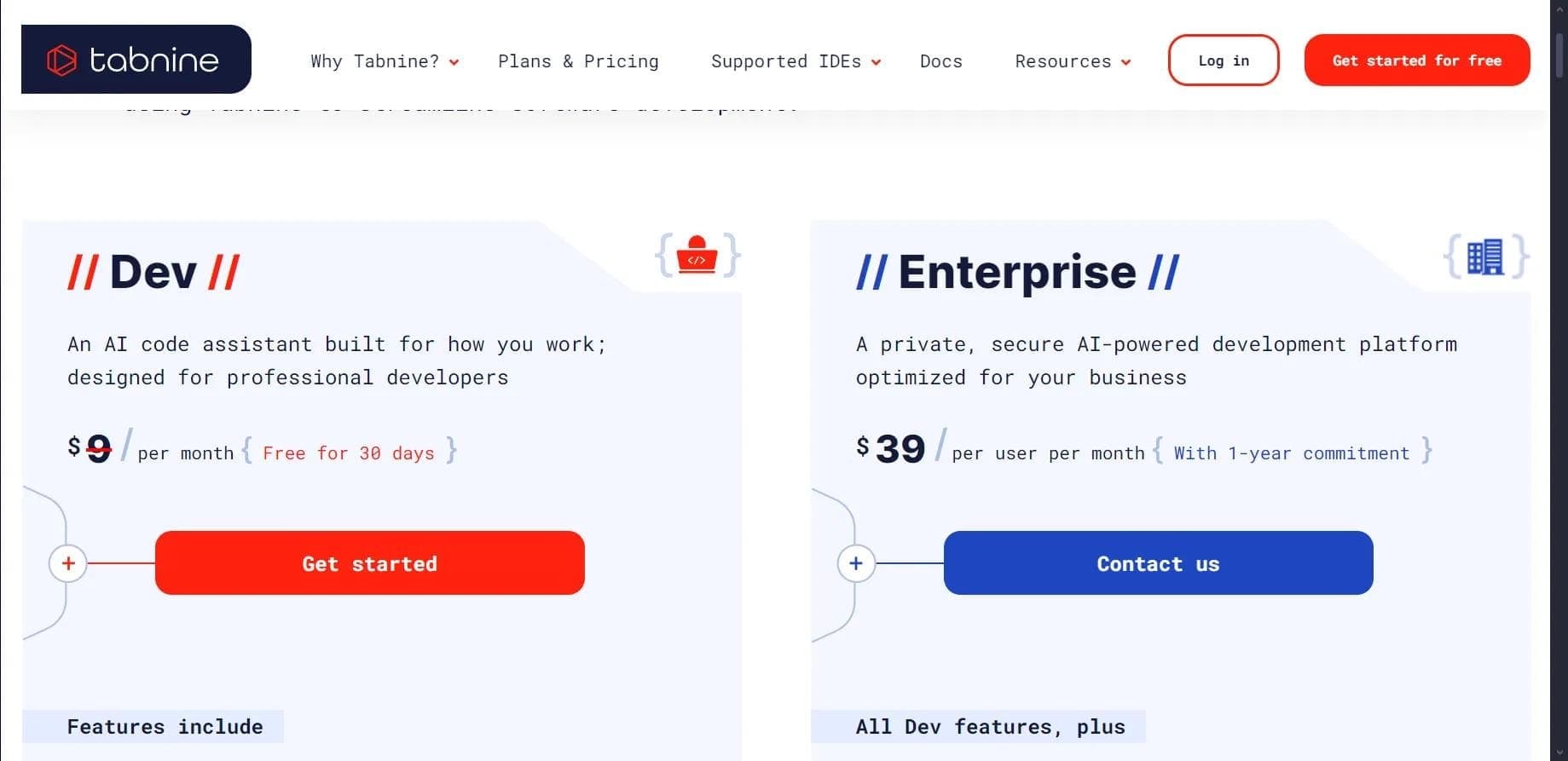
Aider stands out from alternatives primarily through its focus on the terminal and deep git integration. Unlike IDE solutions (such as GitHub Copilot, Cursor AI, or Tabnine), Aider doesn't require installing plugins into your code editor. Developers working in the terminal get an AI assistant without changing their usual environment.
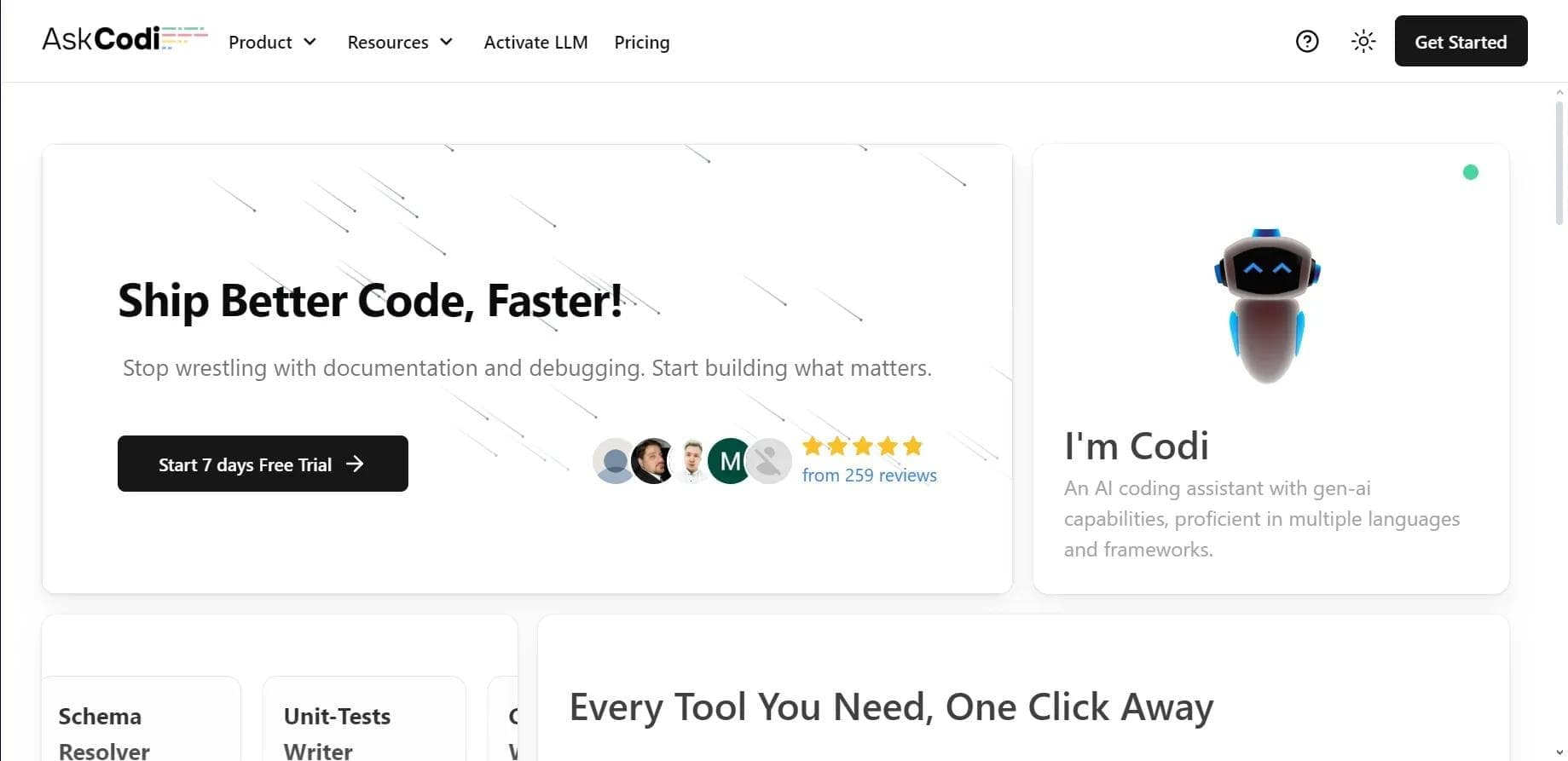
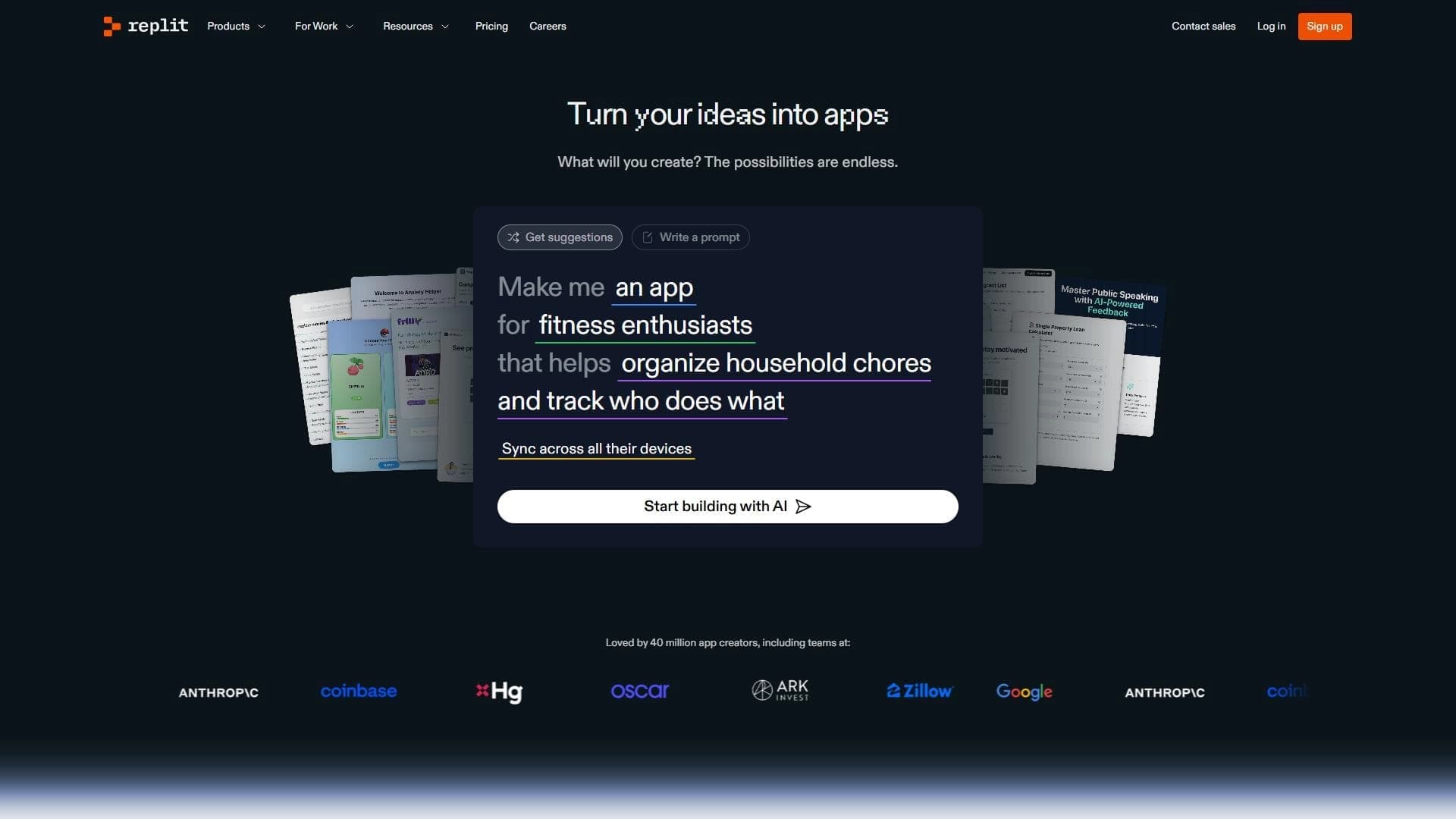
Compared to AskCodi or Replit, Aider offers tighter integration with version control and automatic commits. The project is fully open-source, allowing you to study and modify the code. The ability to connect local models via OpenRouter sets Aider apart from many competitors that are tied to a specific provider.
Other alternatives include Wron, Claude API, Kodik, CatDoes, Base44, Rezonant, and Qwen AI, but Aider wins through its combination of a terminal interface, git integration, and flexibility in choosing language models.
Conclusion
Aider is an open-source AI pair programming tool for the terminal that integrates with git and supports many languages and models. It speeds up development, automatically tracks changes through git, and suits both experienced and beginner developers. The tool requires powerful hardware and doesn't always handle complex projects correctly, but it remains one of the most flexible solutions for AI-assisted programming in the command line.
Frequently asked questions
Similar AI tools





See also
Multilingual AI assistant for checking grammar, spelling, and text style.

Open-source model for generating video synchronized with audio from text or image prompts.

Open-source platform for integrating data from various sources into data warehouses and analytics systems.
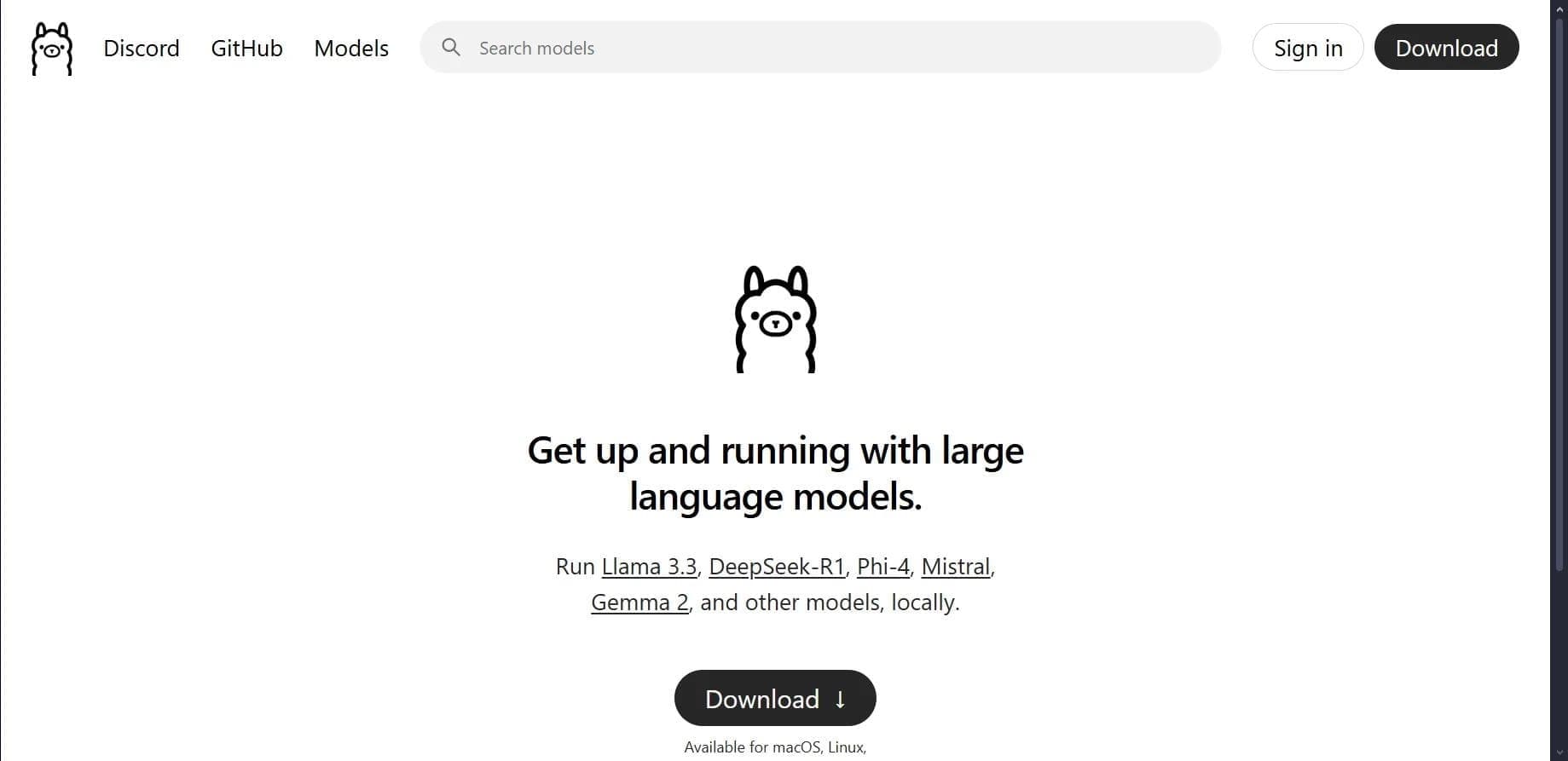

Open platform for local deployment and management of large language models (LLM) on your own computer.
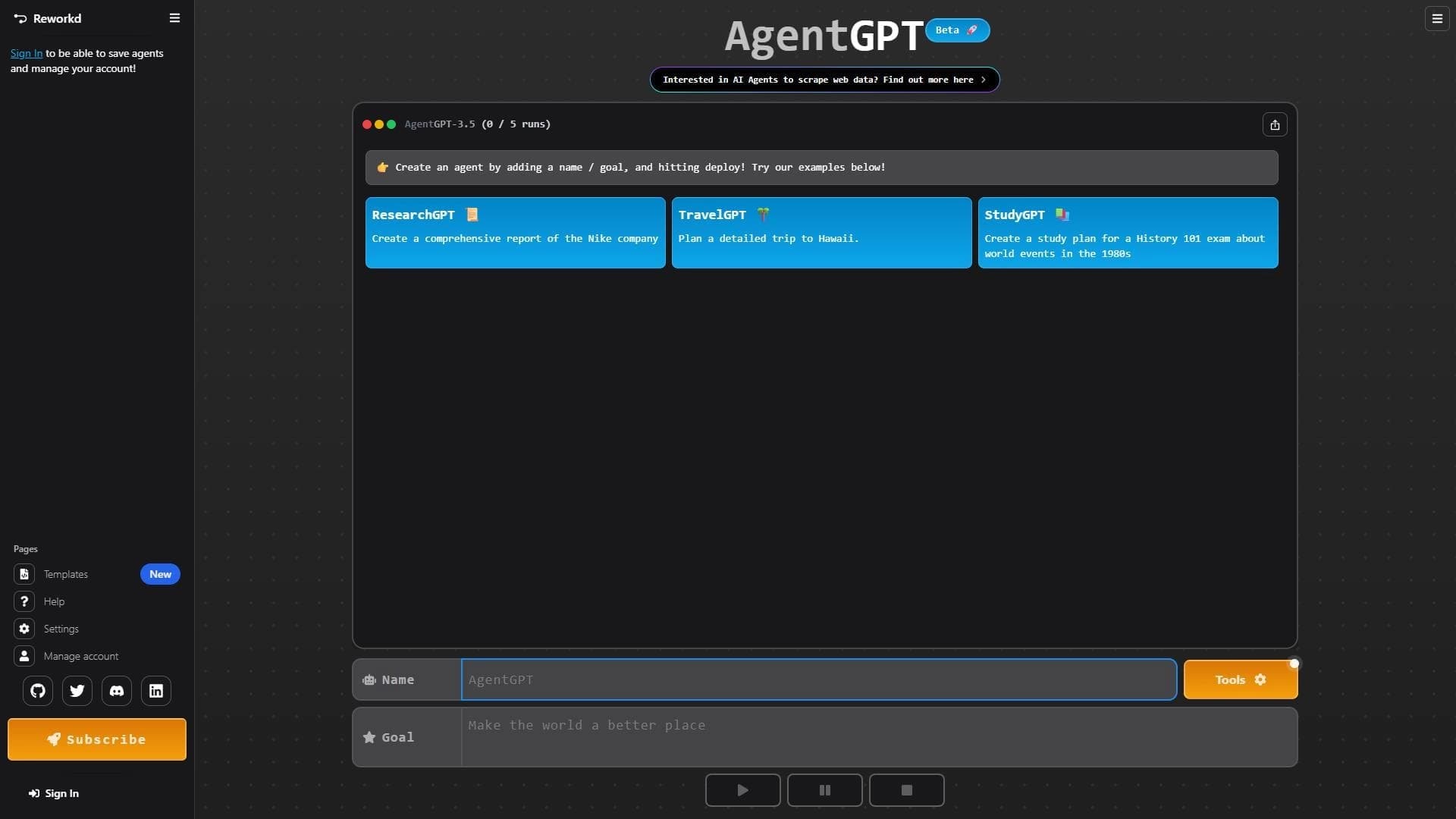

Platform for creating and launching autonomous AI agents that independently complete tasks on the internet.

The largest open language model from Meta with 405 billion parameters, available for commercial use and independent fine-tuning.
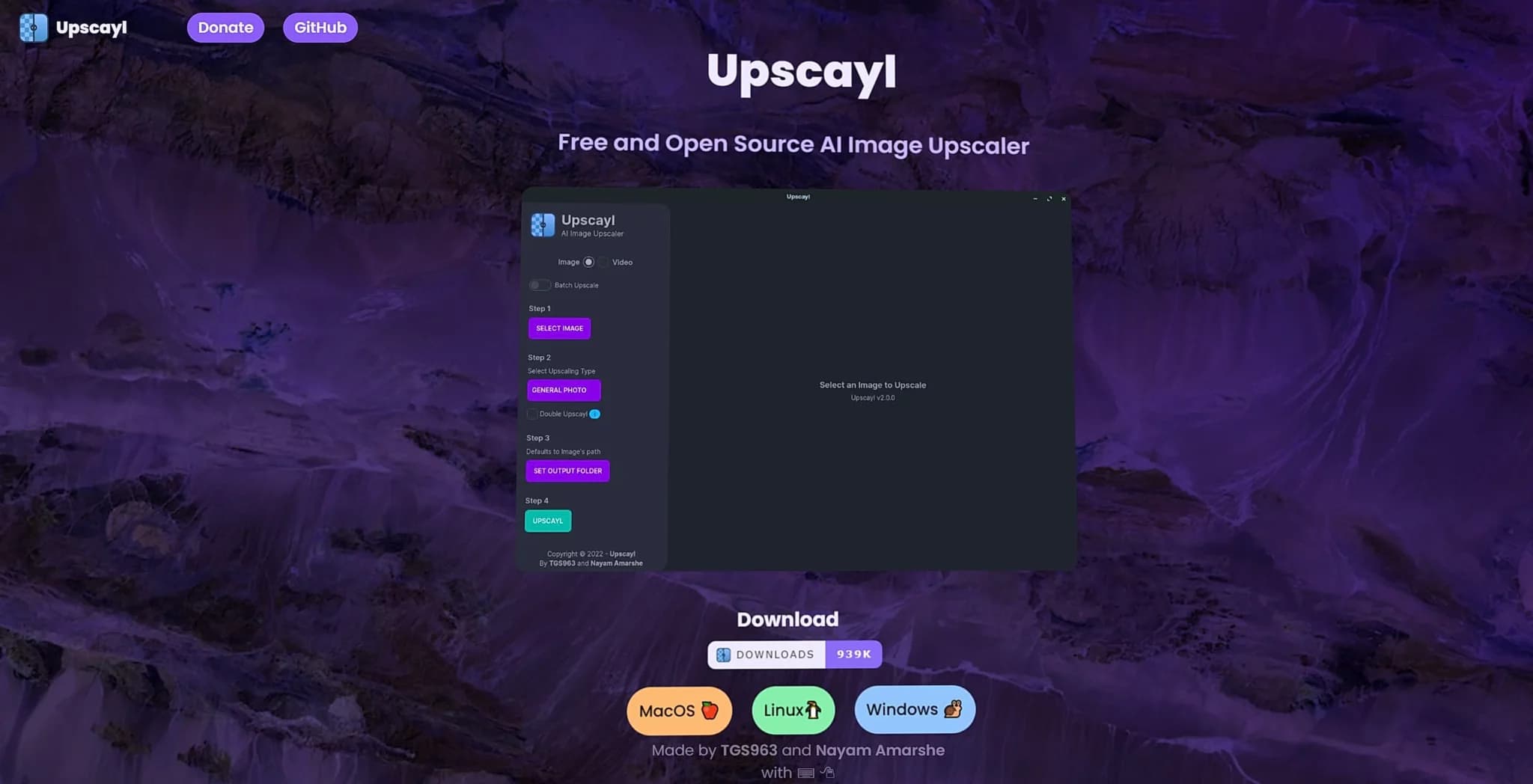
Free open-source tool for upscaling image resolution using neural network algorithms.

Mobile app and citizen science project for identifying plants from photos using machine learning.