
Two approaches to video generation
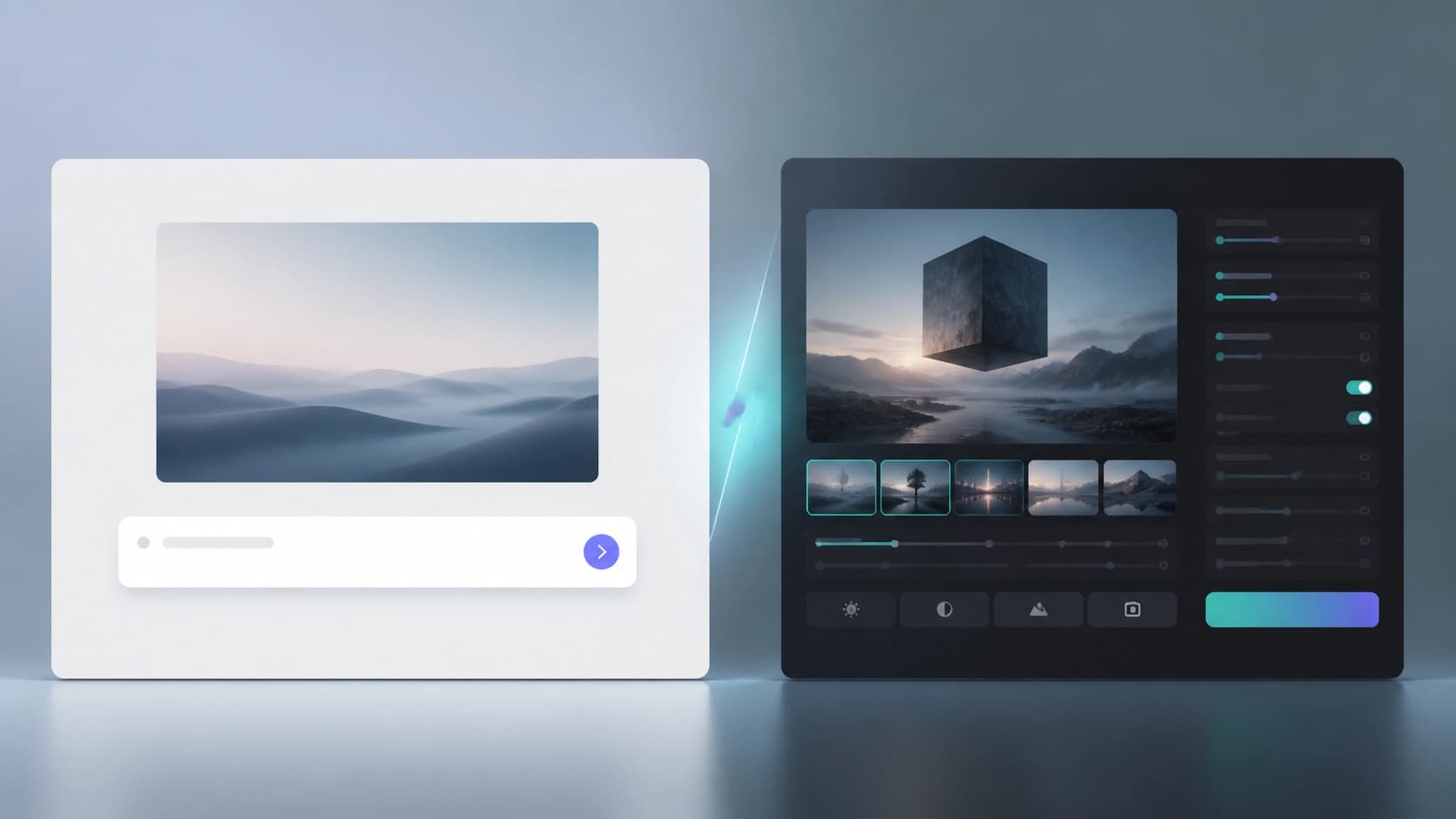
Choosing between Vidu and Kling AI isn't easy: both tools can turn text into video and deliver 1080p output, but they do it with different priorities. One focuses on speed and ease of entry, the other on maximum detail and longer clips. Essentially, it's a choice between "get results fast and free" and "get the highest quality, but wait and pay."
Their technical architecture differs too. Vidu relies on a combination of diffusion and transformer models, while Kling AI uses diffusion transformers alongside 3D scene reconstruction. This explains why one tool is quicker, while the other handles motion and object physics more carefully.
Vidu: speed and accessibility
Vidu is developed by Shengshu Technology in partnership with Tsinghua University. It's built for fast experimentation: give it a text description — get an animation in seconds. The stated rendering speed is about 45 seconds per clip, with video length reaching 16 seconds at 1080p resolution. That's enough for short creatives, tests, and rough drafts.
Vidu's interface is friendly: you can figure it out in about a minute, with no steep learning curve. The developers clearly wanted to remove the barrier between idea and video. New users get 80 starter credits — effectively a completely free entry with no subscription.
If you need to quickly test a hypothesis, generate a few variations, and not dive deep into settings — Vidu handles this perfectly. Its weak spot is limited duration and slightly less detail compared to its competitor.
Kling AI: depth and realism
Kling AI from Kuaishou Technologies is a tool for those who care about the final result, not speed. It creates highly realistic clips up to two minutes long at 30 frames per second. This duration already allows for full-fledged narratives, not just short loops. Thanks to 3D reconstruction and diffusion transformers, Kling AI more accurately captures facial expressions, camera movements, and object physics.
That said, quality comes at the cost of time and money. Rendering typically takes longer than with Vidu, and the interface is noticeably more complex — beginners will find it harder to navigate the settings. The service operates on a subscription model, so there's no free starter package like its competitor offers. Plus, the product is still in beta, which sometimes affects stability.
If you're planning to create content for professional use or need a video with a high degree of realism — Kling AI looks stronger. It just requires a greater investment of time and money.
What to choose
The comparison boils down to two questions: what matters more to you — speed and price, or quality and duration? Vidu wins on accessibility: fast rendering, a simple interface, and free starter credits. Kling AI wins on technical specs: longer videos, better detail, and cinematic realism.
For short experiments, memes, prototypes, and quick presentations, Vidu is the right fit. For full-fledged video work where every detail matters and the budget allows for a subscription — go with Kling AI.
The optimal strategy is to test both. Start with Vidu's free credits, and then, if you need more expressiveness, move on to Kling AI. That way, you'll form your own opinion of their strengths without relying solely on others' descriptions.