
VEED or CapCut: which to choose for video editing in 2025?
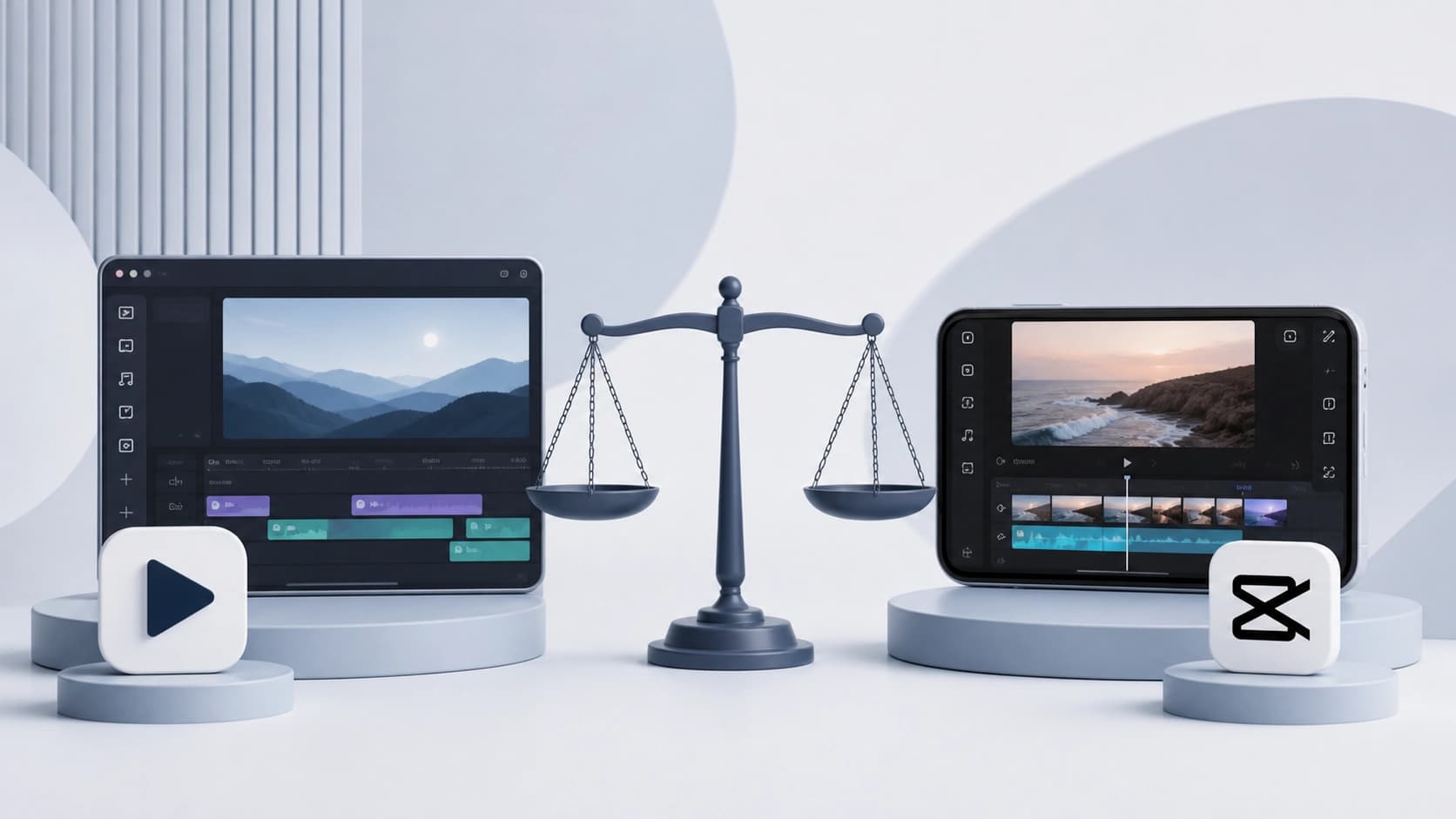
In 2025, video content has become the main way of communication — from short clips on social media to corporate presentations. But choosing an editing tool often leaves users stumped: on the one hand, there are powerful online editors with AI; on the other, familiar mobile apps. The two most notable options are VEED and CapCut. Let's figure out which one suits your tasks.
What are these tools?
VEED is a fully online platform that runs in the browser. It is designed to create "professional-grade" videos without the need to buy expensive equipment or spend a long time learning editing. The key bet is placed on artificial intelligence: auto-generated subtitles, avatars, voiceover — all of this is available right in the interface.
CapCut is an app developed by ByteDance, the same company behind TikTok. It was originally created for quick editing on a smartphone and is known for its friendly interface. Inside, there is a huge library of templates, effects, and music tracks, plus a set of AI tools for automating routine operations. CapCut is great for preparing videos for TikTok, Instagram, and YouTube.
Both services use AI, but their approaches differ: VEED focuses on comprehensive automation, while CapCut focuses on simplicity and speed in a mobile format.
Ease of use: online vs. mobile
Here, the choice largely depends on where you are used to working.
- VEED is a web interface with an intuitive structure. Everything is laid out neatly: upload a video, add subtitles, export. Nothing needs to be installed, and the project is saved in the cloud. Ideal for those who work on a computer and do not want to deal with complex timelines.
- CapCut is a compact mobile app optimized for "on-the-go" editing. The interface is minimalist: the main tools are always at hand, and touch controls let you quickly trim clips or apply effects. But when there are many layers, the smartphone screen gets a bit cramped, so serious projects are more convenient to work on in the desktop version.
If you edit short clips in between tasks, CapCut will be more convenient. If you need a "desktop" with a full set of features, take a closer look at VEED.
AI features: which one is smarter?
Artificial intelligence in both services solves different problems.
VEED focuses on content automation for business and marketing:
- Automatic subtitles with high speech recognition accuracy.
- Speech synthesis and voice cloning — you can create a voiceover that sounds like your own voice, even in other languages.
- Multilingual video versions: AI translates and voices the clip without a narrator.
- Professional voiceovers for presentations and training materials.
CapCut offers a different set of AI tools tailored to dynamic content:
- Smart object tracking — effects and animations "stick" to a moving person or object, which is very convenient for sports clips and dance videos.
- Auto-generated subtitles and voice control are also available, but the focus is on visual "tricks" that social media audiences love.
Thus, VEED is about creating multilingual professional videos with minimal effort, while CapCut is about fast creative solutions for short clips.
Stock materials and content
The quality of editing often depends on what you can use inside the editor without going to external marketplaces.
- VEED gives you access to a library of over 2 million video and audio assets. These are not just random stock media — they are selected with business needs in mind: for official events, corporate reporting, and advertising campaigns. High quality and relevant selection are the platform's main trump card.
- CapCut has an extensive collection of templates, effects, and music tracks. But it is more focused on social media trends: trendy transitions, stickers, sound bites. For business videos, this set is less suitable, but for viral clips that need to "blow up" in a couple of days, it is an ideal option.
If you need content for business presentations, choose VEED. If your goal is to gain views on TikTok or Reels, CapCut's built-in library is more than enough.
Collaboration and team projects
When a video is worked on by a whole team rather than one person, the ability to edit together becomes important.
VEED is a clear leader here. The platform has full-fledged collaboration tools:
- access control and role-based permissions — you can grant rights to view or comment only;
- version history — all changes are saved, and you can easily roll back if needed;
- comments right on the timeline — convenient for discussing edits without switching to messengers.
CapCut, as a mobile app, is initially designed for individual users. Collaboration options are minimal: everyone edits their own copy, and then one person puts together the final version. For ongoing team work, this is not the best choice unless you use CapCut on desktop together with cloud services.
Final verdict
- VEED is a comprehensive professional solution with strong AI and advanced collaboration. It suits marketers, product managers, entrepreneurs, and anyone who regularly creates videos for business, webinars, or international communications. The downside is the browser tie-in and higher pricing for advanced plans.
- CapCut is a compact and very fast tool for creating social media content. It is ideal for bloggers, enthusiasts, and those who edit several short clips daily. Simplicity and free access are key advantages, but there are no serious team features here.
In 2025, both services remain relevant, and the choice depends only on your tasks. Want to automate corporate video marketing — choose VEED. Need to quickly churn out videos for TikTok — CapCut will be your best companion.
Whichever option you choose, both tools prove that modern video editing is becoming accessible to everyone, and AI takes on the most tedious part of the work. All that's left is to switch on your imagination and start creating.