Kling AI is a text-to-video generator from the Chinese company Kuaishou Technology. The service promises to turn an ordinary description into a full-fledged video with movement, lighting, and story. Let's figure out how to use it and what to keep in mind.
What it is and how it works
Kling AI is built on advanced 3D spatiotemporal attention mechanisms. In simple terms, the neural network tracks not only what happens in the frame, but also how objects move over time. That's why the image looks realistic rather than like a set of random animations.
Essentially, this is a step forward compared with static image generators: the model understands not just composition, but also the logic of object motion.
In one run, the model can produce a video up to two minutes long. The frame rate is 30 fps and the resolution is 1080p. That's enough for vertical Reels and classic formats alike: cinematic angles and flexible aspect ratios are supported.
Where to use it
The versatility of Kling AI allows it to be used across many areas:
- Marketing and advertising — quick promo videos and announcements without a film crew.
- Education and e-learning — clear visuals for lessons and lectures.
- Entertainment content — short stories and clips for blogs.
- Social media — vertical videos for TikTok, Reels, and Shorts.
- VR and games — environment and splash screen concepts.
- Corporate training — training videos for employees.
The main advantage is speed: what used to take days of production can now be done in minutes.
How to get access
In the global version, released as Kling AI 1.0, everything became simpler: registration is available with any email, and a Chinese phone number is no longer needed. A regular email address is enough — no ties to local services. If you use the Chinese version through the KuaiYing app, the process is as follows:
- Download the KuaiYing app — via QR code or from the app store.
- Register. The Chinese version requires a local number; if you don't have one, use an SMS verification service.
- After signing in, open the AI Features section and select Kling AI.
The international version and KuaiYing are two ways to access the same model. For most users, it's easier to start with the global version.

How to create a video
In Kling AI, the generation process is extremely simple:
- Enter a detailed text description of what should happen in the frame.
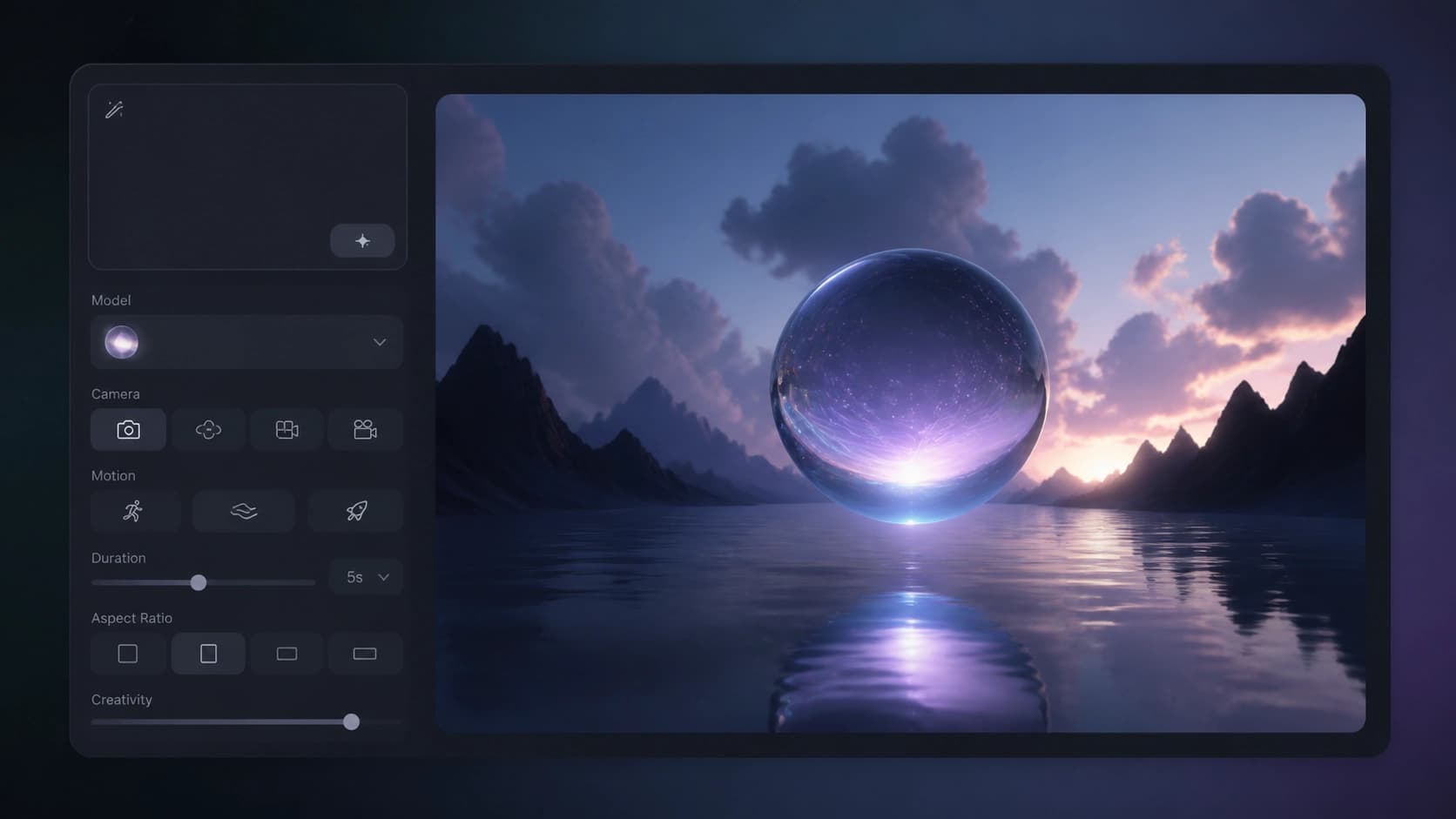
- Set the parameters: video length, frame rate, and aspect ratio.
- Start the generation and wait for the result.
- Review the video and edit it if necessary.
The main tip: don't just write “beautiful sunset.” Describe the scene in more detail — who is in the frame, what they are doing, what the lighting is like, how the camera moves. The more precise the prompt, the closer the result will be to your idea. If something doesn't work the first time, rephrase it and try again — that's a normal part of the workflow.
How to get the best result
To make good videos, it helps to keep a few principles of working with Kling AI in mind:
- Detail. One extra detail in the description can completely change the story. Don't be afraid to rewrite the prompt several times.
- Aspect ratio. Match the platform: vertical format for Stories, horizontal for YouTube or presentations.
- Motion physics. Natural, realistic movement adds credibility to the video.
- Bold combinations. Combine unexpected ideas and concepts in a single prompt — that's often where the most interesting shots come from.
In the end, Kling AI is a convenient way to quickly turn text into video. It won't replace full video editing, but it's great for drafts, ideas, and social media content.