
What is ima.copilot
ima.copilot is a platform from Tencent that covers several tasks at once: gathers knowledge in one place, answers questions about it, and helps write texts. It is based on Tencent's own language model, so answers are coherent and take saved materials into account.
The main idea of the service is not just to store notes and links, but to turn them into a working tool. You can add articles, fragments from the internet, and your own notes to your personal base, and then access them through a dialog. The system finds the needed materials and formulates an answer. Additionally, a smart writing mode is built in: based on a short topic or prompt, the service generates a draft essay, report, or marketing text.

Getting started: installation and sign-in
The official website is ima.qq.com. From there you can download the app for Windows or macOS. Installation is standard: run the installer and follow the prompts. After the first launch, you need to create an account: provide an email and password. You can also sign in to an existing profile or link WeChat — convenient if you already use the Tencent ecosystem.
Once your profile is ready, the workspace appears. At this stage, you should immediately decide how you will organize materials: by projects, courses, or work tasks. This way your knowledge base will be convenient from the start and won't turn into a dump of links.
Collecting and setting up your knowledge base
The app has a separate section for working with the base. Creating starts with the “Add New” button or a similar menu item: here you can add articles, notes, imported materials, and internet resources. It's important to organize entries by topics or projects right away so you don't have to search manually later.
Questions are asked in a dedicated section. The AI relies not on general knowledge but on the contents of your base. If there isn't enough relevant material, the answer quality will be lower — so you should regularly add to the base and remove outdated content. New information is added the same way, by creating an entry or importing.
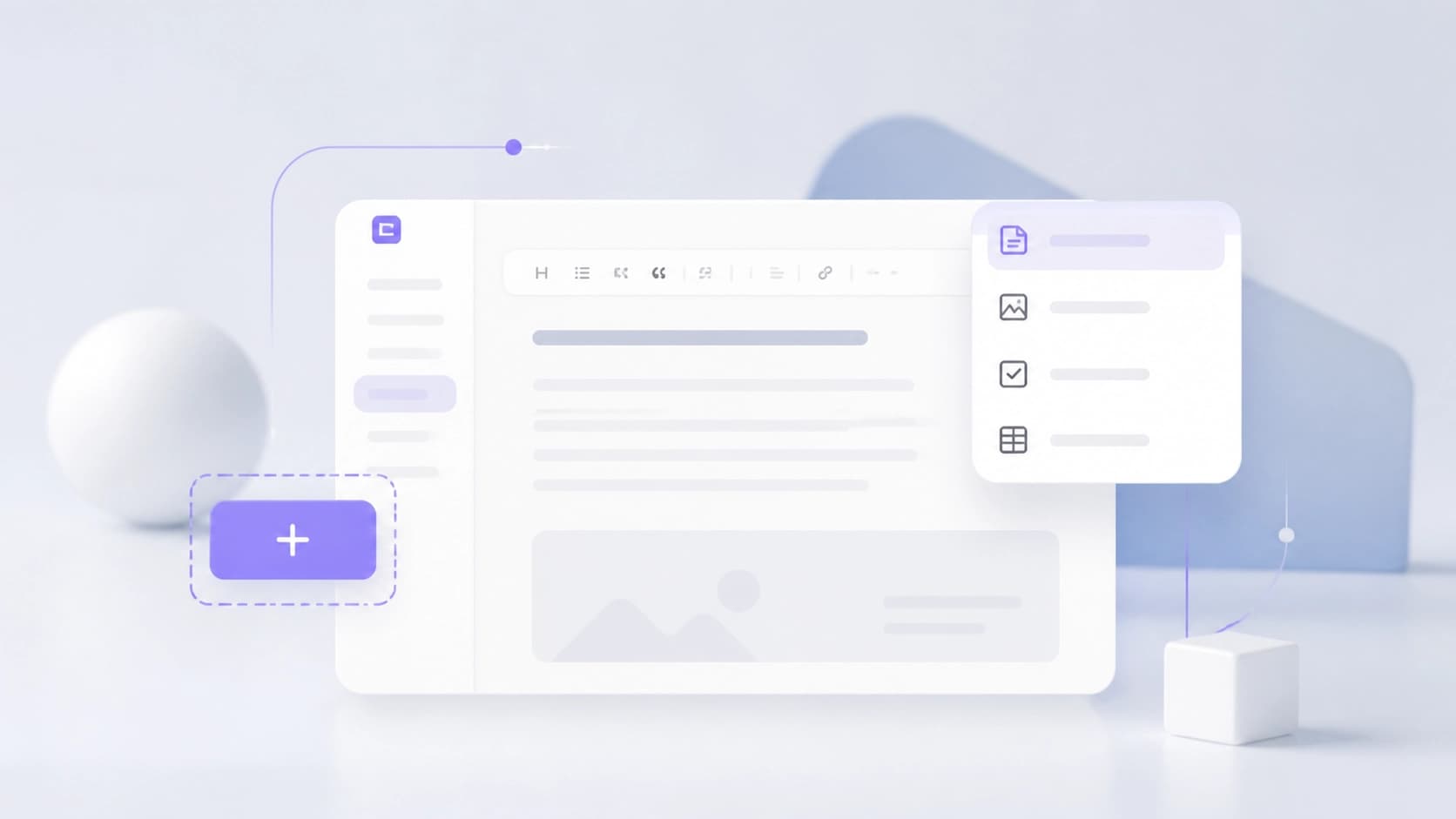
Smart writing assistance
One of ima.copilot's strengths is help with drafts. In smart writing mode, you specify a topic or rough outline, and the system suggests structure and wording. This lets you quickly build a framework for an essay, business report, blog article, or advertising copy.
This also works together with the knowledge base: if the base contains materials on the topic, verified facts and quotes can be included in the text. It's especially convenient when you don't want to start from a blank page and only need to edit and polish the resulting version.
Practical scenarios
Personal library and study. Students and researchers can save lectures, articles, and excerpts, then ask the assistant for explanations. This speeds up exam preparation and coursework writing.
Regular content creation. Marketers, bloggers, and editors use the tool as a first draft author: set a topic — get a structure and key points. Then all that's left is to add expertise, examples, and your own style.
Teamwork. The knowledge base can be shared by a department or project. Participants share links and ideas, and the AI helps quickly find needed information in the accumulated body.
Research and notes. Even when working alone, a note base turns into a personal encyclopedia over time. You can ask questions about it in natural language, like in a regular chat.
Keeping your base up to date
To keep answers accurate, watch the relevance of materials: add new data, remove outdated items, group entries by project. It's useful to set aside time for regular review of what you've saved — then the assistant will answer faster and more to the point. ima.copilot works best when the base has accumulated quality information: the tool amplifies it, but doesn't replace genuine interest in the topic.