
CapCut has long stopped being just a mobile editor for TikTok. Today it is a full-fledged editing ecosystem available on phones, tablets, and in the web version. However, as the tool's popularity has grown, developers are increasingly splitting functionality into free and premium tiers. In this article, we'll look at exactly what you get while staying on the free plan, what you'll have to pay for, and how to choose the best option for your needs.
Two access levels: basic and advanced
Before diving into the details, it's important to understand CapCut's monetization philosophy. Unlike many professional editors where the free version is a limited-time trial, CapCut offers an always-available free feature set. The paid subscription doesn't disable free features; rather, it removes limits and unlocks access to exclusive elements.
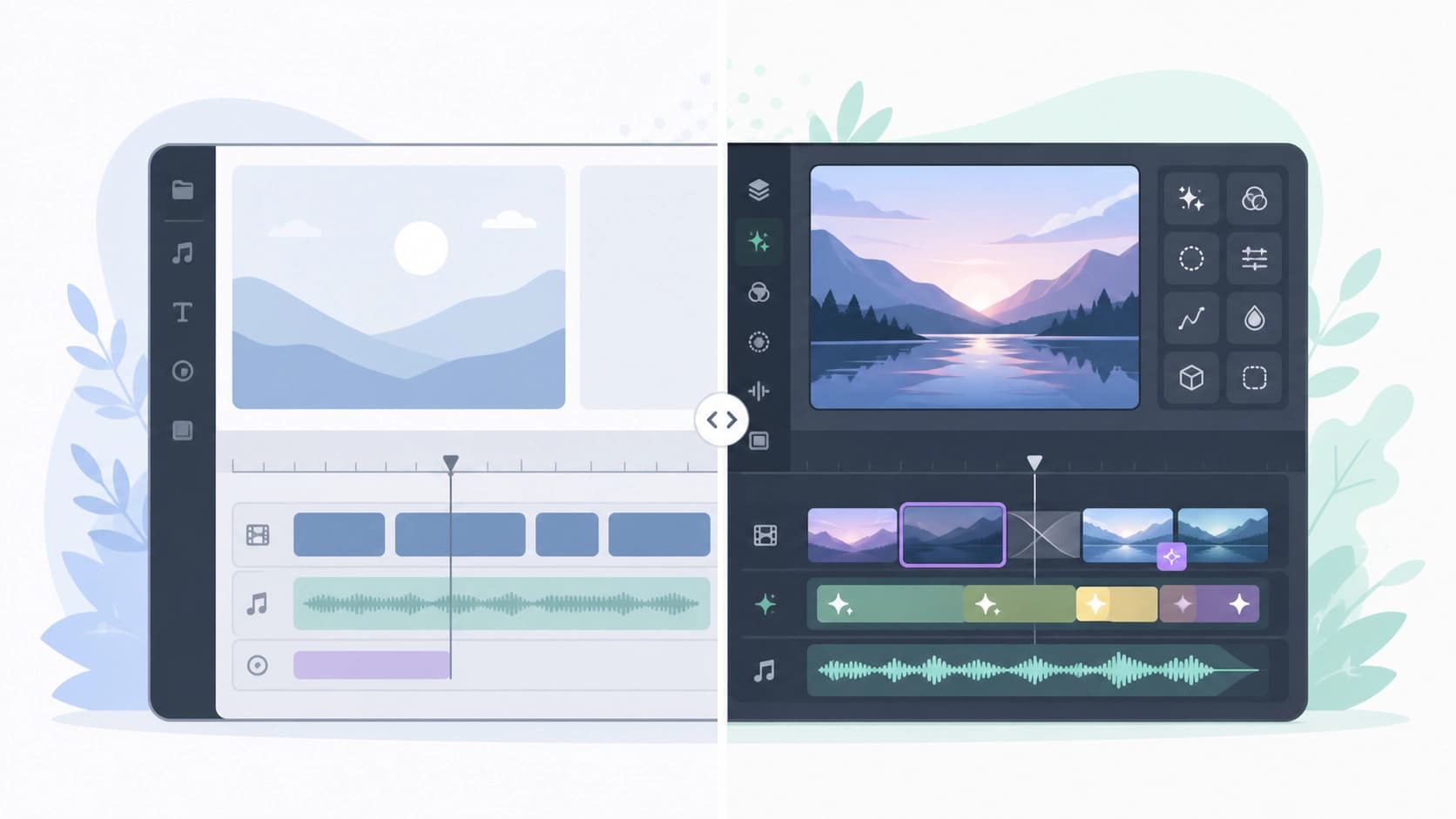 ### Free version features: a base that's more than enough
CapCut's free plan remains one of the most generous on the market. You get access to all the core editing tools: trimming, cutting, speed adjustment, basic transitions, text overlays, and standard audio tracks. The built-in library contains thousands of free music tracks and sound effects that can be used in commercial projects without attribution.
The basic AI tools deserve special mention. Background removal, automatic subtitles, and video quality enhancement work without limits on the number of uses in the free version. This makes CapCut an ideal starting editor for beginners who are learning the basics of editing and aren't ready to invest money in software.
Premium access: what you pay for
A CapCut subscription unlocks three categories of benefits. The first is an expanded content library: exclusive templates, stickers, effects, filters, and transitions marked with the Pro badge. The second category is advanced AI features, such as generating video from text descriptions, intelligently removing objects from a frame, and automatic re-voicing. The third is the removal of restrictions: 4K export without a watermark, priority cloud processing, and access to new features right after release.
Practical comparison by key scenarios
To understand which plan suits you, it's worth looking not at an abstract list of features, but at specific use cases.
Scenario 1: Running a personal blog or making family videos
If you shoot videos for your personal social media page, greetings for relatives, or short life hacks, the free version has more than enough to offer. Basic features cover 90% of your needs: text overlays, music from the library, simple transitions. A watermark only appears in certain premium templates, but you can create your own projects without it.
Scenario 2: Commercial projects and advertising
Here the situation changes dramatically. Business accounts need high export resolution, no CapCut logo, and access to professional templates. For example, when creating an ad for Instagram, having a branded template with text animation can save several hours of work. In addition, AI object removal from videos is often essential in the post-production of commercial shoots.
Scenario 3: Professional editor or active freelancer
Even professional video editors often use CapCut for rough cuts or working with vertical videos. In this case, a subscription becomes a matter of efficiency: removing export limits, faster processing speed, and exclusive effects let you build a workflow without pauses. If CapCut is your main tool, the time saved on creating animations and titles pays for the subscription.
AI tools: where the line is drawn
One of the strongest arguments for the paid plan is the expanded set of neural features. In the free version, you get basic AI functions such as automatic speech recognition for subtitles and background removal without a green screen. These tools are already quite good, but they work on standard algorithms.
 The paid version unlocks truly unique capabilities. For example, a neural network that removes an unwanted object from a frame by painting over it with the background texture (an analog of Content-Aware Fill). Or generating smooth animated transitions between scenes based on content analysis. Perhaps the most impressive feature is converting regular video into anime style while preserving the characters' facial expressions and movements.
Limitations of the free version you should know about
CapCut's developers don't call the free plan "crippled," but users do notice a number of limitations during everyday use. First, some premium templates can't be edited — you export the video with the CapCut watermark. Second, ultra-high-quality export is often unavailable on budget smartphones — the app forcibly lowers the bitrate. Third, when using certain expensive audio tracks, the music gets cut off after 30 seconds if you don't have a subscription.
What to choose? Practical recommendations
Before making a decision, analyze what you've actually done in the last month. If your projects haven't involved complex masks, 4K export, or object removal, the paid plan is likely a waste of money. The free version is enough for most users who shoot for fun or run a small blog.
On the other hand, if you earn money from editing or run a blog with a large following, skipping the subscription doesn't make much sense. Even a couple of hours saved per month justifies the price difference. Moreover, some freelancers use CapCut Pro as a tool for offering additional services — for example, logo animations for clients.
 Alternatives and compromises
If you're not ready to pay for a subscription yet but keep hitting limits, consider a hybrid approach. Use CapCut for rough editing and do the final processing in free desktop programs such as DaVinci Resolve or OpenShot. AI functions like background removal and subtitle generation can be handled with separate free web services.
Also keep an eye on CapCut's seasonal promotions and loyalty program. From time to time, the developers offer discounts on annual subscriptions or a free trial period of 7–30 days. This is a great way to test the paid features on real projects and figure out whether you actually need them.
Verdict
CapCut is a rare example of a video editor where the free version isn't just a useless advertising showcase. The basic tools are enough for 80% of user tasks. The paid plan is an investment in speed and creative range for commercial users and enthusiasts who want to use advanced AI technology without switching to professional desktop suites.
The answer to "what should I choose" comes down to a simple formula: if CapCut makes you money or you spend more than 5 hours a week editing, the subscription is justified. In all other cases, stick with the free version and don't worry about missing features you aren't using.