

Xmind AI
Cloud service for building mind maps using artificial intelligence to generate ideas and automatically create mental maps from various sources.

Overview
Xmind AI
Description of Xmind AI
Xmind AI is a cloud-based service for creating mind maps, powered by artificial intelligence. The tool helps generate ideas, structure information, and facilitate real-time team collaboration.
The key feature of the service is the automatic creation of mind maps from a variety of sources: text, links, PDF documents, or videos. The user simply enters a sentence, uploads a file, or pastes a link, and the AI turns the content into a clear, structured diagram. Finished diagrams can be converted into presentation slides, and map branches into task lists for work planning.
Xmind AI characteristics
| Characteristic | Value |
|---|---|
| Type | Cloud-based AI mind mapping tool |
| Categories | Productivity, project management, presentation creation, knowledge management |
| Platforms | Web |
| Distribution model | Freemium |
| Rating | 4.4 out of 5 |
| Editor's rating | 8.9 out of 10 |
| Editor's review date | 06.10.2024 |
Who is Xmind AI suitable for?
Developers and analysts
Xmind AI is especially useful for developers and analysts who regularly work with large amounts of information and need to turn it into clear diagrams. The service helps structure data and quickly find connections between elements.
Teams and collaboration
The tool is suitable for team brainstorming and collaborative planning. With real-time multi-user editing, participants can work on the same map simultaneously, speeding up decision-making.
Users from any field
Overall, the service is aimed at a wide range of users — from students and education professionals to professionals in various fields. It is equally useful for note-taking, preparing presentations, personal planning, and learning.
How to use Xmind AI?
Getting started
To create a map, simply enter a sentence with a topic, upload a file, or paste a link to a web page, document, PDF, or video. The built-in assistant Xmind Copilot automatically converts the content into a mind map.
Customization and editing
After creating a map, you can choose a suitable layout, edit branches, and add new elements to ideas. The interface supports language switching, which is convenient for international teams.
Working with results
Based on the finished map, the service instantly generates a to-do list, helping you move from planning to executing specific steps. If needed, the diagram can be published as a presentation or shared with colleagues for collaborative editing.
Key features of Xmind AI
AI-powered idea generation
Artificial intelligence helps generate new ideas and expand existing map branches. This accelerates brainstorming and allows you to look at the topic from unexpected angles.
Automatic map creation from sources
The service can turn not only entered text but also uploaded files, PDF documents, videos, and web pages into mind maps. This approach saves time on manually structuring information.
Collaboration and presentations
Real-time multi-user collaborative editing is supported. In addition, diagrams are automatically converted into presentation slides, simplifying the preparation of presentation materials.
Advantages of Xmind AI
Quickly organizing thoughts
The tool instantly turns chaotic thoughts and scattered data into a structured, visual diagram. This helps you explore the topic faster and discover new insights.
Clear visualization of information
Complex information can be easily presented in a convenient visual format, making it easier to understand and remember. Visual maps are especially useful when preparing presentations and notes.
Multilingual support
Support for multiple interface languages makes the service convenient for international teams and users working in different languages.
Disadvantages of Xmind AI
Limited platforms
The service is only available as a web application and does not have full-featured desktop or mobile versions. This may seem inconvenient to users who are used to working offline.
Dependence on source data quality
The quality of automatically generated maps directly depends on the input data. With weak or confusing source materials, the AI may produce a less accurate structure that requires manual refinement.
What tasks does Xmind AI solve?
Project management and planning
The service helps manage projects, create plans, and build work structures. Task lists generated from maps make it easier to move from planning to specific actions.
Structuring information
Xmind AI effectively handles organizing chaotic thoughts and visualizing complex information. This is useful for note-taking, preparing presentations, and studying new topics.
Developing creativity
AI-based idea generation helps discover new solutions and develop creative thinking. The tool is useful for creative brainstorming and finding unconventional approaches.
Xmind AI pricing
Xmind AI operates on a freemium model. You can start for free, which allows you to test the service's key features and evaluate its capabilities. Later, you can scale usage to meet business or personal productivity needs.
Exact prices for paid plans are not provided in available sources, so you should check specific pricing on the service's official website.
Terms of use of Xmind AI
The service is provided on a freemium model: basic features are free, while extended capabilities require switching to paid plans. Users can start with a free trial to get familiar with the tool before deciding on further scaling.
The tool works as a cloud-based web service and supports interface language switching. Detailed licensing terms and restrictions of specific pricing plans are not disclosed in the available data.
Availability of Xmind AI
Xmind AI runs on a web platform and is accessible through a browser without installing additional software. The service supports interface language switching for the convenience of users in different countries.
How Xmind AI differs from alternatives
The main difference between Xmind AI and many alternatives is the deep integration of artificial intelligence into every stage of work: from idea generation to automatic map creation from various sources, including text, links, PDFs, and even videos. Few competitors offer such a range of input scenarios.
An additional advantage is the built-in ability to generate task lists from a map and automatically convert diagrams into presentation slides, combining planning and visualization functions in one tool.
Similar services include ClickUp Brain, Miro, Todo.is, Shadow, as well as Microsoft IQ, Lucidchart AI, ChatFlowchart, Cloudairy AI Flowchart Generator, Miro AI Flowchart, and AICamp. These tools also work with visual diagrams and mind maps but differ in feature sets, use cases, and the degree of AI integration.
Conclusion
Xmind AI is a cloud-based mind mapping tool in which artificial intelligence handles the routine work of structuring information. The service automatically turns text, links, PDFs, and videos into visual mind maps, supports real-time collaborative editing, generates task lists, and converts diagrams into presentations. The tool is suitable for developers, analysts, and anyone who regularly works with planning, note-taking, and data visualization.
Frequently asked questions
See also
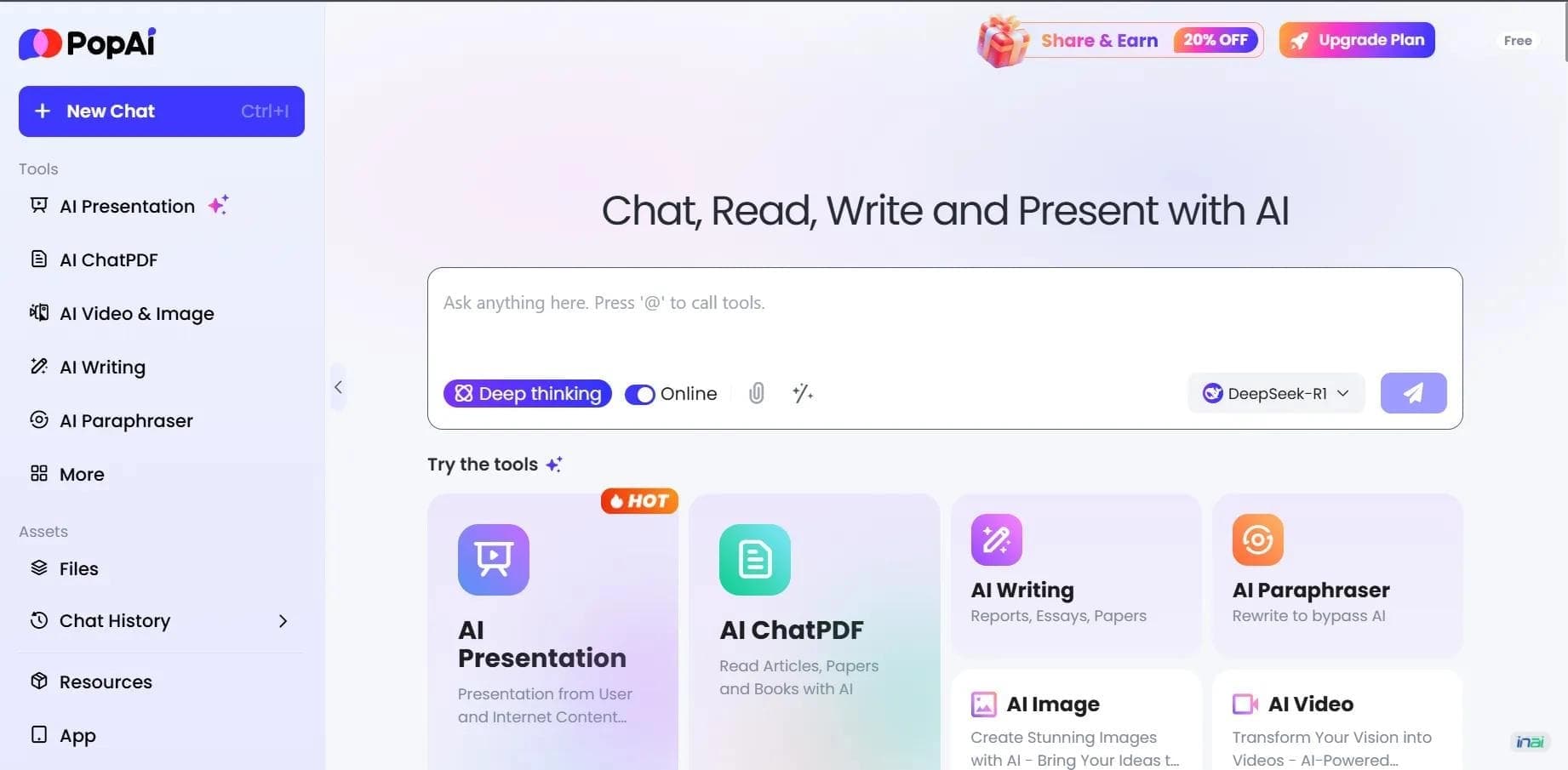

AI platform for working with documents, creating presentations, and generating images.


An AI-powered service that turns a brief topic description or bullet points into a structured business presentation in seconds.
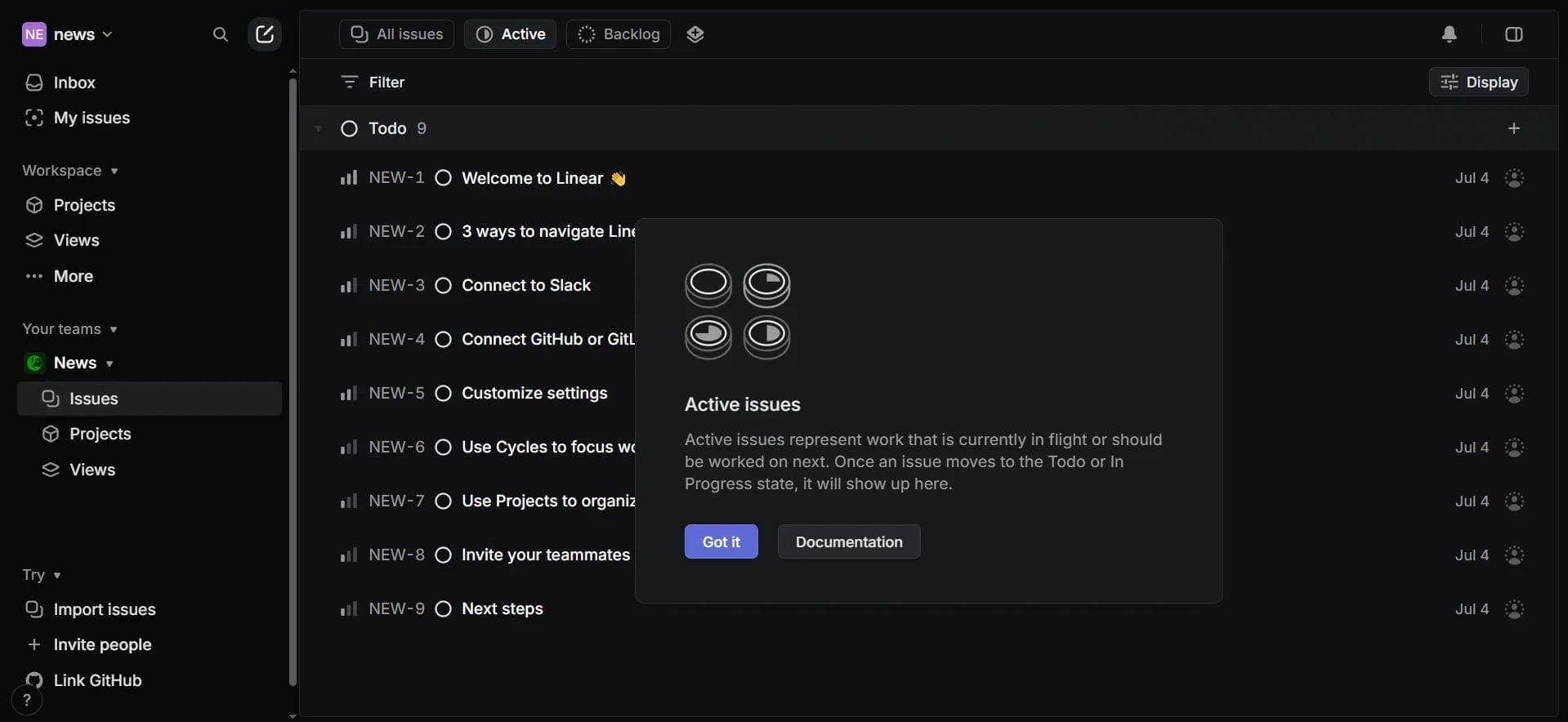

Project management platform with an integrated AI assistant for task automation and data analysis.


A service for storing and organizing digital information with automatic neural network-based sorting.
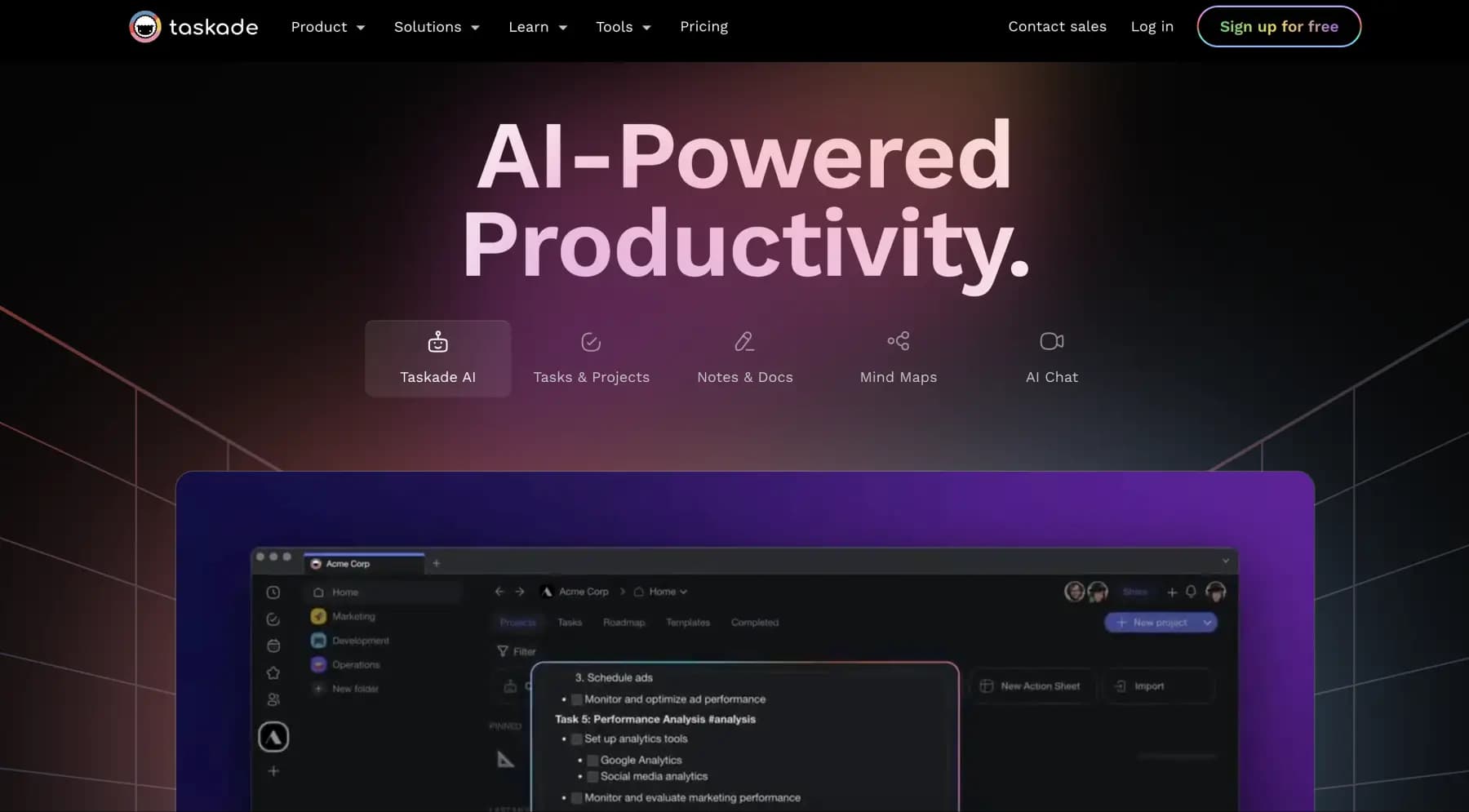
A platform for managing projects and tasks with built-in AI agents and visualization of work in various formats.


AI email assistant that helps quickly draft messages, adapting to the user's style.


A web service that automates job search using artificial intelligence.


Free online platform with over 150 AI tools for working with PDFs, images, videos, and text.