

Voiceflow
Платформа для визуального создания голосовых и текстовых чат-ботов без написания кода.
Место в рейтингах
Обзор
Voiceflow
Описание нейросети Voiceflow
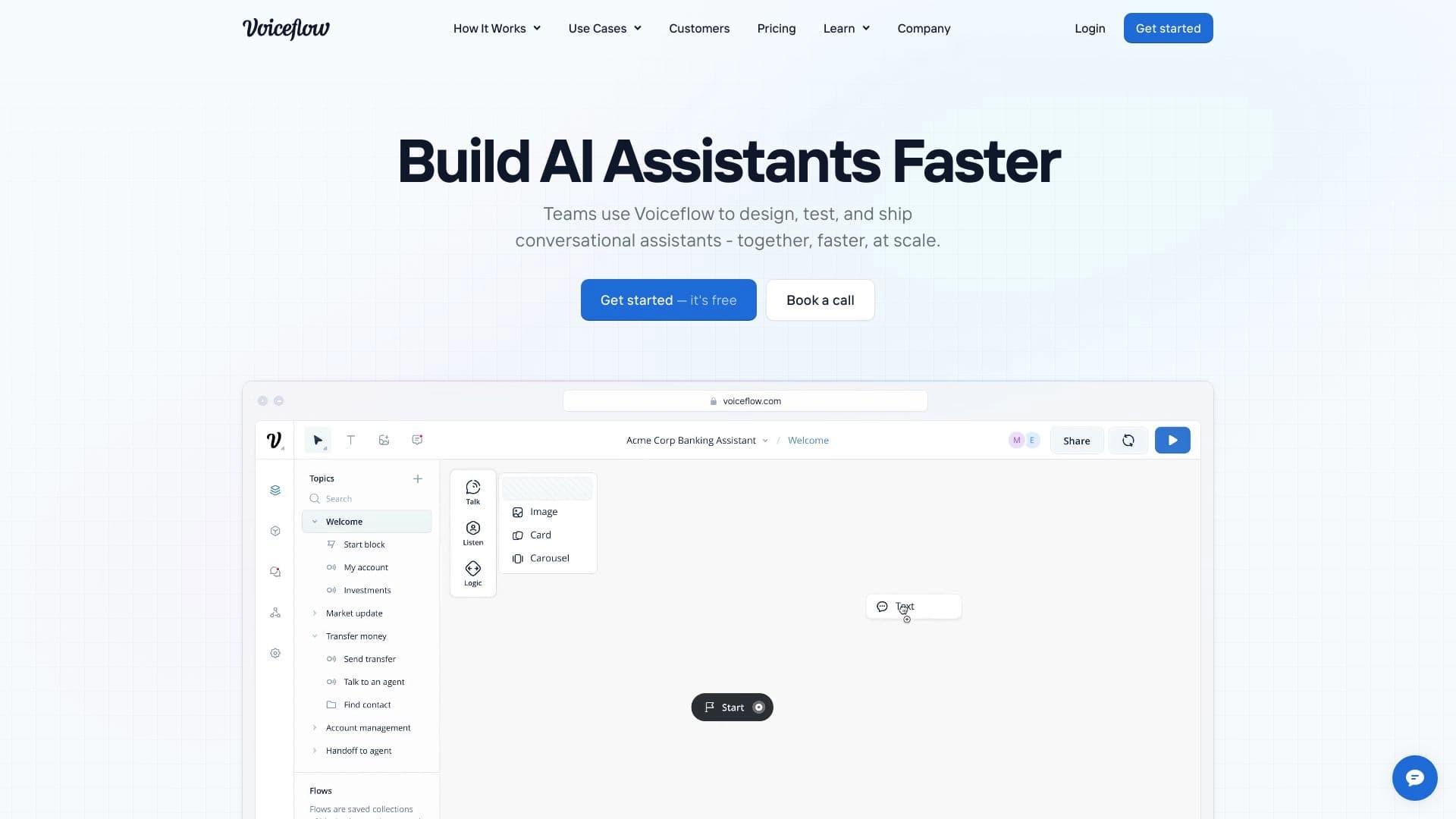
Voiceflow — это платформа, которая позволяет проектировать голосовых и текстовых чат-ботов без необходимости писать код. Вместо классического программирования здесь используется визуальный подход: диалоговые сценарии строятся в виде блок-схем, что делает процесс создания ботов интуитивно понятным даже для людей без технического образования.
Созданные сценарии можно тестировать прямо на платформе, а затем встраивать готовых ботов на веб-сайты или в мессенджеры. Платформа также поддерживает интеграцию со сторонними сервисами и предоставляет инструменты для сбора аналитики о взаимодействии пользователей с ботом. Благодаря функции совместной работы в реальном времени несколько участников команды могут одновременно работать над одним проектом.
Характеристики Voiceflow
| Характеристика | Значение |
|---|---|
| Тип | No-code платформа для создания голосовых и чат-ботов |
| Категория | Автоматизация, Ассистент |
| Платформы | WEB |
| Русский язык | Нет |
| Русский интерфейс | Нет |
| Нужен VPN | Нет |
| Наличие бесплатного тарифа | Да (пробный период 14 дней) |
Для кого подходит нейросеть Voiceflow?
Дизайнеры продуктов без навыков программирования
Платформа в первую очередь рассчитана на специалистов, которые не владеют языками программирования, но хотят самостоятельно создавать и проверять концепции голосовых интерфейсов. Благодаря визуальному конструктору сценариев им не приходится привлекать разработчиков на каждом этапе.
UX-дизайнеры и продакт-менеджеры
Для UX-дизайнеров и продакт-менеджеров Voiceflow становится инструментом быстрого прототипирования. Они могут быстро собрать рабочий макет бота, протестировать его с пользователями и внести изменения на основе полученной обратной связи, не дожидаясь завершения полного цикла разработки.
Как использовать нейросеть Voiceflow?
Создание проекта и проектирование сценария
Работа начинается с создания нового проекта, в котором диалоговые сценарии выстраиваются с помощью блок-схем. Каждый блок представляет собой часть диалога — сообщение, вопрос, условие или действие, — которые соединяются друг с другом в нужной последовательности.
Тестирование и итерация
После построения сценария его можно сразу протестировать прямо в платформе. Это позволяет проверить логику диалога, найти ошибки и слабые места до публикации. На основе результатов тестирования дизайн итеративно дорабатывается.
Публикация и встраивание
Готового бота можно встроить на веб-сайт, в мобильное приложение или другие каналы. Платформа поддерживает интеграцию со сторонними сервисами и базами данных, что позволяет подключать к боту внешние системы и данные.
Основные функции Voiceflow
Визуальный конструктор сценариев
Ключевая возможность платформы — построение диалоговых сценариев с помощью блок-схем без написания кода. Поддерживаются голосовые интерфейсы для Google Assistant и других платформ, а также текстовые чат-боты.
Совместная работа и контроль версий
Платформа предлагает систему контроля версий с возможностью отката изменений, а также назначение ролей и разграничение доступа. Несколько участников могут работать над проектом одновременно в режиме реального времени.
Тестирование и аналитика
Встроенные инструменты позволяют тестировать диалоги на разных этапах разработки. Платформа также собирает аналитические данные о взаимодействии пользователей с ботом, что помогает оценивать эффективность сценариев.
Интеграции и развёртывание
Поддерживается подключение ботов к сторонним API и базам данных, а также встраивание на веб-сайты и в мобильные приложения. Это расширяет возможности использования готовых ассистентов в различных каналах.
Преимущества Voiceflow
Главное преимущество Voiceflow — отсутствие необходимости в навыках программирования. Любой специалист, разбирающийся в логике диалогов, может создавать полноценных ботов через визуальный интерфейс с блок-схемами. Это существенно ускоряет процесс создания и позволяет быстро проверять идеи на практике.
Платформа также выгодно отличается возможностью совместной работы в реальном времени с контролем версий и разграничением прав доступа, что удобно для командной работы над проектом. Поддержка интеграций со сторонними сервисами и встраивание ботов в разные каналы делают её гибким инструментом, который подходит и для прототипирования, и для запуска рабочих решений.
Недостатки Voiceflow
К ограничениям платформы стоит отнести отсутствие поддержки русского языка и русского интерфейса, что может создавать неудобства для русскоязычных пользователей. Свободный доступ к платформе ограничен — бесплатный тариф «Песочница» действует с пробным периодом 14 дней, а полноценная работа требует перехода на платные тарифы.
Стоит учитывать, что детальные цены платных тарифов в исходных данных не указаны, поэтому перед выбором подходящего плана необходимо уточнять их на официальном сайте.
Какие задачи решает Voiceflow
Автоматизация поддержки клиентов
Одна из основных задач платформы — автоматизация процессов клиентской поддержки. Чат-боты, созданные на Voiceflow, могут обрабатывать типовые запросы пользователей, отвечать на частые вопросы и снижать нагрузку на живых операторов.
Создание сопроводительных AI-агентов
Платформа позволяет создавать AI-агентов, которые сопровождают пользователей в процессе взаимодействия с продуктом или сервисом, помогая им ориентироваться и получать нужную информацию.
Улучшение взаимодействия с пользователями
Готовые боты могут быть встроены на веб-сайты, в мессенджеры и социальные сети, что улучшает качество коммуникации с аудиторией и делает взаимодействие более удобным и оперативным.
Цены Voiceflow
У платформы есть бесплатный тариф «Песочница», рассчитанный на одного пользователя. Он не требует ввода данных кредитной карты и включает до 2 ассистентов, до 50 источников базы знаний на агента и до 100 AI-токенов в месяц.
Помимо бесплатного плана существуют платные тарифы, однако их конкретные цены и состав в исходных данных не указаны. Для получения актуальной информации о стоимости следует обращаться к официальному сайту платформы.
Условия использования Voiceflow
Бесплатный тариф «Песочница» предоставляется с пробным периодом 14 дней, который отсчитывается с момента регистрации. Это позволяет пользователю в течение двух недель оценить возможности платформы перед тем, как принимать решение о переходе на платную версию.
Доступность Voiceflow
Платформа доступна через веб-интерфейс и не требует подключения к VPN. При этом важно учитывать, что русский язык и русский интерфейс не поддерживаются, поэтому работать с сервисом придётся на английском языке.
Чем отличается Voiceflow от аналогов
Главное отличие Voiceflow от схожих решений — акцент на визуальном проектировании диалогов через блок-схемы, что делает платформу доступной для непрограммистов. В качестве аналогов в источниках упоминаются Voice AI и VOID, однако подробные сравнительные характеристики этих сервисов в исходных данных не приводятся, поэтому детальное сопоставление возможно только по фактическим описаниям самих платформ.
Заключение
Voiceflow — это no-code платформа для визуального создания голосовых и текстовых чат-ботов, которая позволяет проектировать диалоговые сценарии с помощью блок-схем. Она подходит UX-дизайнерам, продакт-менеджерам и другим специалистам без навыков программирования и решает задачи автоматизации поддержки и улучшения взаимодействия с пользователями. Платформа предлагает бесплатный тариф с ограничениями и пробным периодом 14 дней, однако не поддерживает русский язык, что стоит учитывать при выборе инструмента.
Тарифы
Часто задаваемые вопросы


Смотрите также
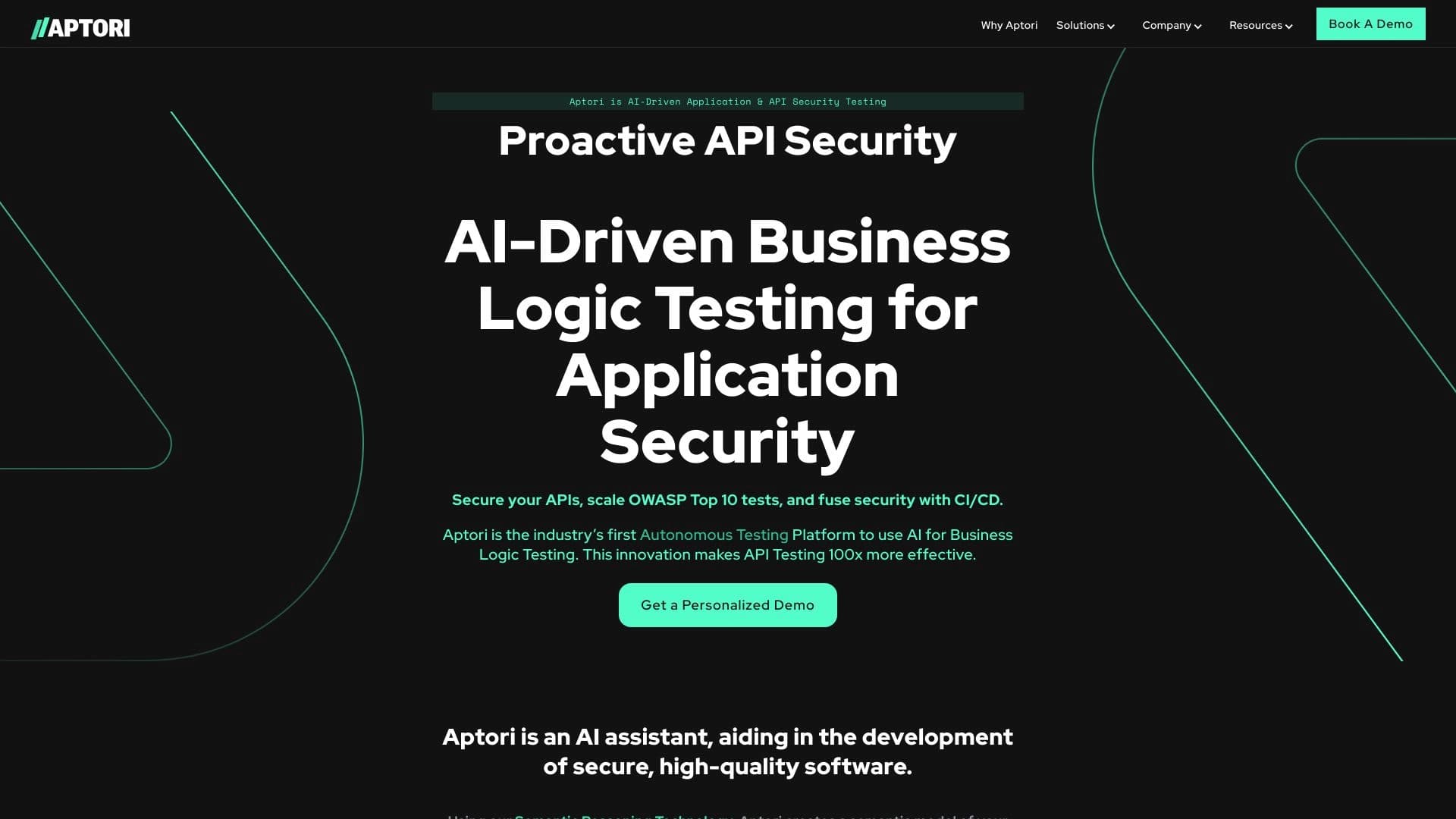

Платформа на основе ИИ для автоматизированного тестирования безопасности API и поиска уязвимостей в коде и облачной инфраструктуре.


BannsAi — сервис с использованием ИИ для быстрого создания рекламных баннеров по текстовому описанию или референсу.


Сервис для отслеживания упоминаний бренда в ответах генеративных нейросетей.
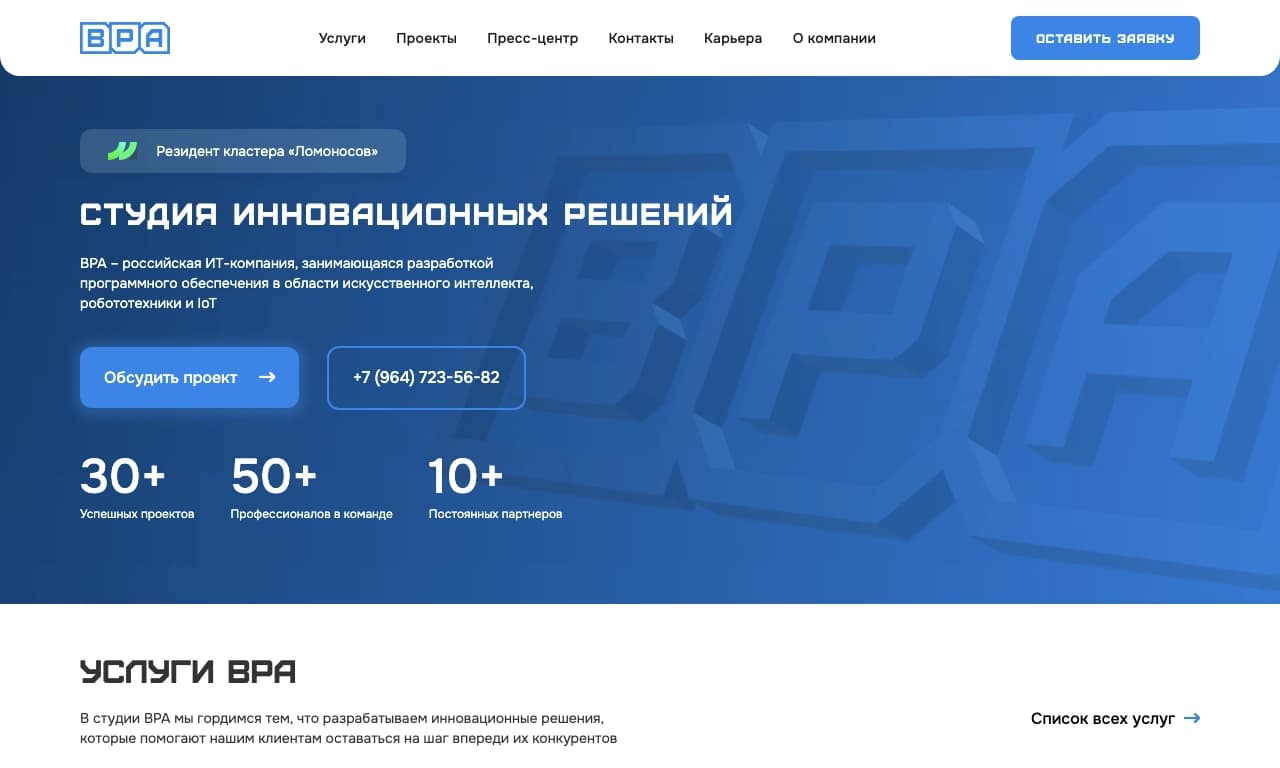

Облачная AI-платформа для автоматизации контроля чистоты в офисах и мониторинга действий сотрудников.

ИИ-инструмент для автоматизированного ревью кода, который анализирует изменения в реальном времени и предлагает исправления.


Инструмент, встраиваемый в Microsoft Word, который с помощью нейросетей автоматизирует создание, редактирование и анализ юридических контрактов.
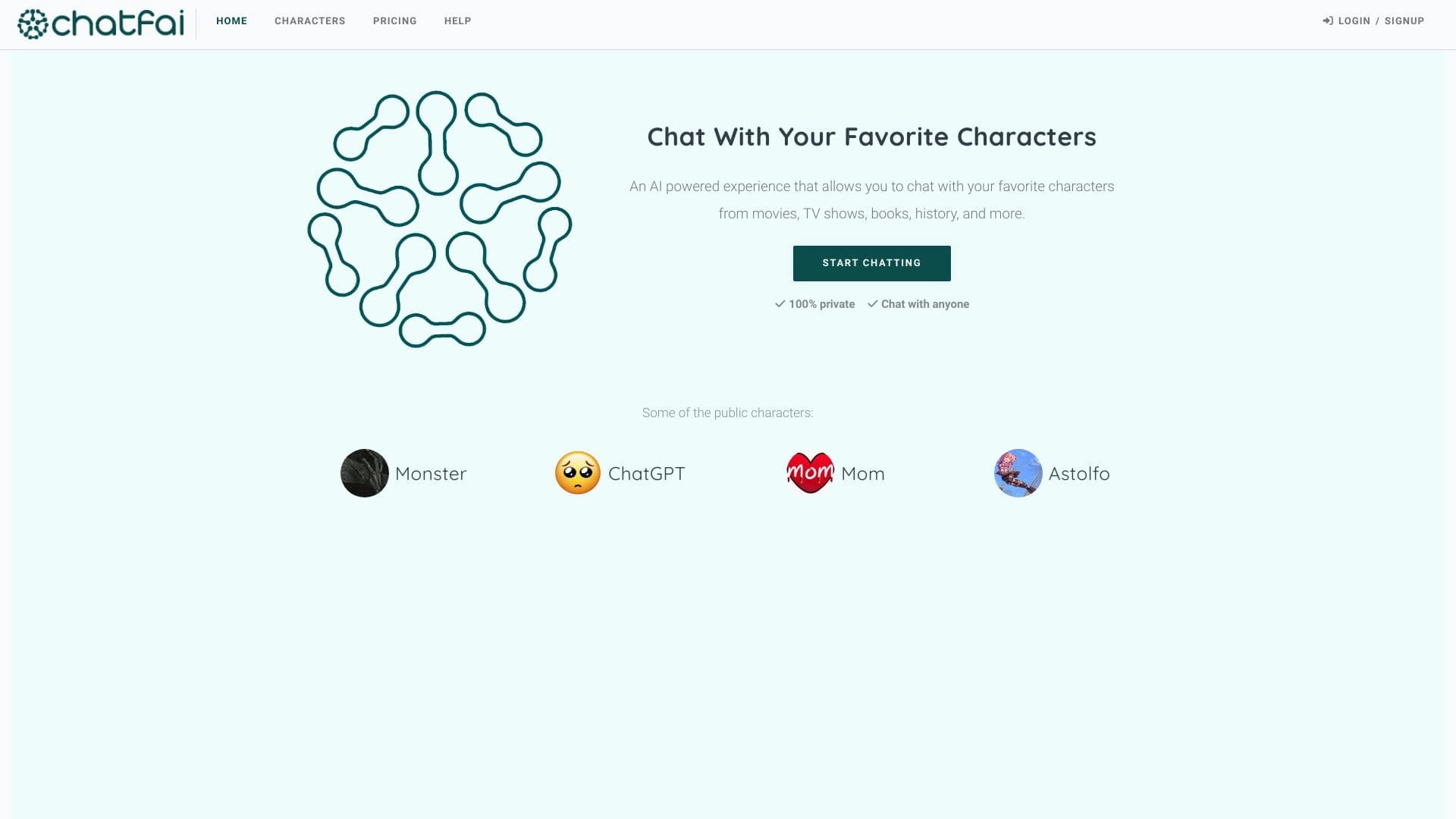

Платформа для диалогов с ИИ-персонажами, включая готовых и созданных пользователем.

AllChat — это универсальная платформа, объединяющая несколько популярных языковых моделей в одном интерфейсе для общения, генерации изображений, анализа файлов и выполнения кода.