
Tableau
An analytics and business intelligence platform with AI-powered elements for data visualization and exploration.
Overview
Tableau
Tableau AI description
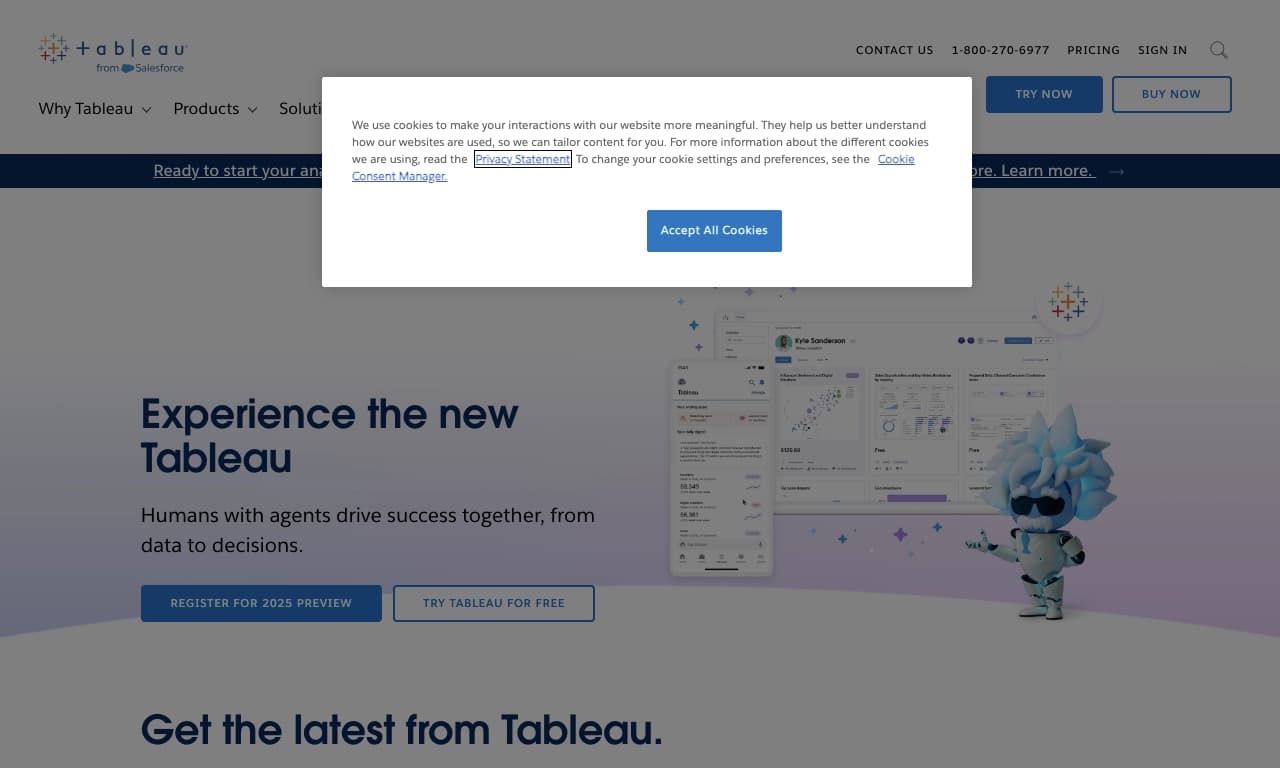
Tableau is an intelligent analytics platform that combines business intelligence (BI) with AI technology to process, visualize, and explore data. The tool is designed for analysts and companies looking to uncover hidden trends, analyze large volumes of information, and make informed, data-driven decisions. The platform runs in a web version and uses AI algorithms to automatically detect patterns, build forecasts, and generate clear reports.
Tableau specifications
| Attribute | Value |
|---|---|
| Type | AI-powered intelligent analytics platform |
| Categories | Data and Analytics, Data Analysis, Universal |
| Platforms | Web |
| Regional access | VPN only |
| Editor's rating | 8.9 out of 10 |
| Page rating | 4.9 |
| Distribution model | Paid |
| Date verified | October 6, 2024 |
Who is Tableau AI for?
Data analysts
Tableau is primarily aimed at analysts working with large amounts of information. The tool allows them to quickly build visualizations, conduct in-depth analysis, and share results with their team.
Professionals from various fields
The platform suits any activity that requires data processing and analysis, from marketing and sales to finance and logistics. Thanks to its intuitive interface and AI hints, users without deep technical knowledge can also work with the AI tool.
How to use Tableau AI?
Sign-up and setup
To get started with Tableau, you need to register on the official website. The platform is available as a web version, so no additional software installation is required. Depending on regional access restrictions, a VPN may be needed.
Working with data
After signing in, the user uploads source data to the system. Tableau automatically analyzes table structure and suggests visualization options. AI algorithms help identify key relationships, anomalies, and trends without manually configuring every chart.
Building reports and dashboards
Based on the processed data, users can create interactive dashboards and reports. The system allows you to configure filters, add fields for data slicing, and export results for presentations.
Key Tableau features
Data visualization
Tableau offers a broad set of tools for building charts, graphs, maps, and other visual elements. AI helps choose the most appropriate visualization type based on data structure and volume.
Intelligent analysis
The platform uses artificial intelligence to automatically search for trends, forecast metrics, and detect non-obvious correlations. This helps users find valuable insights faster.
Collaboration
Tableau supports shared team access to dashboards and reports. Users can share analysis results within their organization, set access permissions, and work on the same data simultaneously.
Tableau advantages
High rating and reliability
The platform has an editor's rating of 8.9 out of 10 and a user rating of 4.9, reflecting product quality and trust from the professional community.
AI support at every stage
Artificial intelligence is built directly into the analysis process, from data upload to final visualization. This lowers the entry barrier for beginners and speeds up work for experienced analysts.
Versatility
Tableau is suitable for tasks across different categories: data and analytics, data analysis, and universal business tasks. This makes it a flexible tool for companies of any profile.
Tableau disadvantages
Regional access restrictions
The main drawback is that users in some regions may need to use a VPN to access the platform. This adds extra connection setup complexity and may affect performance.
Paid distribution model
Tableau uses a paid model, which can be an obstacle for small teams or individual users with limited budgets. The situation is compounded by the lack of information about a free trial period in the source data.
What tasks does Tableau solve?
Data and analytics
The platform is designed to collect, process, and structure data from various sources. Its AI component automates routine tasks involved in cleaning and preparing data for analysis.
Data analysis
Tableau solves tasks such as identifying trends, building forecasts, and finding anomalies. The tool lets users move from raw numbers to specific conclusions and recommendations for business decisions.
Tableau pricing
Tableau is distributed under a paid model. The source data does not specify exact prices, subscription plans, or whether a free period is available. For current pricing information, please refer to the platform's official website.
Tableau terms of use
The platform is provided as a paid subscription. The tool is available in a web version, which means no local installation is required. Detailed licensing terms, data volume limits, and privacy policies should be confirmed on Tableau's official website.
Tableau availability
Web platform
Tableau works entirely in a web environment. All you need is a stable internet connection and a modern browser. This ensures access to data and reports from any device.
Regional restrictions
Access to Tableau may require a VPN depending on the user's region. This information was last verified on October 6, 2024. The platform does not offer local servers or region-specific versions.
How Tableau differs from alternatives
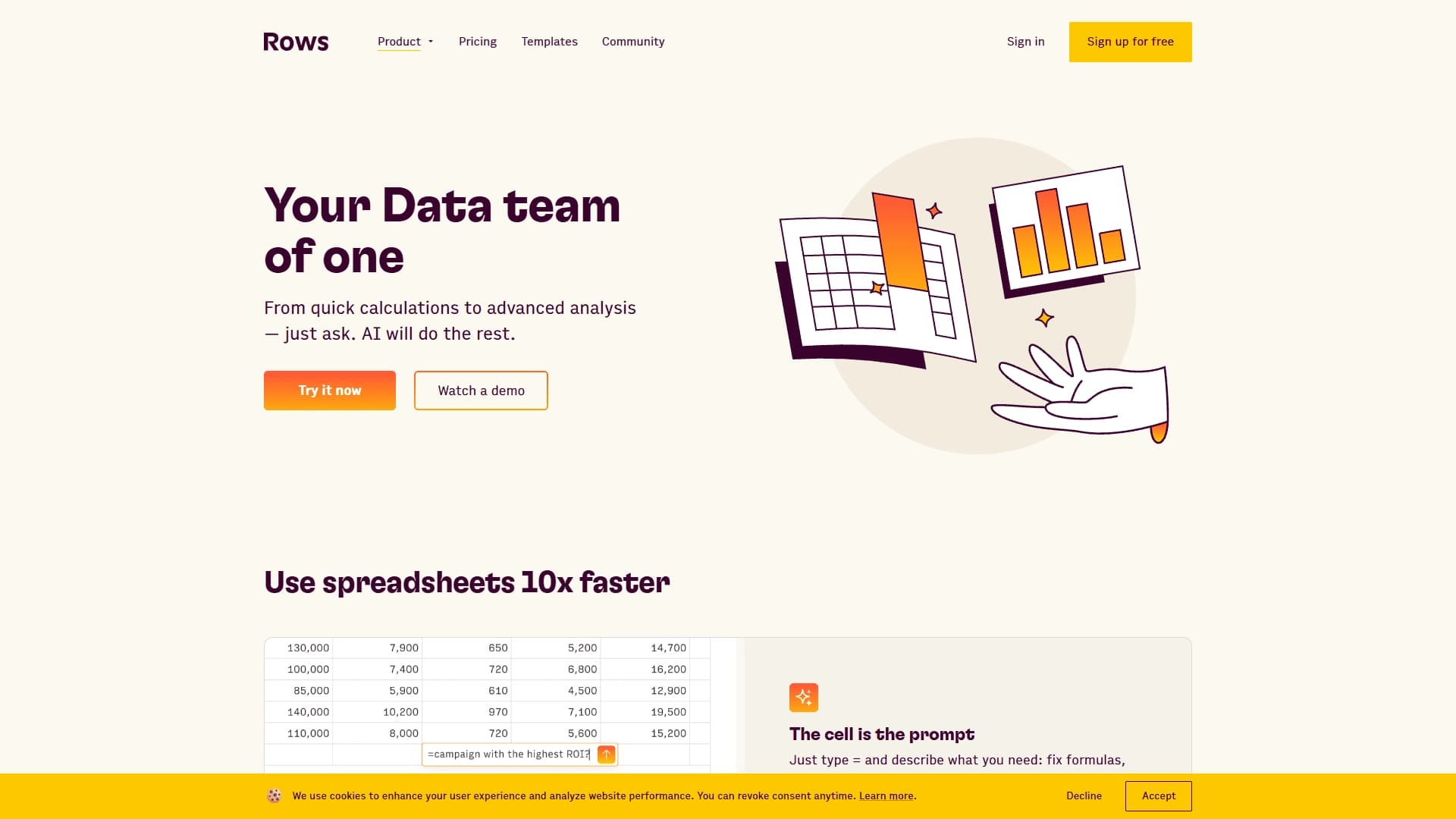
Tableau stands out from alternatives (including X-Ray Contact, Datalytica, IndexBox, AI Surge Cloud, and Rows) by integrating artificial intelligence directly into data visualization and analysis. While many competitors offer separate modules for machine learning, Tableau embeds AI features into every stage of the workflow. In addition, the platform has high user (4.9) and editor (8.9 out of 10) ratings, placing it among the leading business intelligence tools. However, another key difference is access restrictions — some alternatives may be available without a VPN in certain regions.
Conclusion
Tableau is a powerful AI-powered analytics platform designed for analysts and companies that need deep data processing and visualization. The combination of AI technologies, an intuitive interface, and extensive collaboration capabilities makes it one of the best tools in its class. The main limitations are the paid distribution model and the need to use a VPN in regions with access restrictions.
Frequently asked questions
Similar AI tools

See also

A customer support automation platform that analyzes inquiries and helps operators respond faster.

AI assistant for real-time hints during online interviews.

Platform for creating custom AI chats trained on your own business data.


AI-based platform for creating logos and brand identity.

A multimedia AI toolkit for editing and enhancing photos, videos, and PDF documents.

Platform for automatic work time tracking and team productivity analysis.


Online service with artificial intelligence that automatically creates presentations on a given topic.


Project management platform with task assignment, time tracking, and employee workload monitoring features.