

Supercreator
AI-powered platform for quickly creating short vertical videos.
Overview
Supercreator
Description of the Supercreator neural network
Supercreator is an AI-based platform that automates the creation of short vertical videos. The service combines more than a hundred routine tasks related to content preparation, from removing pauses and adding subtitles to generating scripts and ideas for future videos.
The platform is aimed at creating content for popular social networks — TikTok, Instagram Reels, and YouTube Shorts. Thanks to the automation of most technical operations, users can prepare a finished video in an average of three minutes. This makes Supercreator a convenient solution both for professional creators who publish on a regular basis and for those who are just starting to master video content creation.
According to sources, users of the service create an average of ten videos per week, while the most active ones create more than sixty-five per month. This level of productivity is achieved by reducing the video creation process to a minimum number of manual operations.
Supercreator characteristics
Below are the main characteristics of the platform, collected from open sources.
| Characteristic | Value |
|---|---|
| Type | Platform for automating short video creation, mobile application |
| Category | Editing and post-production, video generation, script generation, video editing |
| Business model | Freemium |
| Platforms | Online (web application), Android, iOS |
| Date added to catalogs | July 2024 |
| Main social networks and platforms for publishing | TikTok, Instagram Reels, YouTube Shorts |
| Registration required | Yes |
| Offline work | Limited, requires a stable internet connection |
Who is the Supercreator neural network suitable for?
Brands and businesses
Companies can use Supercreator to produce marketing content in a short vertical format. Automated editing and script generation allow them to quickly produce videos for advertising campaigns, product launches, and regular social media presence without hiring a large team of video editors.
Content creators and influencers
Bloggers building a personal brand and influencers get a tool for regular video publishing. The ability to turn text into scripts, automatically select visual assets, and remove pauses helps maintain a busy posting schedule on TikTok, Reels, and Shorts.
Beginners and training specialists
The platform is also suitable for those who are just starting to work with video, thanks to its intuitive interface and automated workflows. The service can also be used to create educational videos: simply turn existing text or an article into a video script.
How to use the Supercreator neural network?
Step 1: Registration and access
To get started, you need to go to app.supercreator.ai or download the mobile app for Android or iOS. Next, you need to register and log in to your account. The service interface is intuitive, but new users will need some time to master the advanced tools.
Step 2: Preparing a project
After logging in, you can choose a ready-made video template or start a new project from scratch. At this stage, the user can use AI tools to generate scripts and ideas: convert a blog post or article into a video script, create their own script, or select existing scripts that are relevant to the target audience.
Step 3: Creating and exporting a video
Next, you should record or upload video clips and apply automatic pause trimming, subtitle addition, and other elements. After reviewing and making final corrections, the video is exported and published on social networks. A stable internet connection is required, since most functions are available only in online mode.
Main functions of Supercreator
Automated editing
The platform automatically performs more than a hundred routine tasks related to video creation. These include automatic editing, pause removal, scene selection, and image and audio processing. The user does not need to manually cut out extra fragments or synchronize tracks.
Text-based script generation
Supercreator can convert any text — a blog post, article, or other material — into a video script. It also offers script ideas and suggestions based on the user's location, as well as the ability to create a custom script from scratch.
Subtitles and media elements
The service automatically adds subtitles to videos, which is especially important for the short vertical format, where a large portion of the audience watches videos without sound. In addition, video templates and media elements are available, including images, audio, and text. For each video, the platform automatically suggests suitable visual assets.
Advantages of Supercreator
Significant time savings
Thanks to the automation of most technical operations, video production speeds up by up to 75%. Users create videos in an average of three minutes, which allows them to publish significantly more content in the same time compared to traditional editing.
A comprehensive set of tools in one place
Supercreator combines more than a hundred content creation tasks in one application: from script generation to editing and adding subtitles. There is no need to switch between multiple services — the entire process takes place in a single interface.
Versatility of use
The platform is suitable for a wide range of tasks — marketing, education, and personal brand development. At the same time, the final video quality remains high thanks to automatic audio and image processing, and the user-friendly interface makes the process accessible to creators with different levels of experience.
Disadvantages of Supercreator
Dependence on internet connection
Working with the platform requires a stable internet connection. Offline capabilities are limited, which can be a significant drawback for users with unstable connections.
Time to master advanced features
Despite the intuitive basic interface, mastering the advanced tools takes time. Beginners may need a learning period before they can fully use all the capabilities of the service.
Limited documentation and integrations
Open sources contain no information about the platform's open source code, and public documentation and integrations with third-party services are limited. This may hold back users who need specific settings or connections to other tools.
What tasks does Supercreator solve?
Accelerating short video production
The platform's main task is to speed up the creation of short vertical videos for TikTok, Reels, and YouTube Shorts. Automating routine editing operations makes it possible to produce videos much faster than with manual editing.
Generating ideas and scripts
Supercreator helps solve the problem of content planning: the platform converts text materials into video scripts, suggests ideas, and generates scripts. This saves creators from the lengthy stage of preparing the text foundation for videos.
Running social media campaigns
The service is suitable for regular content publishing and running social media campaigns. Thanks to fast video production, brands and businesses can maintain a constant presence on platforms and reach their audience without significant time costs.
Supercreator prices
Supercreator operates on a freemium model. This means that basic features are available for free, while additional capabilities require a paid subscription. Specific plans and subscription pricing are not indicated in open sources — details should be checked directly on the service's website or in the app.
Supercreator terms of use
To start using the service, registration is required through the app.supercreator.ai website or the mobile app. Most features can only be used in online mode, so a stable internet connection is required. Registration is mandatory for accessing the platform's tools.
Supercreator availability
Supercreator is available as a web application at app.supercreator.ai and as a mobile app for Android and iOS. According to data from open sources, the service's main audience is concentrated in the United States (about 37% of users), followed by Brazil, Germany, India, and France. Information about supported interface languages, regional restrictions, or the need to use a VPN is not available in public sources.
How Supercreator differs from alternatives
Comprehensive approach
Unlike many video editors that focus only on editing, Supercreator combines the full content creation cycle: generating scripts from text, selecting visual assets, automatic editing, and adding subtitles. This comprehensive approach allows you to get by with one tool instead of several.
Creation speed
The ability to prepare a video in an average of three minutes sets the platform apart from more traditional solutions such as InVideo, Canva, or Adobe Premiere Rush, where the process can take significantly longer due to manual operations.
Focus on the short vertical format
Supercreator is specifically designed for TikTok, Reels, and YouTube Shorts, while many alternatives, such as Magisto and Animoto, are oriented toward a wider range of video formats. This specialization makes it possible to fine-tune automation to the requirements of short vertical videos in particular.
Conclusion
Supercreator is an AI-based platform that automates the creation of short vertical videos for TikTok, Reels, and YouTube Shorts. Combining more than a hundred routine tasks — from script generation to automatic editing and adding subtitles — the service allows users to create videos in an average of three minutes and speeds up production by up to 75%. The platform is suitable for brands, businesses, content creators, and beginners, but requires a stable internet connection and some time to master advanced features. With a freemium model, basic capabilities are available for free, while advanced ones require a paid subscription.
Frequently asked questions
See also
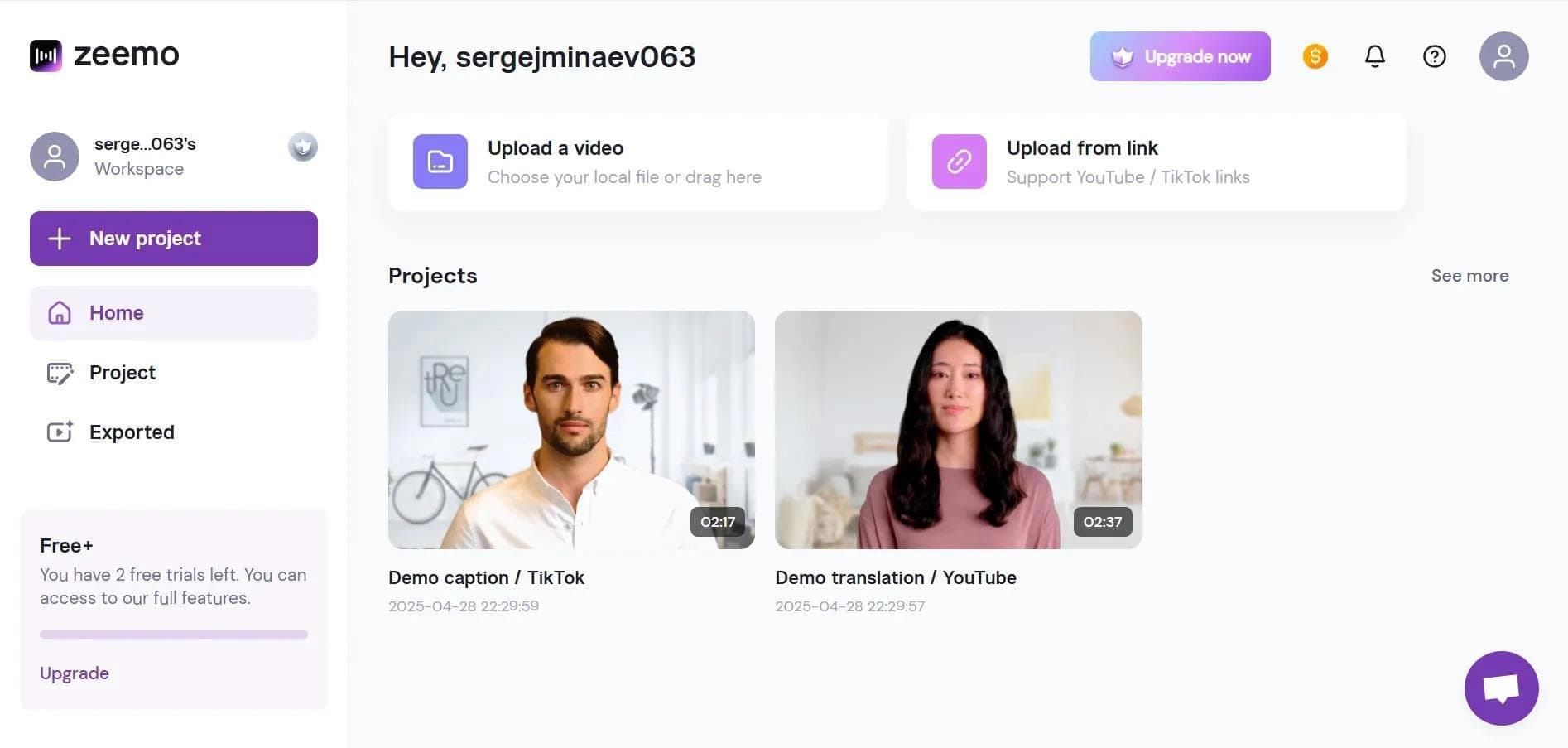

Neural network-based web service for automatic video subtitling and transcription.
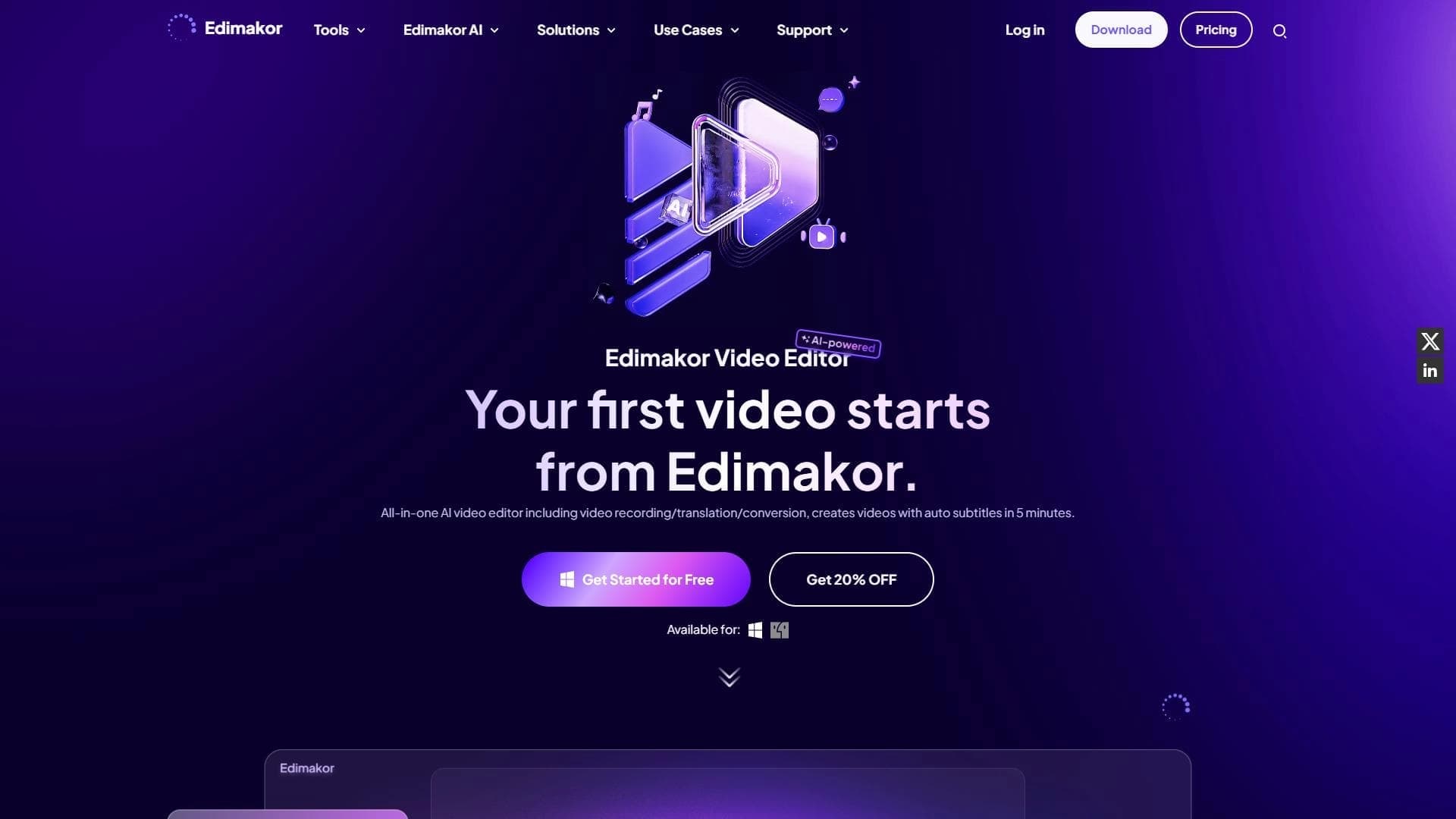

AI-powered desktop video editor for automatic subtitle generation and basic video editing.

Online video editor with AI tools for creating and editing videos directly in the browser.

A platform that combines several video creation tools in a single chat interface, from script generation to editing and voiceover.

Mobile app for photo and video editing using AI and an extensive library of filters.
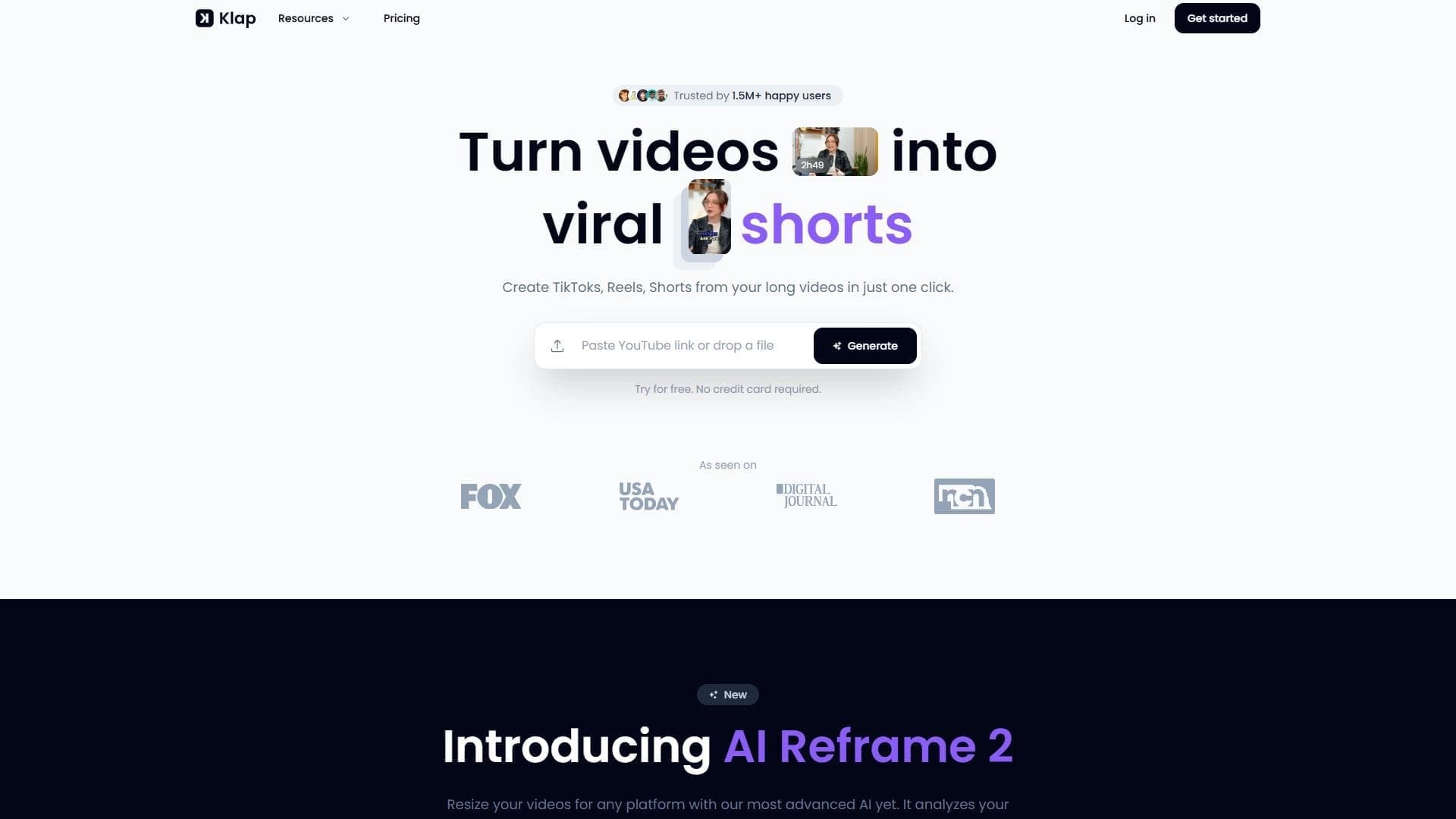

AI tool for automatically cutting long videos into short clips for TikTok, Reels, and YouTube Shorts.
Screen recording tool with subsequent AI transcription and summarization of content.

A platform for creating talking videos with a teleprompter, AI-generated scripts, subtitles, and avatars.