
Summarize
AI service for creating concise YouTube video digests with key moments.
Overview
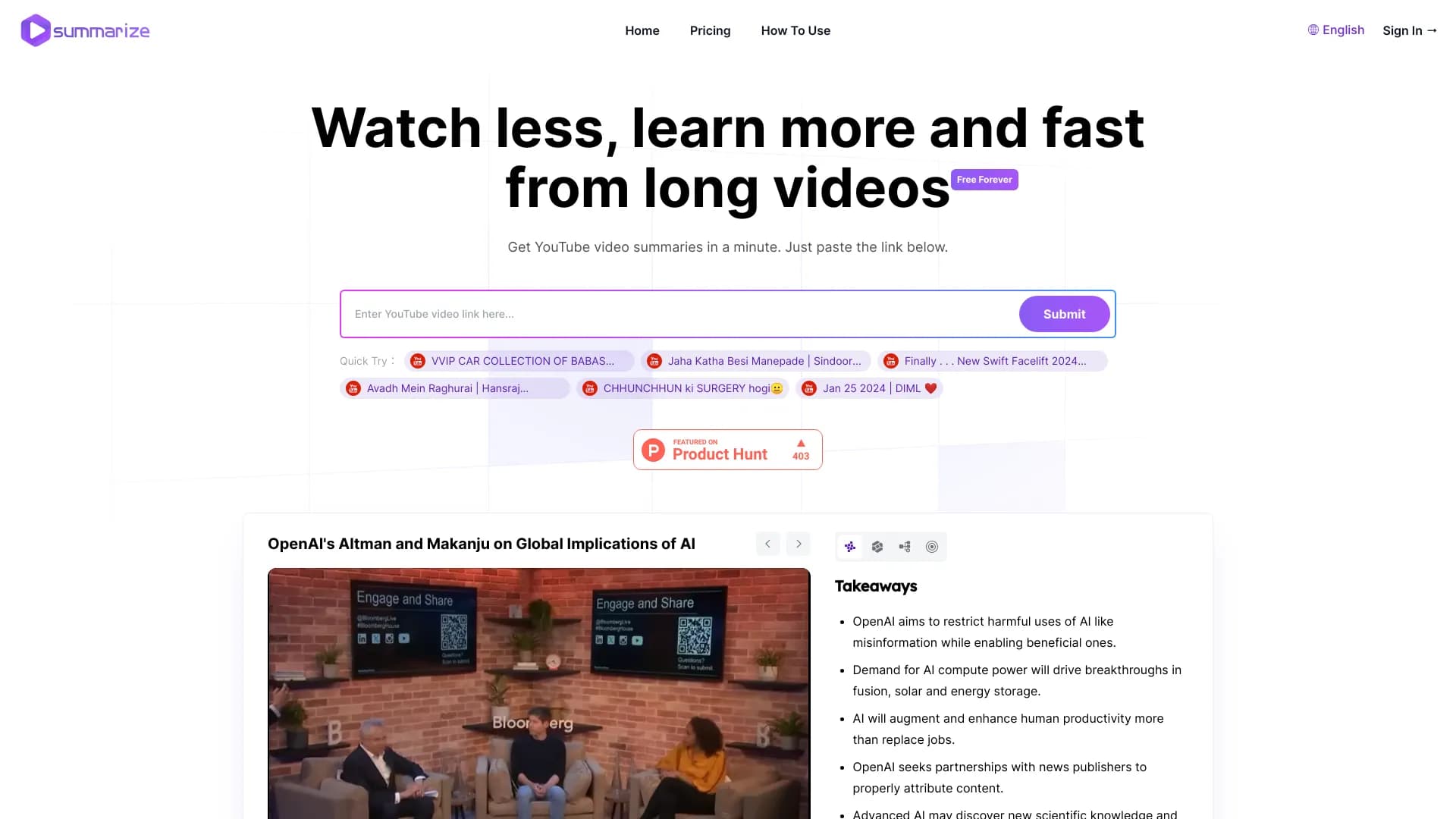
Summarize is an AI service designed for fast processing of YouTube videos. Instead of spending time watching long videos, users simply paste a link into a dedicated field, and within a minute the service generates a concise digest with key ideas and facts. The tool is built on Claude 3.5 Sonnet technology, which ensures high-quality extraction of meaning from video content.
A distinctive feature of the service is its multi-format output. Summarize is not limited to a simple text summary: it also builds mind maps that visualize the video's structure, highlights key concepts and terms, and generates self-check questions. This makes the tool a full-fledged assistant for learning and professional analysis of video materials, allowing users not only to get a quick digest but also to absorb the content more deeply.
Summarize characteristics
| Characteristic | Value |
|---|---|
| Type | AI tool for video summarization |
| Category | Video / Video transcription |
| Platforms | WEB |
| Interface languages | No Russian interface |
| Russian language support | Yes (in content) |
| Free tier available | Yes (basic features) |
| VPN required | No |
| Core technology | Claude 3.5 Sonnet |
| Integration | YouTube API |
Who is Summarize suitable for?
Students and learners
Summarize will be a useful tool for students who regularly work with video lectures, webinars, and educational videos. Instead of spending hours watching long recordings, you can get a structured summary in a minute and focus on key points. The question and answer generation feature helps further reinforce the studied material.
Researchers
For researchers working with large volumes of video content, Summarize saves significant time. The tool allows you to quickly assess a video's relevance based on its brief summary, highlight needed terms and concepts, and organize information with mind maps before deciding whether to watch the video in full.
Professionals
For specialists in various fields who need to stay up to date with new reviews, reports, and educational materials, Summarize helps quickly grasp the essence of content without watching it in full. This is especially convenient when working with technical videos, analytical reviews, and professional presentations on YouTube.
How to use Summarize?
A simple three-step process
Using Summarize requires no special skills or additional software installation. Simply copy the link to a YouTube video, go to the service's website, and paste the link into the dedicated input field. Then click the "Summarize" button and wait for the result — generation usually takes no more than a minute.
No registration required
No registration is required to access the tool's basic features. This makes the service maximally accessible for a first try — you can start using the tool right away without creating an account or confirming your email.
Key features of Summarize
Instant text digest generation
The core of the service is creating detailed text summaries within a minute. The tool analyzes video content and extracts key concepts, terms, and sections, forming a coherent and informative overview of the main ideas.
Mind maps
Summarize automatically builds mind maps that visualize the video's structure and the connections between individual ideas. This helps you see the big picture of the material and quickly find the sections you need without rewatching.
Multi-format outputs
The tool provides results in several formats: segmented summaries for organizing information into blocks, as well as generated questions and answers based on the video's content. The feature that generates 8–10 questions with answers lets you check how well you have grasped the material and reinforce what you have learned.
Advantages of Summarize
- High speed — a summary is generated in under a minute, significantly saving the user's time.
- Multi-format results — users get not only text but also mind maps, segmented summaries, and check questions, which improves information comprehension.
- Free basic access — core features are available without payment or registration.
- Modern technology — Claude 3.5 Sonnet ensures accuracy and quality in extracting key information from videos.
Disadvantages of Summarize
Video platform limitations
The service works exclusively with YouTube videos. Support for other video platforms is absent, which limits the tool's applicability for users working with content from other sources.
Lack of information about language support
Although Russian language support in content is declared, there is no official data on the full list of supported languages. The service interface is not available in Russian, which may be inconvenient for Russian-speaking users.
Limited interactivity
Compared to some alternatives such as VStamp, Summarize offers fewer interactive features. For example, there is no Q&A with time codes, and information about premium features and their pricing is not fully disclosed.
What tasks does Summarize solve?
Quickly extracting key ideas
The main task of the service is to let users understand the essence of a long YouTube video without watching it in full. The tool extracts key ideas, concepts, and facts from the video, forming a compact and informative digest.
Structuring information
Summarize helps organize information using mind maps and segmented summaries. This simplifies further work with the material — finding needed sections, revisiting individual blocks, or preparing for exams and presentations.
Reinforcing the material
Thanks to the feature that generates questions and answers based on video content, the tool promotes deeper comprehension. Users can immediately check how fully they have understood key aspects and, if necessary, return to studying individual fragments.
Summarize pricing
Summarize offers free access to the service's basic features. This allows users to evaluate the tool's capabilities without financial investment. Information about the cost of premium plans is not disclosed on the official website. According to third-party sources, Pro and Premium paid tiers are mentioned, but these details need to be confirmed on the official resource.
Terms of use for Summarize
No registration is required to work with the service's basic features — users can start using the tool right away by simply pasting a video link. Summarize operates within the YouTube API framework, ensuring legal access to content. According to the developers, the service does not store user data or files, which reduces privacy-related risks.
Summarize availability
Summarize is available as a web service through a browser — no additional software installation is needed. No VPN is required to use the service. Although the site interface is in English, the tool itself supports Russian in content, allowing users to process Russian-language videos and get summaries in an understandable language.
How Summarize differs from alternatives
The key difference of Summarize is the combination of several output formats: text summaries, mind maps, segmented digests, and self-check questions. This approach ensures comprehensive work with information and sets the service apart from tools that offer only text-based summaries.
At the same time, Summarize falls short of a number of alternatives, particularly VStamp, in interactive capabilities. VStamp has a Q&A with time codes feature that allows asking questions about specific video fragments. Summarize does not have this option. Another limitation is support for YouTube only, while some competitors can work with other video platforms. Stitch and Suno can also be highlighted among Summarize's alternatives.
Conclusion
Summarize is an effective and accessible tool for quickly extracting key information from YouTube videos. Thanks to its multi-format outputs — text digests, mind maps, segmented summaries, and self-check questions — the service is well suited for students, researchers, and professionals who regularly work with video content. Free basic access without registration allows you to quickly evaluate the tool's capabilities. However, users who need advanced interactive features such as Q&A with time codes, or support for other video platforms, should additionally consider alternative solutions.
Frequently asked questions
See also
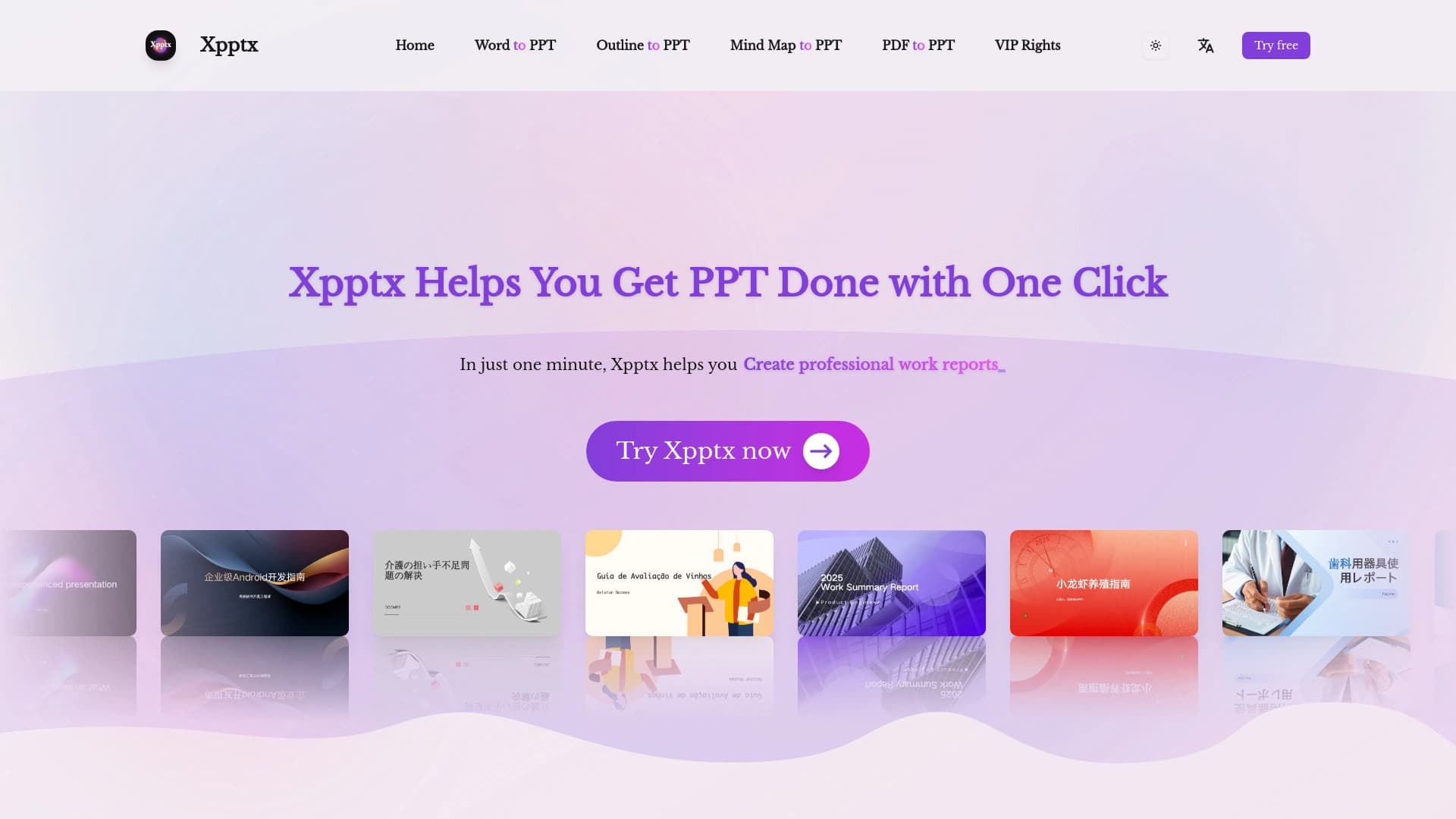

Web service for quick presentations on text description.
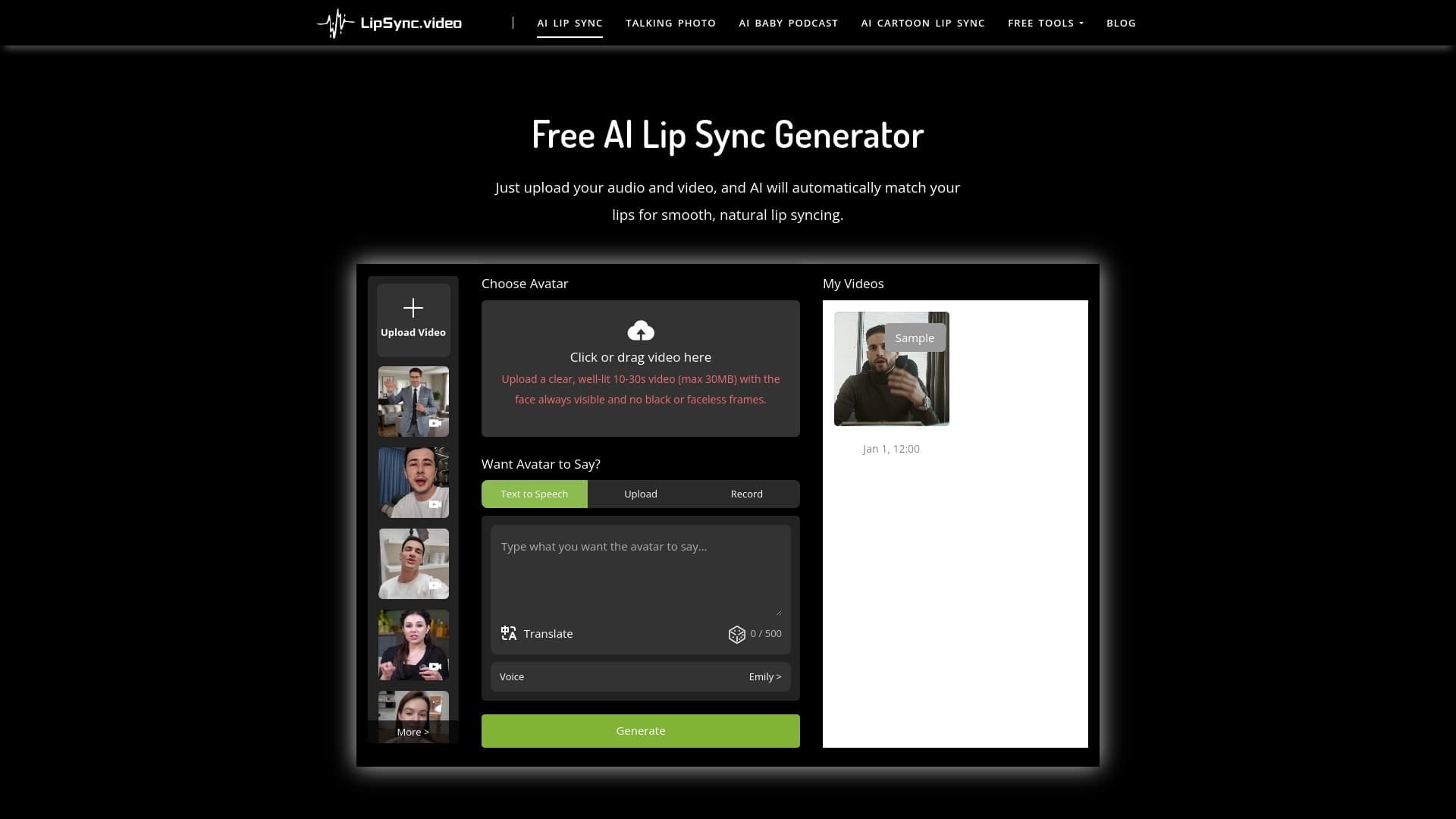

Service for turning static images into videos with singing and lip-syncing using AI.

AI-powered platform for generating legal documents, contract analysis, and obtaining legal information.

Chrome extension that helps you win in the educational game Blooket by suggesting answers and automating actions.


Neural network for generating SEO-optimized articles and automating blog management.


AI assistant for doctors that automatically creates structured SOAP notes from appointment audio recordings.

Open neural network for solving complex problems in mathematics, programming, and logic.
Cloud platform for creating videos using AI avatars, synthesized speech, and automatic translation of clips into dozens of languages.