

Slider
AI-инструмент для быстрого создания презентаций из одной идеи или короткого описания темы.
Обзор
Slider
Описание нейросети Slider
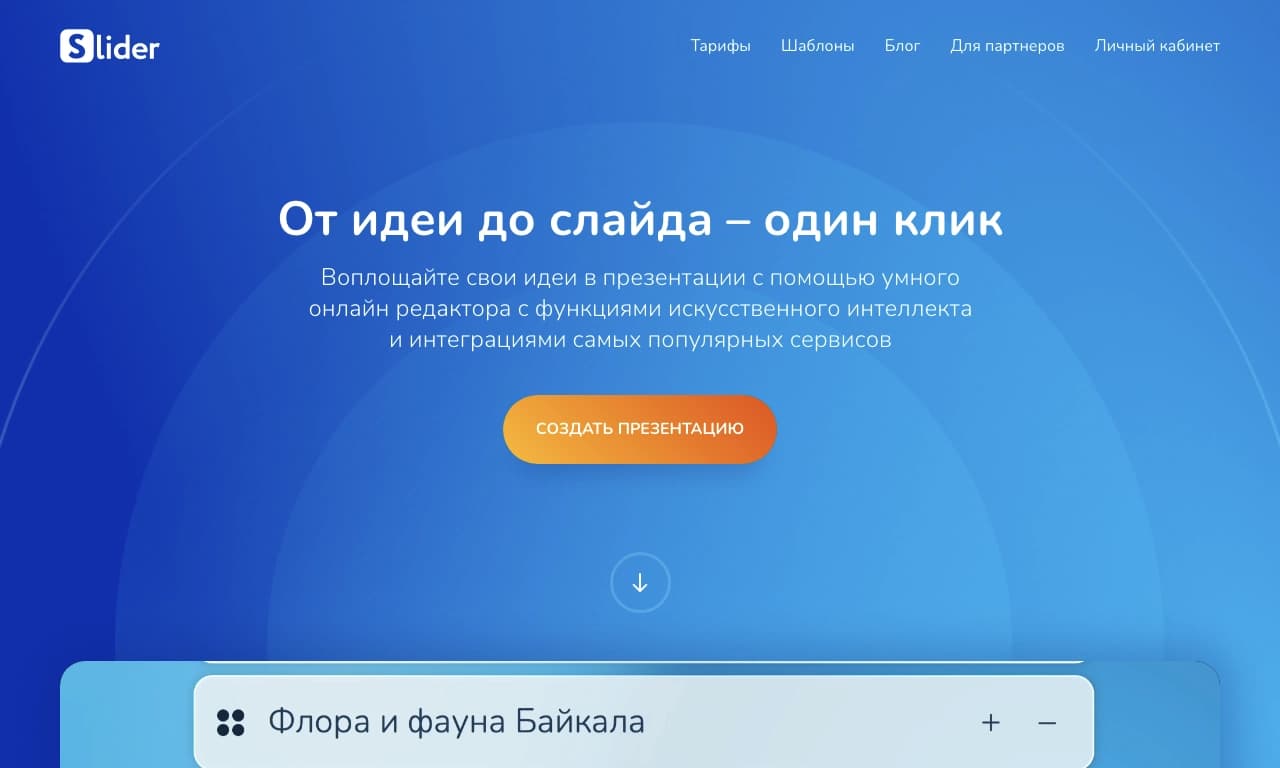
Slider — это AI-инструмент, предназначенный для быстрого создания презентаций. Основная идея сервиса заключается в том, чтобы превратить одну идею или короткое описание темы в готовый набор слайдов буквально за один клик. Пользователю не нужно вручную продумывать структуру и оформление: нейросеть берёт на себя эту работу.
Сервис работает через веб-браузер и ориентирован на экономию времени при подготовке визуальных материалов. Достаточно задать тему или описание, после чего искусственный интеллект автоматически выстраивает логику слайдов и наполняет их содержимым. Редакция NeuroFolder отметила Slider за удобство и скорость работы.
Принцип работы
В основе Slider лежит генерация визуального контента с помощью нейросети. Пользователь формулирует тему, а сервис самостоятельно создаёт структуру презентации и прорабатывает наполнение каждого слайда. Это позволяет отказаться от ручной вёрстки и сосредоточиться на содержании.
Для кого создан сервис
Инструмент рассчитан на тех, кому важно быстро получить готовый результат без глубоких навыков дизайна. Slider особенно удобен для стартапов и людей, регулярно готовящих презентационные материалы.
Характеристики Slider
| Характеристика | Значение |
|---|---|
| Оценка редакции | 8.1 из 10 |
| Платформы | Web |
| Доступ из России | Доступен только с помощью VPN |
| Дата проверки | 09.10.2024 |
Для кого подходит нейросеть Slider?
Slider будет полезен прежде всего стартаперам, которым часто приходится готовить презентационные материалы для инвесторов, партнёров или команды. Быстрая генерация слайдов помогает экономить время, которое можно потратить на развитие продукта и решение операционных задач.
Инструмент также подойдёт всем, кому нужно оперативно собрать визуальную подачу идеи без углубления в технические детали дизайна. Однако важно помнить об ограничении: для пользователей из России доступ к сервису возможен только через VPN.
Как использовать нейросеть Slider?
Slider работает через веб-браузер, поэтому для начала работы достаточно открыть сервис онлайн. Процесс создания презентации сводится к нескольким простым шагам, не требующим специальных навыков.
Шаг 1: задайте тему
Пользователь формулирует тему или даёт короткое описание будущей презентации. Именно из этой идеи нейросеть будет строить дальнейший результат.
Шаг 2: получите готовую презентацию
После ввода темы сервис автоматически генерирует структуру и наполнение слайдов. Создание слайда из идеи выполняется одним кликом, что существенно ускоряет подготовку материалов.
Основные функции Slider
- Создание слайда из идеи одним кликом — превращает короткую мысль в готовый визуальный элемент без ручной настройки.
- Создание презентаций — сервис собирает несколько слайдов в целостную презентацию с выстроенной структурой и содержанием.
Эти функции реализуются автоматически на основе заданной темы или описания, поэтому пользователю не приходится вручную продумывать вёрстку и оформление.
Преимущества Slider
- Скорость работы — нейросеть быстро превращает идею в готовые слайды, что экономит время при подготовке материалов.
- Удобство использования — сервис работает через веб-браузер и не требует установки дополнительного ПО.
- Простота для новичков — для создания презентации достаточно сформулировать тему, без необходимости осваивать дизайнерские инструменты.
- Положительная оценка редакции — редакция NeuroFolder высоко оценила сервис, отметив его удобство и скорость работы.
Недостатки Slider
Главный недостаток сервиса связан с доступностью для российских пользователей: Slider доступен из России только с использованием VPN. Это создаёт дополнительные неудобства и требует от пользователя настройки соответствующего инструмента для доступа.
Какие задачи решает Slider
Slider применяется для такой задачи, как создание презентаций. Сервис автоматизирует процесс подготовки визуальных материалов, избавляя пользователя от ручной работы над структурой и наполнением слайдов. Это делает инструмент полезным в ситуациях, когда нужно быстро получить готовую презентацию на основе простого описания темы.
Цены Slider
В рамках доступных исходных данных информация о стоимости и тарифных планах Slider отсутствует. Точные цены и доступные пакеты подписки на момент написания статьи не раскрываются, поэтому для получения актуальной информации рекомендуется обратиться к официальным страницам сервиса.
Условия использования Slider
Подробности условий использования сервиса не приведены в доступных данных. Для корректной работы через веб-браузер пользователям из России требуется подключение через VPN. Остальные условия, включая требования к регистрации и возможные ограничения, в исходных материалах не описаны.
Доступность Slider
Сервис работает в виде веб-версии и не требует установки отдельного программного обеспечения. Для пользователей из России Slider доступен только с использованием VPN, что является ключевым ограничением при работе с сервисом. Дата последней проверки доступности — 09.10.2024.
Чем отличается Slider от аналогов
Slider выделяется на фоне конкурентов прежде всего минимальным порогом входа: презентация создаётся из одной идеи буквально одним кликом, без длительной настройки структуры и оформления. Такой подход ориентирован на максимальную экономию времени.
Среди похожих сервисов и аналогов Slider можно отметить Tome AI, Gamma App, Canva AI, Presentacium, а также Wepik и Сократик. Многие из этих инструментов также используют нейросети для генерации презентаций, однако подход к взаимодействию с пользователем и набор возможностей у каждого сервиса отличается.
Заключение
Slider — это удобный и быстрый AI-инструмент для создания презентаций, который позволяет превратить одну идею в готовый набор слайдов всего за один клик. Сервис особенно пригодится стартаперам и всем, кому важно экономить время при подготовке визуальных материалов. Высокая оценка редакции NeuroFolder (8.1 из 10) подтверждает качество и удобство работы сервиса, хотя ограничение с доступом через VPN для пользователей из России остаётся заметным недостатком.
Часто задаваемые вопросы


Смотрите также

Платформа для создателей контента, объединяющая управление ссылками, email-маркетинг, онлайн-магазин и аналитику в одном визуальном редакторе без программирования.


Онлайн-сервис на базе ИИ для быстрого создания презентаций по заданной теме или загруженному документу.
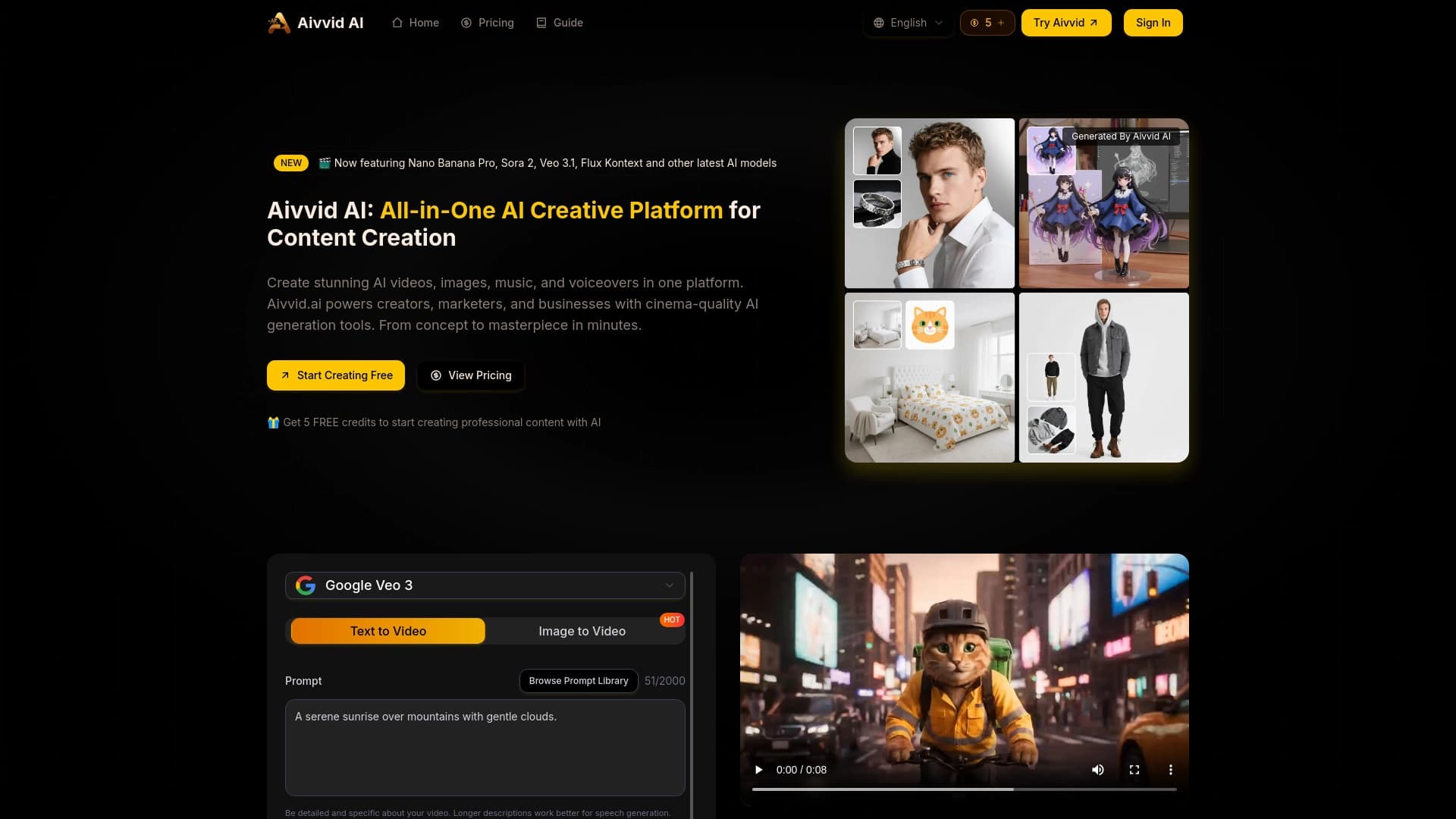
Сервис для генерации видео из текстовых описаний и изображений с использованием современных нейросетей.


AI-платформа для создания текстового и визуального контента, ориентированная на маркетинговые задачи.
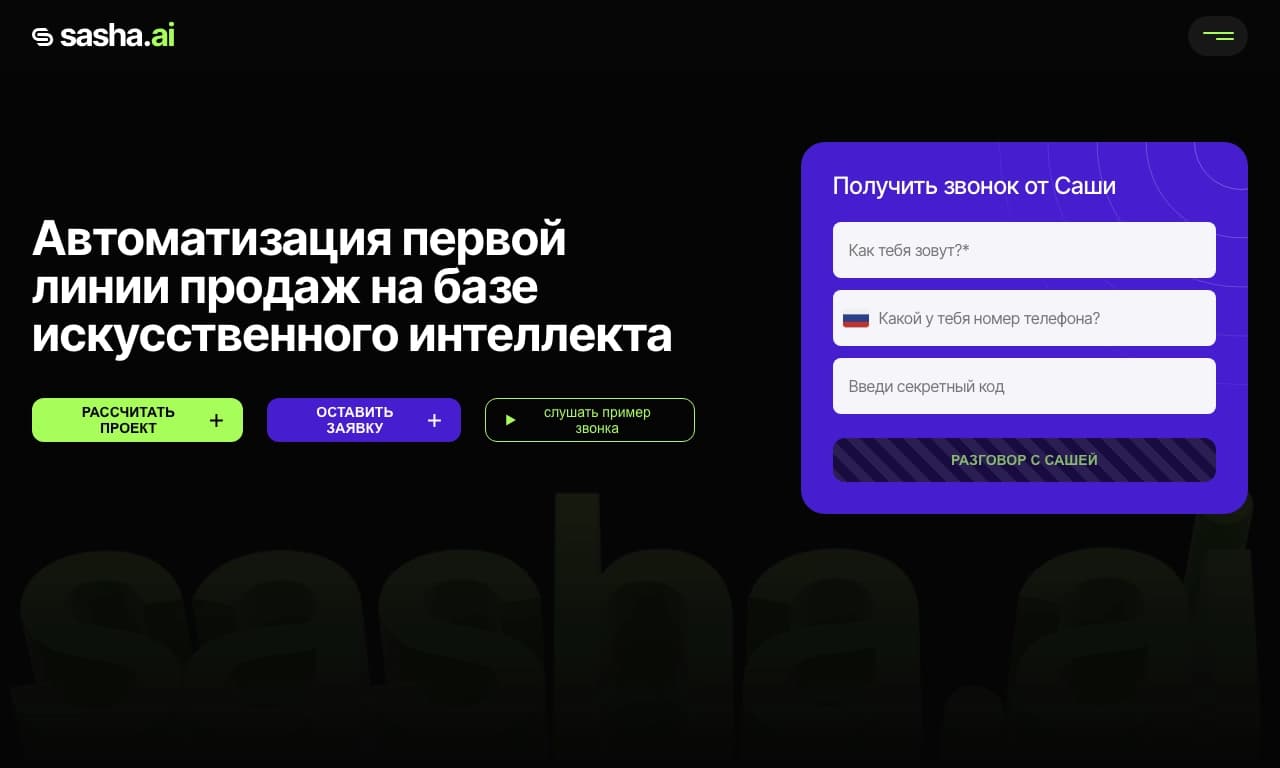
Сервис для автоматизации первого контакта с клиентами в продажах.

Платформа для бухгалтеров, объединяющая управление задачами, обмен файлами и общение с клиентами в одном интерфейсе.
Генератор музыки по текстовому описанию с настройкой стиля и настроения, а также экспортом отдельных дорожек.


Генератор трендовых видео, постов и рекламных креативов на основе идей, изображений и текстовых запросов.